Finally, a new font in the store. This time, it will allow you to use two colors of threads if you want, or simply showcase the layered effect of the stitches with the bevel and shadow.
Use those stitches in a straight line (like most "text") or along a path, like you would add "text on a path". You can choose any size: it won't be blurred or pixelated since it will be a vector. All the measuring is done for you so that the two layers will perfectly align.
In order to win this script, add a comment on this Facebook post telling us if you ever used a layered font before (remember, add a comment, not just a Like!) The winner will be announced in the newsletter, next week. Not a subscriber yet? Not a problem. You can register here and it is free (and you only get one email per week).
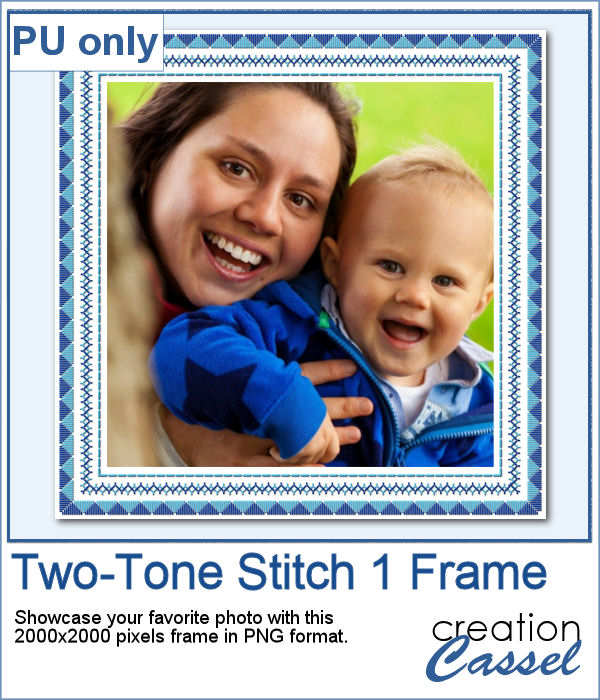
For a sampler, I created this square frame using a couple of those stitches in light and dark blue. The frame is about 2000x2000 pixels and in PNG format.
You need to be logged in to download this sample. You can either login, or register on the top of this page.
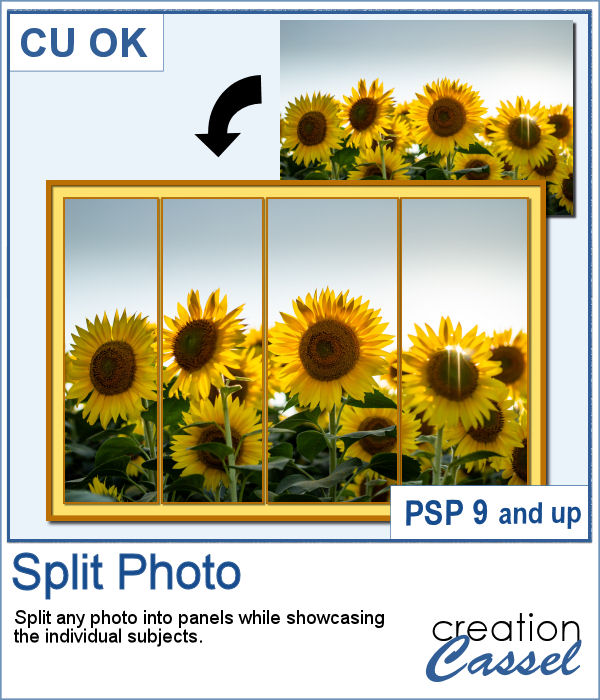
Various templates exist to create diptychs and triptychs but using something standard might just not suit your photo as you might end up with a face cut in the middle or some other subjects not being really well showcased. This script will allow you to select the subjects to showcase and it will do all the calculations to split the photo between those areas you will determine.
After that, you can choose the thickness and the color of the borders. In the end, everything will be left unmerged so you can tweak the result even further.
In order to win this script, add a comment on this Facebook post telling us whether you have ever used a multi-panel arrangement for your photo (remember, add a comment, not just a Like!) The winner will be announced in the newsletter, next week. Not a subscriber yet? Not a problem. You can register here and it is free (and you only get one email per week).
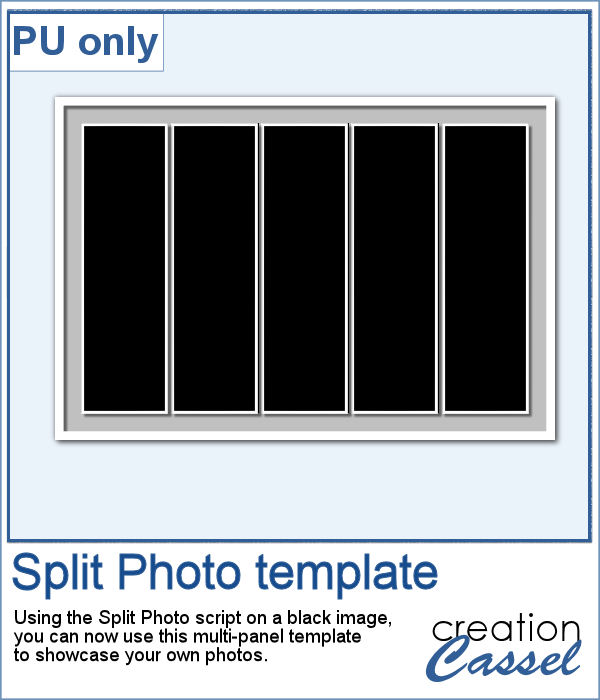
As a sample, I created a split photo starting with a simple black image, which turns into a template that you can use with your own photo. You can change the color of the borders and the background if you want too.
You need to be logged in to download this sample. You can either login, or register on the top of this page.
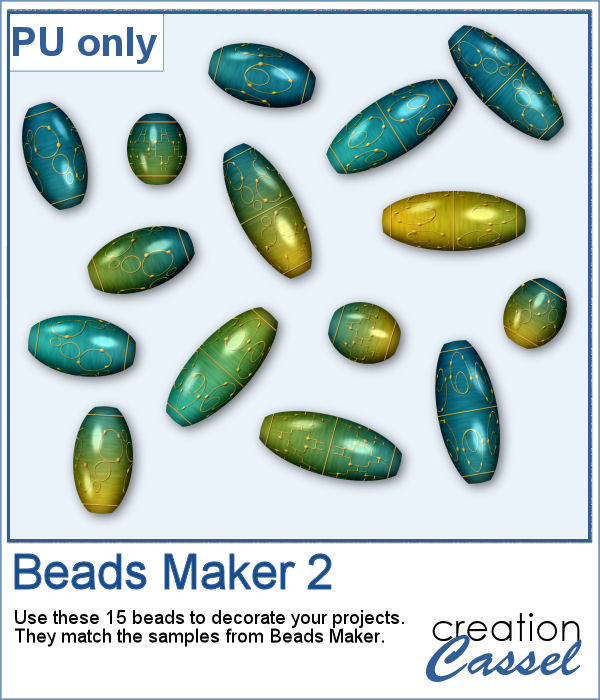
Creating delicate beads in the color scheme that you want can be challenging.
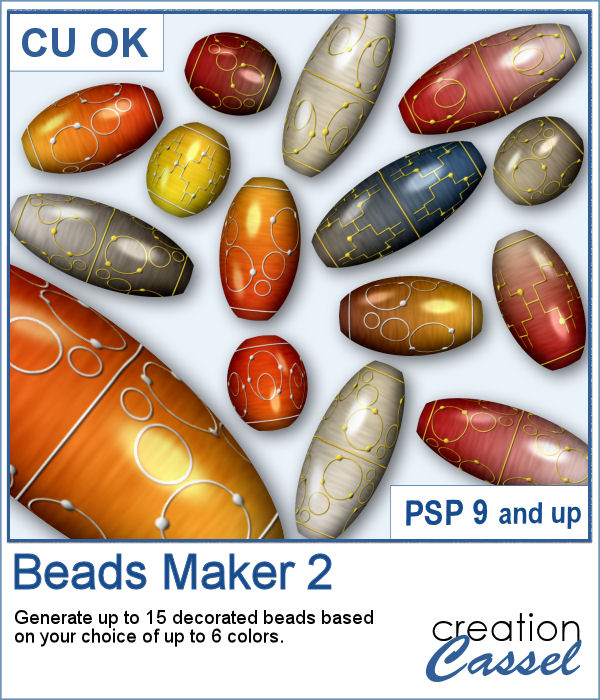
This script allows you to choose up to 6 colors in your palette and it will combine them two by two, in a gradient, along with a random texture. Then, the designs on them will be picked, at random (among 3 possible designs) and tweaked to make each bead different.
In order to win this script, add a comment on this Facebook post telling whether you use beads in your projects (remember, add a comment, not just a Like!) The winner will be announced in the newsletter, next week. Not a subscriber yet? Not a problem. You can register here and it is free (and you only get one email per week).
I used the same color palette as for the sample of this freebie and ran the script. This means that those beads will coordinate perfectly with the other 15, and you can use them together.
You need to be logged in to download this sample. You can either login, or register on the top of this page.
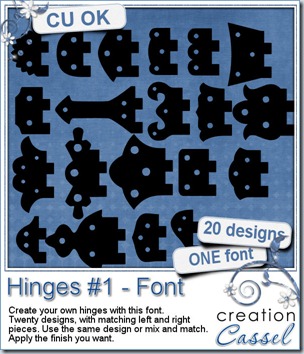
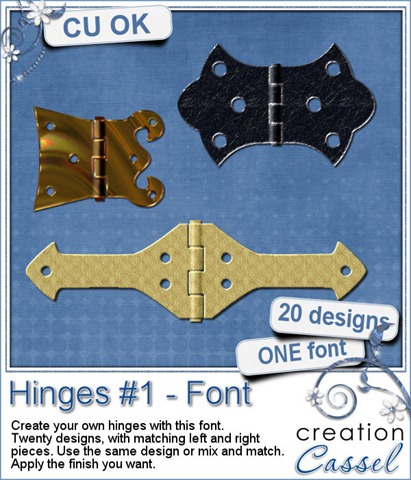
Who is the handiest person in the family? Do you have carpentry projects you want to create layouts about? Or maybe you want to attach two frames together? Now you can do just that with this FONT. Yes, it is a font and not just vector shapes. Why? Because fonts are not program specific so any program able to handle outside fonts can use these. Also, if you use the same font size, you can combine them to create asymmetrical hinges, and they will match perfectly. Another BIG advantage of fonts is that you can use them as large as your program can handle without any loss of quality. Add the color, texture, finish of your choice to match your kit, photo or layout.
With a little tweaking, you can also add that 3D effect that is typical of the central part of the hinge, where you add a “pin” to attach both sides.
Since you have 20 different designs, and you can mix and match them, it means you have up to 400 possible combinations. Look at these examples.
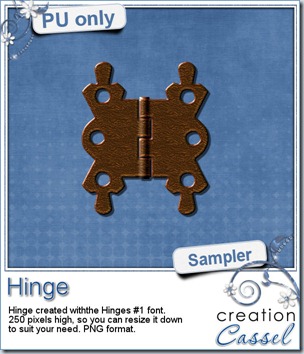
I am sure you would want to check it and play with one of those hinges so i made one just for you. It is a PNG format so you can use it in any program and it is pretty large. This should allow you to size it down to what you need. What will you do with it? Show us!
You need to be logged in to download this sample. You can either login, or register on the top of this page.
News from the Campus
Did you register for our workshop on Picture tubes tomorrow? It is still time to do so. We’ll see what they are, how to use them and how to create them yourself.
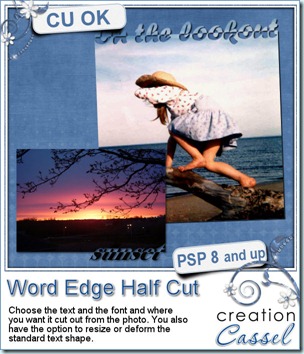
Although you might be able to cut out text along the edge of your photos, the script will make the whole process much faster, easier and more accurate every time. And you have so many options to choose from that you can run the script many, many times and get different result every time. You get to choose the text, the font, the edge to cut from, the alignment, and you even have the option to rotate, change size, skew, stretch the text to your liking.
You can run this script directly on your photo and the script will automatically create a duplicate so the initial photo will be left totally intact. You can also run the script on a paper to create a journaling mat, or turn this into a frame. This might be especially good if you have a photo where no edge can really be cut out from.
And if you want a chance to win this script, check out this thread in the Happy Place and add your name to it, giving me suggestions on what set of words you can envision for a template pack.
Of course, you surely will want to see the end result up close. So i made these 2 templates. Use them to trim a photo, or to journal about this year, or to frame fun photos.
You need to be logged in to download this sample. You can either login, or register on the top of this page.
And if you use those for a project of yours, i would LOVE to see it. Who knows? It might get displayed in this blog or in my newsletter.
Although i am not using the Pay-with-a-Tweet, i would really appreciate it if you did tweet about it anyways!
News from the Campus
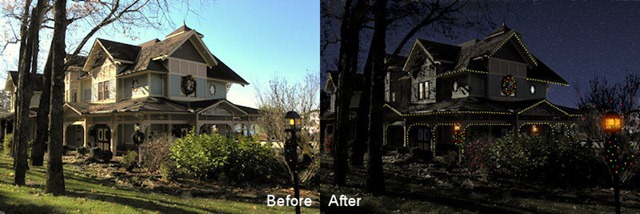
Before you forget, there are still places available for our webinar on Details in the night, which is a repeat of last week. This time, i hope the schedule will allow our Aussie friends to attend (other people around their time zone are also invited!). It will take place Saturday, Dec 10th at 10h45PM Eastern time.
Free Products: for everyone visiting the Campus, you can grab this Gift Card Wrap box and if you are registered, you can also download the set of 6 templates that you can customize as you wish.
As we are already planning for more webinars for 2012, what would you like to see? Post a comment with your suggestions.
This week, a new student registered to theElement Creation tutorials section and here is what she posted in her intro, the very first day:
I found out about this through the DST forums. I am looking forward to trying these out during the Christmas break. I do not usually like video instructions, but i must say yours are nice, clear and easy to watch. love being able to download the instructions - nothing better than having a prompt sitting next to you as you go! - Marion
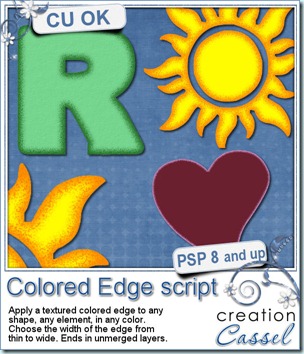
In just a couple of clicks in your Paintshop Pro, you can add a colored and textured edge to ANY shape, of ANY size and you choose the color and the width of the border. Whether you want to add a colored edge to an alpha, a preset shape, or even a cut up photo, this script will make it a breeze.
The script will create TWO colored edge layers and leave them unmerged. Once the script is finished, you can merge the layers, or play with the opacity, the blend mode or simply separate them to use only the edges without the base shape. Perfect to add a little detail directly onto a photo, or on your background paper to include some journaling.
If you want a chance to win this script for free, just go add your name to this thread in the DST forum, and tell me what you can think you could use this script for. I will be back on Monday night to announce a winner.
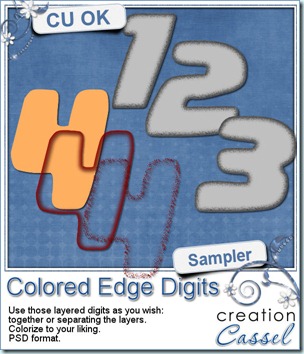
I know, you also want to have a peek at the result of this script by downloading a free sample, right? Well, I cannot disappoint you, can I? So here is your sampler. It is a set of digits in greyscale, layered in PSD format. You can easily recolor each layer separately, merge them or use them separately too. This set is CU.
You need to be logged in to download this sample. You can either login, or register on the top of this page.
News from the Campus
The PSPX4 special is still in effect, but hurry as it is only until Sunday, Oct 16th! Get PSPX4 FULL version, downloadable or boxed for $39.99. This is a HUGE deal as it is 50% of the regular price. Hurry and grab it while you can.
(although i am an affiliate for Corel, this special is NOT through my affiliate link)
Did you have a look at the Webinar on Shadows? It is available for viewing for free. We showed tips for flat shadows, lifted shadows, cluster shadows and fantasy shadows. See what Carolyn said about the Webinar on shadows:
Cassel, Thanks so much for posting your webinar on shadows in PSP. I learned a whole lot! I know that this will help my layouts as well as the presentation of my kits. Thanks! I look forward to future webinars Unfortunately, I won't be able to join them live if they are held on Sundays. However, I can still learn from them by viewing them online. Thanks again for these great resources!! Carolyn S. Ritter
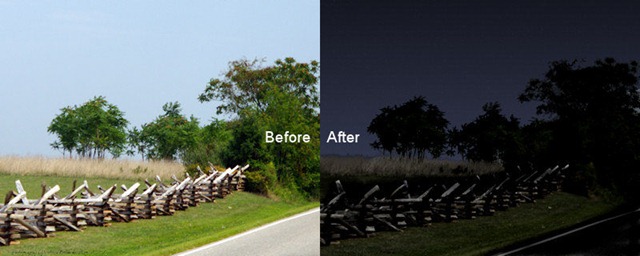
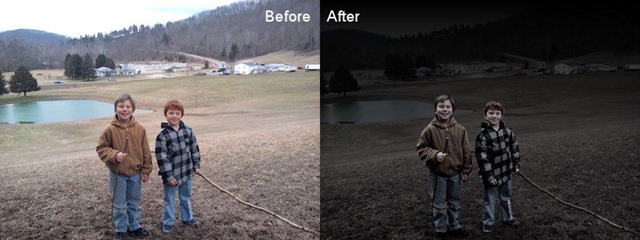
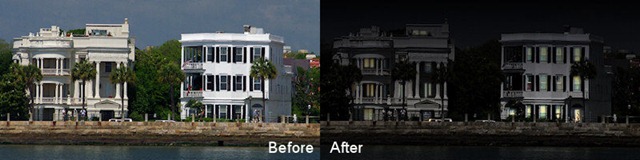
So what are you waiting for? There are 2 webinars available already. They are FREE. Check Webinar on Shadows And while you are there, you might as well register for NEXT Webinar. It will be on changing photos from day to evening/night and from summer to autumn/winter. Just like magic! And you can use ANY version of PSP.
Finally, The Basic Scrap Course with PSP is still on special and registration at the special price, with the special bonuses will only be until Sunday, October 16th. The registration will give you access to 12 units, 36 lessons, 45 video tutorials, with matching handouts you can download. And all that for unlimited access. Your registration will not run out after 6 months. It will not run out after you view all the videos. You can keep referring to them forever, with NO additional fee. Registration this weekend will give you a coupon for $5 from Mariscrap, 26 layered templates, 50 sketches, and a chance to win a copy of the DVD Slideshow Builder Pro to create fantastic slideshows with your photos or layouts. Perfect to prepare Holiday presents ahead of time!
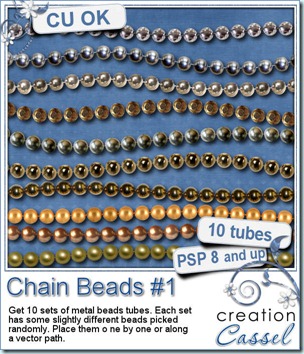
How about some metal beads to create necklaces, bracelets, frames, or any other element you can think of using “ball chain”look? You can now do it with those great Paintshop Pro Picture tubes. These sets of beads are not going to make a boring row of totally identical beads, but they incorporate some slight differences in the beads so it looks more realistic. You have some gold beads, silver beads, brass beads, and more. You can place them one by one by simply clicking here and there and everywhere. You can “draw” with them as they will follow your mouse movement as if you were drawing a line. Or you can also place them evenly along a vector path you could have drawn with your favorite tool. Use the Pen tool to create a base “thread”, and then use the Vector Tube script to place the beads along that path, for a great free flowing chain look.
Use the default settings, or change the size or the step for a different and custom look.
And how about a chance to win them all? Check this thread in the DST forum. Tell me what is your favourite set of beads and you might with them all.
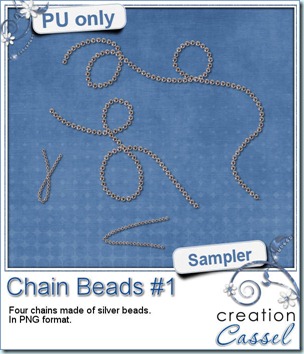
Time for a nice little freebie. I created those chains for you to incorporate into your layouts. There are 2 long chains and 2 small ones. The small ones can easily be used to attach a tag or other elements. They are in PNG format, so they should be useable in most graphic program.
You need to be logged in to download this sample. You can either login, or register on the top of this page.
News from the Campus
Last week, we had a webinar on using shadows. The most fun part was to show how to use layered shadows in clusters to make a fantastic end result. Most participants commented on that technique that was new to them. The webinar was recorded and should be available soon (hopefully this weekend), in the Webinar section of the Campus. It will be accessible to all registered members of the Campus (registration is free). The next Webinar will be organized this weekend, so you keep an eye on that page.
Did you want to register for the Basic Scrap Course? Did you postpone that decision? You might want to keep a close watch on the Campus as there will be another promotion coming up soon. You might want to join our many other members in the classroom. I can see several members having a blast with what they learn with the tutorials.
Big special for Paintshop Pro X4
Corel is having a big promotion for a limited time only. You can get a FULL version of PSPX4 for $39.99. We are not talking only update, but a complete version (the update is the same price too). This promotion is only until October 16. And if you have an old version of PSP, there is NO NEED to upgrade since you can run both versions side by side; you can get the newest tools and features, and still use the interface you are used to. And yes, you can have multiple versions installed on the same machine: i have versions 8, 9, X, X1, X2, X3 and X4 installed at the same time (occasionally, i even RUN 2 or 3 simultaneously when i am testing scripts).
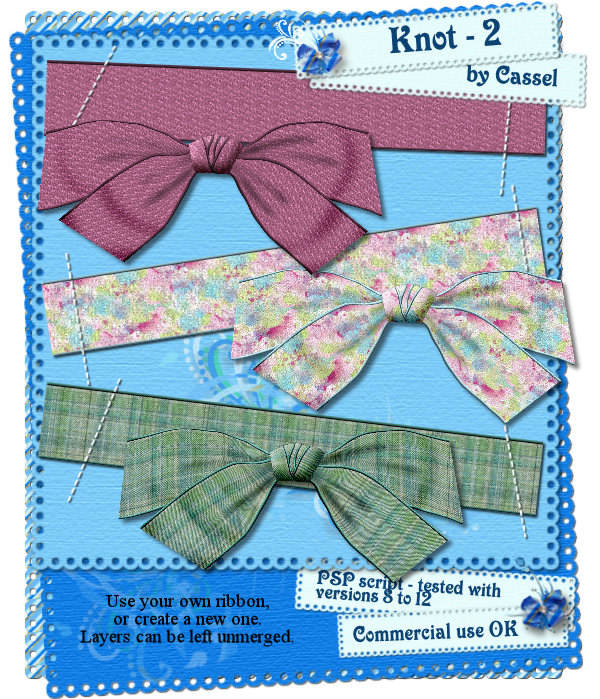
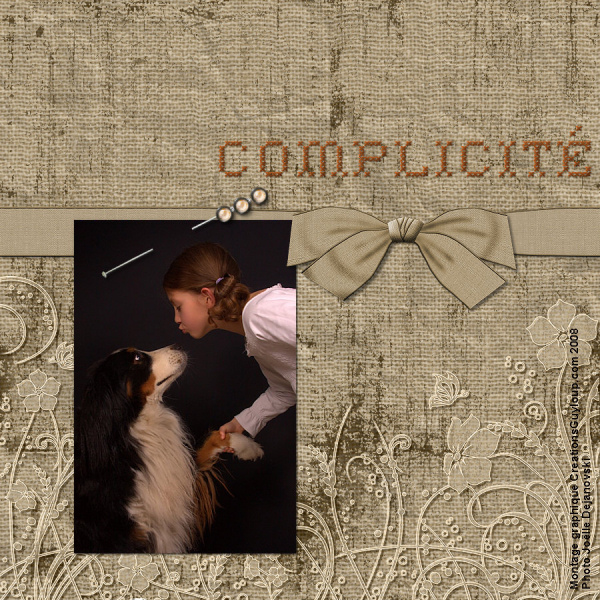
This script will give you the opportunity to use your own ribbon to create a knot, or if you want to start from scratch, you will get prompted to provide your choice of color/sgradients/patterns to make a 3600 pixels long ribbon. So you can end up with ONE ribbon and ONE matching knot to embellish your page or complete your kit. At the end of script you will also have the choice of merging all the layers or leave them only linked in case you want to insert decorative element inside the knot.
This script has been tested with versions 8, 9, 10, 11 and 12.
As usual, this script is available at all my stores and it is 25% until Sunday, Jan 25th.
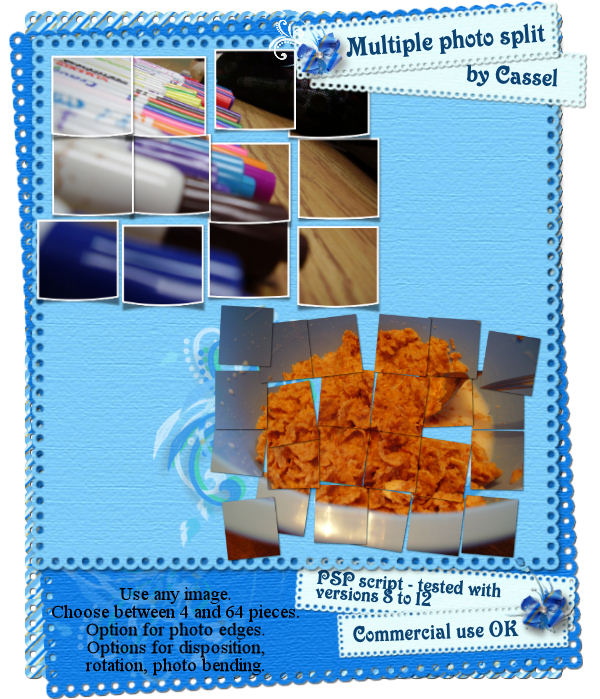
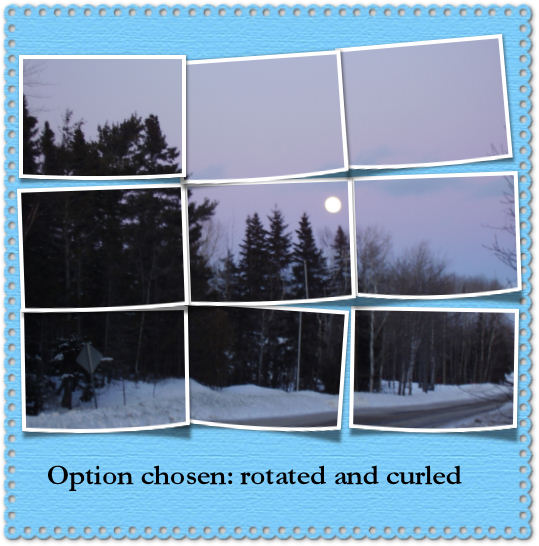
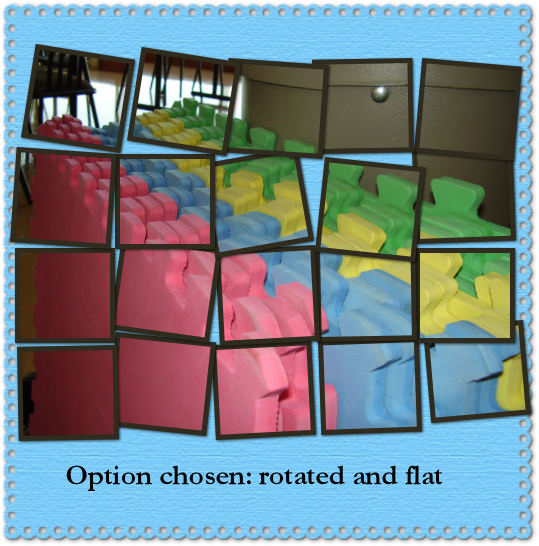
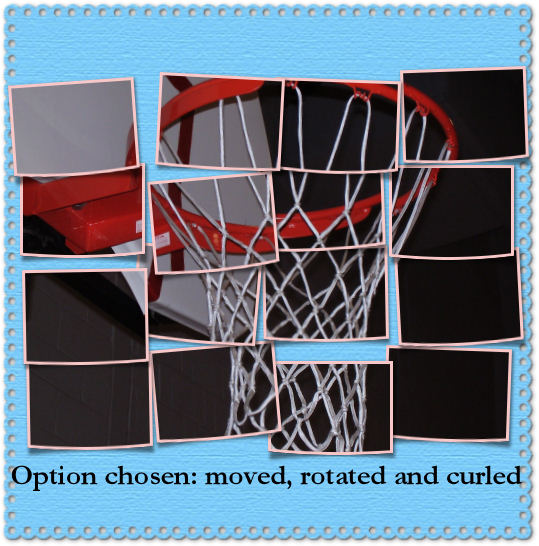
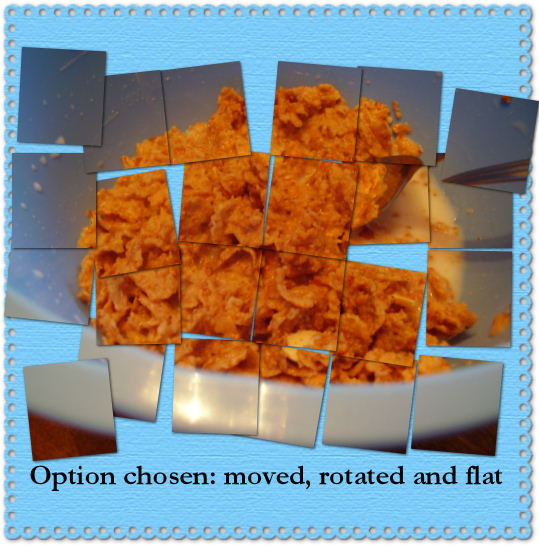
This new script will allow you to cut any photo into pieces for an interesting layout. You will have many options. You can have each small pieces with or without a border. If you want a border, you have three thickness to choose from AND you obviously get to choose the color too. Although white is kind of standard in color choice, you can pick ANY color, or even a gradient or a pattern for a really original effect. Once the photo is split into pieces, you can have each one only moved, or rotated, or a combinaison of both. More choices than that too as you can have the pieces left flat on the page or slightly curved. Each run of the script will give a different result even if you use the same settings; that is because there is a randomized function built into that script. Check them out in my stores.
Do you like the look of folded photos? These two scripts will allow you to fold any image or photo either in two or in four. Maybe you are the kind of person who likes neat folds? You can get just that. The script can fold perfectly centered, either horizontally or vertically, as you choose. But maybe you want a bit of a wilder look, grungy maybe? Or maybe you want to simulate a careless folding? This is also possible as the script can generate a random rotation and placement of the folds. Run the script 10 times and you will get 10 different folds.
There are two scripts: one for single fold, and one for double fold.

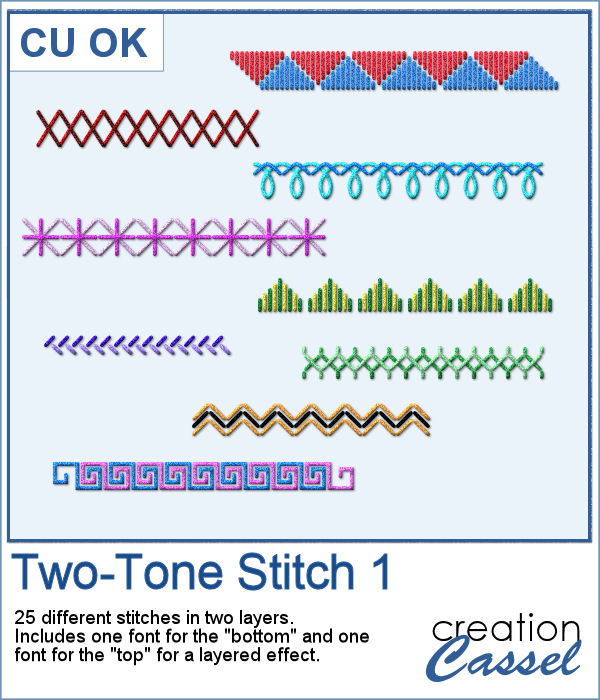 Finally, a new font in the store. This time, it will allow you to use two colors of threads if you want, or simply showcase the layered effect of the stitches with the bevel and shadow.