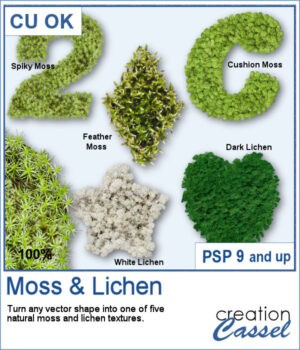
Add a touch of nature to any project with the new Moss & Lichen script for PaintShop Pro. This script transforms any vector shape into a realistic organic element covered with one of five different textures, ranging from spiky moss and feather moss to dark and white lichen. Whether you are creating woodland scenes, fantasy designs, titles, frames, or unique embellishments, these natural textures can give your projects a rich and overgrown look in just a few clicks.
Get this script: Moss & Lichen
Want a chance to get this script for free? Head over to this Facebook post and tell us: have you ever photographed moss or lichen? (Remember — only comments count. Likes and shares are appreciated, but won’t count as entries.) A winner will be announced in next week’s newsletter. If you’re not on the list yet, you can join right here. It’s free, and we only email once a week!
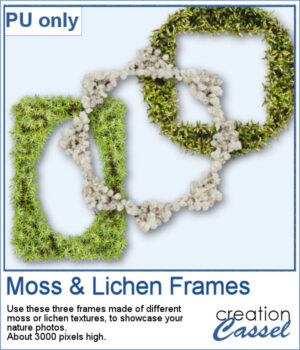
To complement this week's release, download a free set of three Moss & Lichen Frames. Each frame features a different texture and shape, making them perfect for showcasing nature photos, outdoor adventures, woodland scenes, or any project that could use a touch of organic texture.
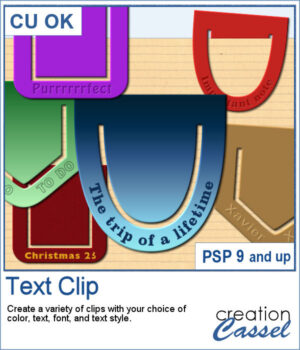
Add a personal touch to your projects with the new Text Clip script for PaintShop Pro. Create custom paperclips in different shapes, colors, and styles, and add your own text to label, decorate, or highlight any element on your page. Whether you want something bold, subtle, or playful, these clips are as versatile as your creativity.
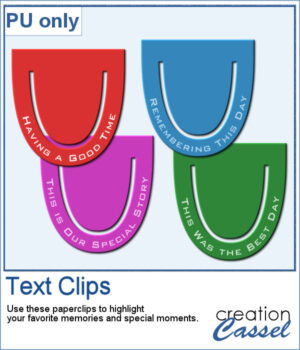
I created a set of clips with the script. I used the same shape, and the same font for consistency. You can also see that the text is slightly textured. Each clip is almost 400 pixels high, in png format.
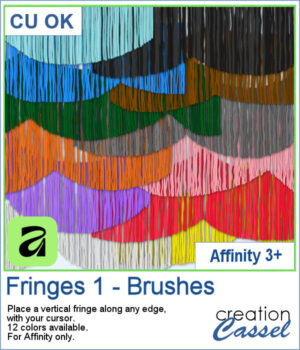
Add realistic fringe details to your projects with these image brushes for Affinity. Draw soft, vertical strands along any edge and customize the look with spacing and color variations.
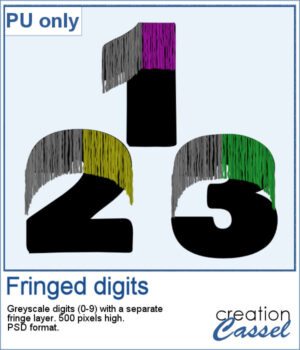
For a sample, I had fun drawing fringes on top of a set of digits in Affinity. You get a complete set (0 to 9) plus a hyphen, in layered psd format. Since it is in greyscale, you can colorize the fringe to your liking in any program that will open psd files.
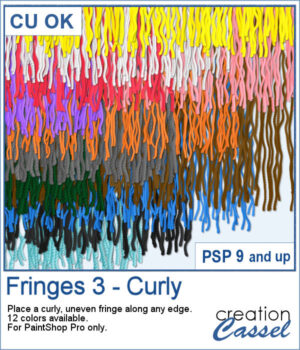
If you want to add a softer, more organic finish to your projects, the Fringes 3 picture tubes will do just that. It offers uneven, curly strands that follow any edge, giving a textured look similar to unravelled yarn or worn fabric. With 12 realistic colors that match existing thread and wool tubes, it’s easy to add movement and depth to your designs.
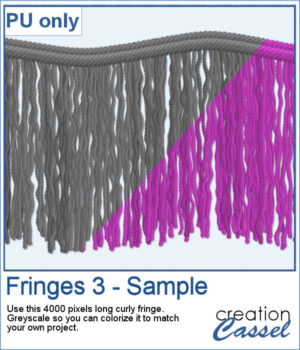
This week’s freebie is a curly fringe element created with the grey Fringes 3 tubes. Since it is grey, you can easily recolor it to match any project. The top border is made from the Wool picture tube. Use it as a border, along an edge, or as a decorative accent to add texture and movement.
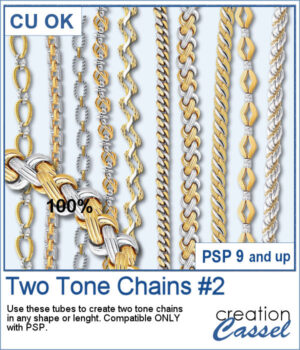
After several years, I just released another set of two-tone chain picture tubes. As usual, you can use those tubes and place them freely with your cursor or place them evenly with the VectorTube script.
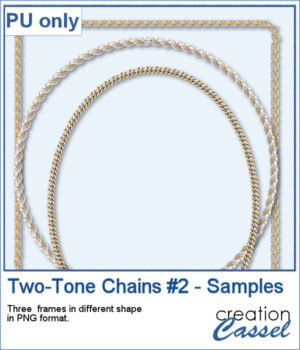
For a sampler, I created 3 different shape frames using three different picture tubes. Each frame is about 2000 pixels high. They are all in PNG format so you can use them in most program.
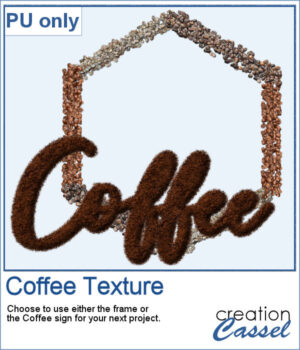
This freebie includes a coffee-themed word art (made using the ground coffee option) and a decorative frame (created with the included picture tubes).

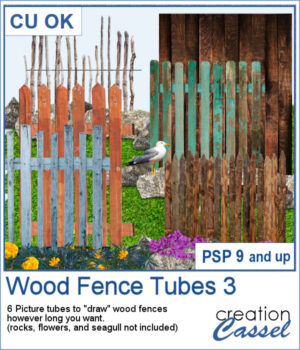
There are already a dozen of wood fence picture tubes and this is another set. You can draw them as long as you want and even following a slight curve. Every use of those tubes will generate a slightly different result as each planks are randomly selected.
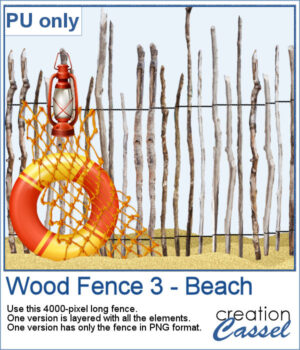
For a sampler, I created a 4000-pixels long "beach" fence. I also decorated it and it is available in layered format (.pspimage) and you can also get only the fence itself (.png).
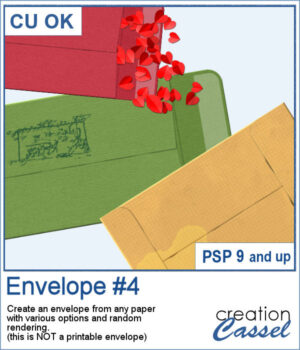
You can add an envelope with various papers you have. You can add some stains, distressing, or scribbles on those envelope and use them in clusters, or as elements for your project.
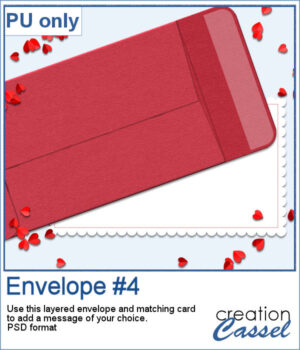
For a sample, I created an open envelope and added a little card. The envelope is in layered PSD format, so you can open it in most programs. You can add designs or messages on the card, but you can also add some details to the envelope itself if you want.
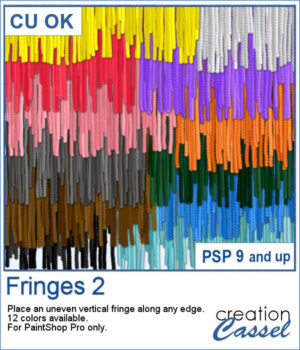
If you have the first set of fringe picture tubes, they are even and regular. But sometimes, you need something rougher and less regular. That is why this particular set of fringes.
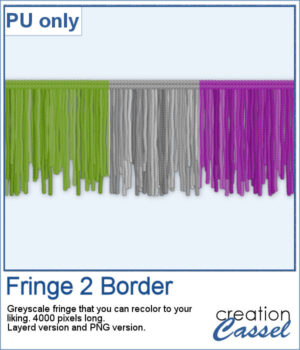
To get some samples of these fringes, I created a 4000 pixels long fringe, with a wool edge. They are in greyscale so you can colorize them to match your project. I also included one layered version (in .pspimage format) and a "flat" one (in PNG format) for use in any program.