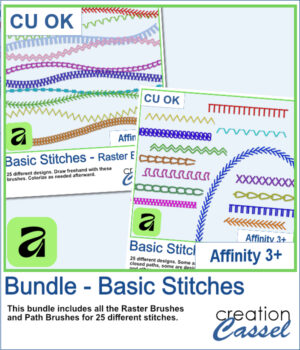
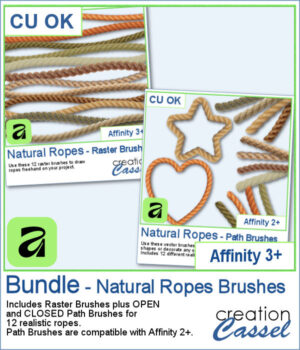
 Looking for realistic rope embellishments for your Affinity projects? This week, I've added the Natural Ropes collection in three options to suit your workflow. Choose Raster Brushes to draw ropes freehand, Path Brushes to create perfectly shaped rope borders and frames, or save with the Bundle, which includes both.
The collection features 12 realistic rope styles, perfect for nautical layouts, rustic designs, travel pages, decorative frames, and so much more. Whether you want to sketch a rope by hand or have it follow a custom vector shape, you'll have the right brush for the job.
Get those in the store: Natural Ropes brushes - Bundle
Want a chance to get this script for free? Head over to this Facebook post and tell us how you tend to use ropes in your projects. Likes and shares are appreciated, but won’t count as entries.) A winner will be announced in next week’s newsletter. If you’re not on the list yet, you can join right here. It’s free, and we only email once a week!
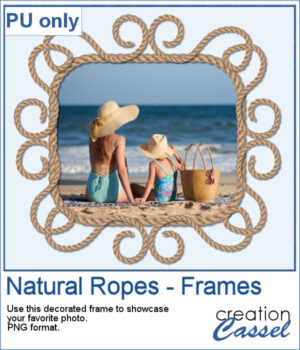 For a sampler, I created a fun design for a frame and used one of the path brushes (open path for the decoration, and closed path for the rectangle). Everything is now in PNG format so you can use it in any program you want, to showcase your favorite photo.
You need to be logged in to download this sample. Please log in or register using the links at the top of this page.