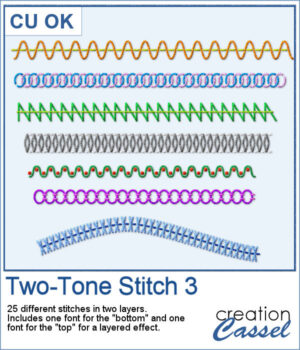
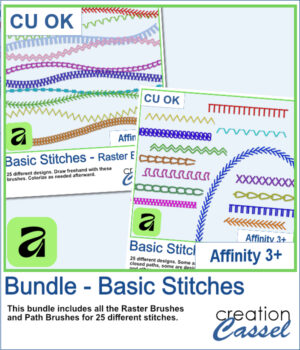
 Love the look of stitched embellishments? This week, I've added Basic Stitches for Affinity 3+ in three options to suit the way you work. Choose Raster Brushes for freehand stitching, Path Brushes to add perfectly spaced stitches along vector shapes and curves, or save with the Bundle, which includes both.
All 25 stitch designs are provided in greyscale, so you can easily recolor them to coordinate with any scrapbook page, card, illustration, or creative project.
You can also grab the complete bundle if you want both sets of brushes.
Want a chance to get this script for free? Head over to this Facebook post and tell us how you usually add stitching to your project. (Remember, only comments count. Likes and shares are appreciated, but won’t count as entries.) A winner will be announced in next week’s newsletter. If you’re not on the list yet, you can join right here. It’s free, and we only email once a week!
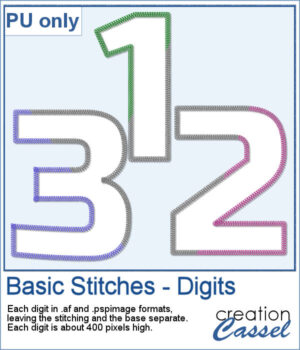 As a free bonus, you can also download a complete set of stitched digits (0–9). Each number is provided in both Affinity and PaintShop Pro formats, with the stitching on a separate layer so you can customize the colors to match any project.
You need to be logged in to download this sample. Please log in or register using the links at the top of this page.