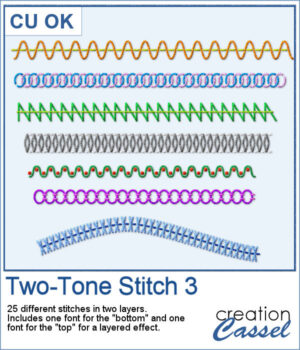
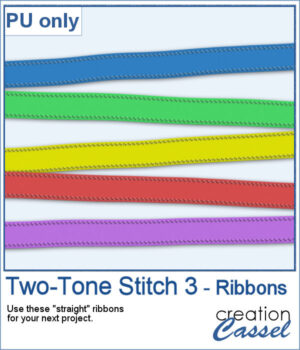
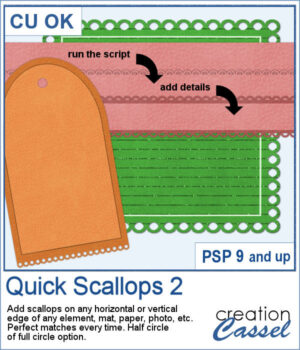
 This script lets you add decorative scalloped edges to photos, papers, mats, and other scrapbook elements. Choose between open scallops with half-circle cutouts or eyelet scallops with complete circular holes for a punched-paper effect.
Apply the scallops to a single edge, two opposing edges, or all four sides. The script automatically adjusts the spacing so the scallops fit perfectly, without any awkward partial shapes. It's an easy way to create decorative borders, photo mats, paper strips, and tags with a realistic paper-punched look.
Get this script: Quick Scallops 2
Want a chance to get these beads for free? Head over to this Facebook post and tell us where you like to add scallops. (likes and shares are appreciated, but won’t count as entries.) A winner will be announced in next week’s newsletter. If you’re not on the list yet, you can join right here. It’s free, and we only email once a week!
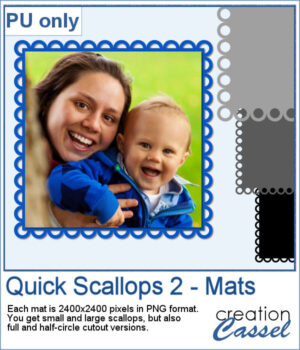 For a sample, I created 4 mats that you can colorize or clip papers to. Each mat is 2400x2400 pixels so you can easily resize them as needed.
You need to be logged in to download this sample. Please log in or register using the links at the top of this page.