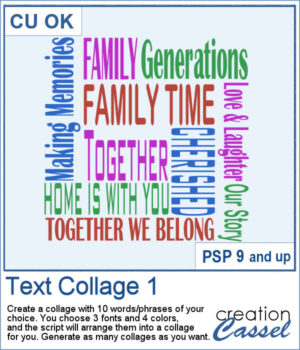
 Create your own word art with the Text Collage 1 script for PaintShop Pro. Enter 10 words or short phrases, choose three fonts and four colors, and let the script arrange them into a square collage.
Generate as many variations as you like, then customize the individual vector layers to make the result your own.
Get this script: Text Collage 1
Want a chance to get this script for free? Head over to this Facebook post and tell us what theme you would like to choose to create a text collage. Likes and shares are appreciated, but won’t count as entries.) A winner will be announced in next week’s newsletter. If you’re not on the list yet, you can join right here. It’s free, and we only email once a week!
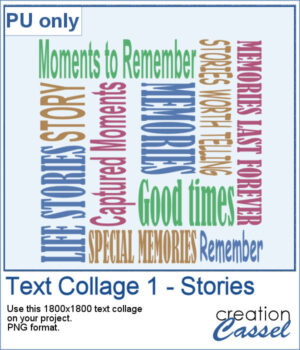 For a sampler, I created a collage with words and phrases related to memories and stories. Although I used some muted colors, you can always changed them by locking the transparency and painting some words. The collage is in PNG format so you can use whatever background color or patterns behind it.
You need to be logged in to download this sample. Please log in or register using the links at the top of this page.