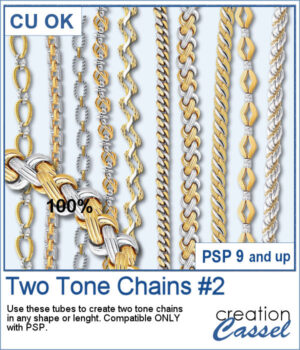
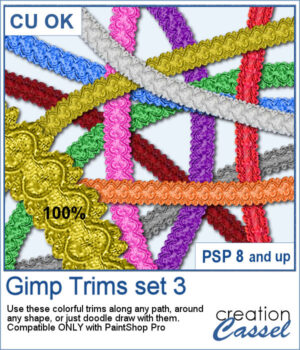
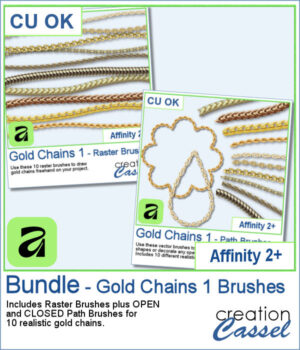
 Add a touch of gold to your Affinity projects with these realistic Gold Chains brushes. The collection includes 10 different chain designs, from delicate links to heavier and more decorative styles.
Choose the Raster Brushes to draw your chains freehand, or use the Path Brushes to make the chains follow vector lines, curves, and shapes. Each chain comes with both an Open and a Closed Path Brush, making it easy to decorate anything from simple curves to complete frames and outlines.
Get this bundle in the store: Gold Chains 1 - AFFINITY Bundle
Want a chance to get these brushes for free? Head over to this Facebook post and tell us how you would likely use gold chains in your projects. Likes and shares are appreciated, but won’t count as entries.) A winner will be announced in next week’s newsletter. If you’re not on the list yet, you can join right here. It’s free, and we only email once a week!
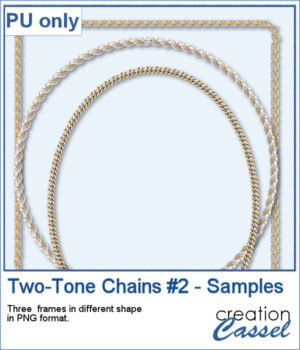
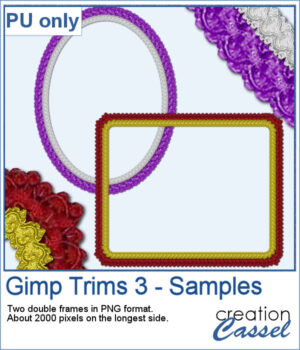
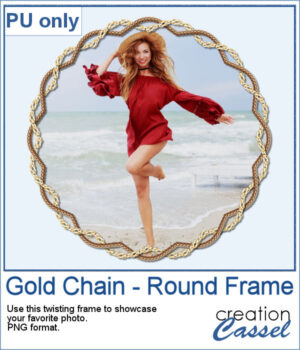 For a sample, I created a frame with two intertwined gold chains. The frame includes shadows to give that realistic 3D effect. The result is in PNG format so you can use it with any program.
You need to be logged in to download this sample. Please log in or register using the links at the top of this page.