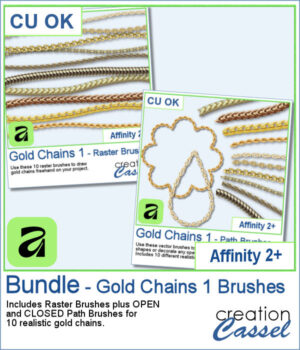
Add a touch of gold to your Affinity projects with these realistic Gold Chains brushes. The collection includes 10 different chain designs, from delicate links to heavier and more decorative styles.
Choose the Raster Brushes to draw your chains freehand, or use the Path Brushes to make the chains follow vector lines, curves, and shapes. Each chain comes with both an Open and a Closed Path Brush, making it easy to decorate anything from simple curves to complete frames and outlines.
Get this bundle in the store: Gold Chains 1 - AFFINITY Bundle
Want a chance to get these brushes for free? Head over to this Facebook post and tell us how you would likely use gold chains in your projects. Likes and shares are appreciated, but won’t count as entries.) A winner will be announced in next week’s newsletter. If you’re not on the list yet, you can join right here. It’s free, and we only email once a week!
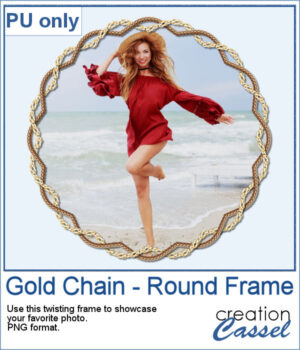
For a sample, I created a frame with two intertwined gold chains. The frame includes shadows to give that realistic 3D effect. The result is in PNG format so you can use it with any program.
You need to be logged in to download this sample. Please log in or register using the links at the top of this page.
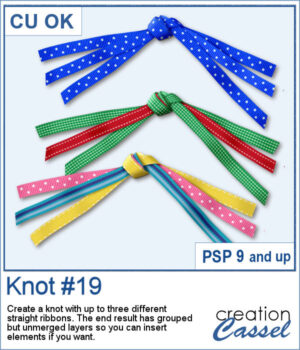
Create your own ribbon knot embellishments using the ribbons already in your stash! The Knot #19 script lets you combine one, two, or three straight ribbons into a dimensional knot with flowing ends on both sides.
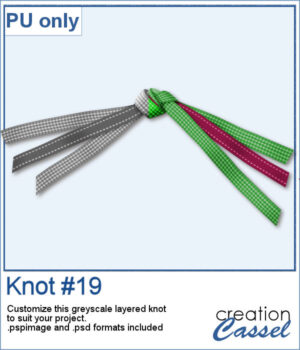
For a sampler, I created a knot using two different ribbons in greyscale. The end result is left on unmerged layers so you can colorize them to your liking and even insert elements, or other ribbons in the knot. The file is available in .pspimage format and .psd format so you can use it in more programs.
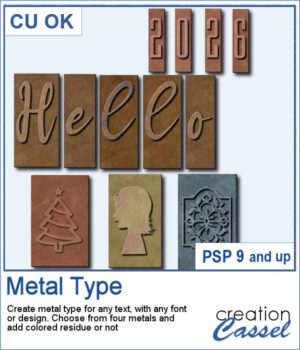
Give your text and designs the look of old metal printing type with the Metal Type Script. Use any font or custom design, choose from four different metal finishes, and add optional colored residue for a worn, well-used look. Create individual characters, coordinated sets, decorative designs, or even blank metal blocks, with plenty of variation from one piece to the next.
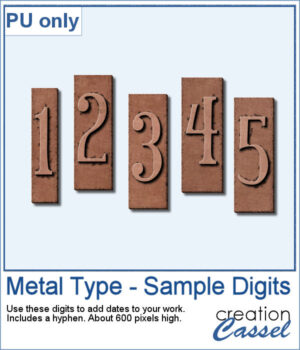
For a sample, I created a set of two digits, plus a hyphen so you can add dates, age, countdown, price, and more. I used a narrow font so it won't take too much space on your project.
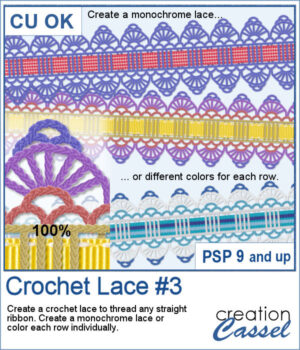
Give your favorite ribbons a handcrafted crochet finish with Crochet Lace #3! This PaintShop Pro script lets you transform any straight ribbon into an elegant lace embellishment in just a few clicks.
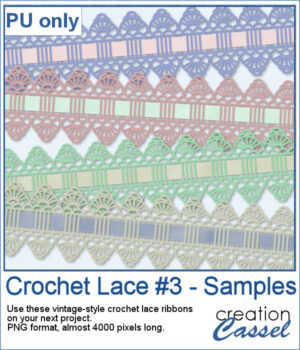
If you want a closer look, download this collection of four ready-to-use vintage crochet lace ribbons created with the script.
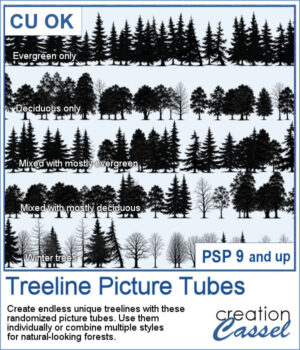
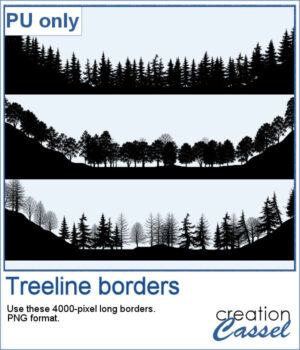
Building a realistic forest has never been easier! With the Treeline Picture Tubes, you can paint natural-looking tree lines in just a few strokes instead of placing individual trees one by one.
To give you a taste of what you can create, this week's freebie includes three ready-to-use PNG treelines that you can simply drop into your projects. You get one with evergreens, one with deciduous trees, and one specifically for winter scenes with leafless deciduous trees.
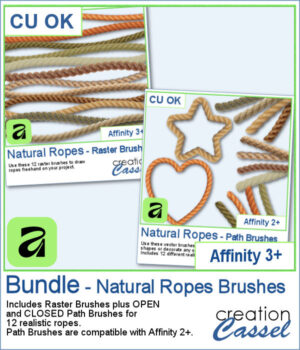
Looking for realistic rope embellishments for your Affinity projects? This week, I've added the Natural Ropes collection in three options to suit your workflow. Choose Raster Brushes to draw ropes freehand, Path Brushes to create perfectly shaped rope borders and frames, or save with the Bundle, which includes both.
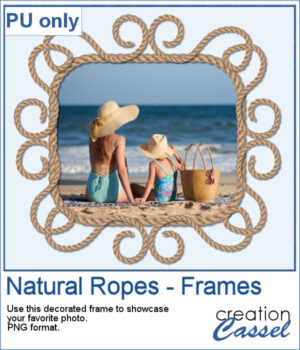
For a sampler, I created a fun design for a frame and used one of the path brushes (open path for the decoration, and closed path for the rectangle). Everything is now in PNG format so you can use it in any program you want, to showcase your favorite photo.
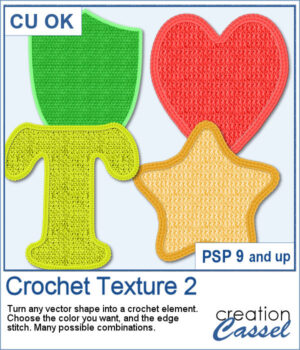
Love the look of crochet? Crochet Texture 2 gives you even more ways to transform simple vector shapes into realistic crocheted embellishments. This new collection includes five brand-new crochet textures and six coordinating edge styles that you can mix and match for dozens of unique combinations.
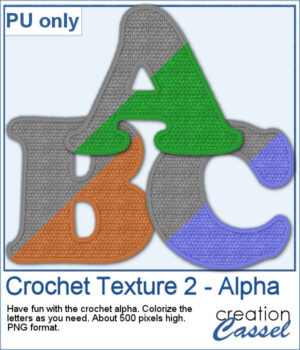
As a sample, you can download a free crocheted alphabet featuring one of the textures from this set. The uppercase letters are provided as individual PNG files, ready to use in your own personal projects. They are in greyscale so you can colorize them to suit your project.
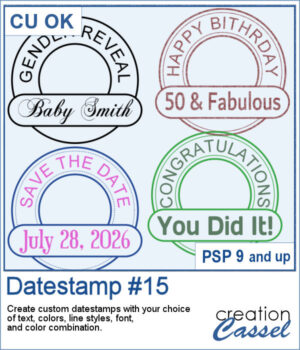
Classic datestamps are great for dates, but why stop there? Datestamp #15 lets you create fully customizable datestamp-style embellishments with your own text, fonts, colors, and line styles. Use them for scrapbook pages, greeting cards, journals, tags, or any project that could use a unique title or sentiment. The lower label remains editable after the script runs, making it easy to fine-tune your design if needed.
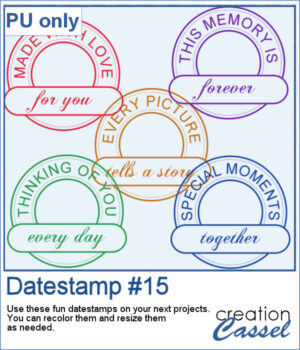
For samples, I generated five datestamps that are varied and generic enough to be used in different projects or scrapbook pages. Each one is a single color, in png format. You can recolor them if needed and resize them if the 800 pixels datestamps are too large.
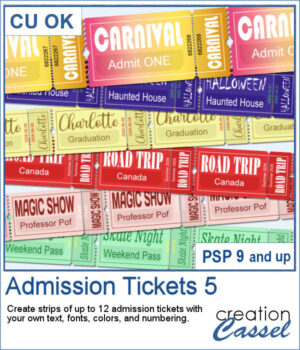
Admission Ticket 5 expands the Admission Ticket series with a realistic detachable stub and even more customization options. Create strips of up to 12 tickets using your own text, fonts, colors, and numbering. Whether you're designing carnival passes, road trip keepsakes, graduation tickets, Halloween attractions, or scrapbook embellishments, this script adapts to your project. Use solid colors, gradients, patterns, or textures for both the ticket and the printing, and let the script automatically adjust oversized text for a polished result every time.
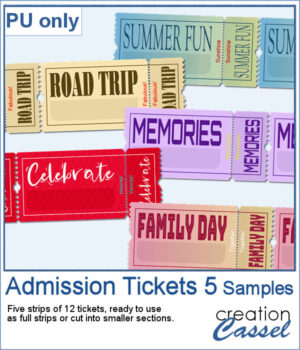
For samplers, I created a set of more generic yet interesting tickets for you. I purposefully left the bottom part of the ticket blank, so you can add a date, a name, a place, or any other word that would fit your project. Each strip has 12 tickets so you can cut them to smaller strips if needed.
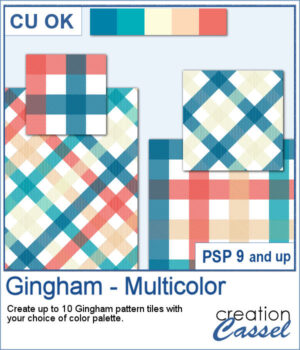
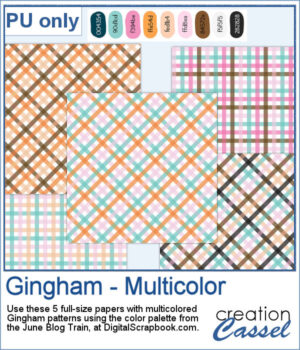
Gingham patterns are timeless, but they don't have to be limited to just one color. Gingham – Multicolor lets you create coordinated pattern tiles using your own color palette, with each tile combining between two and five colors for a fresh look every time.
I used the color palette from the