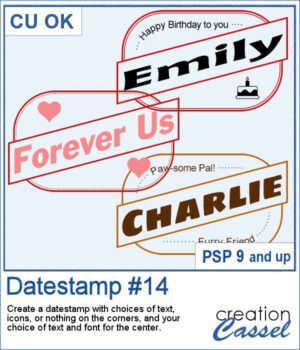
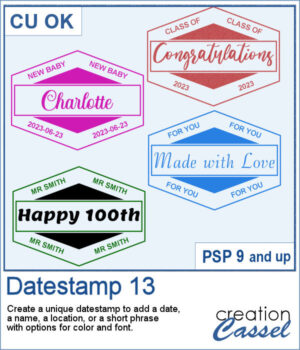
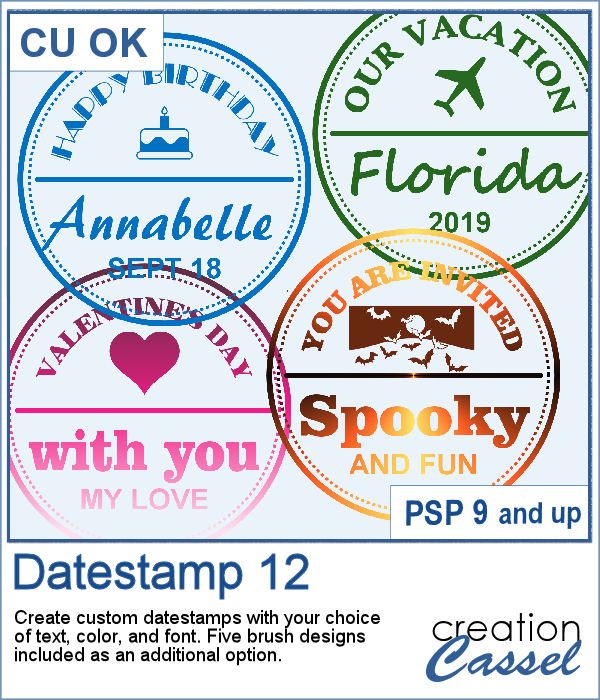
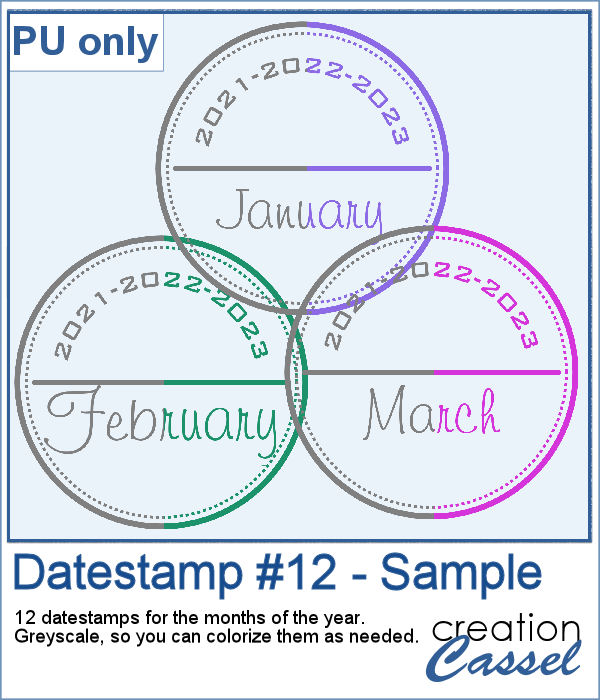
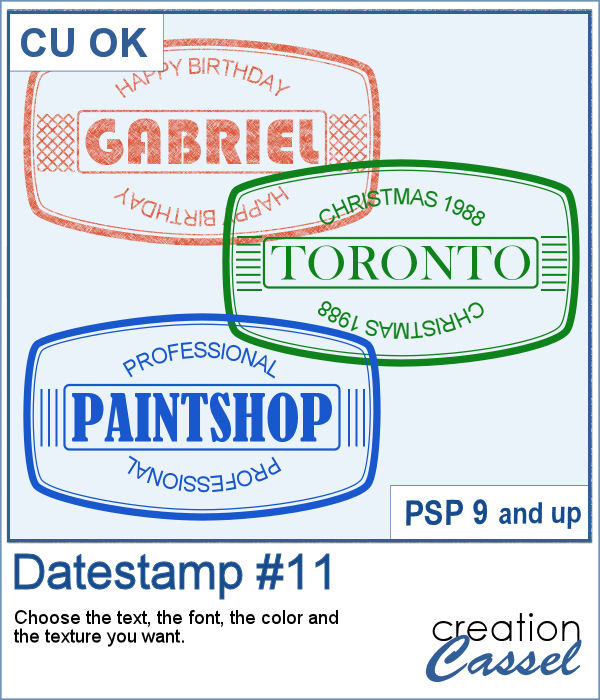
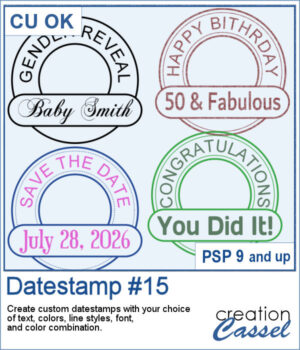
 Classic datestamps are great for dates, but why stop there? Datestamp #15 lets you create fully customizable datestamp-style embellishments with your own text, fonts, colors, and line styles. Use them for scrapbook pages, greeting cards, journals, tags, or any project that could use a unique title or sentiment. The lower label remains editable after the script runs, making it easy to fine-tune your design if needed.
Get this script: Datestamp #15
Want a chance to get this script for free? Head over to this Facebook post and tell us how you tend to use datestamps in your projects. Likes and shares are appreciated, but won’t count as entries.) A winner will be announced in next week’s newsletter. If you’re not on the list yet, you can join right here. It’s free, and we only email once a week!
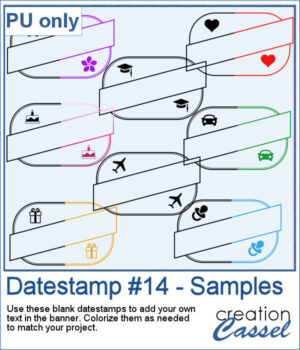
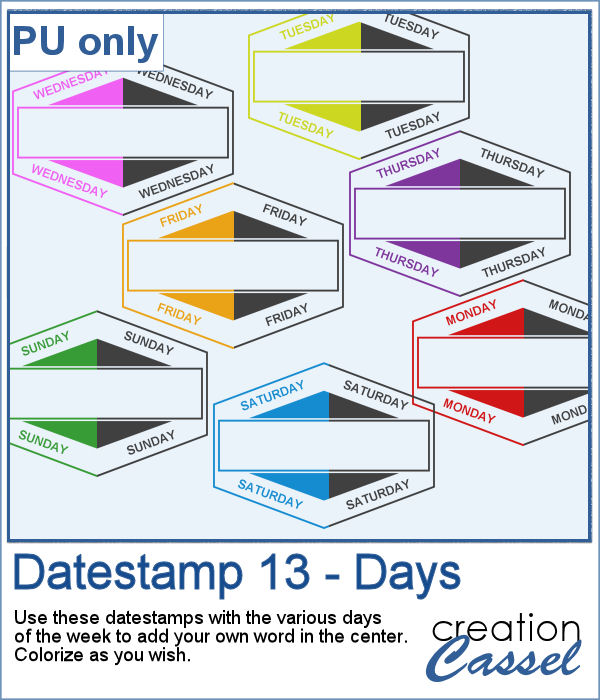
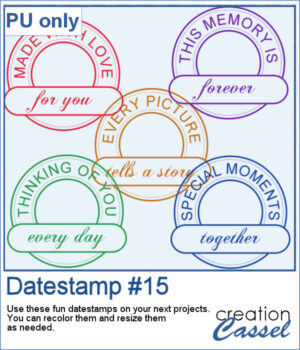 For samples, I generated five datestamps that are varied and generic enough to be used in different projects or scrapbook pages. Each one is a single color, in png format. You can recolor them if needed and resize them if the 800 pixels datestamps are too large.
You need to be logged in to download this sample. Please log in or register using the links at the top of this page.