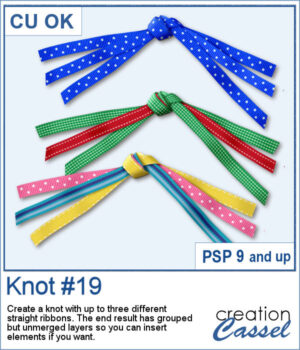
Create your own ribbon knot embellishments using the ribbons already in your stash! The Knot #19 script lets you combine one, two, or three straight ribbons into a dimensional knot with flowing ends on both sides.
Mix colors and patterns to coordinate with any project. The resulting pieces remain on separate, grouped layers, giving you even more flexibility to customize your finished embellishment.
As a bonus, the ends are cut randomly to look more natural.
Get this script in the store: Knot #19
Want a chance to get this script for free? Head over to this Facebook post and tell us if you are more likely to use one, two, or three ribbons when running this script. Likes and shares are appreciated, but won’t count as entries.) A winner will be announced in next week’s newsletter. If you’re not on the list yet, you can join right here. It’s free, and we only email once a week!
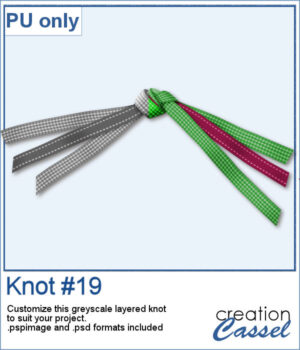
For a sampler, I created a knot using two different ribbons in greyscale. The end result is left on unmerged layers so you can colorize them to your liking and even insert elements, or other ribbons in the knot. The file is available in .pspimage format and .psd format so you can use it in more programs.
You need to be logged in to download this sample. Please log in or register using the links at the top of this page.
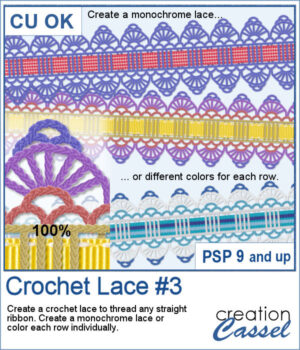
Give your favorite ribbons a handcrafted crochet finish with Crochet Lace #3! This PaintShop Pro script lets you transform any straight ribbon into an elegant lace embellishment in just a few clicks.
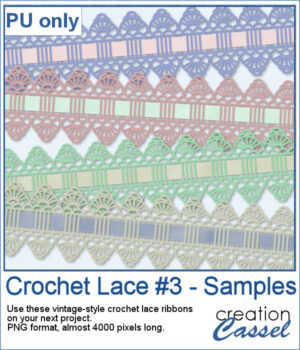
If you want a closer look, download this collection of four ready-to-use vintage crochet lace ribbons created with the script.
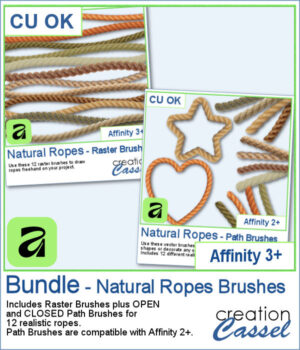
Looking for realistic rope embellishments for your Affinity projects? This week, I've added the Natural Ropes collection in three options to suit your workflow. Choose Raster Brushes to draw ropes freehand, Path Brushes to create perfectly shaped rope borders and frames, or save with the Bundle, which includes both.
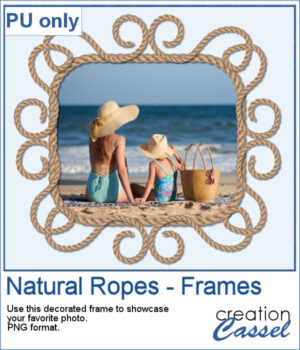
For a sampler, I created a fun design for a frame and used one of the path brushes (open path for the decoration, and closed path for the rectangle). Everything is now in PNG format so you can use it in any program you want, to showcase your favorite photo.
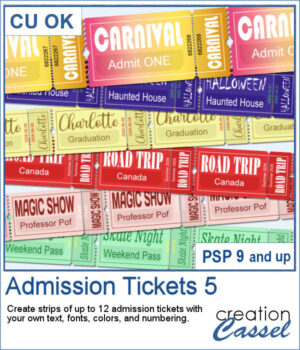
Admission Ticket 5 expands the Admission Ticket series with a realistic detachable stub and even more customization options. Create strips of up to 12 tickets using your own text, fonts, colors, and numbering. Whether you're designing carnival passes, road trip keepsakes, graduation tickets, Halloween attractions, or scrapbook embellishments, this script adapts to your project. Use solid colors, gradients, patterns, or textures for both the ticket and the printing, and let the script automatically adjust oversized text for a polished result every time.
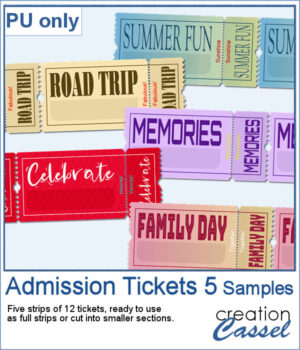
For samplers, I created a set of more generic yet interesting tickets for you. I purposefully left the bottom part of the ticket blank, so you can add a date, a name, a place, or any other word that would fit your project. Each strip has 12 tickets so you can cut them to smaller strips if needed.
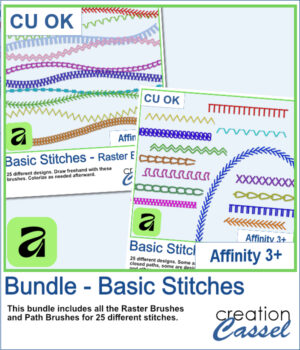
Love the look of stitched embellishments? This week, I've added Basic Stitches for Affinity 3+ in three options to suit the way you work. Choose Raster Brushes for freehand stitching, Path Brushes to add perfectly spaced stitches along vector shapes and curves, or save with the Bundle, which includes both.
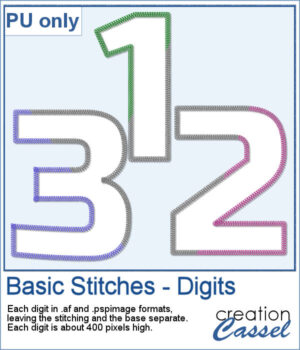
As a free bonus, you can also download a complete set of stitched digits (0–9). Each number is provided in both Affinity and PaintShop Pro formats, with the stitching on a separate layer so you can customize the colors to match any project.
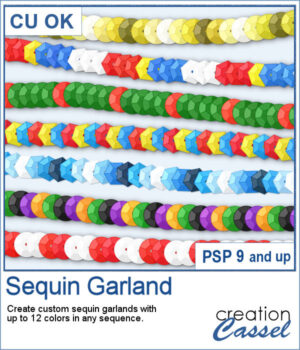
Create custom sequin garlands in any color sequence with the new Sequin Garland script for PaintShop Pro. Combine up to 12 colors, arrange them in any order, and generate unique picture tubes perfect for holidays, country flags, school colors, sports teams, celebrations, and themed projects. With round and hexagonal sequins, the possibilities are almost endless.
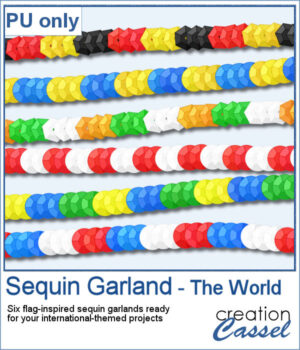
To celebrate the release of Sequin Garland, this week's freebie includes six ready-to-use sequin garlands inspired by countries from around the world. Use them to decorate travel layouts, cultural projects, sports pages, or any project that could use a colorful international touch.
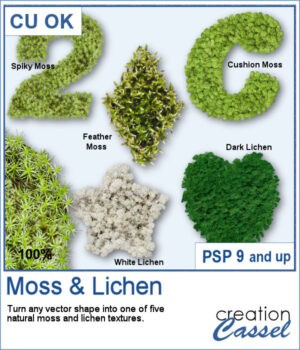
Add a touch of nature to any project with the new Moss & Lichen script for PaintShop Pro. This script transforms any vector shape into a realistic organic element covered with one of five different textures, ranging from spiky moss and feather moss to dark and white lichen. Whether you are creating woodland scenes, fantasy designs, titles, frames, or unique embellishments, these natural textures can give your projects a rich and overgrown look in just a few clicks.
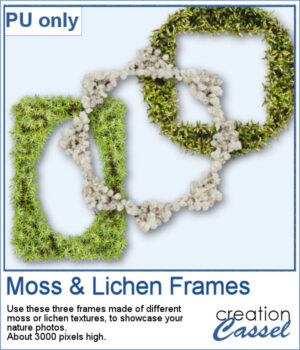
To complement this week's release, download a free set of three Moss & Lichen Frames. Each frame features a different texture and shape, making them perfect for showcasing nature photos, outdoor adventures, woodland scenes, or any project that could use a touch of organic texture.
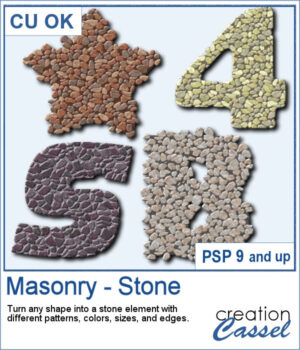
You can turn any shape into a masonry element, whether you want to have a fairly neat edge or give a more rustic look with full stones but more randomly placed on the edges. There are 5 different patterns with 3 different colors each. Furthermore, you can choose to have small, medium, or large stones.
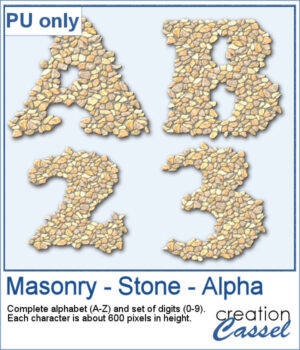
For a sampler, I edited the script to select the same settings for all the characters in a full alphabet and a set of digits. Each character is about 600 pixels high in PNG format so you can use them in any program.
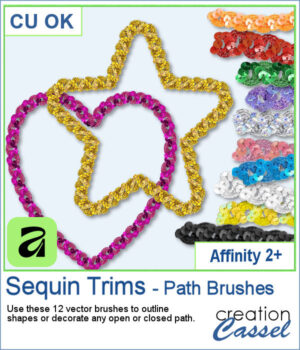
If you enjoyed the Sequin Trims for PaintShop Pro, they are now available for Affinity too!
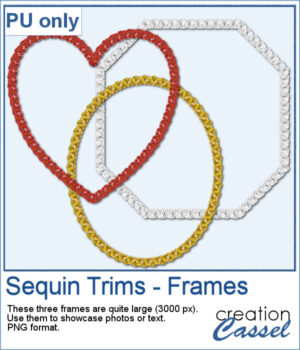
Using these trims, I created three frames on a closed path. They were exported as PNG files so you can use them in just about any program to showcase photos, or even some journaling or other text.
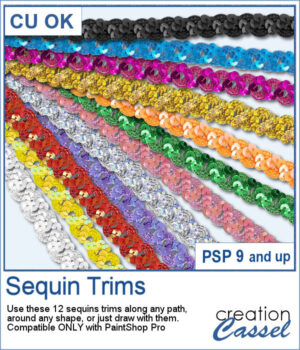
Add a bit of sparkle to your projects with this new set of Sequin Trims for PaintShop Pro.
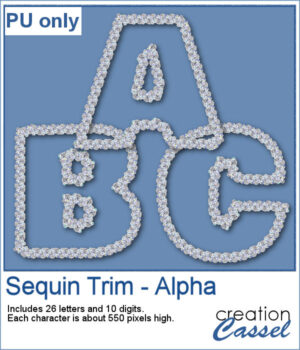
To give you a taste of this set, you can download a free Sequin Trim Alpha in a versatile silver finish.