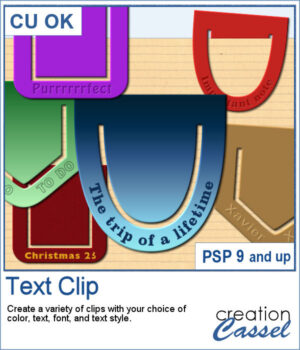
 Add a personal touch to your projects with the new Text Clip script for PaintShop Pro. Create custom paperclips in different shapes, colors, and styles, and add your own text to label, decorate, or highlight any element on your page. Whether you want something bold, subtle, or playful, these clips are as versatile as your creativity.
Get this in the store: Text Clip
In order to win these picture tubes, add a comment on this Facebook post telling us what’s one short phrase you would put on a clip to remember a special moment? (remember, add a comment, not just a Like!) The winner will be announced in the newsletter, next week. Not a subscriber yet? Not a problem. You can register here and it is free (and you only get one email per week).
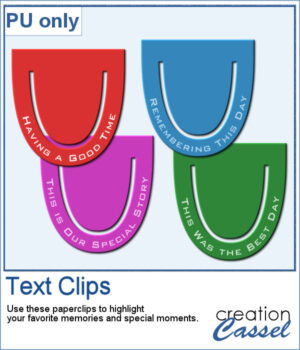 I created a set of clips with the script. I used the same shape, and the same font for consistency. You can also see that the text is slightly textured. Each clip is almost 400 pixels high, in png format.
You need to be logged in to download this sample. Please log in or register using the links at the top of this page.