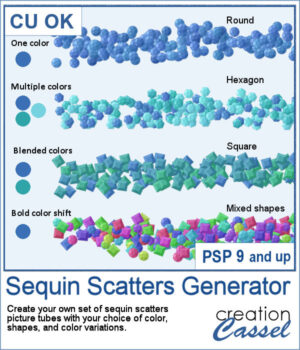
This lets you create your own custom sequin scatter picture tubes in just a few clicks. Choose your colors, decide how they vary, and pick from round, hexagonal, square, or mixed sequin shapes to generate unique scatters that perfectly match your project. Instead of using fixed tubes, you can generate new sequin styles whenever you need them, making this script a flexible and creative tool for digital scrapbooking and design.
Get this script: Sequin Scatters Generator
In order to win this script, add a comment on this Facebook post telling us what shape of sequins you would first use (remember, add a comment, not just a Like!) The winner will be announced in the newsletter, next week. Not a subscriber yet? Not a problem. You can register here and it is free (and you only get one email per week).
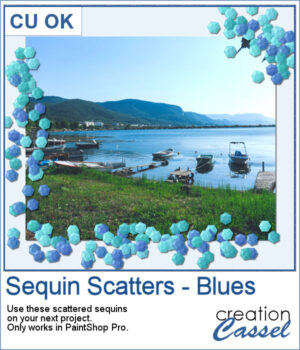
For a sample, I generated a set of picture tubes using three colors in the blue shades. They would be perfect for water or nautical themes. But you can also use them for any other theme, as an accent.
You need to be logged in to download this sample. Please log in or register using the links at the top of this page.
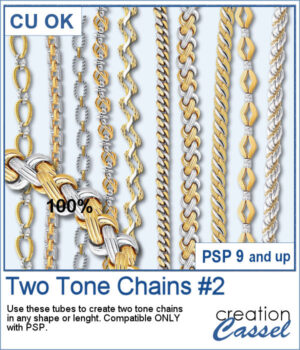
After several years, I just released another set of two-tone chain picture tubes. As usual, you can use those tubes and place them freely with your cursor or place them evenly with the VectorTube script.
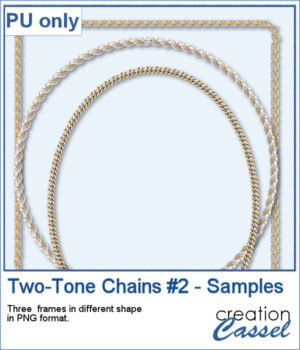
For a sampler, I created 3 different shape frames using three different picture tubes. Each frame is about 2000 pixels high. They are all in PNG format so you can use them in most program.
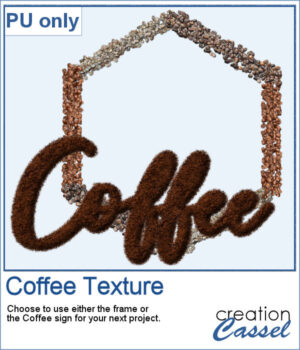
This freebie includes a coffee-themed word art (made using the ground coffee option) and a decorative frame (created with the included picture tubes).
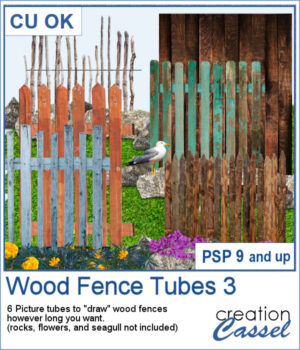
There are already a dozen of wood fence picture tubes and this is another set. You can draw them as long as you want and even following a slight curve. Every use of those tubes will generate a slightly different result as each planks are randomly selected.
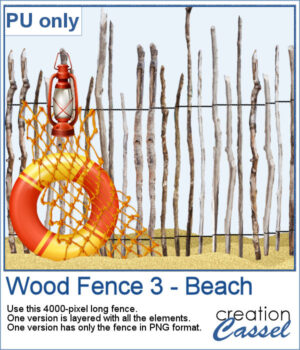
For a sampler, I created a 4000-pixels long "beach" fence. I also decorated it and it is available in layered format (.pspimage) and you can also get only the fence itself (.png).
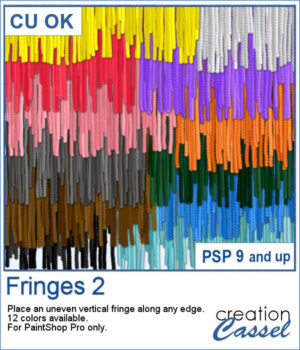
If you have the first set of fringe picture tubes, they are even and regular. But sometimes, you need something rougher and less regular. That is why this particular set of fringes.
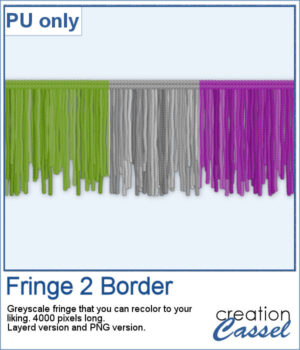
To get some samples of these fringes, I created a 4000 pixels long fringe, with a wool edge. They are in greyscale so you can colorize them to match your project. I also included one layered version (in .pspimage format) and a "flat" one (in PNG format) for use in any program.
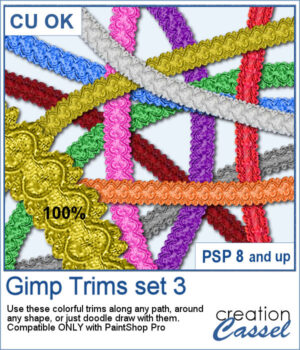
The first Gimp trims were released 13 years ago! But these are slightly different.
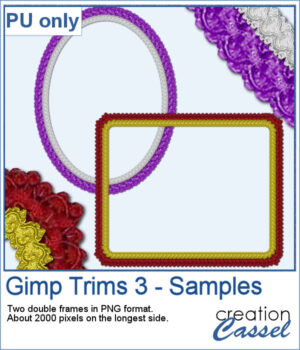
For samplers, I created two frames for you. Each one is made from running the VectorTube script twice on a simple shape. One trim is full size while the inside trim is half-size for an interesting effect.
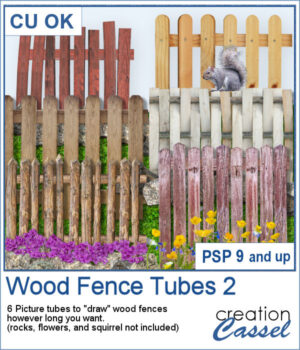
This is the second set of wood fence picture tubes. It includes 6 sets of tubes that will allow you to draw fences however long you want. You can start with a 4000-pixel image if you want a fence that will go from end to end on your standard page, but you can also use a standard page and drag your cursor only for a little bit to get a shorter fence.
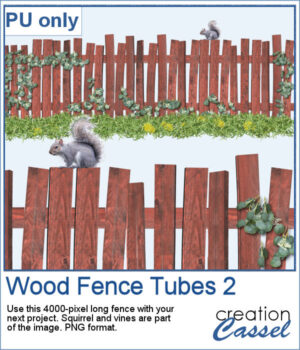
For a sampler, I created a long fence (more than 3600 pixels) with a cute squirrel and some vines on it. Add it to your project, add more critters if you want, and embellish with flowers or grass at the base.
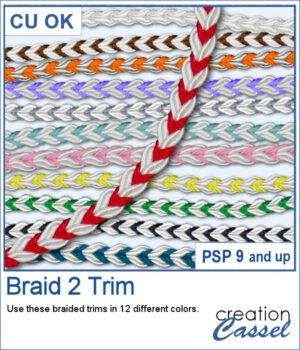
These braids combine a white section and a colored section. You get 12 different colors. Each braid is slightly different and not just colorized versions of a single image.
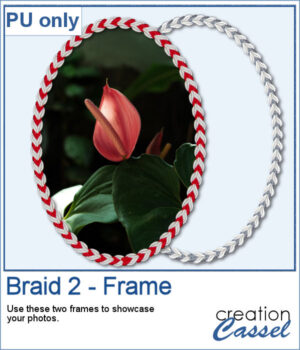
For a sample, I created two large frames: one red and one grey that you can colorize to match your project.
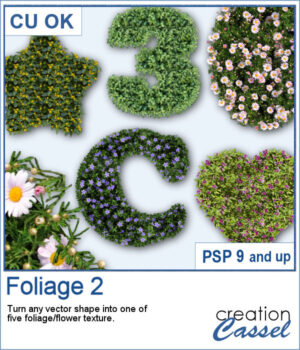
With spring weather, hopefully coming soon, why not create some flowery foliage in any shape you want? It could be letters, digits, symbols, preset shapes, or hand-drawn vector shapes.
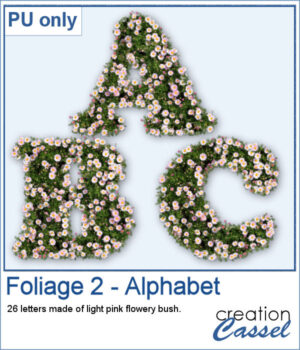
Do you want to add a spring title to your next project? You can use this complete alphabet to do it. You get all 26 letters made of foliage with light pink flowers. Aren't they pretty?
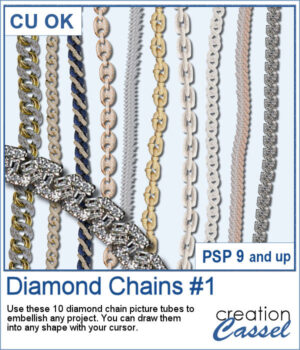
Many years ago, some gold and silver chain picture tubes were added to the store and they were a hit as they were among the most popular new directional tubes. Over the years, different types of chains were added and this time, we wanted to add some bling to anyone's project.
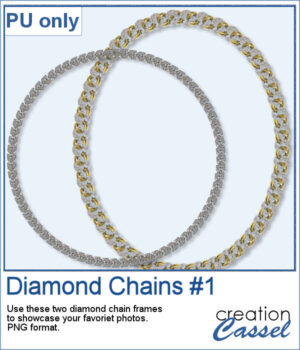
For a sampler, I created two frames using different diamond links. You can use those frames to showcase your favorite photo or a quote, or even some journaling on your project.