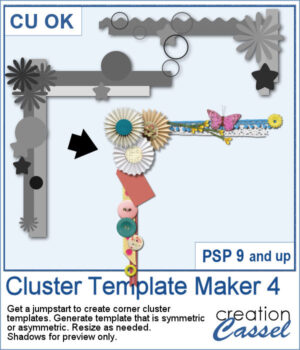
Looking for a quick way to design unique corner clusters for your scrapbook pages? The Cluster Template Maker 4 script will generate corner cluster templates for you in just a few clicks. You can choose between a symmetric or asymmetric L-shaped design, then customize the result by replacing the placeholders with your favorite flowers, buttons, ribbons, or any other elements. Resize or rotate as needed, and you’ll have an instant decorative corner ready to go.
Get this script in the store: Cluster Template Maker 4
Want a chance to win this script? Add a comment on this Facebook post telling us how often you use clusters (Remember, comments count — not Likes!) A winner will be announced in next week’s newsletter. Not subscribed yet? Sign up here — it’s free, and we only send one email per week.
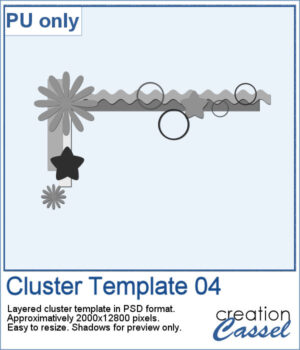
As a free sample, you can download Cluster Template 04, a ready-to-use layered PSD file. It’s approximately 2000x12800 pixels, easy to resize, and ready for you to fill with your own supplies. Use it to test out how a corner cluster can instantly bring focus and balance to your layout.
You need to be logged in to download this sample. Please log in or register using the links at the top of this page.
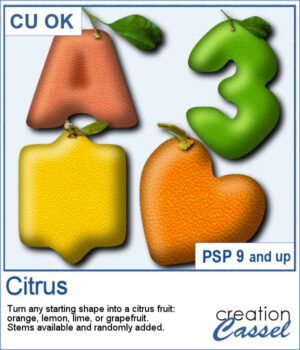
Freshen Up Your Pages with Citrus Elements
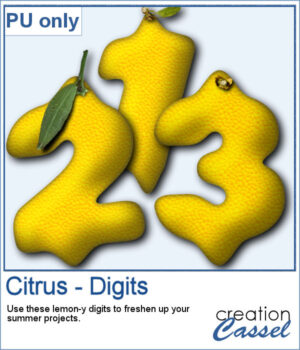
To give you a taste of what this script can create, here’s a fun set of digits from 0 to 9, styled as bright yellow lemons!
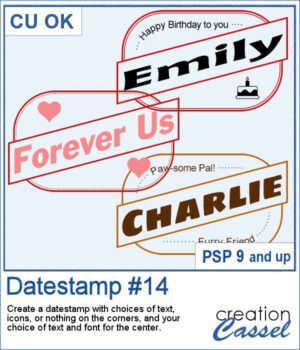
Looking for a bold and stylish way to frame your words or photos? The Datestamp #14 script gives you a fun design that’s perfect for highlighting a name, a message, or even a full photo!
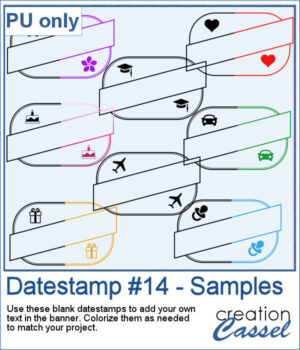
To give you a sample of what this script can create, here’s a set of 8 datestamps — one for each shape available in the script. The banners are left blank so you can add your own text, and the corner icons range from birthdays and love to travel and graduation. Each one is in black so you can easily colorize them to match your project.
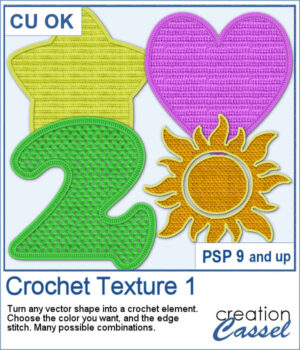
Looking for a creative way to give your elements a warm, handmade feel? The Crochet Texture 1 script lets you turn any vector shape into a realistic crochet piece! With detailed textures and edging, your shapes will look like they've been stitched with yarn — perfect for cozy, crafty projects.
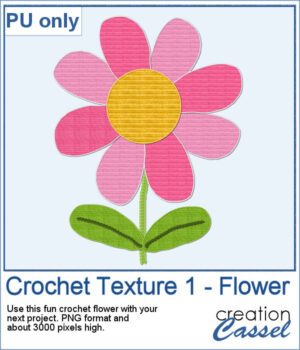
To give you a little sample of what this script can do, here's a freebie made with the Crochet Texture 1 script: a simple crocheted flower in sunny yellow, using a ribbed fill and a matching edge. It’s perfect to tuck into a kids’ layout, a cozy winter scene, or even a handmade card project.
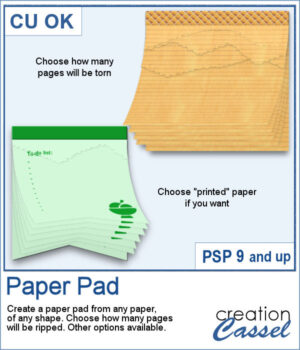
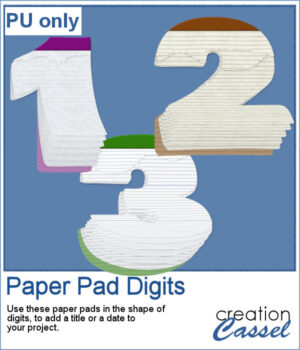
Ever wished you could make your own notepad-style element using any paper or shape you like? This new Paper Pad script for PaintShop Pro lets you do just that! Turn any flat paper into a multi-layered pad, complete with realistic torn edges at the top.
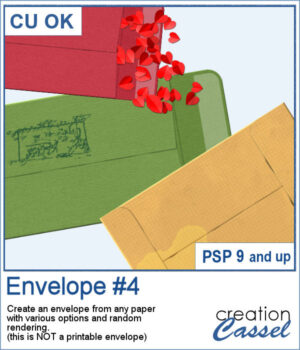
You can add an envelope with various papers you have. You can add some stains, distressing, or scribbles on those envelope and use them in clusters, or as elements for your project.
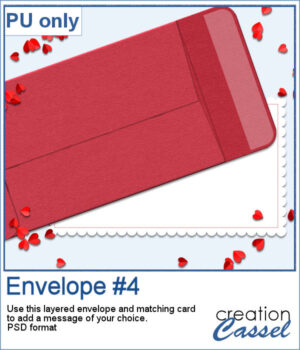
For a sample, I created an open envelope and added a little card. The envelope is in layered PSD format, so you can open it in most programs. You can add designs or messages on the card, but you can also add some details to the envelope itself if you want.
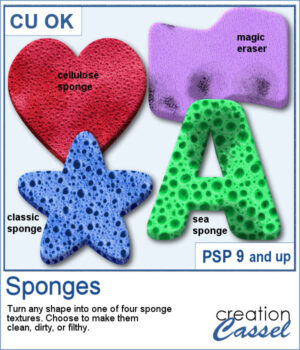
If you have any project around a "cleaning" theme, you might want to add various sponges in different shapes and colors.
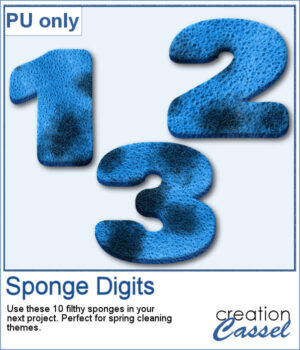
For a sampler, I created 10 sponges with the individual digits, and the cellulose texture. Every sponge is meant to be filthy. That would be perfect for any spring cleaning theme project.
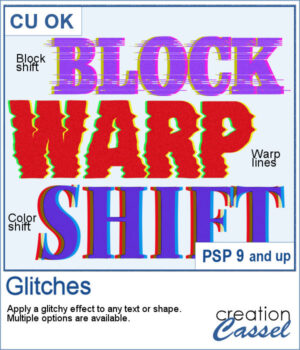
Looking to add a modern, tech-inspired twist to your text or shapes in PaintShop Pro? The new Glitches script offers a fun and creative way to simulate digital distortion effects. Whether you're going for a retro screen error or an edgy design element, this script gives you multiple options to customize the look.
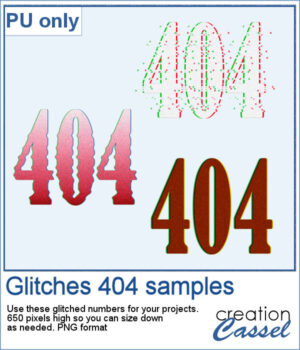
For a sample, I created a 404 message using all of those types of glitches. They are in png format so you can use them in any project, and you can resize them as they are fairly large to start with.
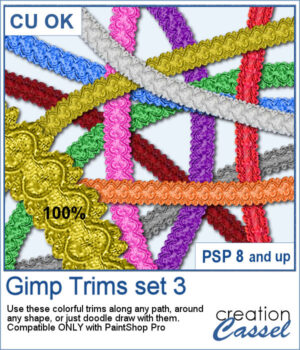
The first Gimp trims were released 13 years ago! But these are slightly different.
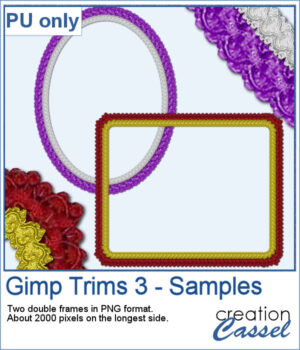
For samplers, I created two frames for you. Each one is made from running the VectorTube script twice on a simple shape. One trim is full size while the inside trim is half-size for an interesting effect.
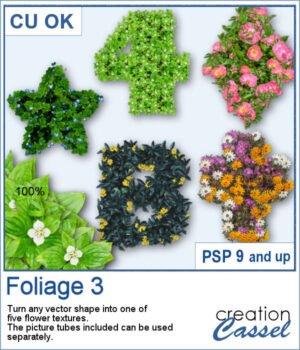
You can turn any vector shape into a fun and colorful flower-filled element with this script. Whether it’s a number, a letter, or a custom shape, you’ll get a unique result with one of five different floral textures.
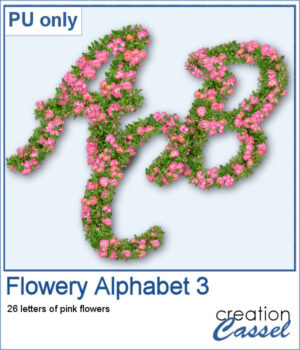
For a sampler, I created a full alphabet using a nice script font and the pink flowers. Each letter is about 900 pixels high so you would have the opportunity to resize them to fit your project.