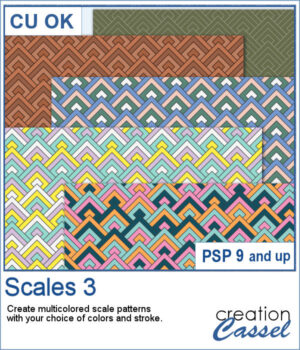
The Scales 3 script creates a geometric scale pattern made from nested diamond shapes. Choose a single color for a solid or monochrome design, or select four colors and experiment with different arrangements, including random variations by row or by scale.
You can create a seamless tile or fill a paper in the size of your choice. Once it is finished, create another version using the same color palette—especially handy when you want to try several randomized arrangements without choosing your colors again.
Get this script in the store: Scales 3
Want a chance to get this script for free? Head over to this Facebook post and tell us if you have used a "scale" pattern in the past. Likes and shares are appreciated, but won’t count as entries.) A winner will be announced in next week’s newsletter. If you’re not on the list yet, you can join right here. It’s free, and we only email once a week!
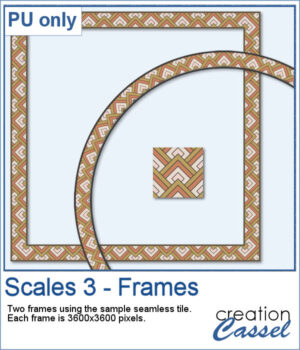
For a free sample, I used the color palette from the Digital Scrapbook October blog train, and created one multicolored seamless pattern. From there, I filled long ribbons with that tile. Finally, I used the Mitered Corner frame script to make a square frame, and the Circular Element script to make a round frame, using that same seamless pattern.
You need to be logged in to download this sample. Please log in or register using the links at the top of this page.
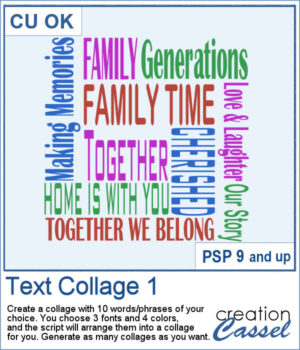
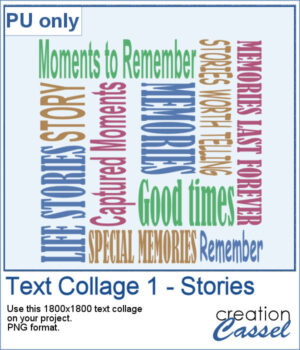
Create your own word art with the Text Collage 1 script for PaintShop Pro. Enter 10 words or short phrases, choose three fonts and four colors, and let the script arrange them into a square collage.
For a sampler, I created a collage with words and phrases related to memories and stories. Although I used some muted colors, you can always changed them by locking the transparency and painting some words. The collage is in PNG format so you can use whatever background color or patterns behind it.
You can now add some autumn-related details for your projects whether on corners, on edges, or randomly placed all around. This set includes 10 different corners, with 12 different edges, and 13 individual shapes.
For a sampler, I created some bookmarks that you can print or use on various projects. You can attach a string to them, write names or quotes or other messages on them. They are in png format so you can use them in a variety of programs.
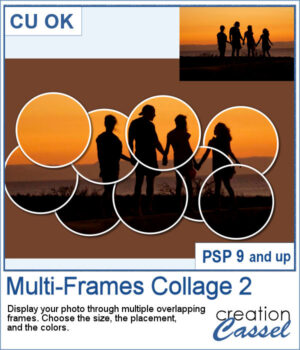
Turn a single photo into a fun collage with the Multi-Frames Collage 2 script. Your image will appear through a series of overlapping circular frames that you can position to highlight the important parts of your photo. Choose the size of the circles, customize the frame and background colors, keep or modify the original background, or remove it completely. Experiment with different arrangements to create a unique result every time.
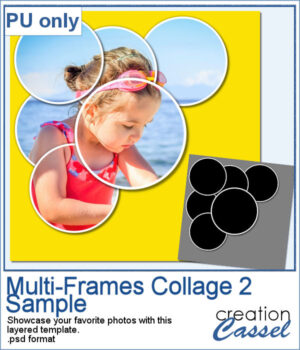
For a sample, I created a layered template that you can use to showcase your favorite photo. It is in .psd format so you can use it in PaintShop Pro, Affinity, or various other programs.
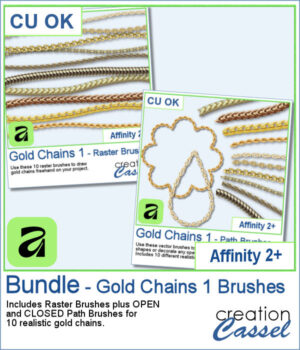
Add a touch of gold to your Affinity projects with these realistic Gold Chains brushes. The collection includes 10 different chain designs, from delicate links to heavier and more decorative styles.
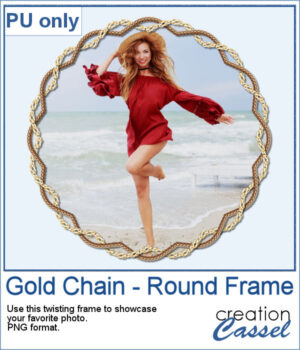
For a sample, I created a frame with two intertwined gold chains. The frame includes shadows to give that realistic 3D effect. The result is in PNG format so you can use it with any program.
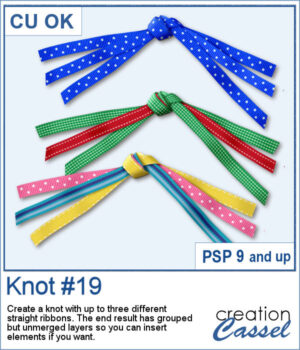
Create your own ribbon knot embellishments using the ribbons already in your stash! The Knot #19 script lets you combine one, two, or three straight ribbons into a dimensional knot with flowing ends on both sides.
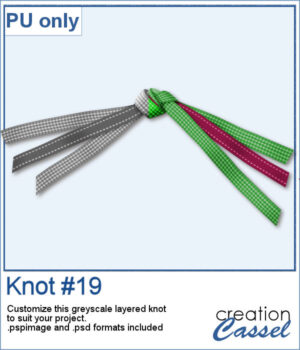
For a sampler, I created a knot using two different ribbons in greyscale. The end result is left on unmerged layers so you can colorize them to your liking and even insert elements, or other ribbons in the knot. The file is available in .pspimage format and .psd format so you can use it in more programs.
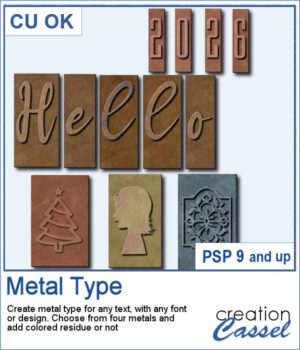
Give your text and designs the look of old metal printing type with the Metal Type Script. Use any font or custom design, choose from four different metal finishes, and add optional colored residue for a worn, well-used look. Create individual characters, coordinated sets, decorative designs, or even blank metal blocks, with plenty of variation from one piece to the next.
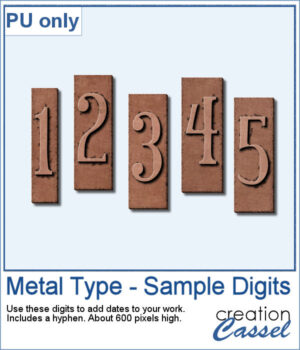
For a sample, I created a set of two digits, plus a hyphen so you can add dates, age, countdown, price, and more. I used a narrow font so it won't take too much space on your project.
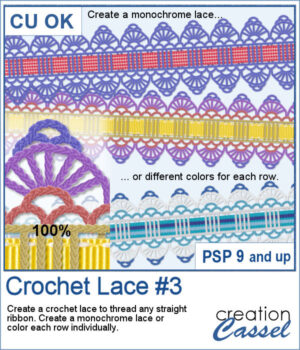
Give your favorite ribbons a handcrafted crochet finish with Crochet Lace #3! This PaintShop Pro script lets you transform any straight ribbon into an elegant lace embellishment in just a few clicks.
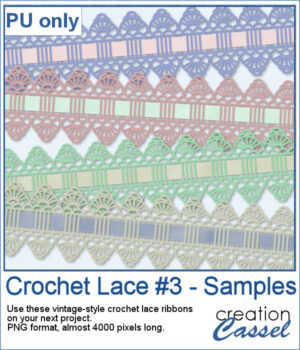
If you want a closer look, download this collection of four ready-to-use vintage crochet lace ribbons created with the script.
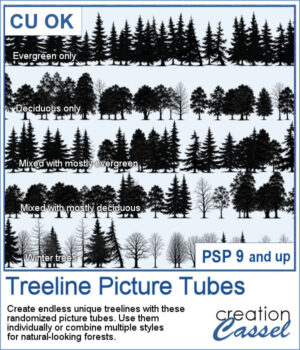
Building a realistic forest has never been easier! With the Treeline Picture Tubes, you can paint natural-looking tree lines in just a few strokes instead of placing individual trees one by one.
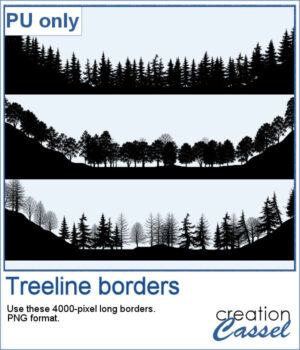
To give you a taste of what you can create, this week's freebie includes three ready-to-use PNG treelines that you can simply drop into your projects. You get one with evergreens, one with deciduous trees, and one specifically for winter scenes with leafless deciduous trees.
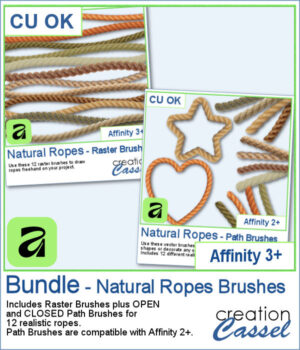
Looking for realistic rope embellishments for your Affinity projects? This week, I've added the Natural Ropes collection in three options to suit your workflow. Choose Raster Brushes to draw ropes freehand, Path Brushes to create perfectly shaped rope borders and frames, or save with the Bundle, which includes both.
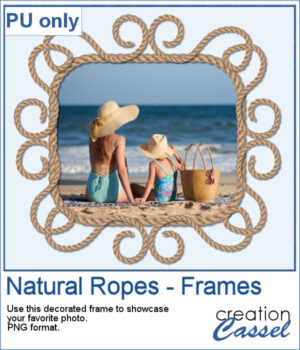
For a sampler, I created a fun design for a frame and used one of the path brushes (open path for the decoration, and closed path for the rectangle). Everything is now in PNG format so you can use it in any program you want, to showcase your favorite photo.