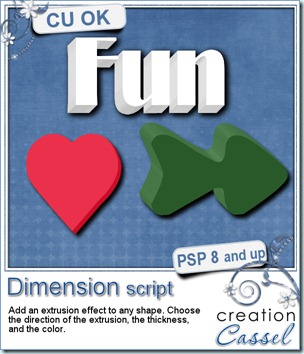
How would you like to add some depth to any shape you want with Paintshop Pro? No need for a filter or outside tool: this script will give you many options so you can create a 3D element starting with any shape. You can use any shape, drawing, letter, words, in just about any size although tiny shapes will not work well. You will get 5 options for the edge color: the same color as the top, a lighter shade, a darker shade, a greyscale version or a totally different color. One particularity of this script is that it will give a “shaded” look on the edges, changing them slightly depending on how they face an imaginary light on the top left of the element (if your layout implies a light coming from a different source, just mirror or flip the element to match).
You can add a thickness as small as 10 pixels or as large as 100 pixels, and you can also have the extrusion in 8 different directions.
You can use this script to create many different elements, alphas, wordarts, and probably more.
Grab this script in either one of my stores: Creation Cassel and DigiScrapWarehouse.
Try running the script several times on the same shape, with different colors or different thickness. It can look like a layered jello or an ice cream sandwich! Or how about running it several times with different directions or alternating left and right and left and right!
If you want to give other suggestions for using this script, you will get a chance to win it. Just post in this thread at the DST forum.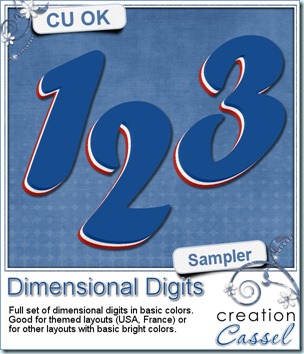
And how about this layered set of digits made using this script? With the blue, white and red, it can certainly match any American celebrations (July 4th) or our French cousins (July 14th) or Acadian friends (August 15th). This script will give you so many possibilities!
You need to be logged in to download this sample. You can either login, or register on the top of this page.