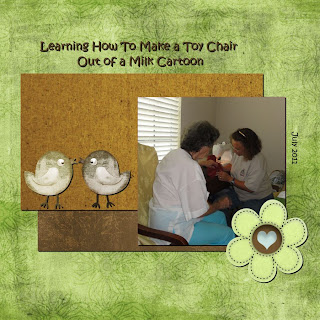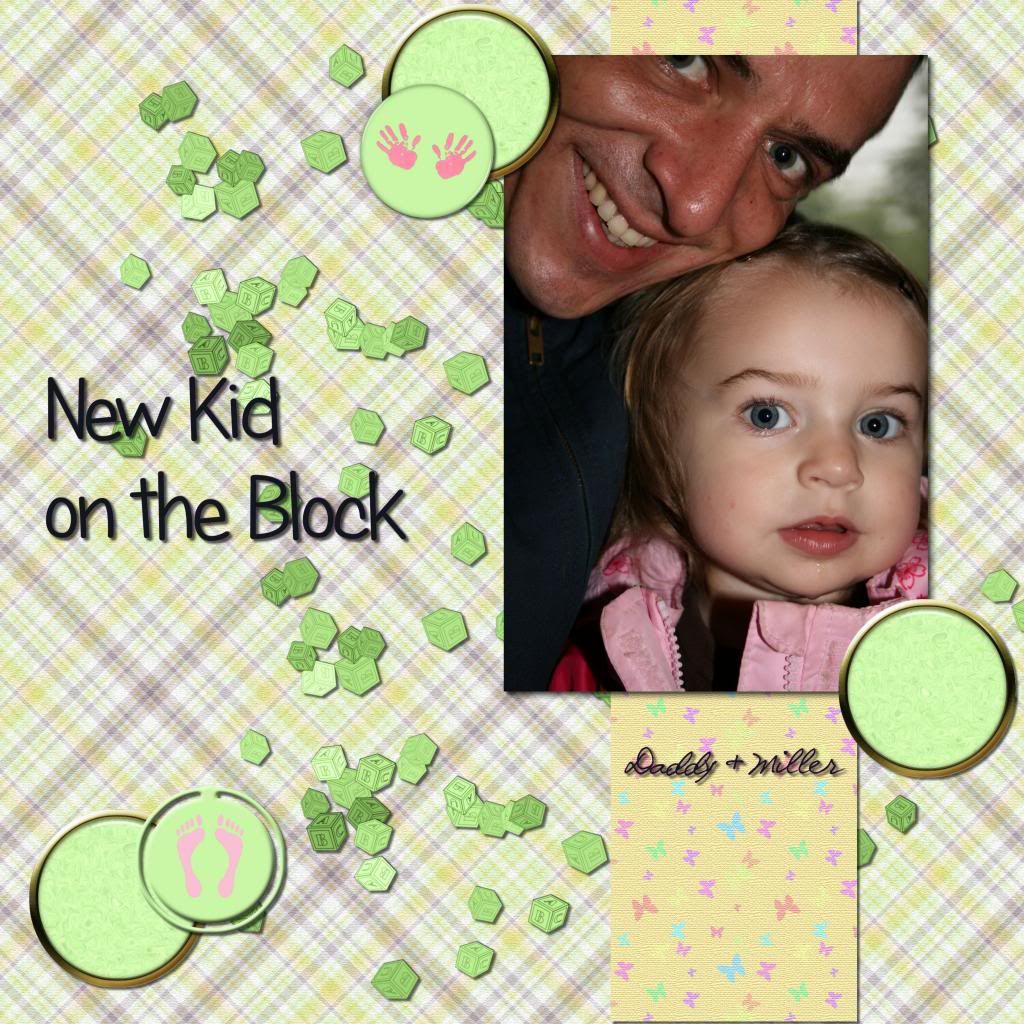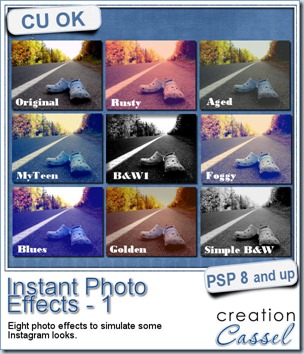
Do you like to apply some different effects to your photos? Do you like the idea of hiding some not-so-great photos with some “make-up”? This is what you need then.
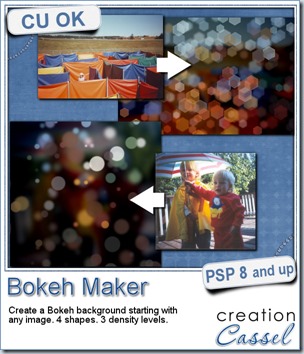
This is a single script that provides 8 different photo effects. They are mostly just made from various adjustments to the colors, brightness and so on. Nothing fancy.
The advantage of this script over the Instagram effects is that you can apply it to any photo, any size, any shape, even if you don’t have the app (i know i dont have that app myself as i dont have a “smart” phone of any kind).
You can grab this Instant Photo Effects script in my store (and on sale until Monday night).
If you want a chance to win this script, hop over to the Happy Place thread in the DST forum and tell me which of the 8 effects you like the best. I’ll be back next week to pick a winner.
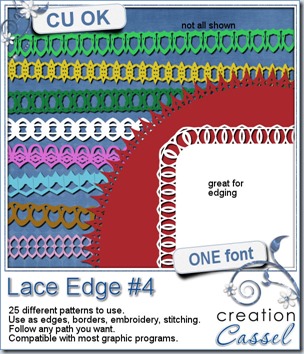
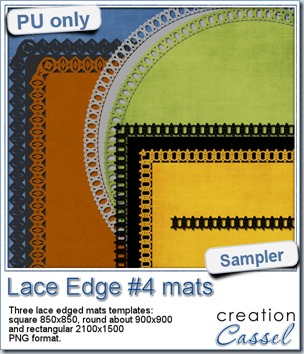
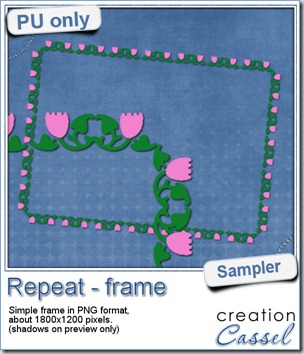
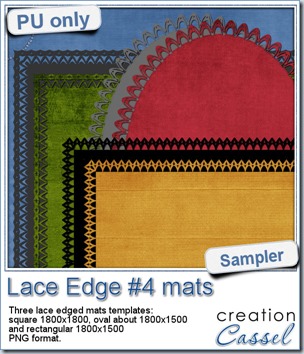 This week, i created more mats for you, using the lace font from last week.
These are much larger than the ones from last week so you can use a larger photo on them or use them to frame a series of photos.
Again, i used the Mitered Corner Frame script for the rectangular and the square mats.
As for the oval mat, it is simply a matter of adding “text on a vector path” as if it were regular text to read. This is the beauty of that being a font.
You need to be logged in to download this sample. You can either login, or register on the top of this page.
Will you show us what you do with those mats? Don’t hesitate to add a link to the comments below so we can admire your work. After all, if you download them, you probably plan on using them, right?
News from the Campus
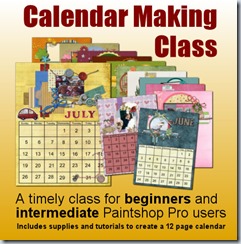 Did you start thinking of your holiday presents? Did you consider a calendar for family and friends?
If you are new to PSP, new to digital scrapbooking, or just interested in creating a fun project, thisCalendar Making Class will be perfect for you.
Everything is included: quick pages, instructions (video and written), alphas, even the dates.
And if you start now, you will have ample time to finish it and get it printed and shipped to whoever you want to give it to (unless you want to keep it for yourself, which is ok too!)