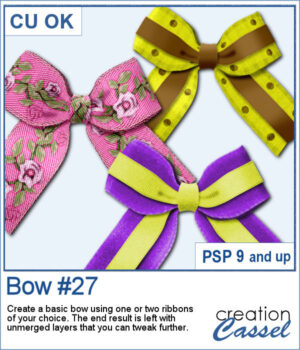
With this new script, you can turn any straight ribbon into a clean and simple bow in just a few steps. You can even add a second ribbon for an extra decorative touch.
The script guides you through choosing your ribbons, resizes thicker ones when needed, and leaves all the layers unmerged so you can adjust the colors, shadows, and shapes afterward.
It’s an easy way to create custom bows that match any project.
Get this script in the store: Bow #27
Want a chance to win this script? Add a comment on this Facebook post telling us if you have double bows in your stash? (Remember, comments count — not Likes!). A winner will be announced in next week’s newsletter. Not subscribed yet? Sign up here — it’s free, and we only send one email per week.
Since it close to the holiday, I created a set of six bows with ribbon and lace. Half of them are plain, while the other half has glitter edges. They are all in PNG format so they can be used in any program.
You need to be logged in to download this sample. Please log in or register using the links at the top of this page.
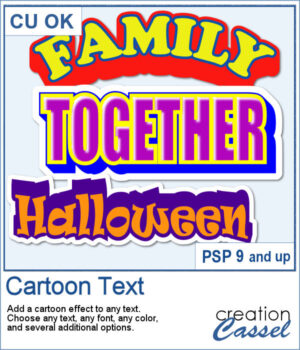
If you love bold, playful titles, this new Cartoon Text script will quickly become a favorite. It takes any text object and instantly turns it into bright, layered word art with that classic cartoon feel. You can play with outlines, colors, extrusion angles, highlights, and even a sticker-style background to get exactly the look you want. Whether you’re working on a fun scrapbook page, a themed project, or just want a title that really pops, this script makes it fast and easy.
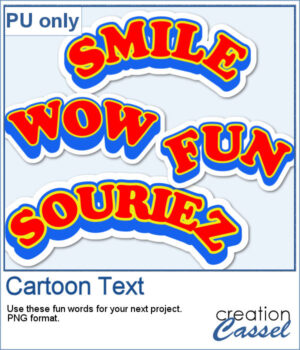
For samplers, I created 4 words in cartoon style (two that are bilingual, one in French and one in English). They are bold in colors and can make your project pop.
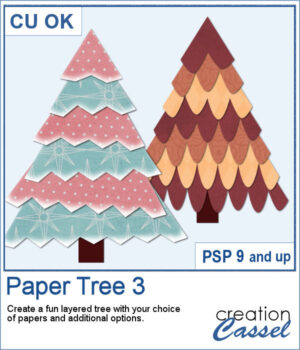
Create a fun layered paper tree with your favorite designs!
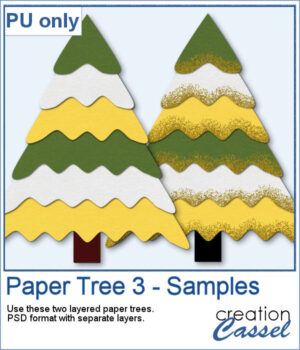
For a sampler, I am offering you two trees, using the same papers. One is decorated with gold glitters while the other one is "plain" for you to decorate the way you want.
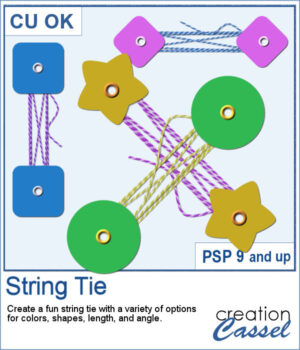
This week’s script lets you create your own string-tie closures, just like the ones you see on envelopes and notebooks — but fully customizable. You can pick the button shape, the colors, the spacing, and even the angle so the tie fits perfectly on your project. Each run gives you a slightly different result thanks to a few fun random elements, including the loose end.
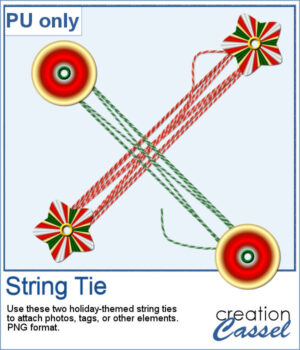
For a sampler, I created two holiday-themed string ties, using gradients for the buttons. You can rotate them a little, but be careful so that the included shadows would still be suitable.
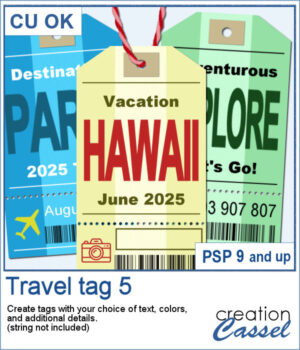
Want to add some travel flair or realistic labels to your projects? This new script will create customizable Travel Tags with your own text, colors, and style.
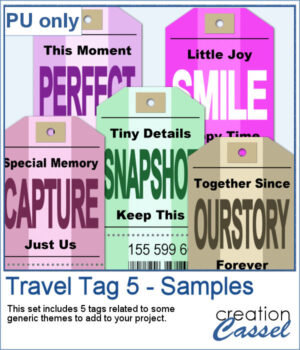
Since those tags are expected to be customized to your project or your story, I created some more "generic" tags that can be used with a variety of themes.
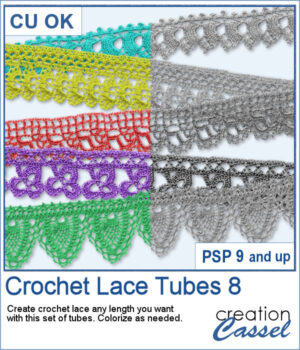
Add a soft and handcrafted feel to your digital creations with this new set of Crochet Lace tubes. You get 5 delicate lace patterns that you can draw freely in any length or direction using your cursor. Perfect for framing photos, decorating cards, or adding subtle detail to your scrapbook pages.
For the samplers, I created one square and one round frame from two of the crochet lace tubes. They are in PNG format so you can use them in any program and also in greyscale so you can colorize them to suit your project.
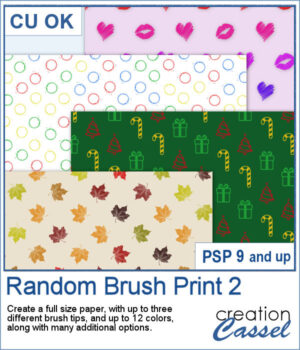
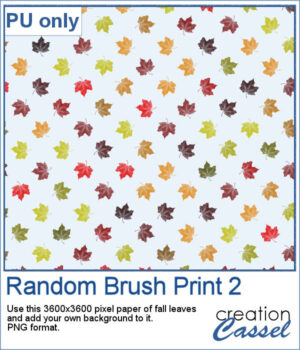
Turn your favorite brushes into fun patterned papers without having to stamp them one by one. With this script, you can now fill a full-size page automatically using any brush tips you choose — up to three different ones at a time.
For a sample, I give you a png version of the fall leaves that you can use with any background color you want. Perfect for those cozy themed photos.
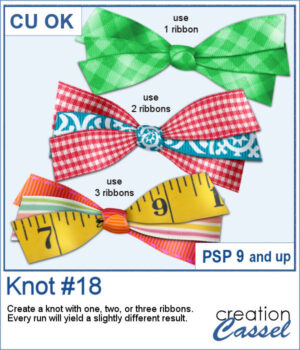
Do you ever struggle to make ribbons look natural when tying them digitally? This new script will take care of that for you! Whether you choose one, two, or three ribbons, the script will automatically prepare them and tie them into a lovely triple knot.
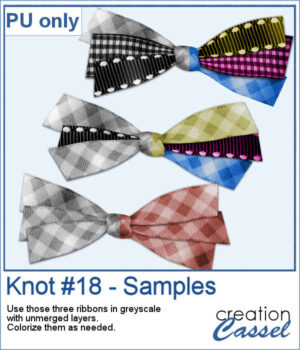
For a sampler, I ran the script with one, two, and three greyscale ribbons. The result is left in unmerged layers so you can colorize them separately as needed for your project.
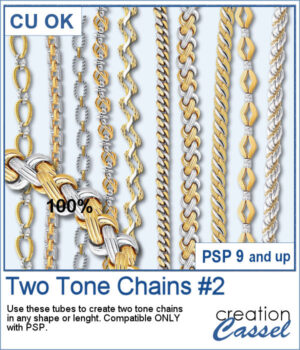
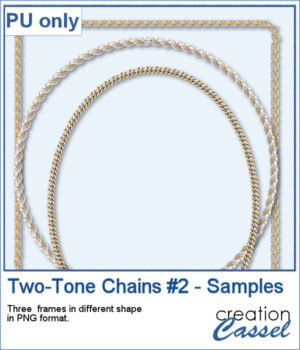
After several years, I just released another set of two-tone chain picture tubes. As usual, you can use those tubes and place them freely with your cursor or place them evenly with the VectorTube script.
For a sampler, I created 3 different shape frames using three different picture tubes. Each frame is about 2000 pixels high. They are all in PNG format so you can use them in most program.
Give your titles and captions a fresh, playful look with tab-style labels made in just a few clicks. Pick a base color for the whole set, add one or more accent colors (texture optional), choose any font and text color, then select a side detail—lines, dots, or arrows. The script keeps everything tidy by auto-sizing wide or tall characters, and you can decide whether the letters stay perfectly aligned or get a subtle hand-placed wobble.
For a sampler, I created a full alphabet in warm fall colors. This is perfect for either autumn or Halloween-related projects, whether they are scrapbook pages, cards, or others.