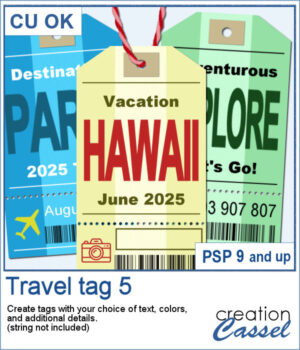
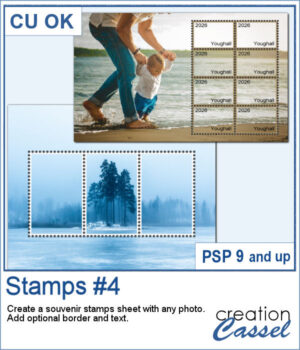
 Have you ever seen souvenir stamp sheets where several stamps come together to form one larger picture? You can do that using any photograph!
Simply choose the general area for your stamp sheet and the number of rows and columns. You can then reposition the perforation grid to showcase your subject exactly where you want it. Add optional borders and text for a more traditional postage stamp look, or keep it simple for a unique photo effect.
You can even run the script multiple times to combine different stamp arrangements on the same photo!
Get this script: Stamps #4
Want a chance to get these beads for free? Head over to this Facebook post and tell us whether you have ever seen souvenir stamp sheets before. (likes and shares are appreciated, but won’t count as entries.) A winner will be announced in next week’s newsletter. If you’re not on the list yet, you can join right here. It’s free, and we only email once a week!
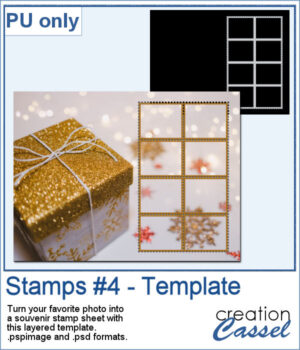 For a sample, I created a layered template where you can replace the background by any photo of yours, and adjust the color of the border (if you want) and have your own souvenir sheet. If needed, you can also change the orientation of the template. Then, add the text you want on each stamp.
You need to be logged in to download this sample. Please log in or register using the links at the top of this page.