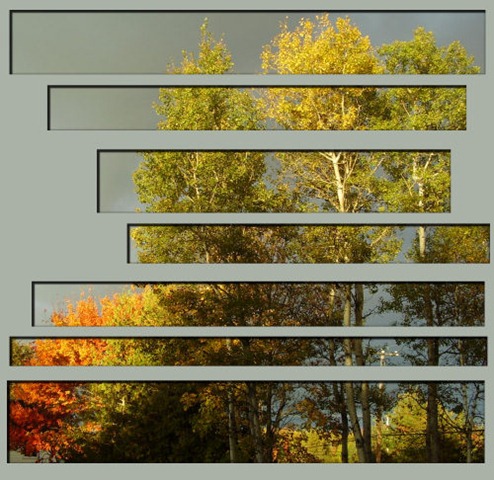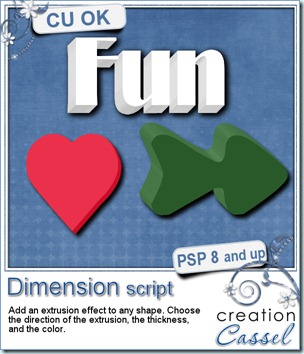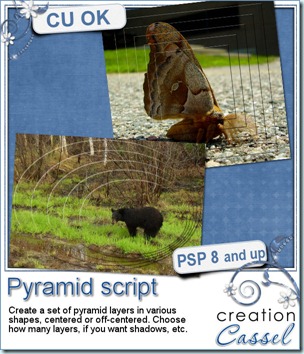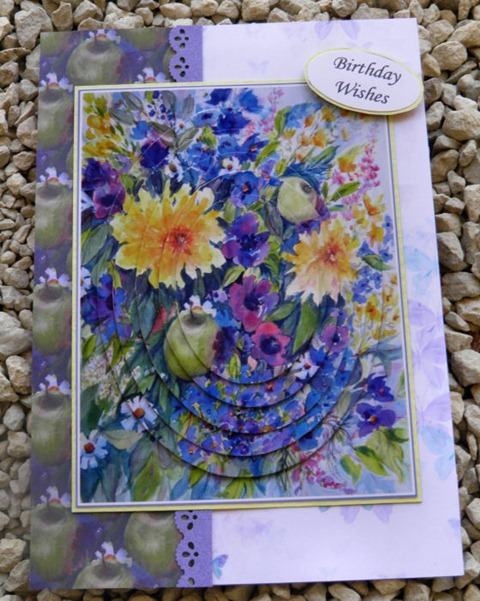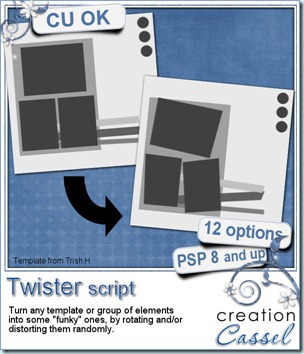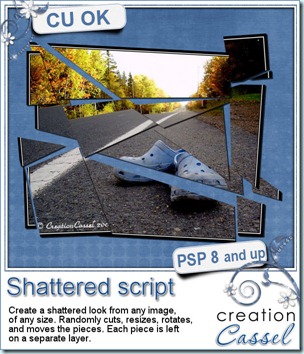
How long would it take you to cut an image in random pieces, separate them in individual layers, resize them, rotate them, move them and then add shadows to each of them? With your Paintshop Pro and this script, it will only take you a few seconds and a few clicks. And if you dont like the result, no problem; run the script again. You will NEVER get the same result twice because of the random features incorporated into the code.
You can stop the script right after the pieces are cut and separated in layers, or you can keep going and get each piece slightly resized, rotated and moved randomly.
You can stop the script here too, or choose to add a drop shadow. In this case, you will decide on all the settings for the shadow and the script will apply the exact same settings on all the pieces, no matter how many there are. Since the script ends with unmerged layers, you can keep manipulating all the pieces as you wish, deleting some, moving others, etc.
You can get this script in either of my stores: Creation Cassel or DigiScrapWarehouse.
 How about a chance to win this script for free? You can, by simply adding your name to this thread in the DST Forum, telling me of one creative use you can think of for this script, and Monday, i will announce a winner.
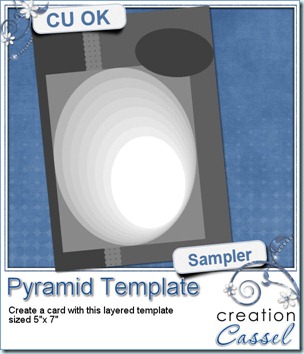
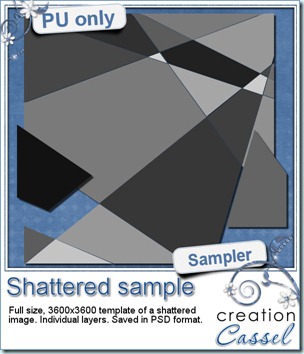
And now, as usual, you are expecting a freebie, right? Well, since this script applies on a photos, i could hardly give you a cut up picture. I am sure you would not care to get one of MY pictures! So, i figured i could make a layered template with the pieces still in place, not resized, rotated or moved. That way, you can apply that template to any picture of YOURS and create a similar effect.
You need to be logged in to download this sample. You can either login, or register on the top of this page.
Paintshop Pro X4 is out.
Paintshop Pro X4 came out Wednesday this week. I have been part of the beta testing team for a few months. If you want to know about the improvements or additions, and if it is not too late for you, you can join their live demonstration tonight (there is one left, and you can register here). One thing i can say is that it is more stable than X3 was, so it might interest you!
News about the Campus
Did you add your suggestions for which type of elements you would like to learn to create yourself? If not, it is still time. Just hop over to this page and add your name and suggestion. And then, be sure to check your emails or check the Campus again very soon as the Element Creation Tutorials section should go live within a few days. And you will have a chance for some GREAT bonuses. And i mean GRRRRREAT. Subscribe to the mailing list on that page, follow us on Twitter, or like us on Facebook to be sure you know when the section goes live because you dont want to miss the time limited bonuses!
See you around the Campus.