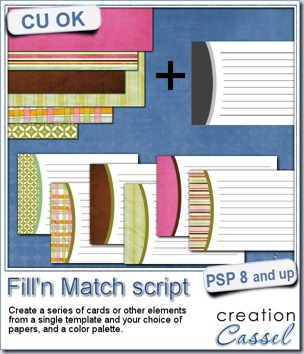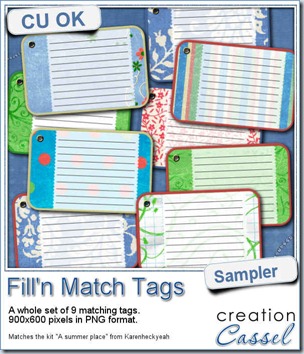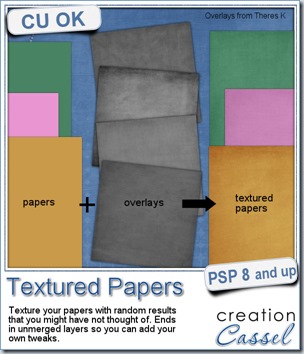
We all know how adding texture to a plain paper can make the difference between a set of boring papers and a lively realistic result. Although most scrappers and designers know the importance of adding texture, it seems so easy to rely on our few favorite overlays and use them over and over and over again, leading to less creative results.
This script will add that variety by randomly picking overlays (between 2 and 4 per paper), rotating them randomly, layering them randomly, adding a random blend mode, and adjusting the opacity, also randomly.
Will it always give a pleasing result? Maybe not, since Paintshop Pro cannot see the result and surely, does not know your own taste, but that is not a problem since everything is left unmerged, so you can tweak all the layers, deleting some if you want, changing the blend mode, varying the opacity or even adding more overlays to the stack. One thing for sure, you will be playing with some different combinations that you might not have thought of.
The script will also rename each overlay layer to the overlay file name so you can easily refer to them if you need to reuse one or credit the source.
You can get this script in my store, at Creation Cassel.
There is a thread in the DST forum (that was added late) where you can win this script simply by telling me how many overlays you tend to use on a paper when you want to texture it. And by Monday night, i will pick a winner.
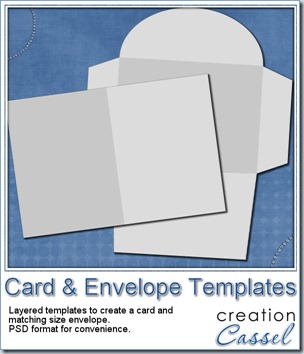
This week, as a sampler, I am offering you a simple layered template for a card and envelope. You can use these templates for our Father’s Day contest.
The template, in PSD format, will create a card, 1200x900 pixels (so 4x3 inches), with an envelope that will match.
Use your favorite kit, designs, or supplies. Add the text you want, in the language you want.
You can use the card template to create a card in either orientation: portrait or landscape.
Sorry, the download link expired. However, you can get this set for free once you join the mailing list to get our weekly newsletter.
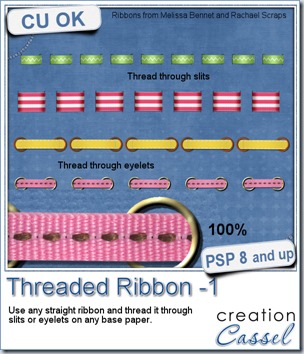
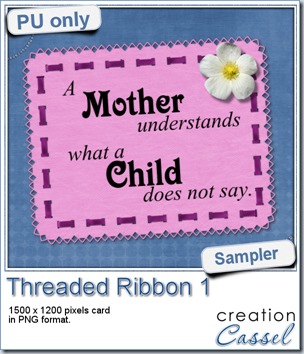


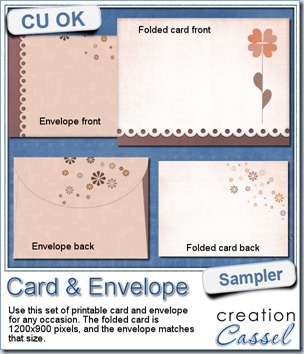
As a sample of what this week’s script can do, i created a card for you. It has no text so you can include your own personal note and wish, in any language you want, on the computer or by hand.

Do you want a chance to win this script? You can do so by adding your name to


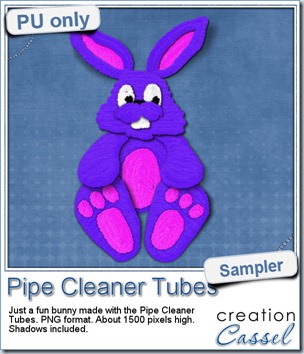
Just like last week, it is kind of hard to give you a sample of a tool script, so i opted for giving you a spring element (or Easter theme, if you prefer). I made this bunny out of the pipe cleaner picture tubes from the store. This is a PNG format element about 1500 pixels high. I added some fun shadows to give it some volume and the shadows are part of the element.
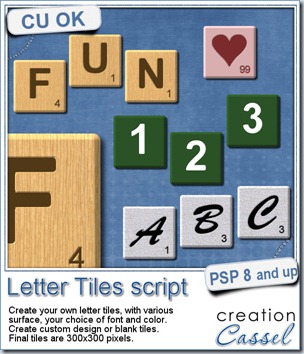
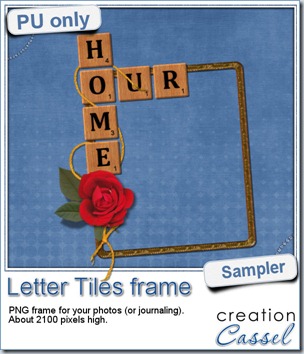
Of course, you can use those letter tiles to create a title on a layout, or maybe a wordart too, but for a sample, i created a frame for you. It is a PNG format so you don’t have to have PSP as a graphic program. It is about 2100 pixels high. Of course, you can always resize it down if needed. the shadows are already placed on the whole montage.

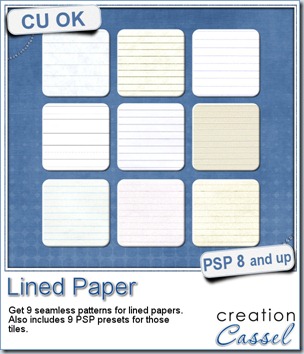
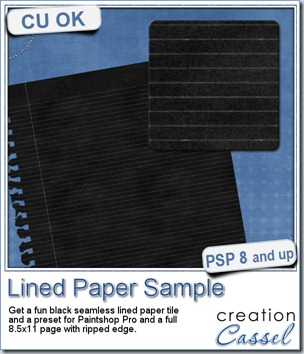
This week, as a sample for this product, i am offering you one tile with one preset (for PSP) and one full size page for everyone else (of course, PSP users can still use it). Do you remember that time when dark papers were popular and kids would use gel pens in neon colors to write on them? Now you can do the same. The tile and the presets work exactly as the lined paper tiles above.

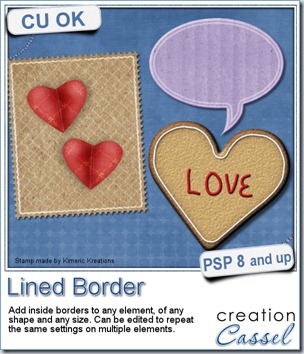
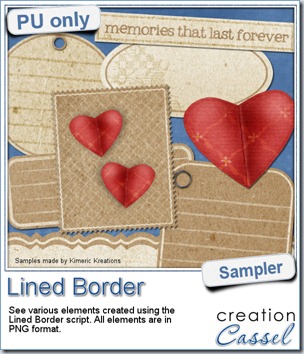
This script was a suggestion from Kimeric Kreations. Kim often uses borders on her elements. It adds a great finishing touch and sometimes, that border is barely visible, yet it is there! Since she was the one who suggested this script idea, she also was the first one to “play” with it. She ended up creating several fun elements using various options of the script and customized the end result for a great look.
And if you want a chance to win it, check out 
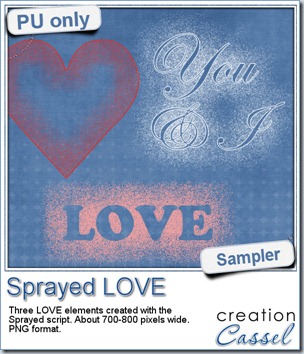
Since we are close the February, the month when lots of people will either celebrate Valentine Day, or simply take pictures or make layouts about their loved ones, I created these three elements that are love related. They are in PNG format, so just about anyone can use them.