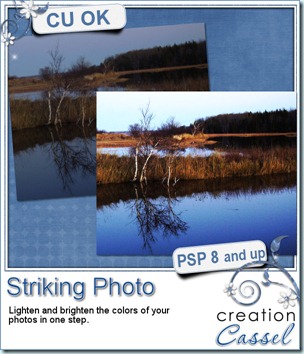
Do you have some photos you would like to use in scrapbook projects, but you feel they are just… bleh. Maybe the colors are faded, maybe some of them include unwanted elements, too much noise, etc.
If you like those photos and you still want to use them, you can fix them quickly. And when i say quickly, i mean in less than 30 seconds, using Paintshop Pro.
You want to know more? simple. Just visit the Campus and add your name to the mailing list. That’s it. Nothing more. The ebook will then be yours, FREE. No strings attached.
If you want to display your favorite photos, why not make them the best they can be.
Click HERE to go to the Campus. (excuse the dust as it is still in the building stage).
While you are visiting the Campus, have a look at the beginner tutorials, in the Quick Scrap section. And you can also visit the contributing designers’ blogs! Stay tuned as the Campus will have more and more as the videos and equipment are unpacked. Adding your name to the mailing list will assure you to get the news as fresh as can be!