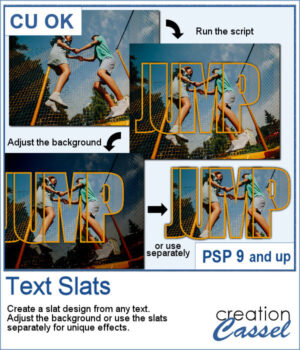
 The Text Slats script for PaintShop Pro lets you create overlapping text effects that reveal your photo inside each letter. With customizable stroke, shadows, and overlap, you can easily highlight the most interesting parts of your image. Use the result directly on your photo or reuse the slats in other projects for unique designs.
Get it in the store: Text Slats
In order to win these brushes, add a comment on this Facebook post telling us what words would you try first (remember, add a comment, not just a Like!) The winner will be announced in the newsletter, next week. Not a subscriber yet? Not a problem. You can register here and it is free (and you only get one email per week).
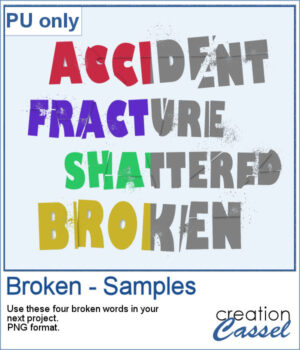
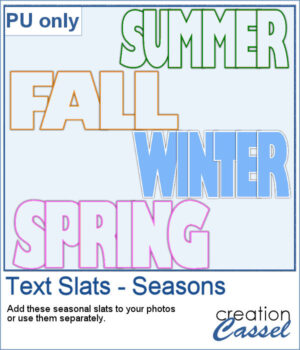 For a sampler, I created some slats without any background so you could use it on any photo of your choice. I did have to do some manual work to remove the "fill". This is not part of the typical run of the script.
You need to be logged in to download this sample. Please log in or register using the links at the top of this page.