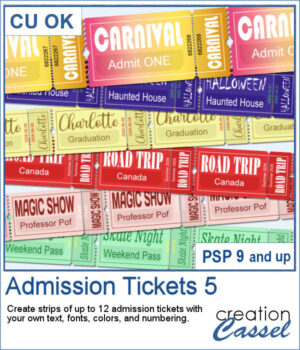
Admission Ticket 5 expands the Admission Ticket series with a realistic detachable stub and even more customization options. Create strips of up to 12 tickets using your own text, fonts, colors, and numbering. Whether you're designing carnival passes, road trip keepsakes, graduation tickets, Halloween attractions, or scrapbook embellishments, this script adapts to your project. Use solid colors, gradients, patterns, or textures for both the ticket and the printing, and let the script automatically adjust oversized text for a polished result every time.
Get this in the store: Admission Tickets 5
Want a chance to get this script for free? Head over to this Facebook post and tell us how many tickets you would probably use, in a single strip. Likes and shares are appreciated, but won’t count as entries.) A winner will be announced in next week’s newsletter. If you’re not on the list yet, you can join right here. It’s free, and we only email once a week!
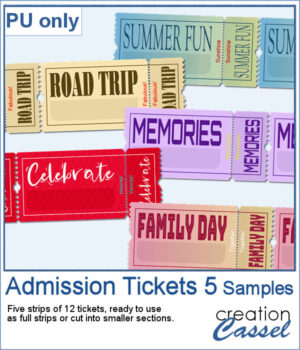
For samplers, I created a set of more generic yet interesting tickets for you. I purposefully left the bottom part of the ticket blank, so you can add a date, a name, a place, or any other word that would fit your project. Each strip has 12 tickets so you can cut them to smaller strips if needed.
If you run the script and want such a blank area, simply leave the field blank when prompted for the text in that section.
You need to be logged in to download this sample. Please log in or register using the links at the top of this page.
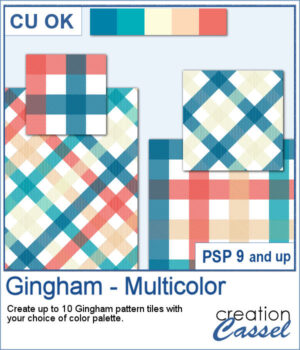
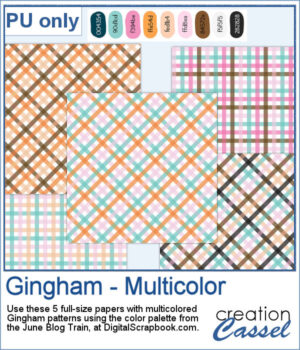
Gingham patterns are timeless, but they don't have to be limited to just one color. Gingham – Multicolor lets you create coordinated pattern tiles using your own color palette, with each tile combining between two and five colors for a fresh look every time.
I used the color palette from the
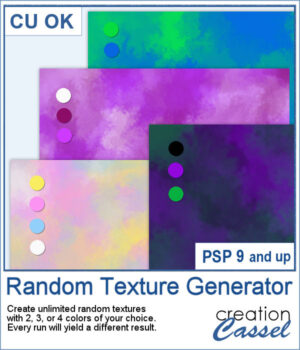
Sometimes the simplest ingredients can create the most surprising results. The new Random Texture Generator script lets you create unlimited custom textures using just 2, 3, or 4 colors of your choice. Each run produces a unique result, making it easy to generate coordinating backgrounds, papers, overlays, and artistic textures for any project. Whether you're looking for soft watercolor effects, nature-inspired textures, or abstract backgrounds, this script gives you endless combinations to explore.
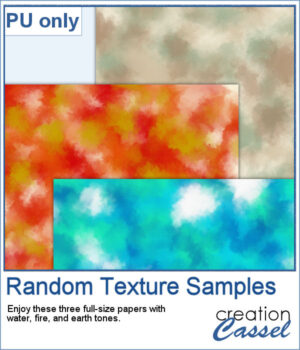
To help you get started, this week's freebie includes three full-size texture papers created with the script. Featuring water, fire, and earth-inspired color palettes, these papers are ready to use in your scrapbook layouts, cards, and creative projects. Enjoy them as they are, or use them as inspiration for your own color combinations!
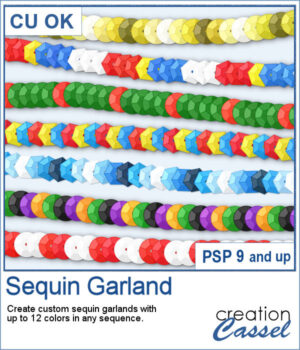
Create custom sequin garlands in any color sequence with the new Sequin Garland script for PaintShop Pro. Combine up to 12 colors, arrange them in any order, and generate unique picture tubes perfect for holidays, country flags, school colors, sports teams, celebrations, and themed projects. With round and hexagonal sequins, the possibilities are almost endless.
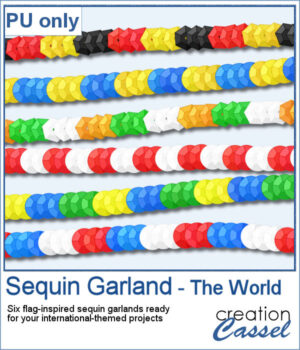
To celebrate the release of Sequin Garland, this week's freebie includes six ready-to-use sequin garlands inspired by countries from around the world. Use them to decorate travel layouts, cultural projects, sports pages, or any project that could use a colorful international touch.
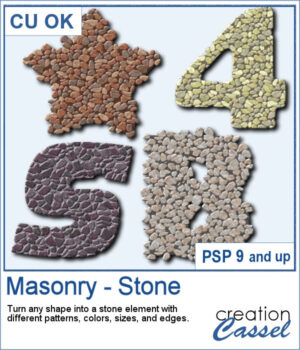
You can turn any shape into a masonry element, whether you want to have a fairly neat edge or give a more rustic look with full stones but more randomly placed on the edges. There are 5 different patterns with 3 different colors each. Furthermore, you can choose to have small, medium, or large stones.
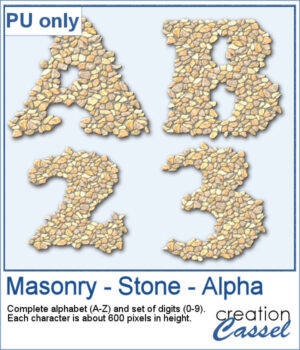
For a sampler, I edited the script to select the same settings for all the characters in a full alphabet and a set of digits. Each character is about 600 pixels high in PNG format so you can use them in any program.
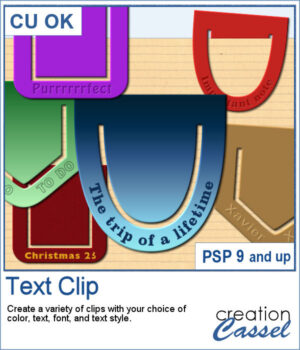
Add a personal touch to your projects with the new Text Clip script for PaintShop Pro. Create custom paperclips in different shapes, colors, and styles, and add your own text to label, decorate, or highlight any element on your page. Whether you want something bold, subtle, or playful, these clips are as versatile as your creativity.
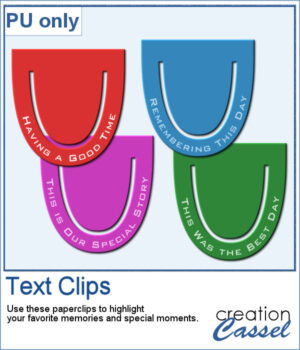
I created a set of clips with the script. I used the same shape, and the same font for consistency. You can also see that the text is slightly textured. Each clip is almost 400 pixels high, in png format.
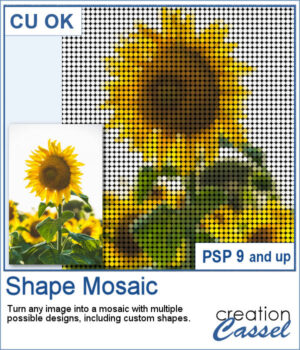
Turn any photo into a mosaic of repeated shapes instead of simple squares. Choose from a variety of shapes or even create your own for a completely custom result. Each piece keeps the color of the original image, while the shape pattern defines the overall look.
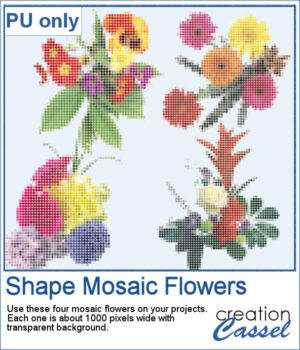
To give you a taste of what you can create, here is a set of mosaic flower elements made with this script. These flowers come with transparent backgrounds, so you can use them on any project and combine them with your favorite papers or textures.
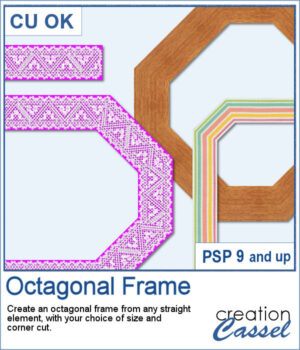
Do you want a different shape for your frames? You can turn any ribbon or strip into an angled frame with the Octagonal Frame script for PaintShop Pro. You can use opaque or translucent ribbons, lace, or even wood planks (as long as the edges are straight). With adjustable corner cuts, you can easily create a range of geometric styles with various sizes too.
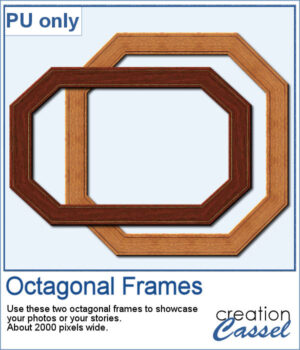
I created two frames starting with wooden images. Once done, I added some fine details around the edges. An inner bevel is added to the final result.
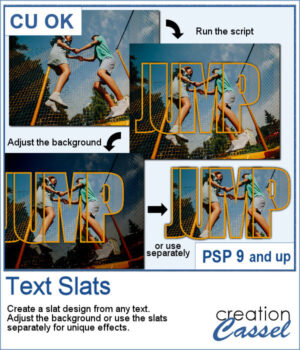
The Text Slats script for PaintShop Pro lets you create overlapping text effects that reveal your photo inside each letter. With customizable stroke, shadows, and overlap, you can easily highlight the most interesting parts of your image. Use the result directly on your photo or reuse the slats in other projects for unique designs.
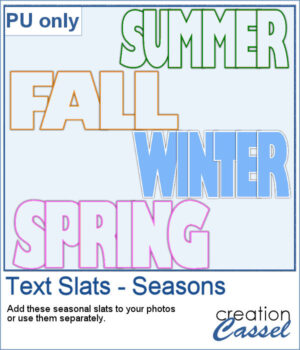
For a sampler, I created some slats without any background so you could use it on any photo of your choice. I did have to do some manual work to remove the "fill". This is not part of the typical run of the script.
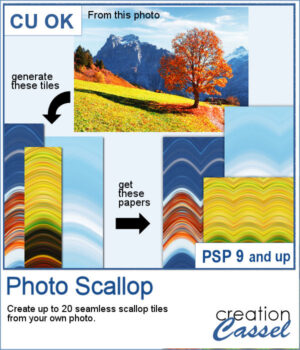
The Photo Scallop script for PaintShop Pro lets you turn any photo into seamless scallop patterns with soft, flowing curves. Each run generates multiple tiles based on different parts of your image, giving you a variety of coordinated color palettes. Use them as full papers, borders, or combine them for more creative designs.
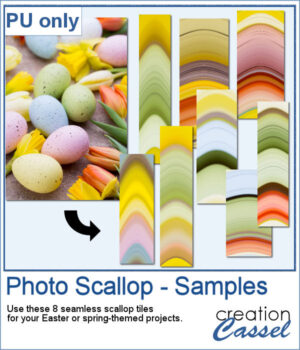
For samples, I generated some seamless tiles from an Easter photo with nice pastel colors. You can use those tiles to fill out a full page and then, you can continue being creative and apply more effects, like the kaleidoscope, the rotating mirror, the brush stroke, etc.