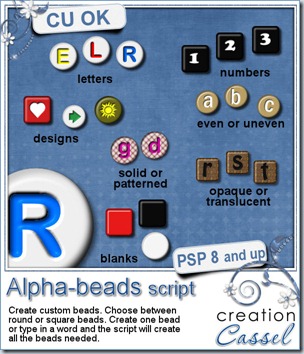
Did you ever play with those little plastic beads with letters, making bracelets with your name or your friend’s name?
Now, you can create your own set of beads, in any color, using any font, and adding any character, digit, symbol, etc. And not only you can create individual beads, but you can get a whole word, phrase, or even the alphabet. This is a script that Paintshop Pro users will love; it is so versatile and easy to use.
With this script, you can always have the perfectly matched beads: use the colors from your photo, your kit, or your palette. If you want to be a little wild, you can choose more than one color for the letters (you can pick them from your palette) and the script will randomly use them. This is cool if you want to write a word or a phrase and want some variety in the colors used: you don’t even need to create 3 alphabets to use 3 colors. You don’t even need to run the script 3 times either! All done in one run.
 Another great advantage of this script is that you can use any font, and also any character. If you want math symbols you can create them (honestly, how many alphas include those?), you can add accented characters in your language (providing that the font supports those characters), and you can even create some beads with designs that are not in fonts: just draw them by hand or use a preset shape.
What can you do with those beads? Just about anything you want. Use them for dates, for names, for fun phrases, even for titles. Attach them to a string, a ring, a ribbon, a staple, a pin and more. Place them side by side, or vertically. After all, there is no hole in those so you can pretend they are in any direction.
If you want to create your own thin string, check out the Rope Tubes here and here. Use them at a small scale and you can have a string as long or as short as you want, in any shape you want.
Now is the time to go grab this superb script and start adding unique alpha elements on your projects. You can get it in my store: Creation Cassel.
This week, not only i will have a random draw for someone to win this script, like i do every week, but you are asked to “place your order” for a complete alpha. Check out this thread, tell me what shape, and colors you would want for a bead alpha and after drawing for one person to win the script, i will draw a second time and this person’s order will be filled AND EVERYONE who posted will get it. This means that you don’t even have to have a copy of PSP: just post and you are sure to get a free alpha, and if you are lucky, it will be made from YOUR specifications.
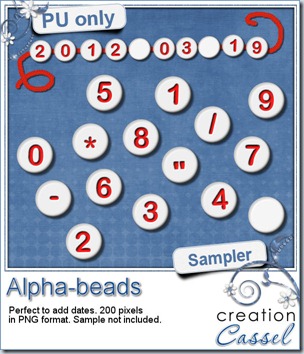
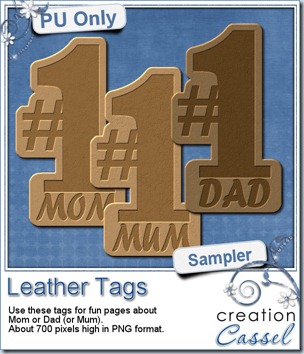
Do you want to play with some of the beads created with this script? Here. I made a set of digits with various symbols so you can create dates in various format. Attach them any way you want, vertically, horizontally, on a string, a pin, or maybe just “glued” on something. Simply click on the preview to start the direct download.
If you use these beads in a layout, i would love to see it. With your permission, i can even post it in here or in the newsletter. Show us your creativity! Don’t be shy!
You need to be logged in to download this sample. You can either login, or register on the top of this page.
News in the Campus
 Our next workshop will be held this coming Sunday, and we will look at the basic, most common tools and techniques to do extraction. Someone asked me what an “extraction” is. Extraction is removing a particular element from its background using different methods. Once the element is “extracted”, it can be used on a different background, or used in totally different ways.
We will look at the basic techniques this time. Another workshop will address more advanced techniques, later on.
There is still time to register. If you are new to those online workshops, you will not just hear me, but you will see me work directly on my Paintshop Pro at the same time. If i make a mistake (and it does happen), you will see it live (and you can laugh).

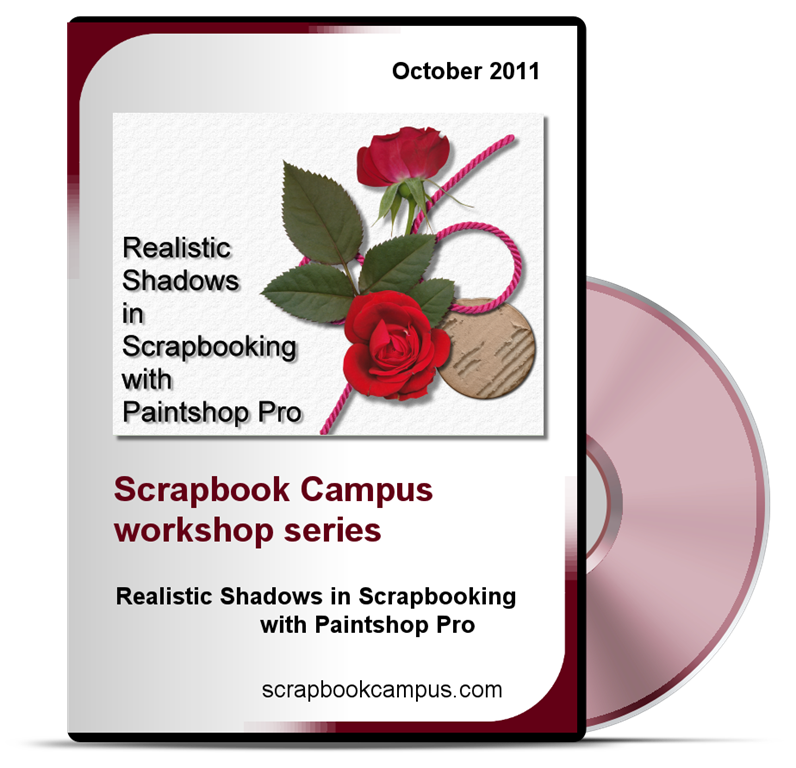
Today, August 31st is the last day to get the most popular Master Class of the Campus, “Realistic Shadows in Scrapbooking with Paintshop Pro”. You can get it for $8 instead of $19.99.
You need to use this code:
GRAB-0824-492
You can checkout directly from this page, but if you want to read more about shadows, you can check THIS PAGE. But the code will self destruct on Sept 1st so you better hurry!
Our new special offer will go live tomorrow (September 1st) in the Campus.
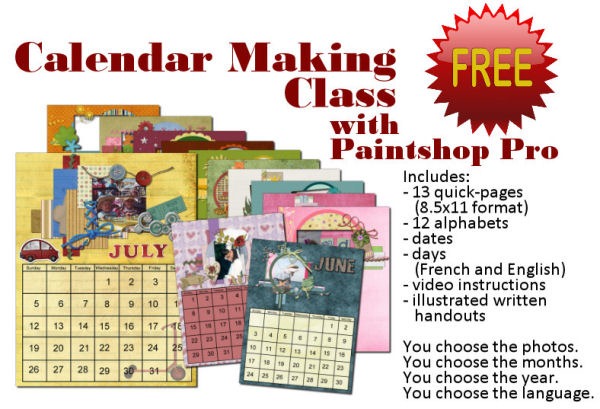
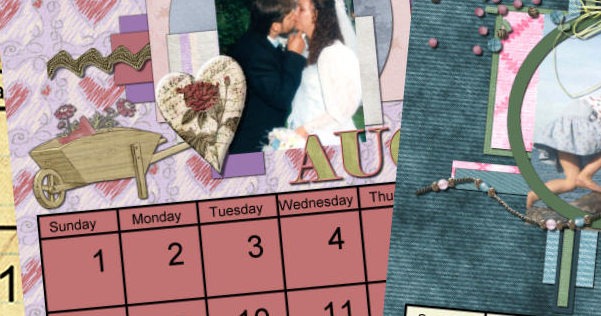
Yes. TOTALLY FREE. EVERYTHING is included (except the graphic program and your photos!). Supplies are included. Video instructions are included. Written handouts are included. Even a discount coupon to get it printed. And here is what Teejay has to say about this class:
I put 2 hours aside to view and play with this class… Now it is 4 hours later... lol. Your videos are really really good, easy to follow, even the hard stuff like separating the dates was made VERY easy to understand… the selection and cutting was made easy too. I think its because you ‘speak ‘ what you are doing when you do it, and you have given lots of stuff do make these calendars so special. That’s why it’s taken more hours of playing,… no cooking, cleaning or shopping!
So, check back in the Campus tomorrow (or later today, depending on your part of the world).