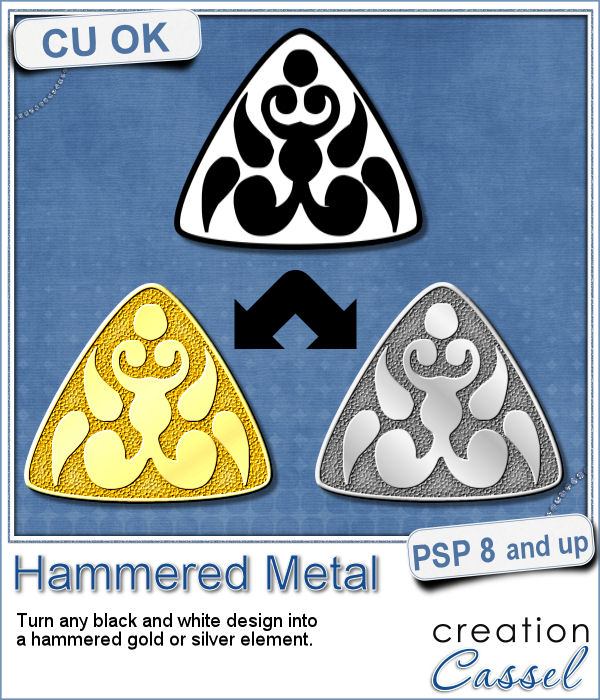
If you like jewelry, you will love this script to create gold or silver elements.
You will get a hammered texture on your piece based on the black and white design you will start with: the white area will be hammered while the black area will stay smooth.
What can you create? You can use any design so your element can be any shape and any size. You can create tags, coins, word plates, frames and more.
Get this script in the store: Hammered Metal
In order to win this script, add a comment on this Facebook post (remember, add a comment, not just a Like!) The winner will be announced in the newsletter, next week. Not a subscriber yet? Not a problem. You can register here and it is free (and you only get one email per week).
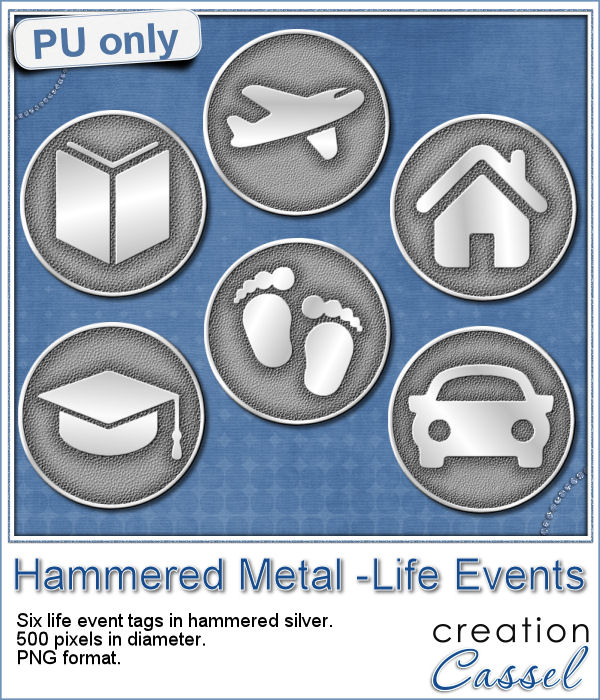
As a free sample, I created some "tags" illustrating some common life events (first day of school, first car, graduation, new baby, new house, trip/retirement) that you can use for your various projects.
Each element is 500 pixels so you can size them down to fit your need.
You need to be logged in to download this sample. You can either login, or register on the top of this page.
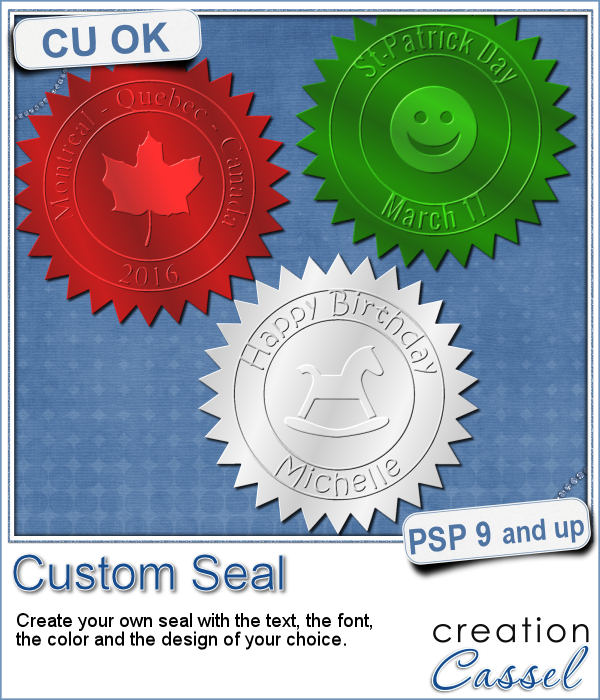
Do you like the look of a nice "official" seal to put on your project but can't find one in the color you want? Or would you like to find one that has the name of your child, or the name of the city you visited, or the specific date of your last vacation?
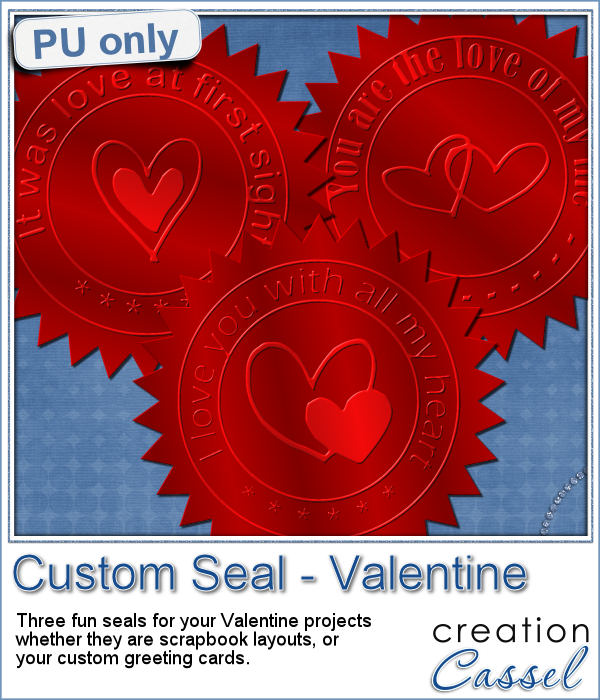
Since February is coming, and so is Valentine Day, I decided to create a few seals that you could use either on scrapbook pages about your loved one or on custom card or design you might create for him/her.
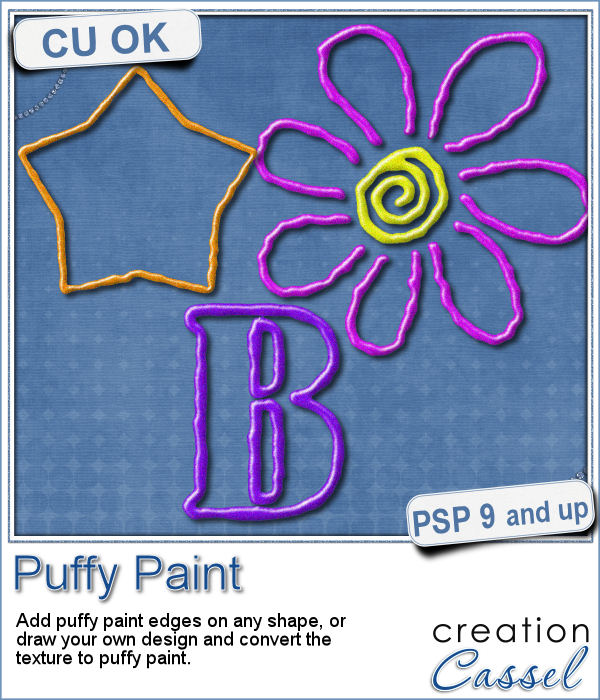
Now, you can use your Paintshop Pro to add a fun line of puffy paint around an edge of a shape or a letter.
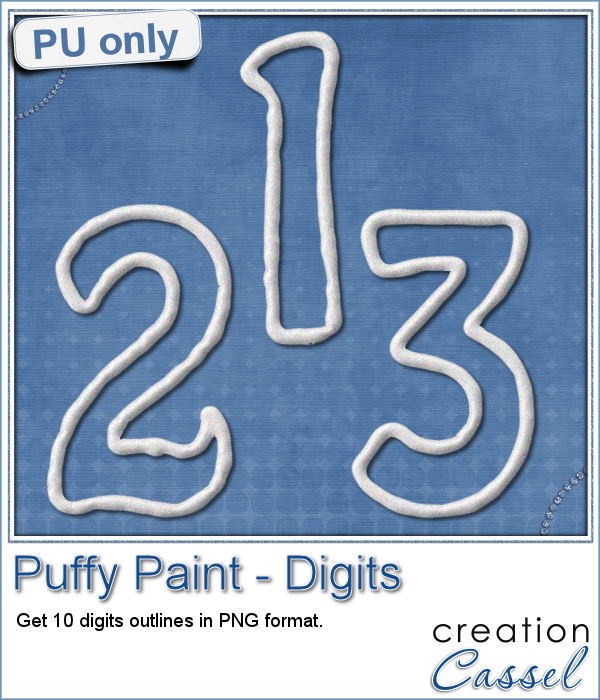
As a sampler of what you can get with this script, I created a set of digits in "white". You can easily fill them in with the color of your choice for a different look.
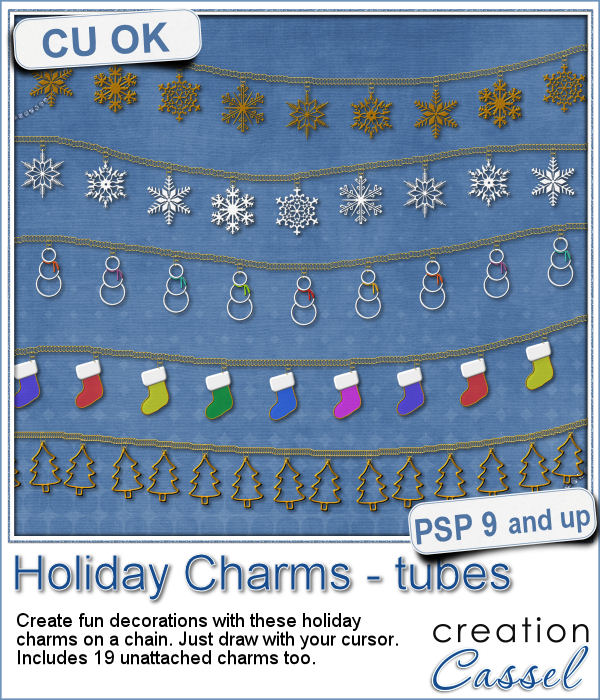
Sometimes, for the holidays, you need a little delicate touch. These charms are just what you need.
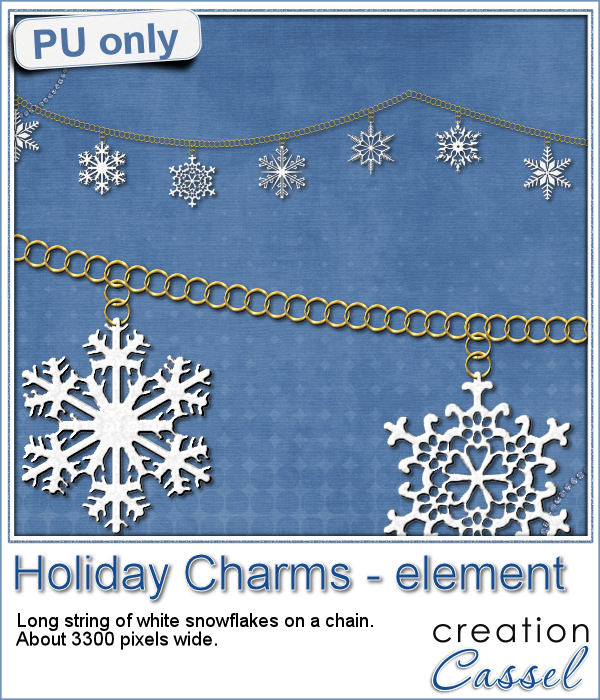
For the sample, this week, I created a double swag with the white snowflakes.
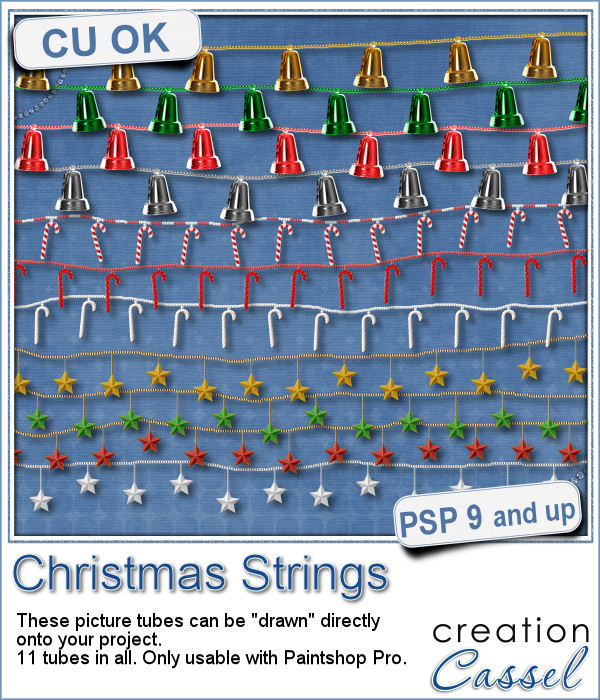
Adding holiday decorations is always fun, and even better when you do it digitally.
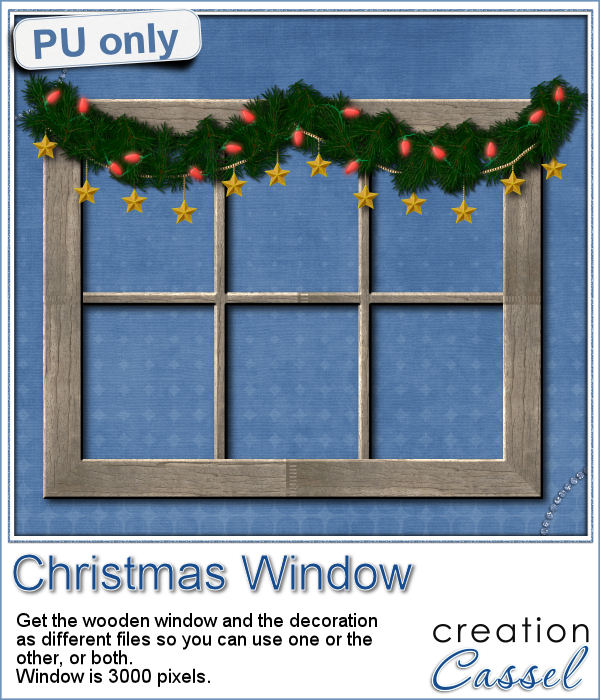
This week, for a sampler, I used several products from the store to create a decorated wooden window. I used the Wooden Window script, the Christmas lights and the Christmas strings.
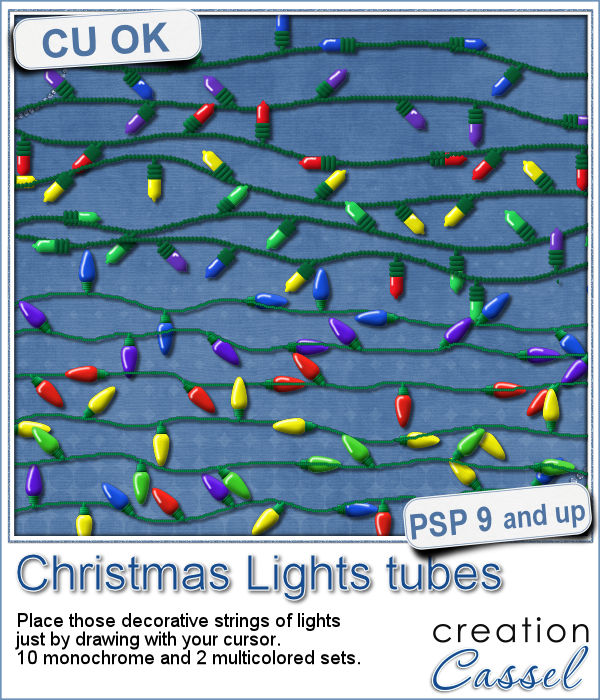
How about adding some Christmas lights to your project?
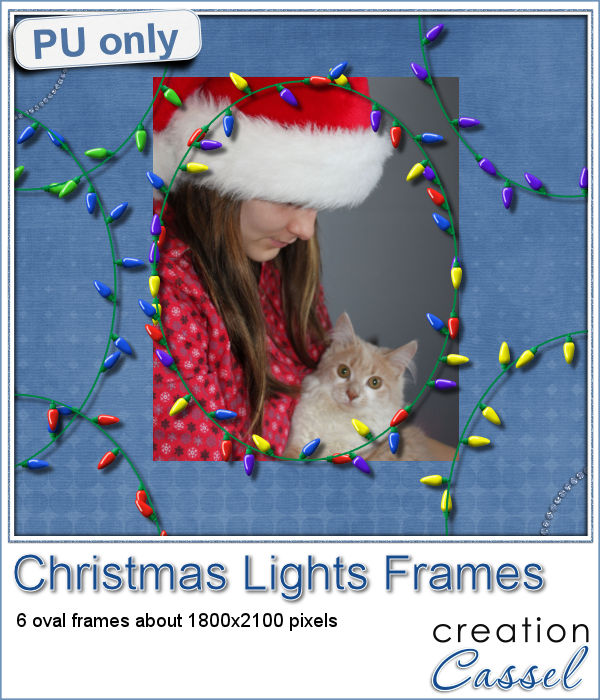
As a sampler, I created several oval frames using 5 monochrome sets and one multicolored set.
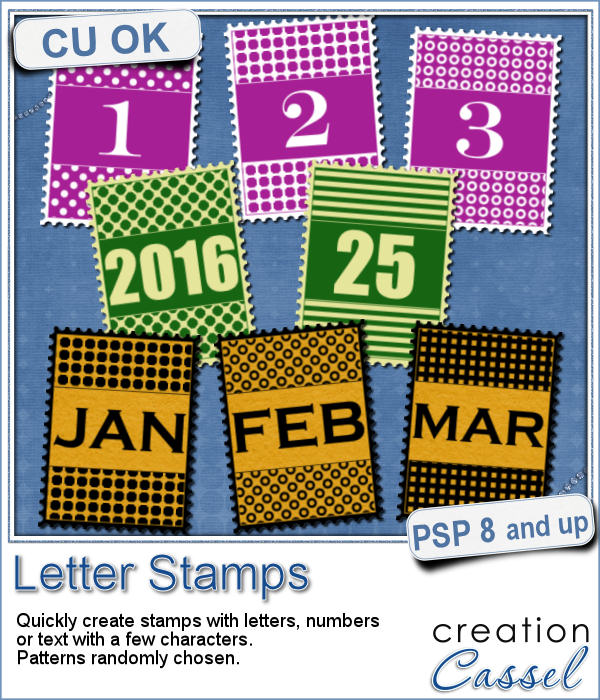
You can now create a fun title or text using individual stamps that will display letters, digits, abbreviations or words.
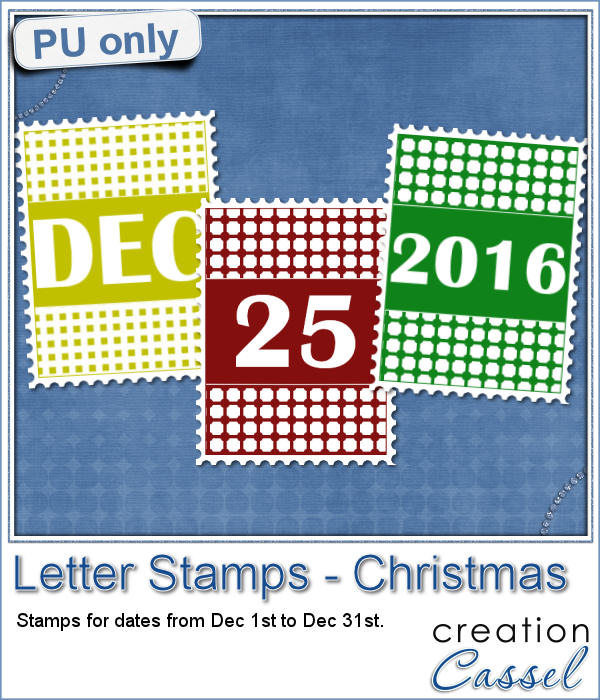
How about a way to date all the photos and pages you will be doing in December?
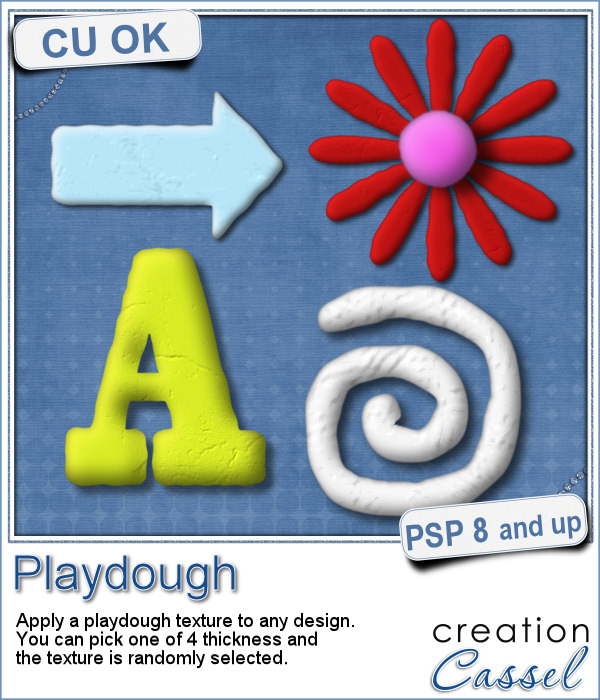
As a child, you likely have played with playdough (or plasticine). You must have created textures, poked your finger in it, rolled it to make snakes and used cookie cutters to create various shapes.
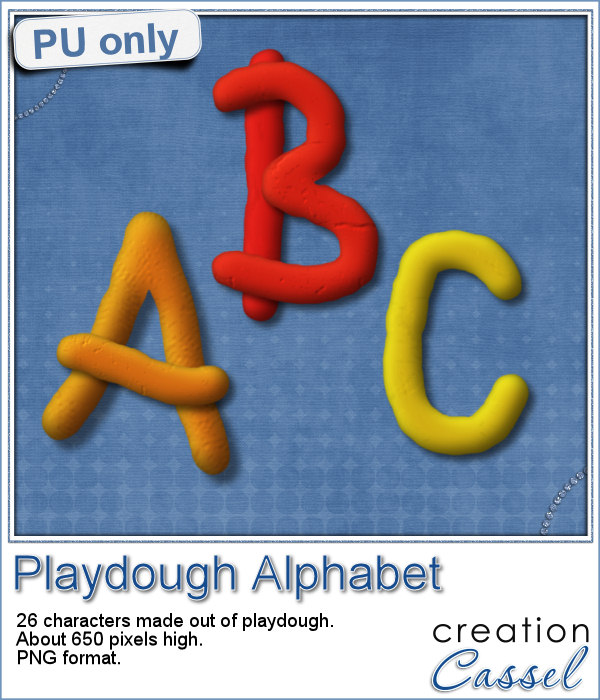
For a sampler, I created a "hand drawn" alphabet for you. I used three fall colors.
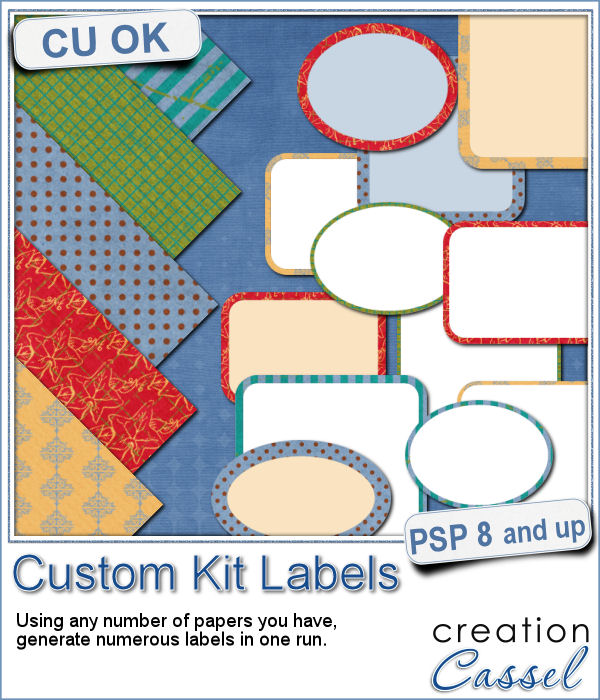
If you are creating kits, you will want to use this script to create a variety of labels in just a few seconds. Keep the ones that you like, and discard the others.
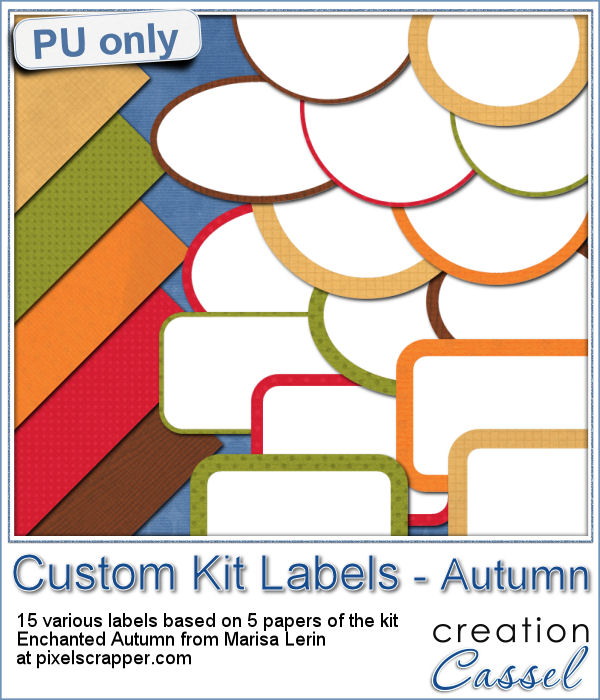
As a sampler, I ran the script using 5 papers from the kit Enchanted Autumn from Marisa Lerin. This set includes 15 different labels, ranging in size between 600 and 1000 pixels. Some are round, some are oval, some are square and some are rectangular.
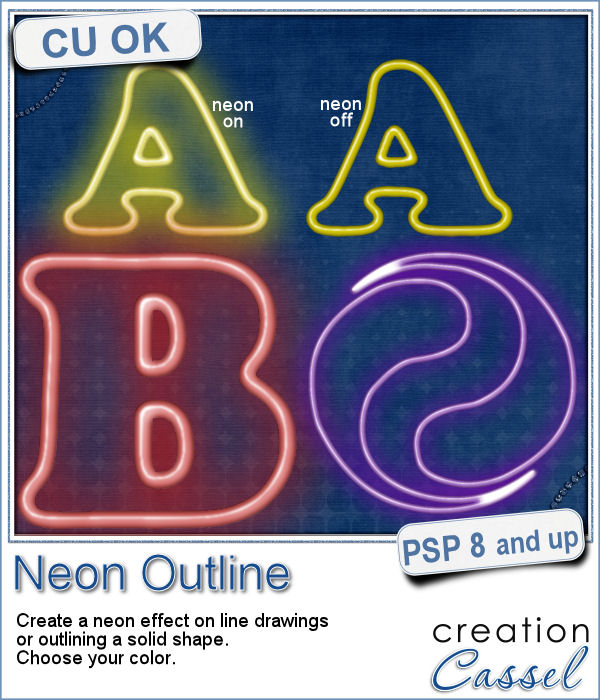
Have you ever wished to see your name in big neon letters on a marquis? Now, you can get exactly what you wished for.
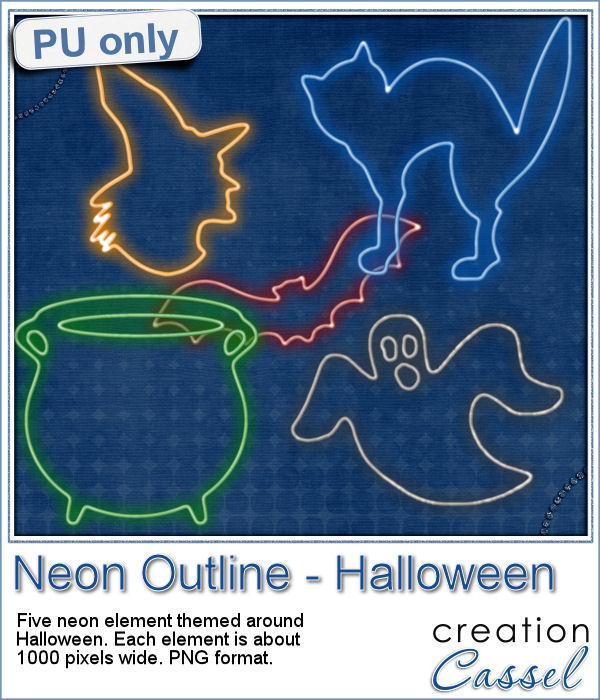
As a sampler, this week, I created a few elements on the Halloween theme. I just found some shapes, and chose to create a simple outline.