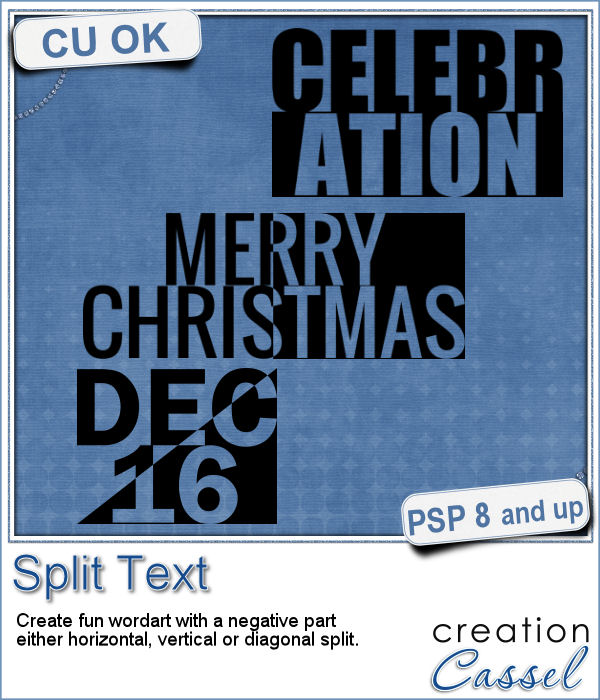
Have you ever wanted to create a wordart with half of the text in negative from the rest? It is not too hard to do manually, but it requires accuracy. And then, if you want to create a series, it is longer.
This script will make this process very fast and easy.
The script will let you choose any text, and any font. You can separate the text any way you want in two lines. Then, the magic will happen and the script will split the text either horizontally, vertically or diagonally to create the cutout effect.
Once done, everything will be merged. If you want to colorize the end result, add a bevel, add a texture, etc. it will be up to you.
Get this script in the store: Split Text
What word or phrase would you want to use to create a split text wordart with this script? Tell me in the comments below. I will pick a winner that will be announced in the newsletter, next week. Not a subscriber yet? Not a problem. You can register here and it is free (and you only get one email per week).
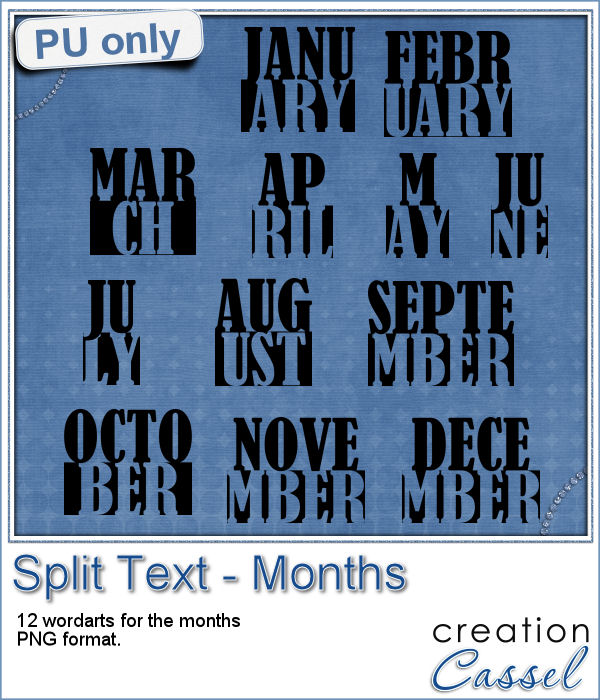
How about a way to date your layouts? Whether you are making a Project Life album, or you just want a fun way to identify when those pictures were taken, here are some split months. Each one is about 420 pixels in height, and the width will depend on the text.
If you want to colorize then, you can do so to match your project. Add a texture if you want. Add a grungy look with some brushwork, etc.
You need to be logged in to download this sample. You can either login, or register on the top of this page.
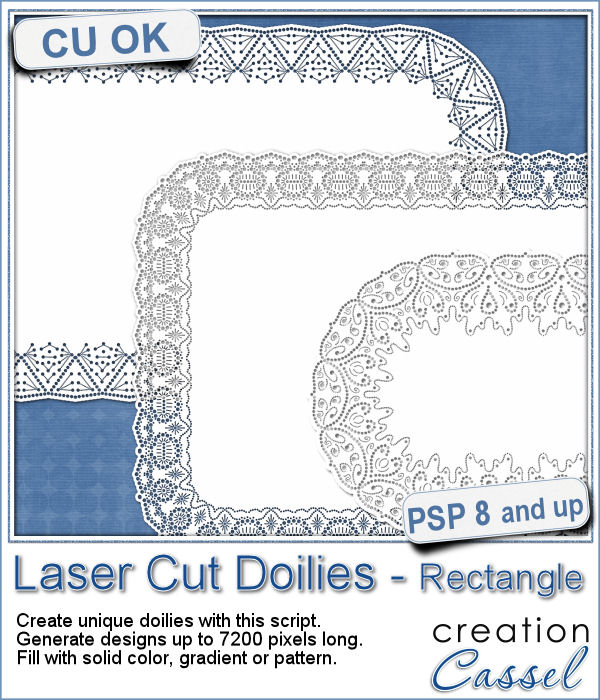
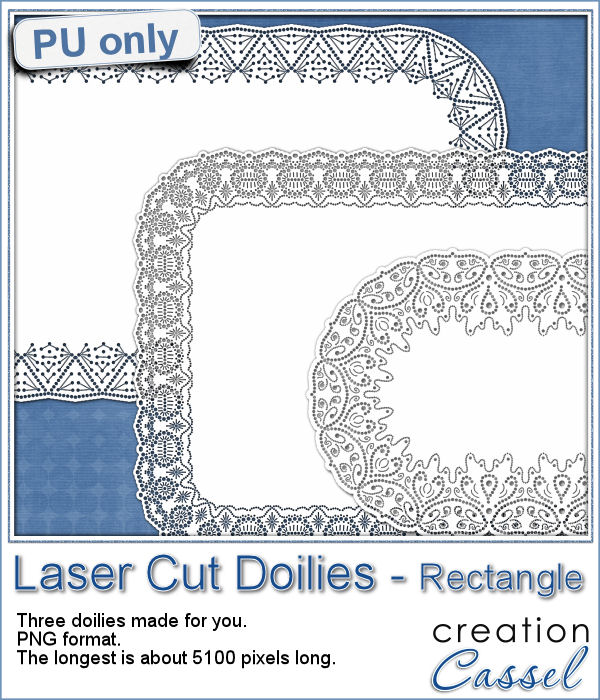
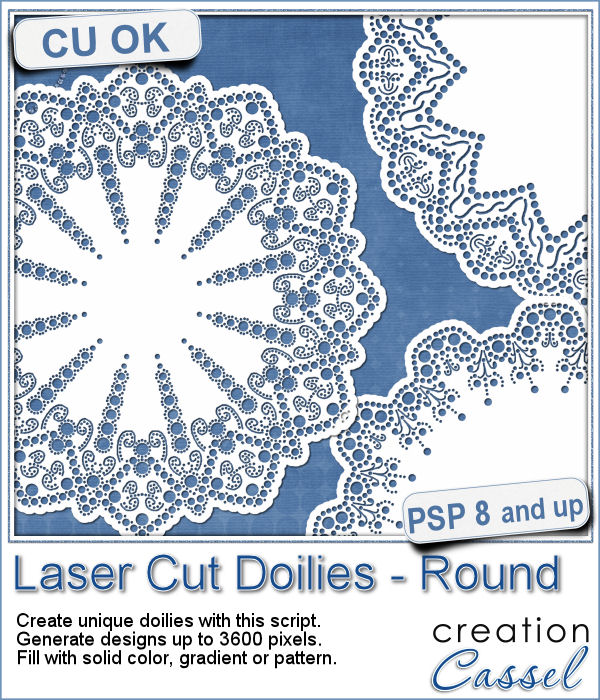
Who has too many doilies? In the last few weeks, you got scripts to help you create circular and square doilies, but with a bit of math, I managed to code a script to allow for doilies that have different sizes in height and length. That is really adding another level of flexibility for your projects.
This week, i made three rectangular doilies, and i am offering them to you. They are all in png format so you can use them with other programs than Paintshop Pro. You can also colorize them if you want. The shadows are only for the preview. There is a slight bevel only.
Laser cut doilies are delicate paper products that offer a great variety of designs and patterns. However, in the digital world, the number of such designs is limited.
As a sample of what this script can do, I am offering you a set of 6 doilies that i created while testing this script. I have to say that this IS addictive.
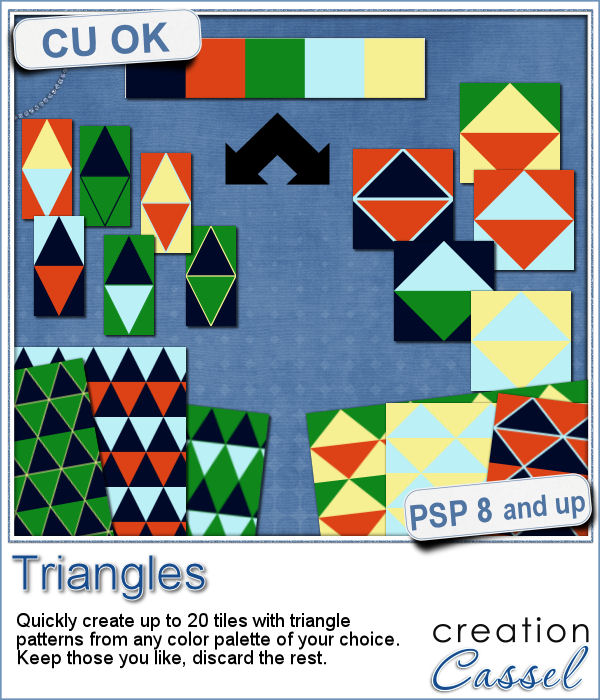
Triangle patterns are basic designs that are timeless. Change the size and the colors, add outlines or not and you can get a wide array of different seamless patterns.
As a way for you to have fun with the end result of this script, i generated a set of 15 tiles with fall colors from a palette of 5 colors. Use those tiles as is as flood fill pattern, or you can also change the proportion of the tiles to get different types of designs.
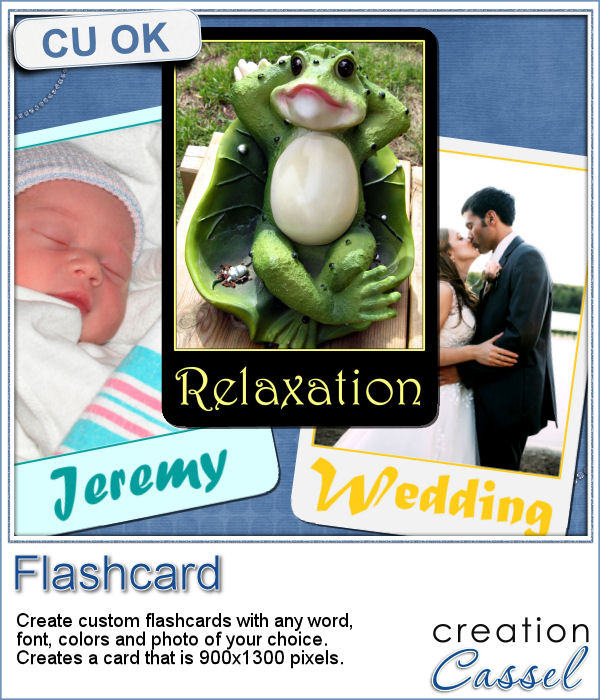
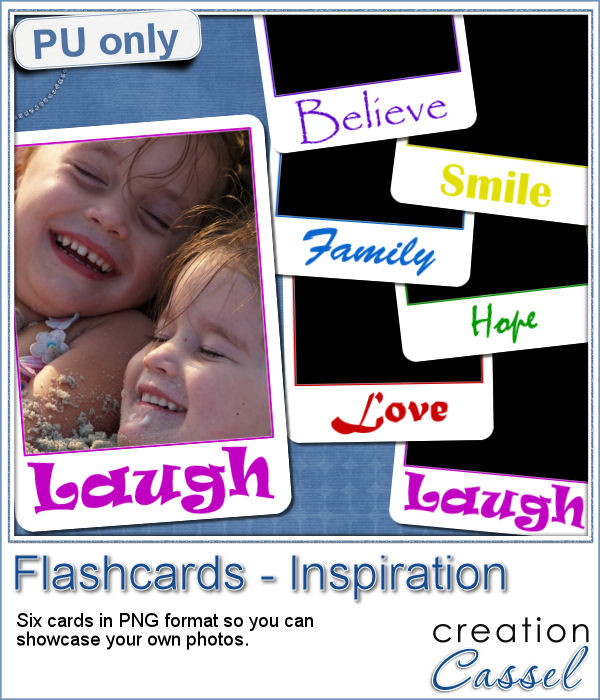
It is the time of the year when just about every school age kid is finally back to school. How about displaying your favorite photos as flashcards, as if you were teaching the viewers? Although it could be used in a school themed project, it can also just serve as a fun frame for any picture.
As a sample, i created 6 inspirational cards for you. Each card has an empty area for the photo (what is showing in black on the preview) so you can add your own image.
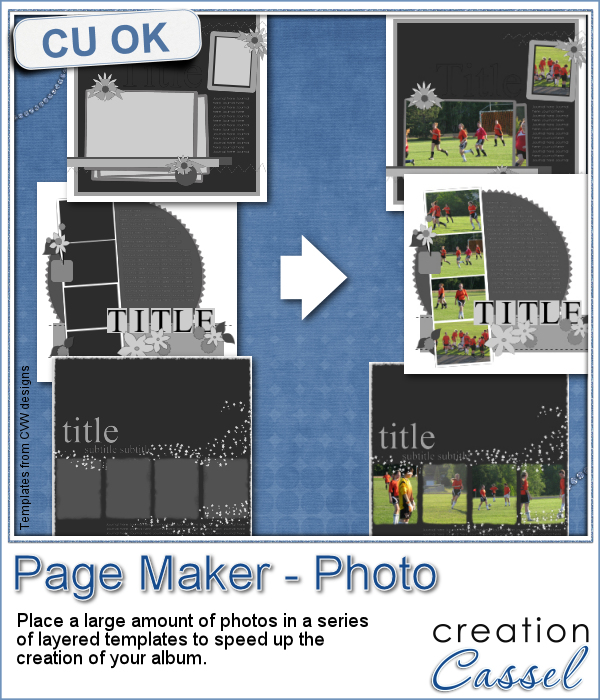
When you have a whole album, how many photos would you need? If you want to use layered templates to complete your project faster, you still might have to add dozens of photos. How long would it take you to open each of those photos, copy them, paste them on the template, in the correct layer, resize them, center them in the correct location, crop or trim them and save the layout when all the images are added? Just listing those steps in here, i am out of breath!
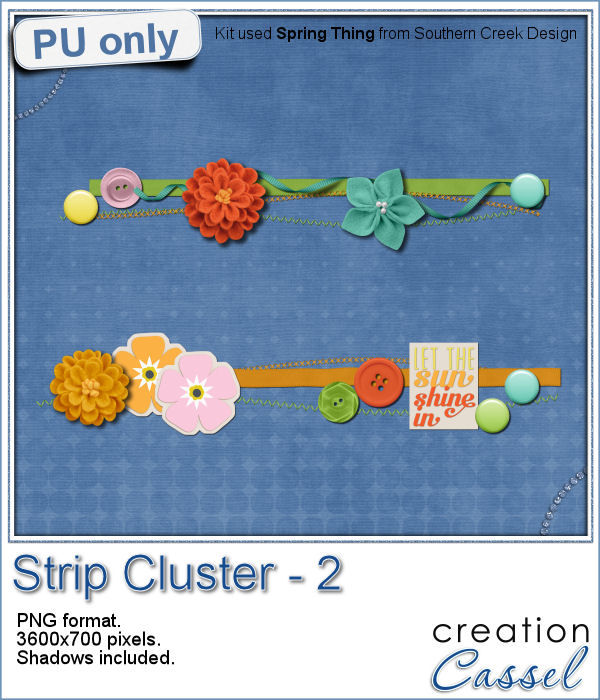
As a little sampler today, I created a couple of strip clusters using the Strip Cluster script. I used Southern Creek Design's kit, Spring Thing for that.
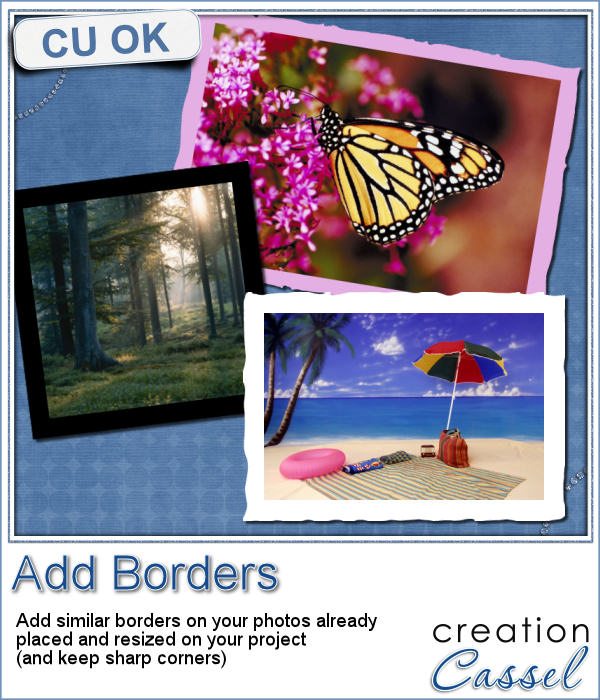
Sometimes, you might want to add identical borders to the photos on your layout, but since you want the photos to be of different sizes. How do you do that? Adding the borders before placing the photos on the montage is not the solution since you will resize the photos, and therefore, the border will also be resized.
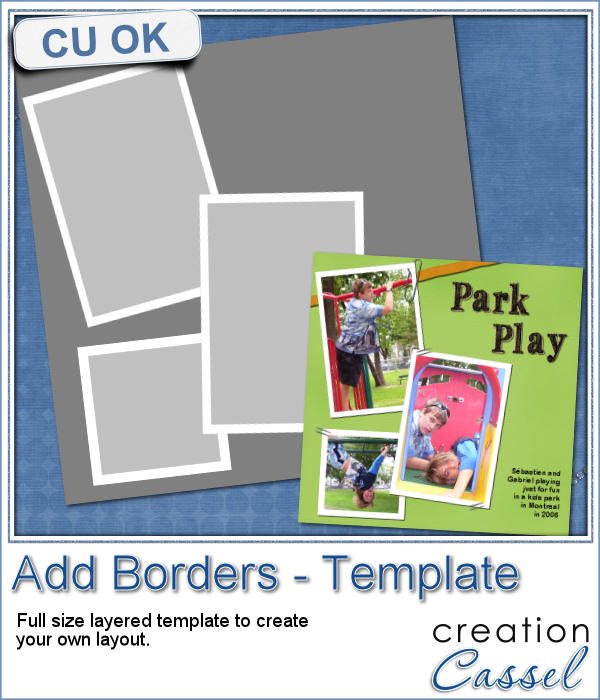
As a way to show you how this script can create identical borders even on photos of different sizes, I created this layered template for you. I had to tweak the end result since the script would merge the edge to the photo.

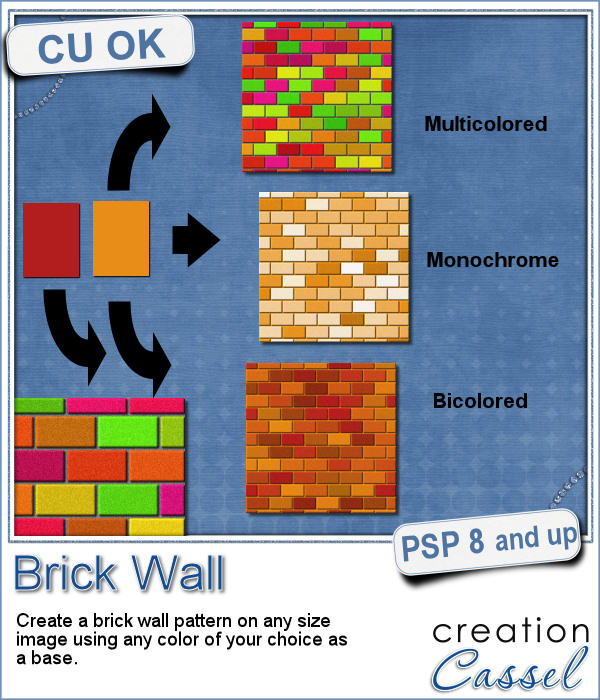
You might be able to use a photo of a brick wall as a paper background for your project, but you might wish to have something that would match more closely your favorite color, or color palette.
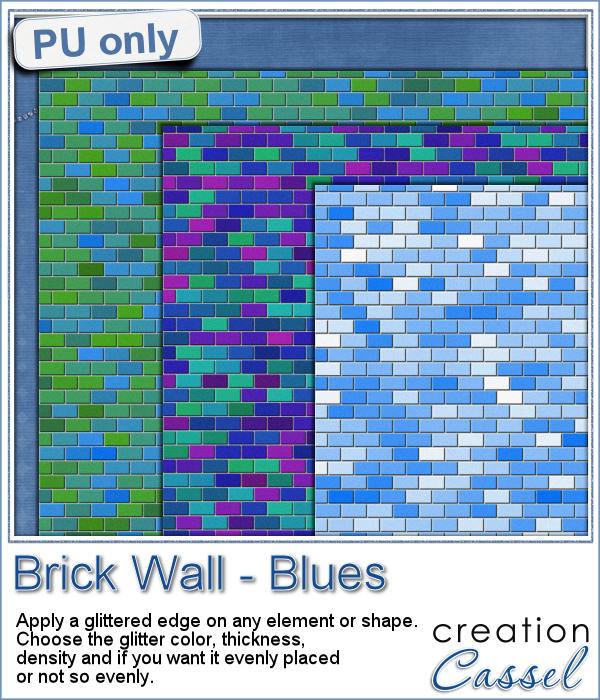
As a sample, I created 3 full size papers (3600x3600) all based around the same blue color. It gives you a good idea of how flexible this script can be.
We will have a live presentation on Sunday, August 7, at 5 pm Eastern Time.
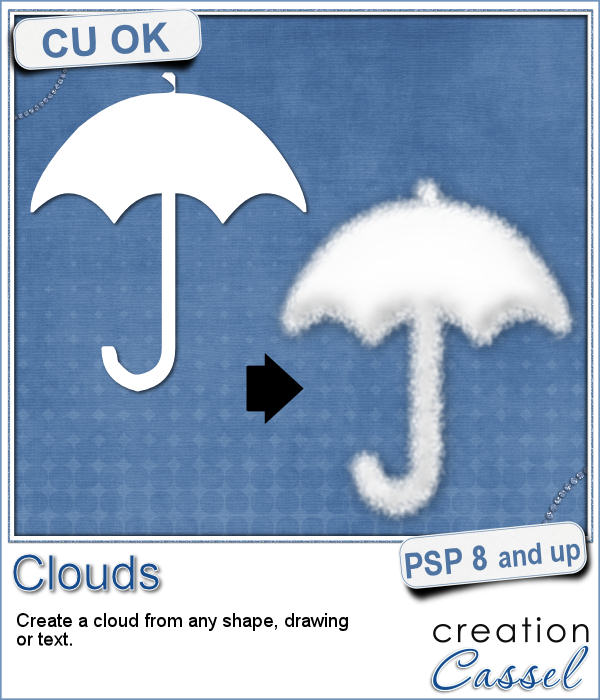
Did you ever see those movies where someone has a plane write "Will you marry me?" in the sky? That is a cool idea but more expensive than most budget allow!
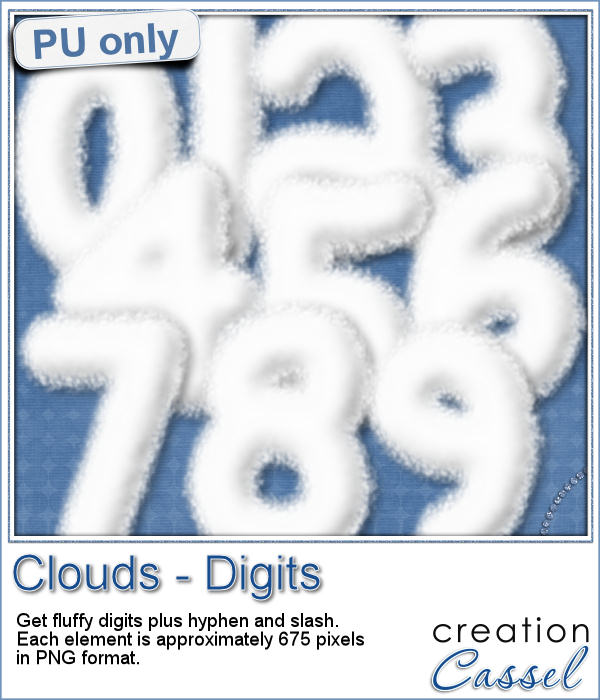
For a sample, I created some hand written digits so you can write a special date in the sky.
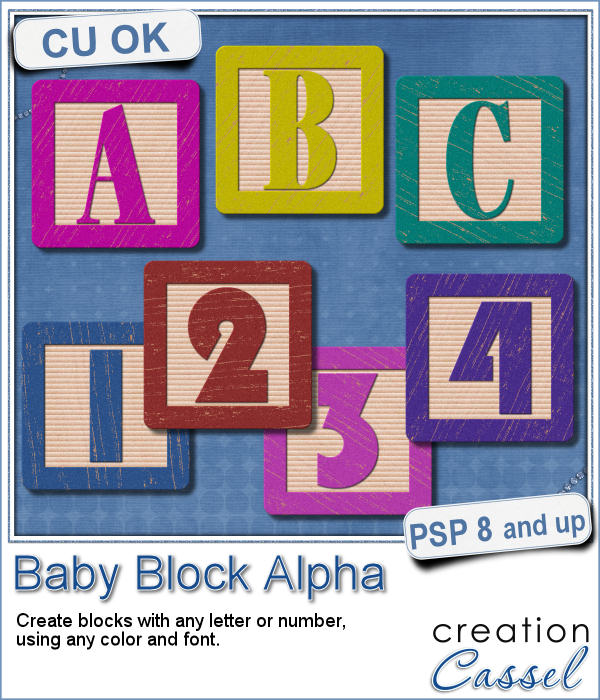
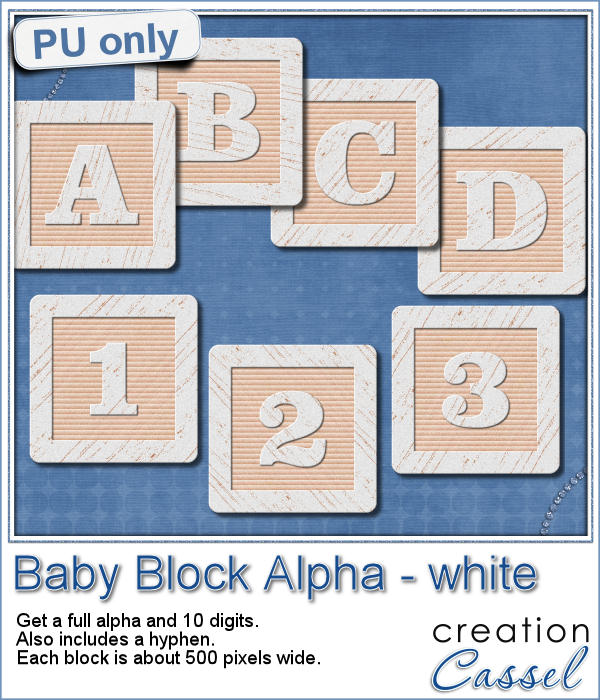
You have certainly seen those wooden blocks young kids have been playing with for decades. You can often see those blocks associated with baby or even pregnancy pictures. Now you can create them yourself to write any name or phrase you want in your baby project.
As a sample of what you can do with this script, here is a full alpha that includes letters, digits and a hyphen. I chose white so it is gender neutral.