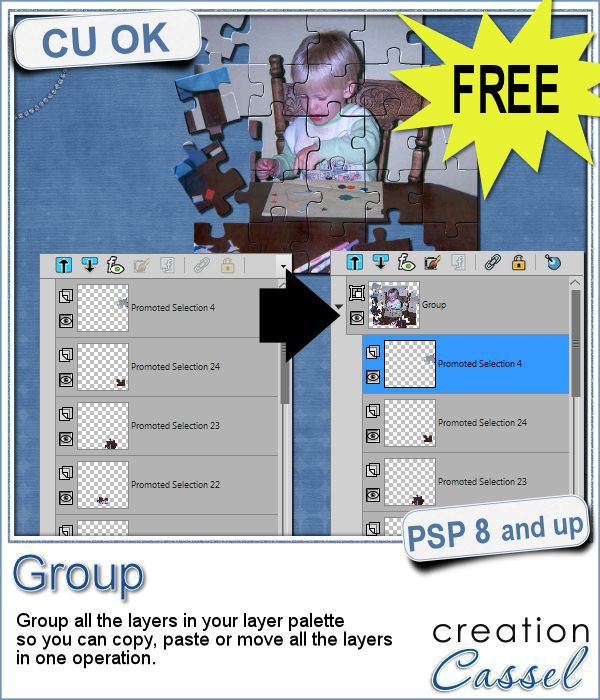
Whenever you work on a particular project, and create many layers, it is a real pain to copy and paste each individual layer onto the new project. Of course, you can group them, but if you have 20, 30 or 100 layers, it can be very time consuming.
This is why I created this script. It will group ALL the layers in an image into ONE group in seconds saving you time that you can use for other projects. Once all the layers are grouped, you can copy and paste it onto your new project. If you need to tweak the individual elements, it is as simple as ungrouping the layers and continue your work.
A simple yet time saving tool for anyone working with many layers on their projects.
Grab this script in the store: Group.
P.S. you might want to bind this script and add it to your layer palette. Check out the video here.
I guess, since this script is free, there is no point in drawing for a winner to get it for ... free. But, i would still love to hear what you think of this script or maybe your ideas for other quick and time saving command combinations that could be turned into a script.
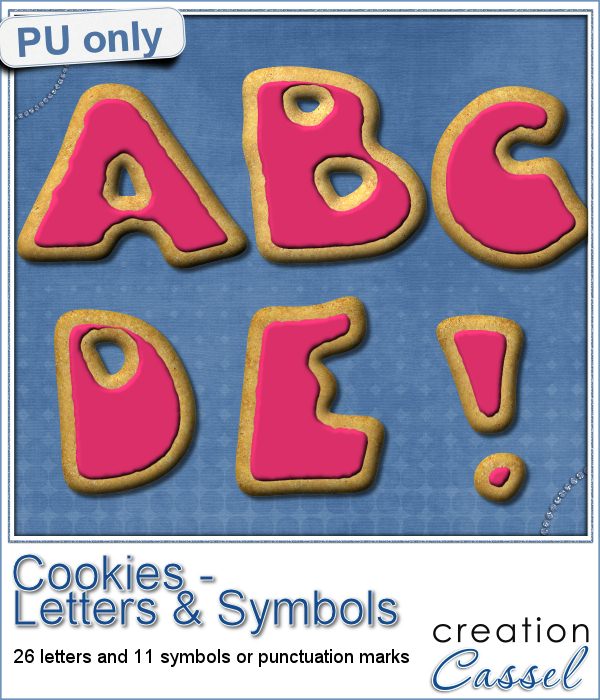
As a sampler, i obviously can't sample this script as it would just need to be applied to your own projects. But since i had a very good response to the Cookie Digits, a few weeks ago, i thought it might be time to get the matching alphabet for you.
So i created a matching alphabet with uppercase, and a set of symbols that you might use. I love this font called Fatty, as it has a shape that is uneven, just like cookies might be (at least mine).
You need to be logged in to download this sample. You can either login, or register on the top of this page.
Can i challenge you to use those cookies in a project and show it to me? And it would be great if Alex (at the Corel office) could see how creative you can be using PSP. Post your project on their FB page, and tag it with #FanFriday.
News from the Campus

Are you using keyboard shortcuts when working with PSP? Check out which are my top 10 shortcuts in this blog post in the Campus.
And while you are at it, download my printable shortcuts cheat sheets.
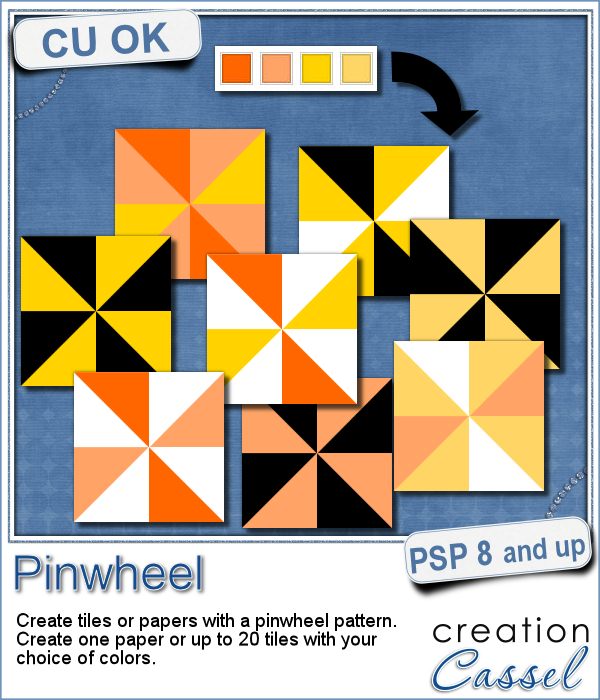
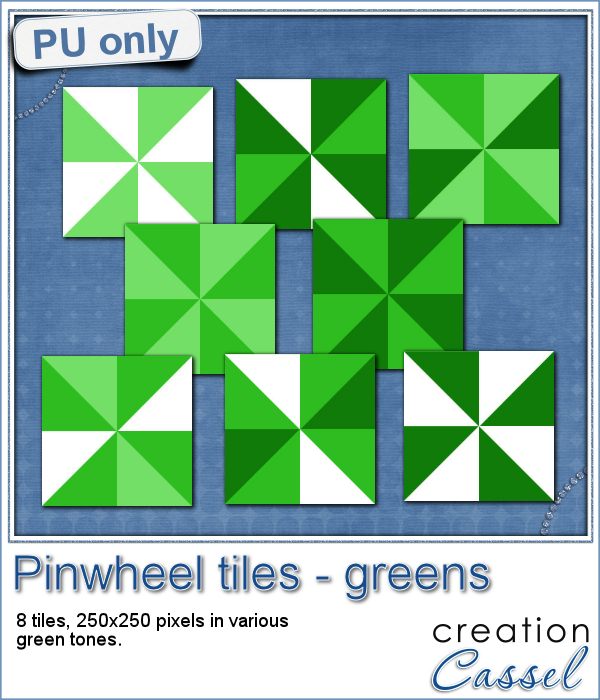
Creating designs for seamless tiles is not that hard, but creating many using the same palette without redoing the same one twice is a little be more challenging.
For a sample, i created 8 tiles in the green colors (for St-Patrick month). Each tile is 250x250 pixels and can be scaled up or down as a pattern. You can add a rotation. You can combine two tiles. You can duplicate a single tile and flip/mirror it to create a different pattern.
What do you know about Adjustment Layers in PSP?
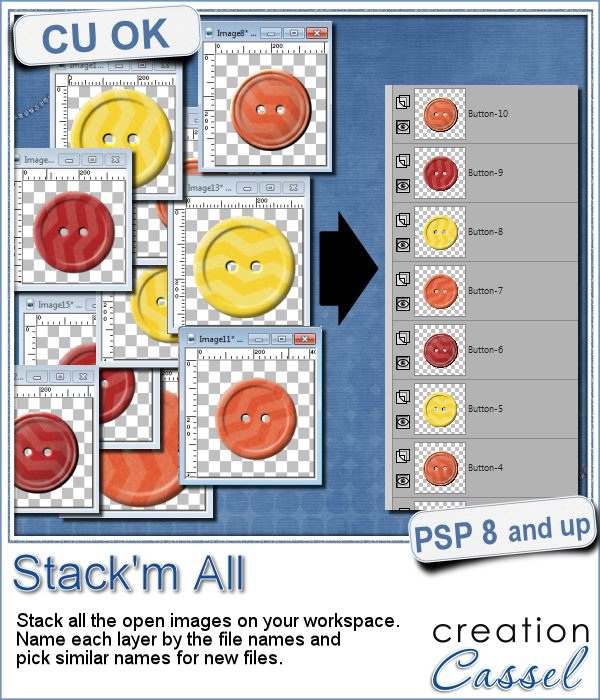
Did you ever use a script that created many elements left on your workspace? What do you do with them? If you want to save them, you might have 20 images to save, each with a different name.
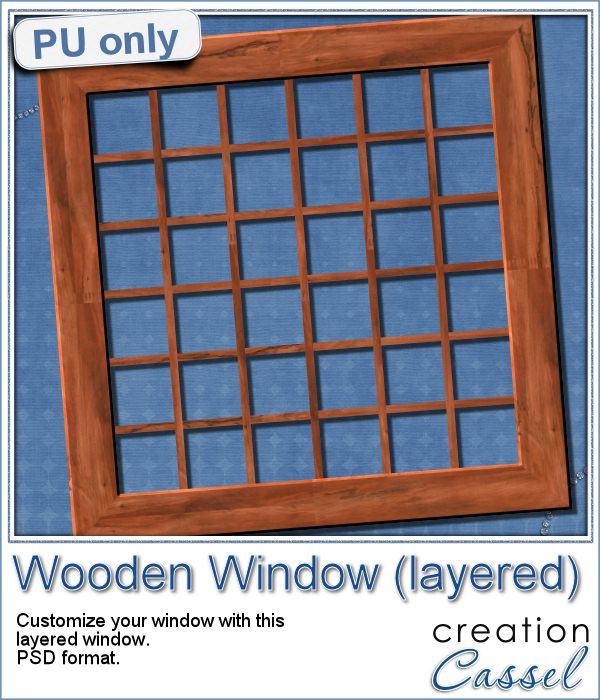
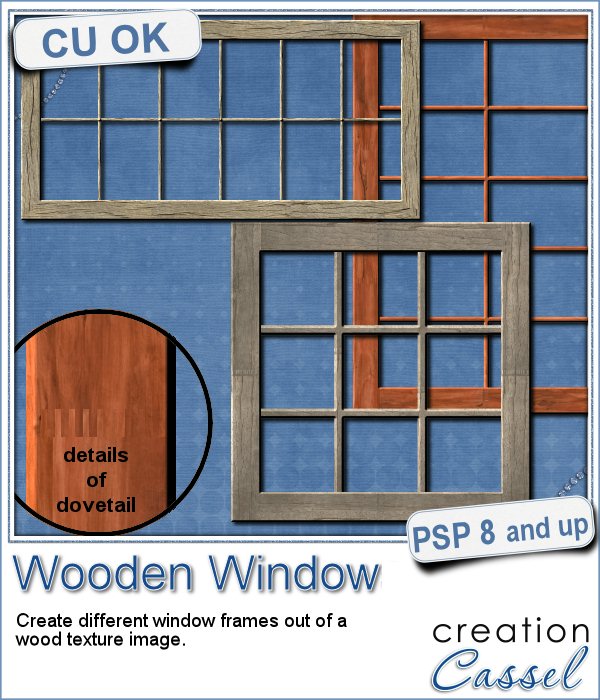
As a sample for this week, i am actually giving you a little challenge. I created a wooden window and i left it in separate layers for you to customize. You can remove some vertical or horizontal pieces to create a different disposition of the window panes. You can remove some of them, cut others, end up with a variety of pane arrangements, even if they are... uneven.
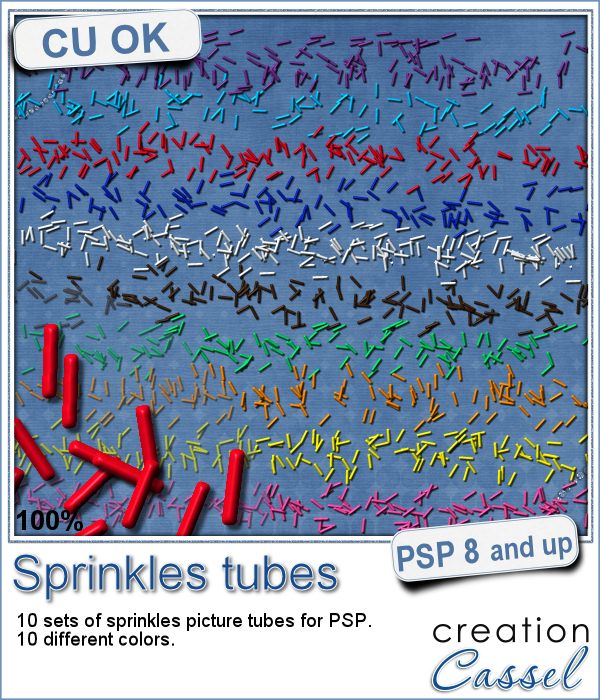
If you ever had cookies or cakes, you know what a little sprinkles can add to the look!
This week, i had fun "painting" with those sprinkles (it is addictive).
Did you join the live presentation, last week?
Don't you love cookies? Who does NOT love cookies?
This week, as a sampler, i created a set of digits, in the right colors for your Valentine. How about creating a project and writing a date that is special to you? The date you met? The date you married? The date you took that vacation? Any date!
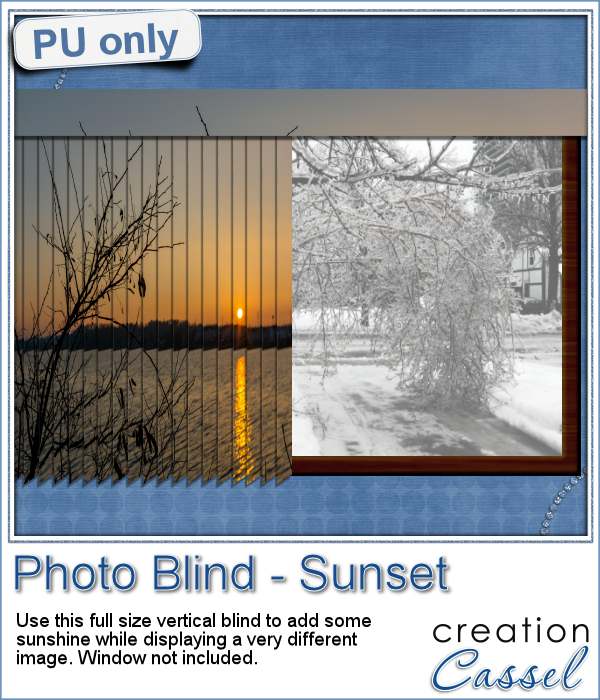
Have you ever seen those wonderful images that are transposed into various slats to create vertical or horizontal blinds?
This week, i was really struggling to figure out what to create as a freebie that you might actually use. Since there was a big snow storm in the US this weekend, i thought that maybe, someone would want to have a nice, warm photo to cover the sight of all that snow. Of course, you could use this even if you don't have snow around!
You might be able to find some ready-made wooden windows in PNG format but what if you could create your own, to perfectly match your project? Use the same wood, or adjust the size or format of the window.
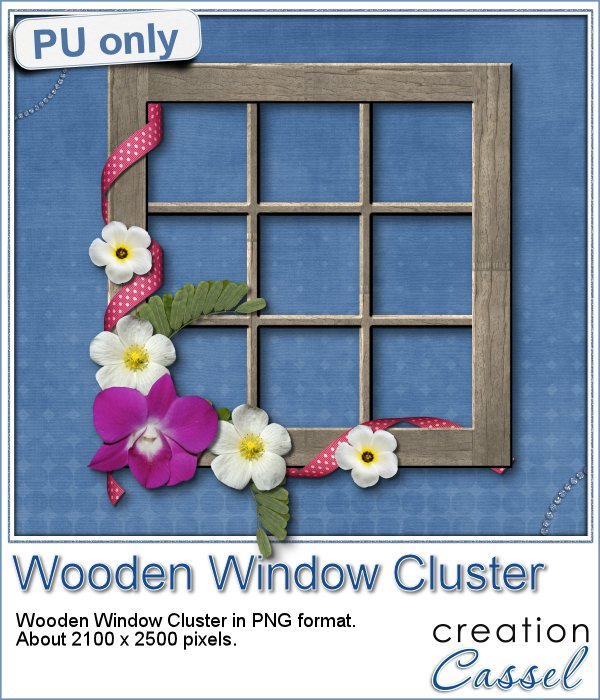
This week, i went a bit out of my comfort zone and created a cluster with a sample window. I had fun using a curly ribbon and wrapping it around the sides of the window, and then, just added some flowers and greenery.
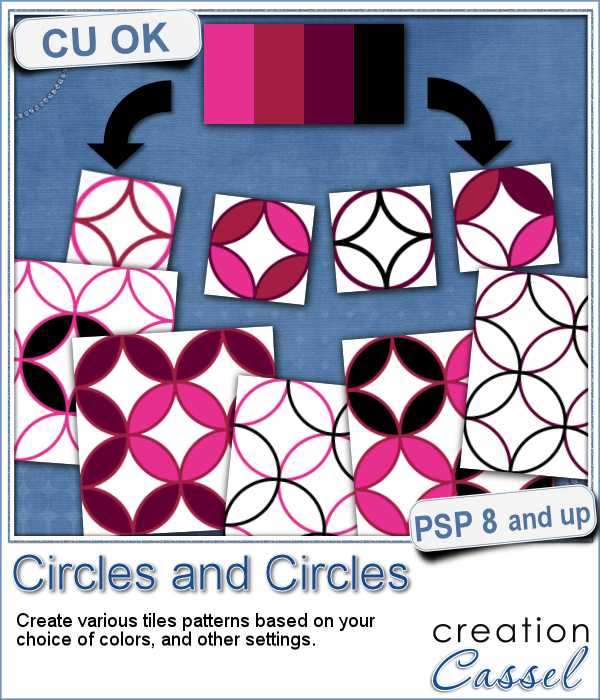
Although it is fairly simple to create a pattern of overlapping circles, it can be very tedious to choose all the colors, and hard to be accurate to create really seamless patterns.
Being in the holiday season, i created a set of 20 seamless tiles with traditional red, green and gold colors. Some tiles have only outlines, and some have filled overlaps. They are all 600 pixels wide, so you can easily size them down for more variety.
This week, the Corel Challenge is about Red, Green and White projects. That would be perfect if you were to use those tiles to create your project or a frame or collage. What do you think? Can you create one and post it on the Corel page
QR codes might be used as a way to direct someone to a website or use a coupon for a purchase, but you can use that pattern to create some fun labels.
As a way for you to sample the result of this fun script, I created 6 inspirational tags for you, in various basic colors. Each tag is 300 pixels wide.