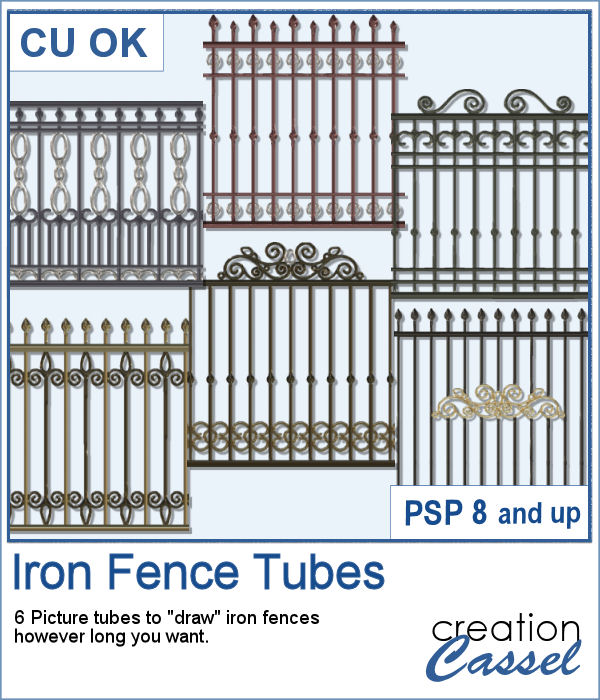
Those iron fences might be fun to use, but they are probably always the wrong length for your project. This set of tubes allows you to draw them as long as you want and at any angle (like on hills or down stairs).
Use them to add decorative elements around it, behind it or in front.
Get these tubes in the store: Iron Fences
In order to win these tubes, add a comment on this Facebook post telling us how you would decorate these iron fences (remember, add a comment, not just a Like!) The winner will be announced in the newsletter, next week. Not a subscriber yet? Not a problem. You can register here and it is free (and you only get one email per week).
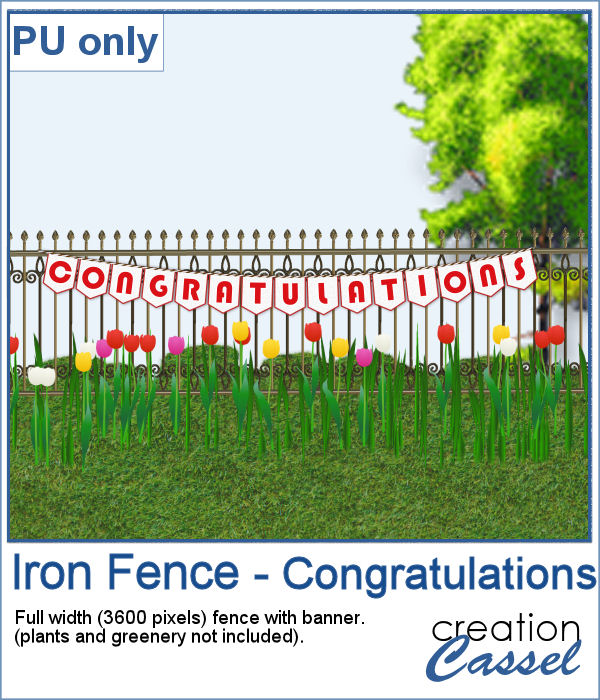
Since it is graduation time now, for many parts of the world (it is the last day of school here), why not add a great message for anyone reaching graduation?
This is a full-width fence embellished with a twisted string tube, and banners made from an alphabet available also in the store. It is in png format so you can place it on any scenery.
You need to be logged in to download this sample. You can either login, or register on the top of this page.
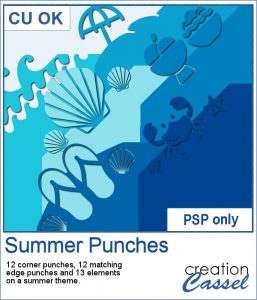
By popular demand, another set of punches have been made and this time, on the summer theme. You get 12 designs, with corner punches and edge punches. In addition, the individual shapes are also available.
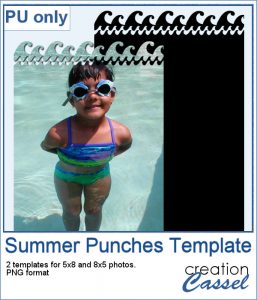
As a free sample, this week, I created two templates for 5x8 and 8x5 photos with some wave edge along the top. Use it to showcase your favorite summer, water, beach or just fun photo.
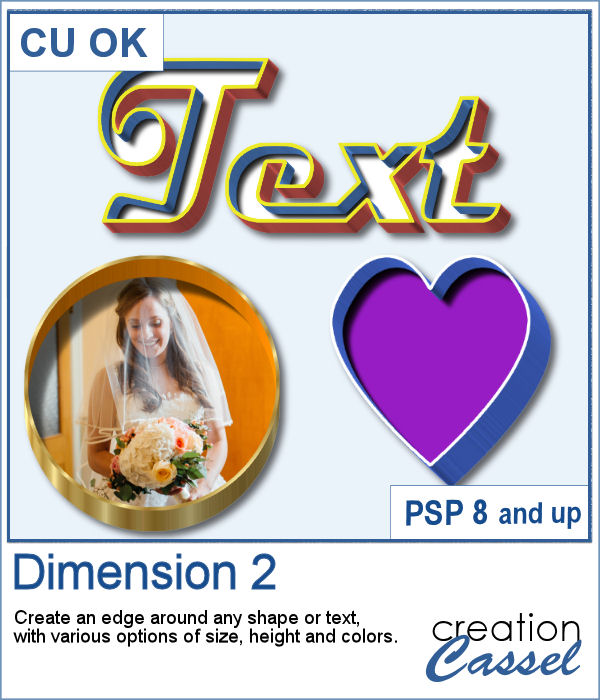
You might want to create some kind of extrusion around the edges of your element and play with various thickness, height, and colors. Add those edges around shapes or text for a very unique effect.
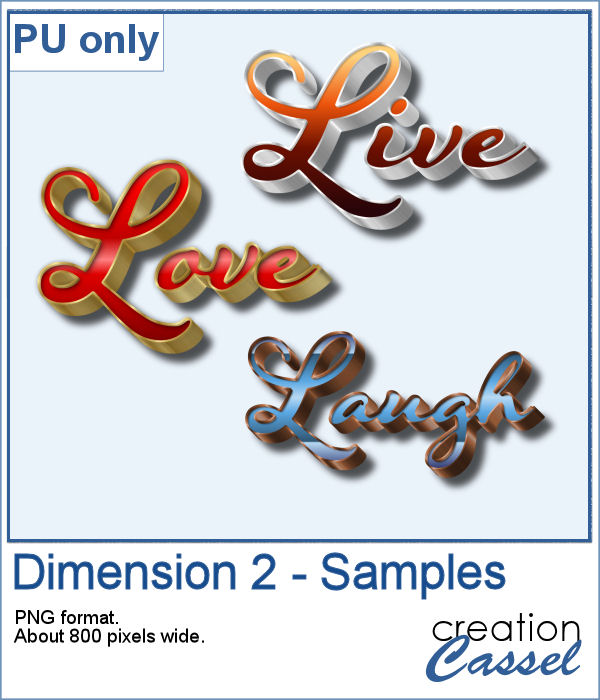
To play around, I used some text to run the script on. I used gold, silver and bronze patterns for the edge and the inside and outside colors to give the metallic effect of the edges.
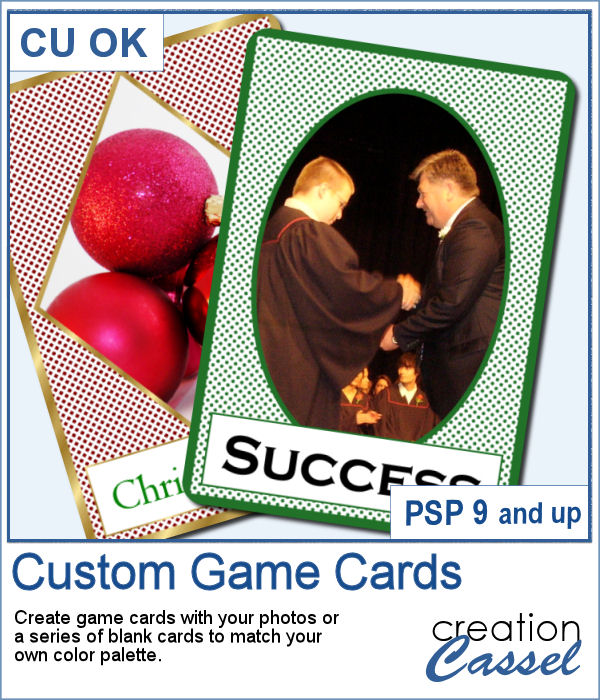
Aside from the typical deck of cards we use to play poker, bridge, or others, do you ever play games that involve a different kind of cards, like Magics, ?
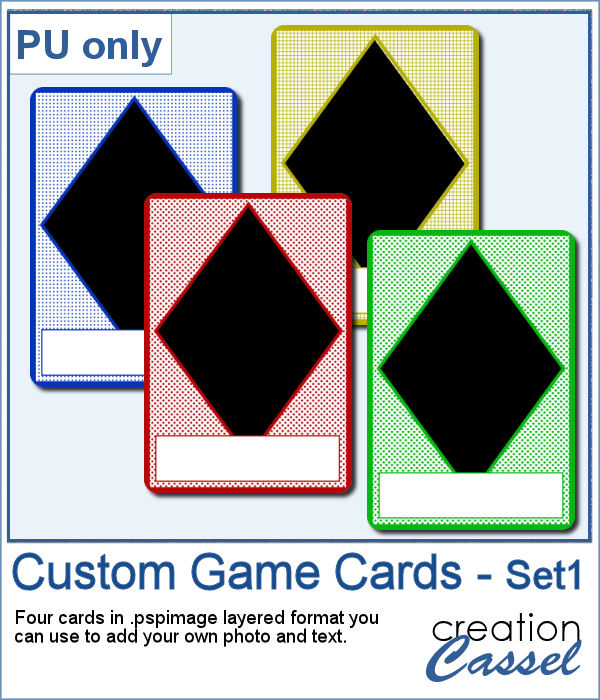
This week, I created a simple set of four cards for you. They are in .pspimage format which includes the mask to insert your photo without having to cut it or adjust it in any way. Simply put your photo above the layer named "Photo here", and adjust the placement using the Pick tool (or the Raster Deform tool if you are using an older version of PSP).
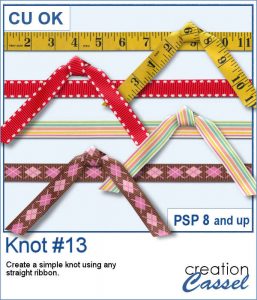
Everyone likes ribbons, bows and knots. They can be very versatile, especially if they match. Finding the correct match is not always easy, but with this script, you can use any straight ribbon and get a simple knot to add to your project.
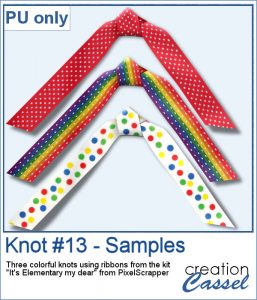
To show you what those knots look like, close up, I used three ribbons from a kit,
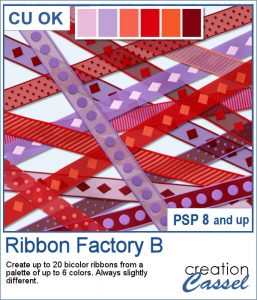
Every project can use ribbons and creating custom ribbons with the specific colors of a photo or a kit can be tedious. This script, which is an extension of the Ribbon Factory script, will create such ribbons using two colors of your chosen palette with a variety of patterns and other settings.
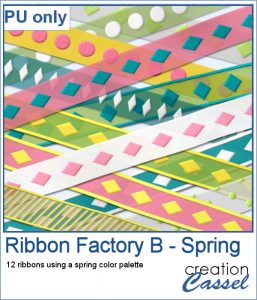
As a sampler, this week, I used the same color palette as I used last time to create those fun spring confetti and generated a dozen of ribbons, 200 pixels thick.
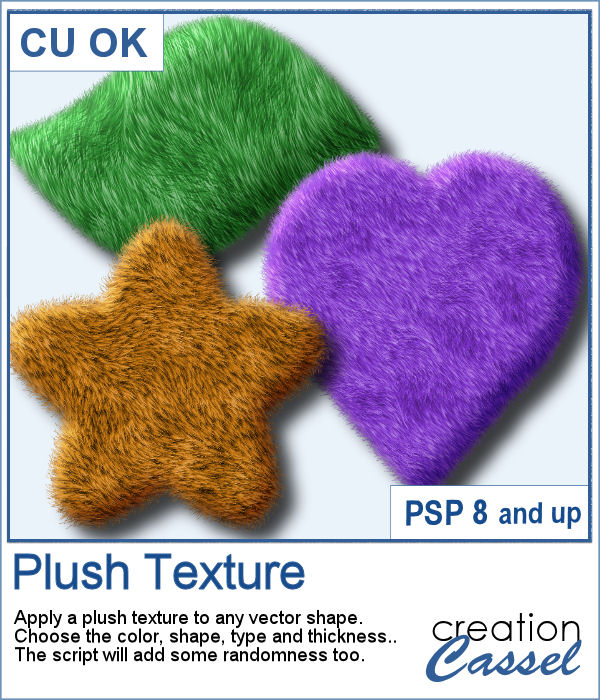
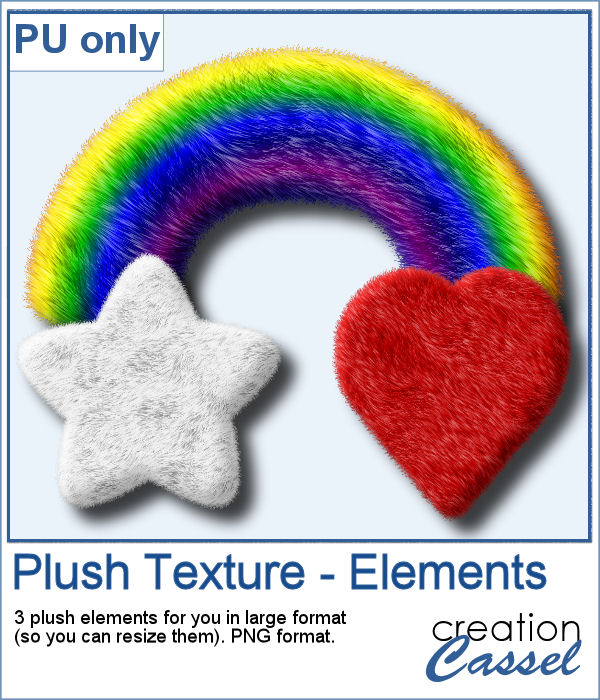
Plush is often associated with soft toys from our childhood. Adding a plush texture to various shapes can convey that soft feeling to a project.
To give you a little glimpse of what this script can do, I created three basic elements that you can use as is or combine them with other elements. All three elements are in png format and quite large so you can size them down as needed for your particular project.
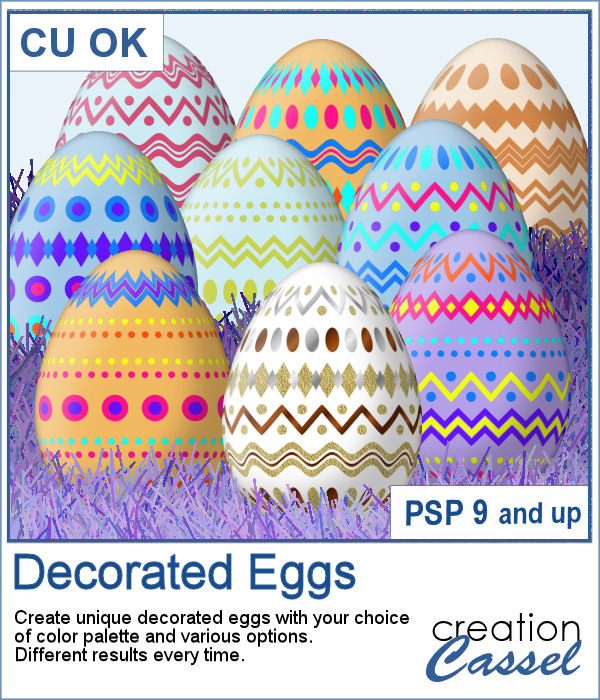
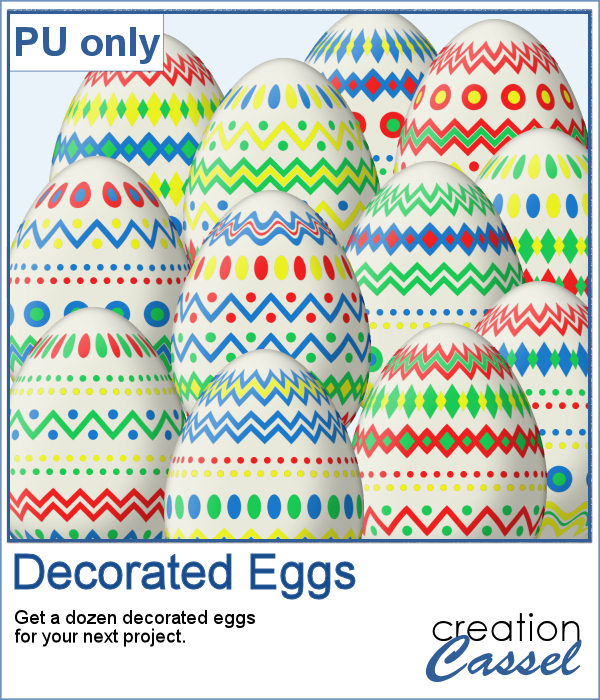
With Easter coming, you might want to create some holiday invitations or maybe you will want to embellish the photos you will take with the kids running around, looking for eggs.
To help you out, I created a dozen eggs that you can use to build some clusters or to line them up at the bottom of your next frame. Using bold colors, those eggs should go well with just about any Easter or spring projects.
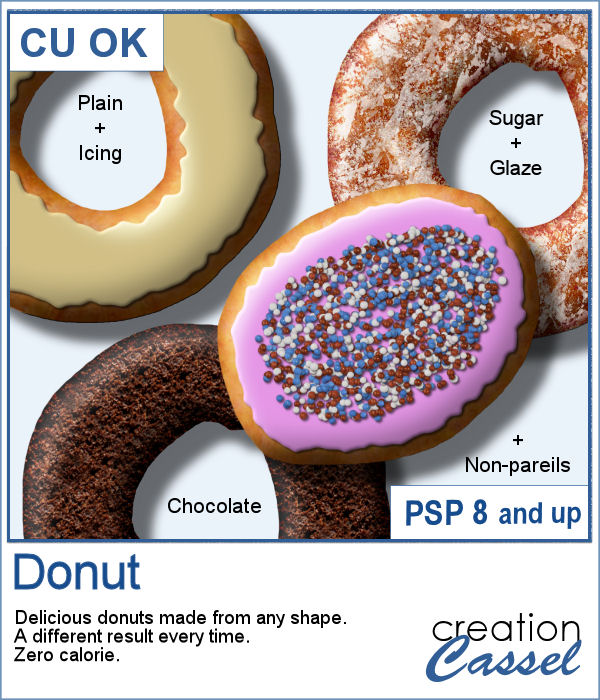
Delicious donuts are always tempting, and if you have any baking projects or layouts, it could be fun to have some custom pastries. This is where this script comes into play. You can create a variety of donuts based on any shape you want, and customize them with various icing flavors and additional toppings.
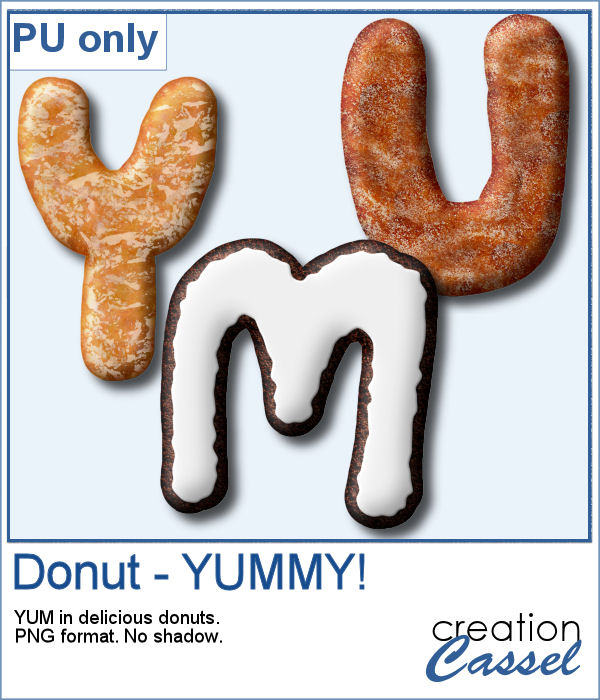
For a sample, I created 3 letters that can spell the word YUMMY. Each letter (Y, U, M) are made of a different flavor. They are about 2000 pixels in height so you can easily resize them to what you need.
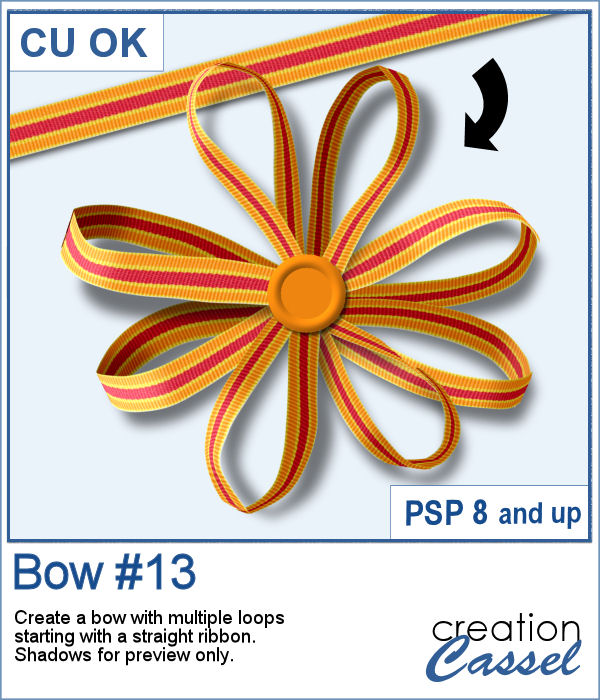
Bows, bows, and more bows. This definitely not the first bow script, and it likely won't be the last either. Various projects seem to require a different type of bow. Sometimes you want it super simple, sometimes you want it flat, sometimes you want it loopy, and sometimes, you want it with multiple loops. This is what the newest script offers you.
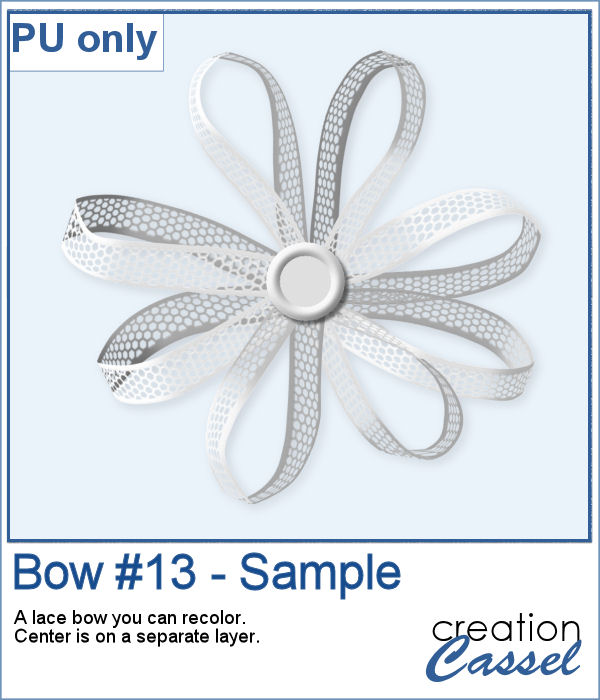
For a sample, I created a simple lace ribbon and ran it through the script. I then converted both the ribbon and the bow into a greyscale which gives you a fairly white result. Since they are monochrome, you can always colorize them to match your project, or keep it as is and just add a colored center.