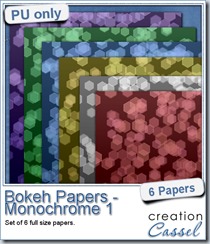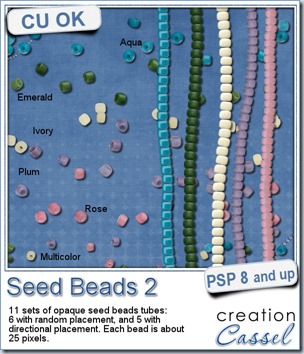
This week, i am bringing you some more beads, but this time, they are opaque, and in a softer palette.
You get those bead spills at your fingertip as you can just draw with your mouse and the beads will be spilled along that path. No need to click dozens or hundreds of times to have that many beads on your project.
You get 5 colors: ivory, rose, plum, emerald and aqua. And you get two sets for each: one to spray the beads all around and one to have regular strings of beads. And you also get one set of multicolored bead spray.
Do you want more colors? Keep an eye on the store as more are coming.
You can grab this set of Opaque Seed Beads picture tubes in my store. Sorry PS users, but this is unique to PSP!
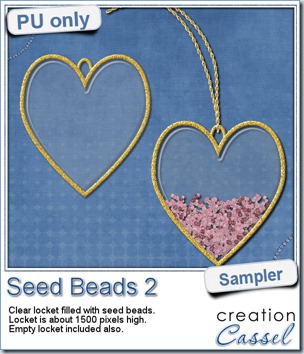
As a free sample, this week, i decided to use these tubes in a different way than last week.
I opted to create a locket. How did i do it? Simple:
- i created a vector heart shape and used a gold tile as an outline and no fill. That outline was then converted to a raster and added a bevel.
- with a copy of the same vector shape, i set it for a solid fill and no outline. Once i converted it to a raster, i ran the Colored Acrylic script to give that particular “glass” look (even if i used only the plain one without any color).
- on separate layers, i sprayed pink and read seed beads. I reduced the step value so the beads would be closers, and i used several layers of beads so i could add a drop shadow on each layer.
- i deleted any extra bead that ended up outside the locket.
- finally, i added a chain with the Gold Chains directional tube.
You need to be logged in to download this sample. You can either login, or register on the top of this page.
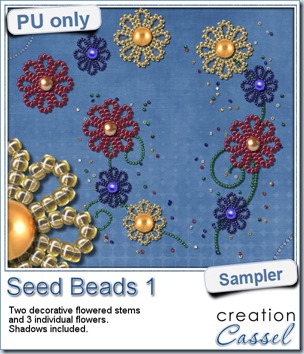

For a free sample, i created a couple of simple decorations. I placed the beads along a vector path using the VectorTube script for the flowers, and added a single “bead” in the center which was part of the 

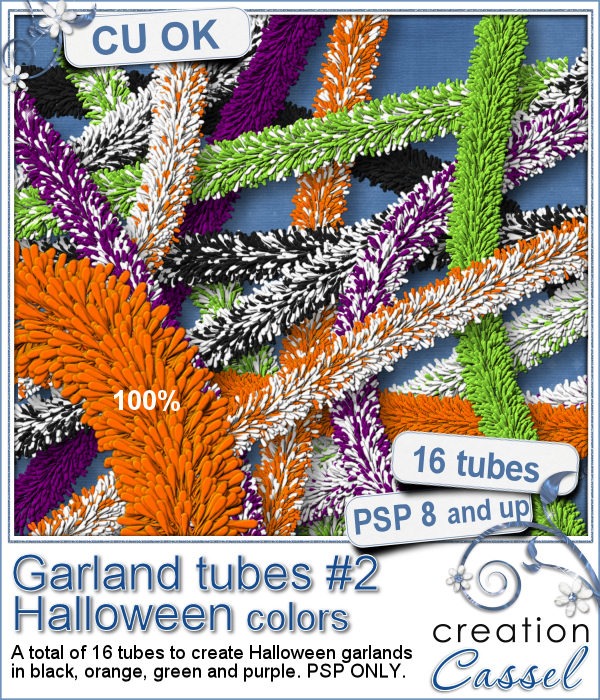
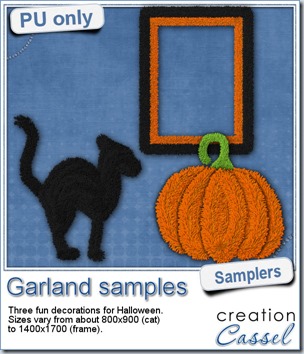
Now, how about a little look closer at those garlands and their texture? I created a few Halloween decorations for you using those garlands.
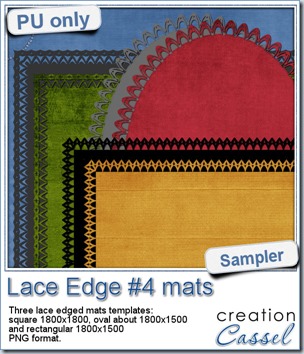
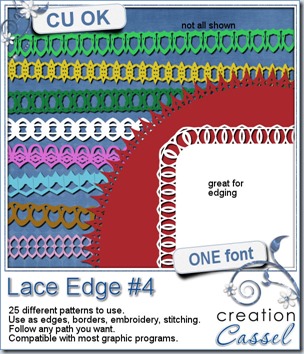
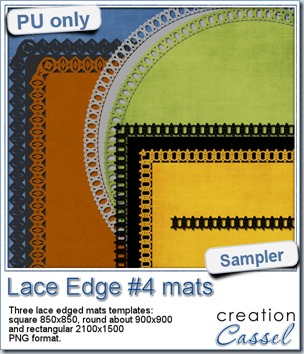
This week, i created more mats for you, using the lace font from last week.

This week, i created 3 decorated mat templates. You can use them to cut out your favourite paper, or simply to color. You can also layer them with other simple shapes since those are very simple to start with.
Do you want a chance to win this script? Just tell me what you would use it in a scrapbook project, in 


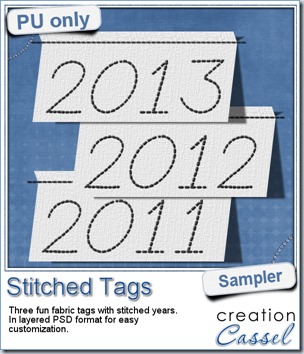
As a sample, this week, i created a set of simple fabric tags with the years. They are in layered PSD format so the tag, the stitching on top and the shadow are on different layers. This should allow you to colorize the tags and the stitching without affecting the shadow and you can also add your own shadow if you need to rotate the tags.
How about a little sample of what this script can do? I ran the script on a long piece of textured solid color to create a ribbon. I did the same thing twice, to get a top and a bottom edge with proper bevelling (NEVER flip or mirror an element that has been shadowed or bevelled). Then, using a copy of the ribbons, i applied a different bevel angle before merging and rotating the copies to make the vertical edges of the frame. Then, it was just a matter of applying a mitered corner technique to align and cut the corners correctly. What do you think of it?
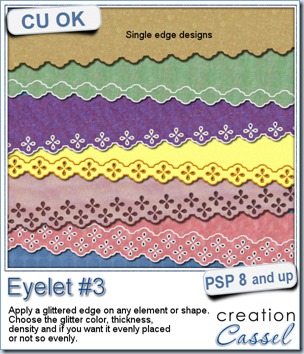
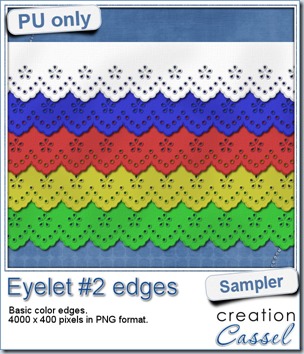
I know it is a bit American holiday coming up (I see that in the numerous 4th of July), but I also know that not everybody is American, so I figured I could create some basic eyelet edges for everyone, in basic colors. This sampler will give you 5 different eyelets in 4000 pixels each.