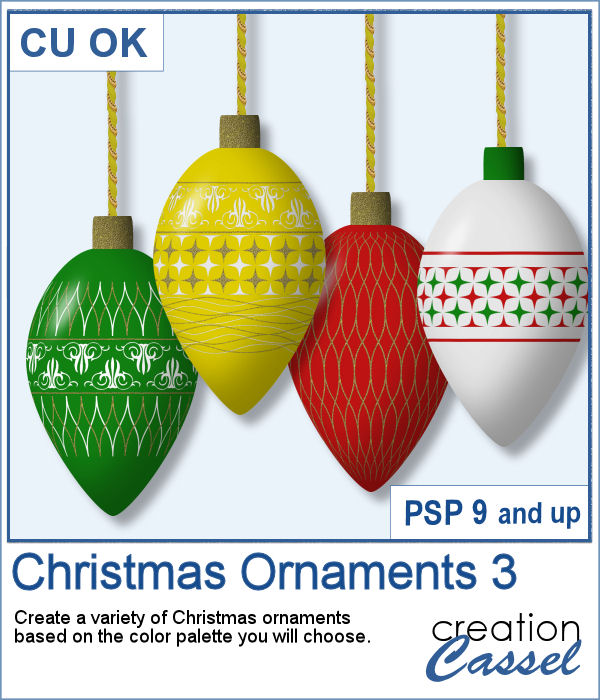
This is the third in a series of Christmas ornaments that you can run to generate elements that will be perfectly matching your project, your photos, or your color palette.
This script will generate up to 20 ornaments in an oblong shape. The patterns on the elements are different from the previous scripts in the series.
Each ornament will be about 1000 pixels high. The top of the ornament will use one of the colors you have selected for the designs, so it will always match.
Get it in the store: Christmas Ornaments 3
In order to win this script, add a comment on this Facebook post telling us what type of ornaments you have on your Christmas tree (remember, add a comment, not just a Like!) The winner will be announced in the newsletter, next week. Not a subscriber yet? Not a problem. You can register here and it is free (and you only get one email per week).
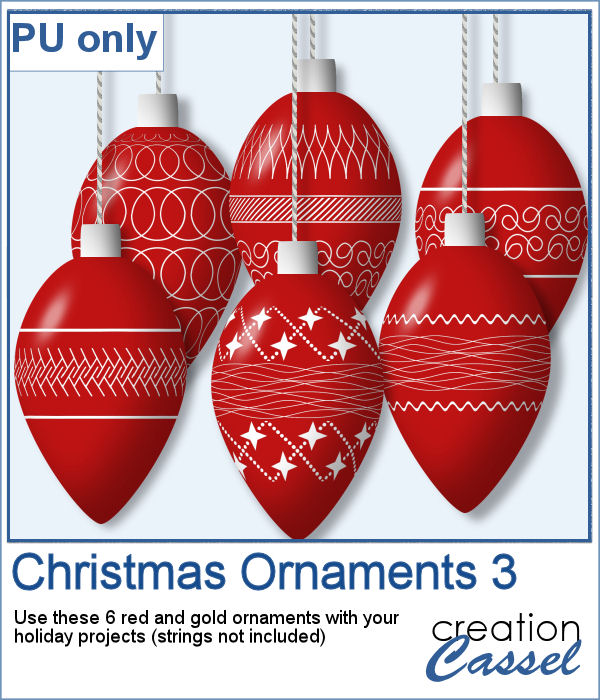
I ran the script to create a series of red and white ornaments, and I had six of them packaged for you.
You need to be logged in to download this sample. You can either login, or register on the top of this page.
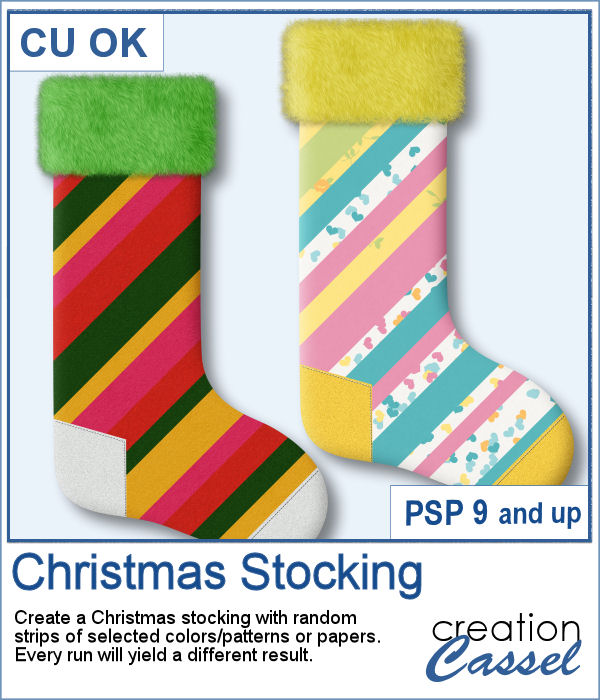
Christmas is coming, and so are the various decorations, trees, and the traditional stockings to hang by the fireplace (or wherever you can hang it!).
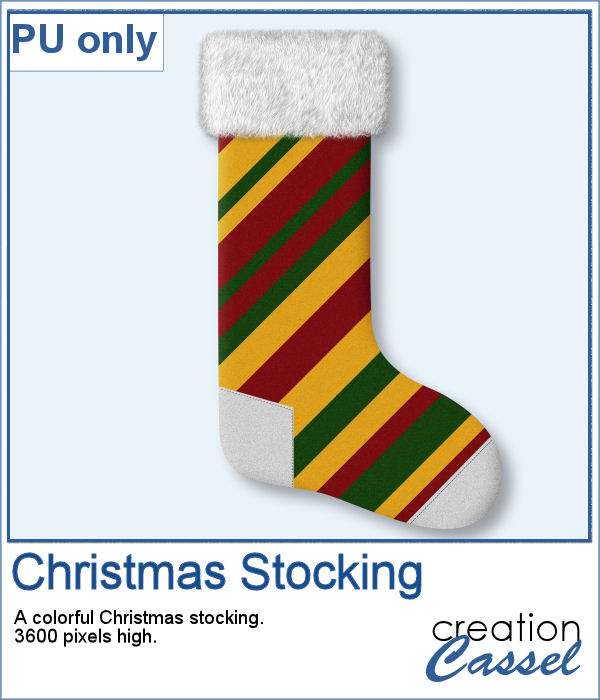
For a sampler, I created this single stocking using felt patterns in the colors of the holidays. The whole stocking is 3600 pixels high so you can resize it as needed. It is also big enough to fit a few goodies inside (or behind). Angle it a bit to make it hang by the corner.
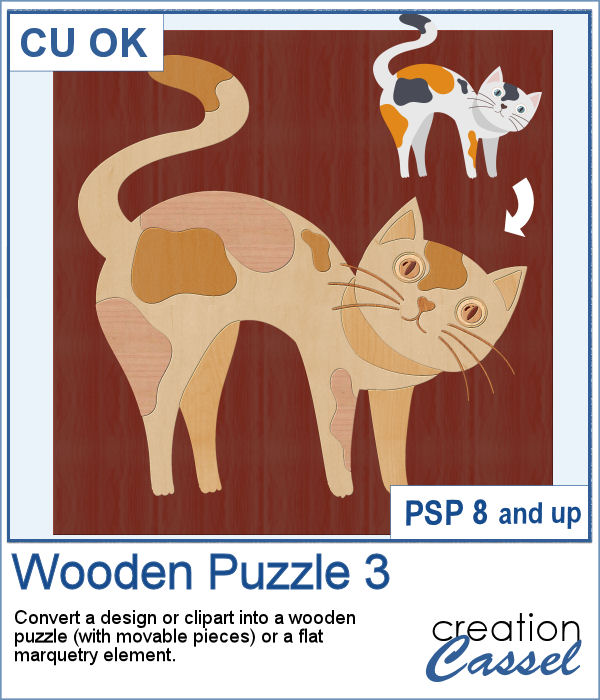
You can now turn any clipart, design or vector element into a fun wooden puzzle or a flat marquetry project.
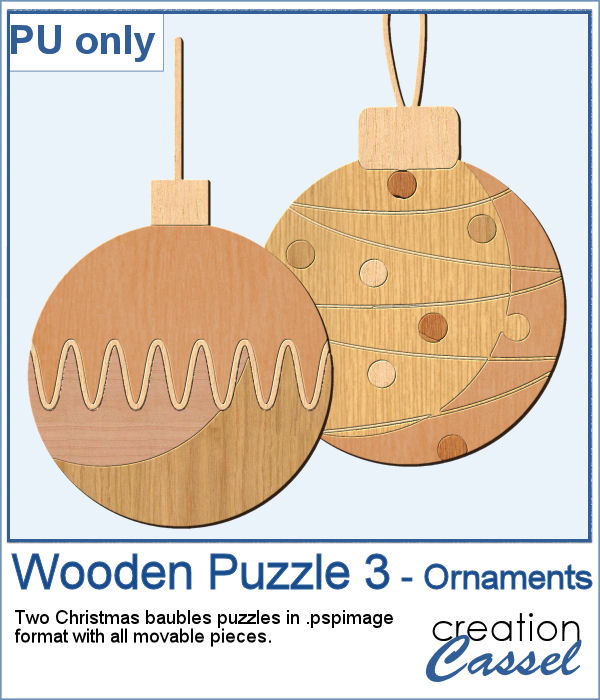
For samplers, I created two puzzles with movable pieces in the shape of Christmas baubles. You can colorize the pieces if you want, or use them as-is. They are in .pspimage format.
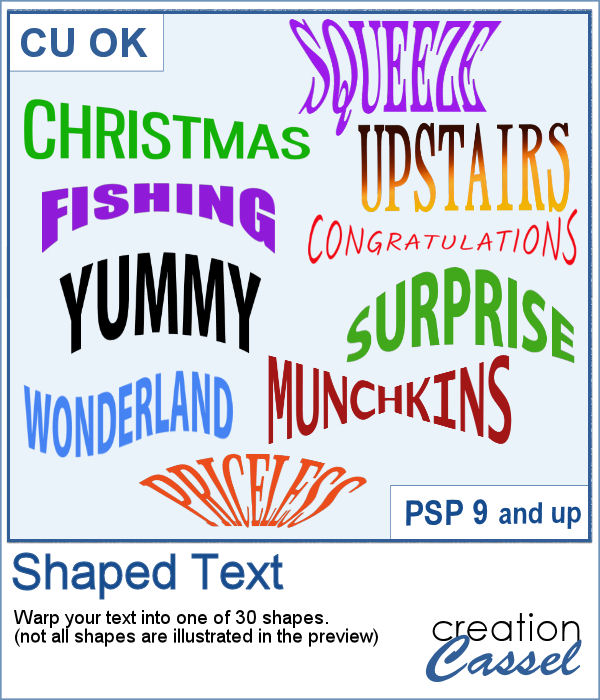
Shaping text can be a tedious task using the current tools of PaintShop Pro because most of the time, you have to use the Warp Mesh tool and this means a lot of nodes to tweak to get a single shape.
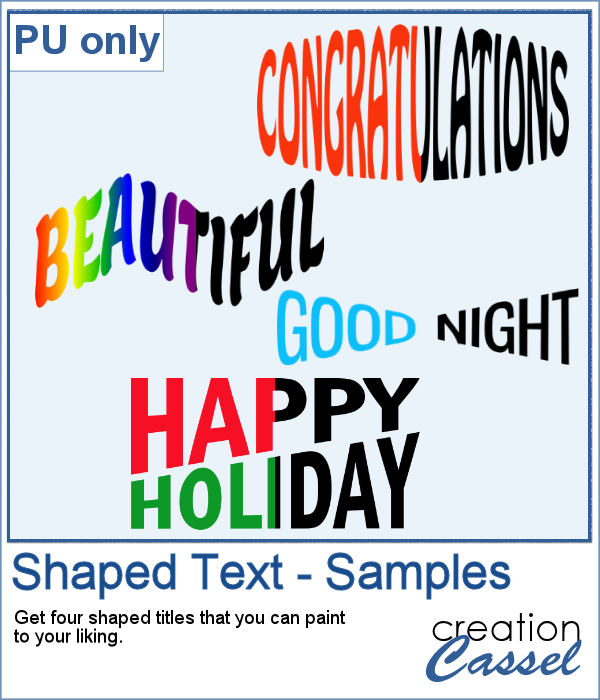
For a sampler, I created 4 shaped texts in black that you can colorize to match your project. Each one is in png format and about 2000 pixels.
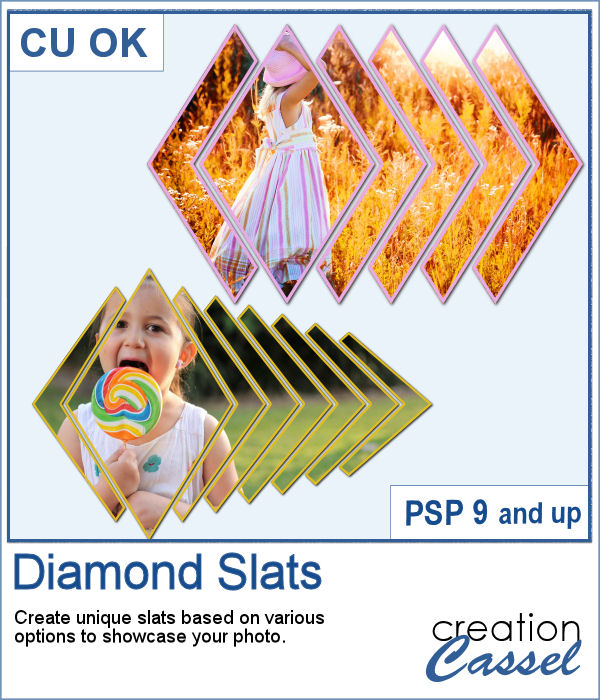
Diamond shapes will convey an impression of dynamism so using diamond-shaped slats to showcase your photos will give them a new angle.
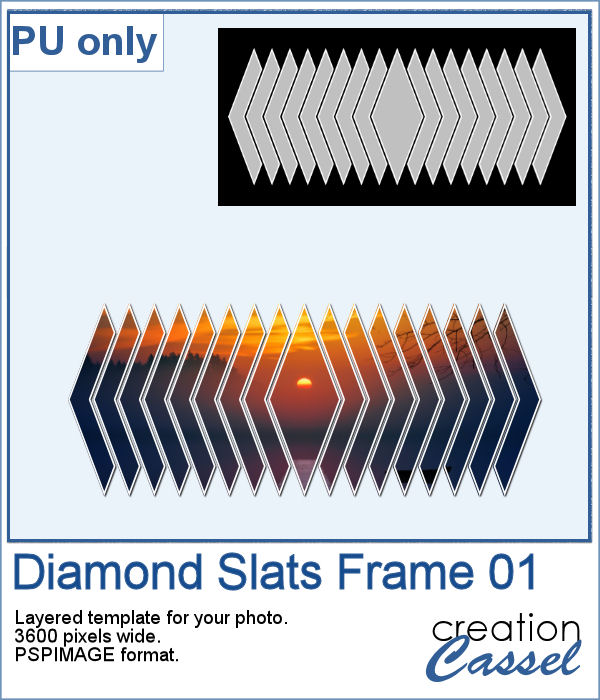
For a sampler, I created this layered template for you to showcase your photo in the middle. The template is 3600 pixels wide and in pspimage format for PaintShop Pro users.
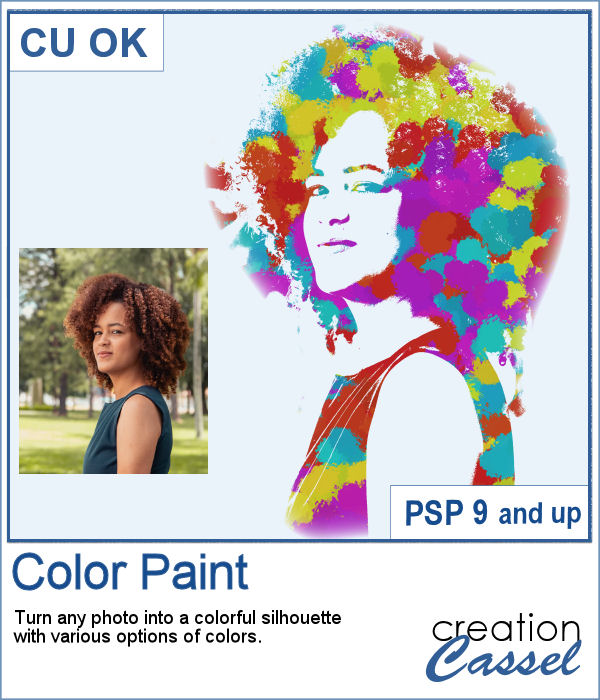
You can now feel like an artist and turn any photo into a colorful painted silhouette.
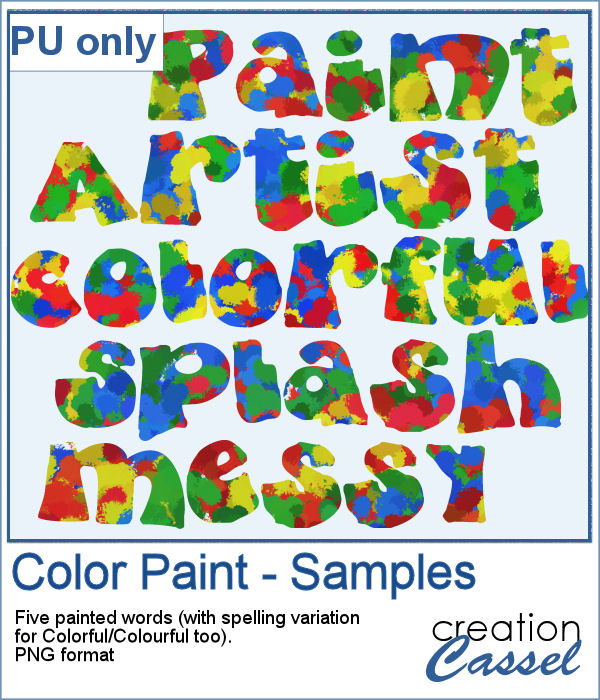
For a sampler, I was inspired by the painted effect and I decided to apply it to some text, a little like a graffiti artist. I picked a few words that could be used in various projects and applied the effect using 4 basic colors. There is also a spelling variation for Colorful/Colourful so everyone should be able to use it.
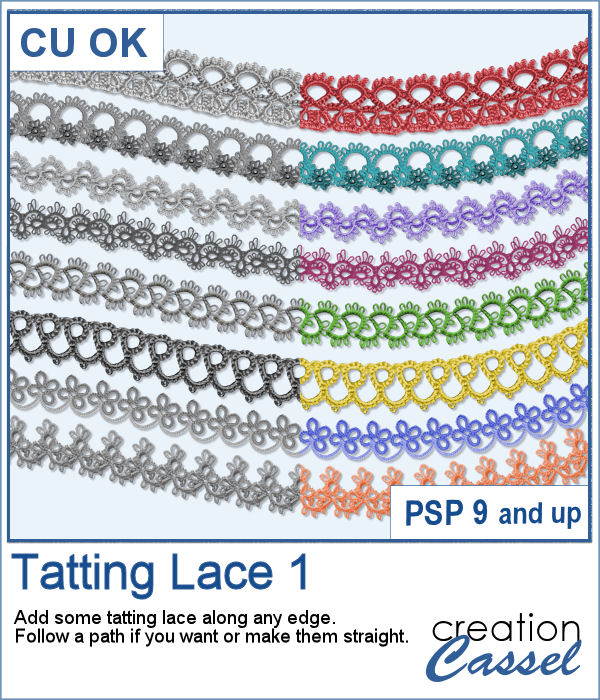
With very little effort, you can now add some delicate tatting lace along the edge of your frames, mats, etc. You can use any one of the eight picture tubes and hand draw the lace in a free-flowing style, but you can also add it to any vector path for a very regular design.
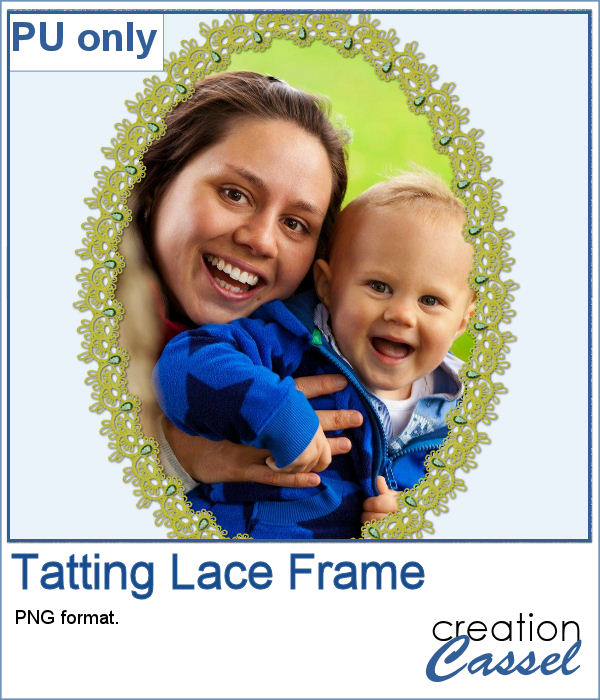
For this week's freebie, I created a delicate oval frame with this tatting. I also added some gemstones to it for a unique effect.
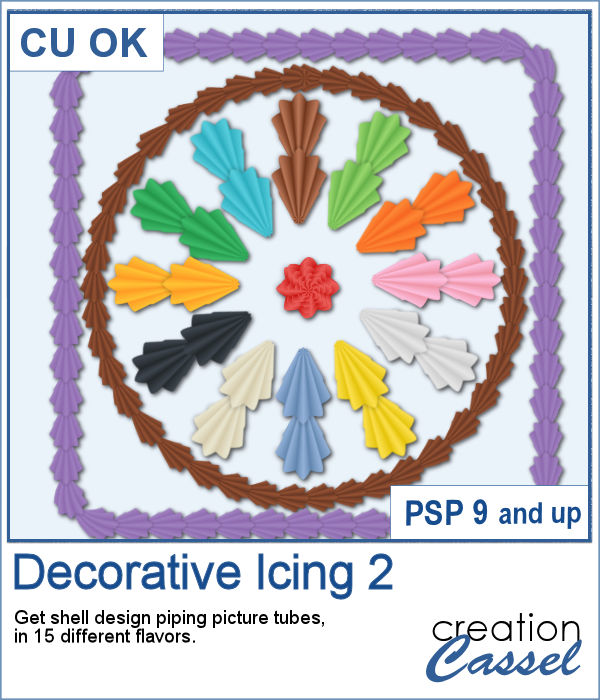
You can use a simple piping bag to write text or draw some fancy ornaments, but if you are able to add some shell design, it would be even more fun and realistic, don't you think?
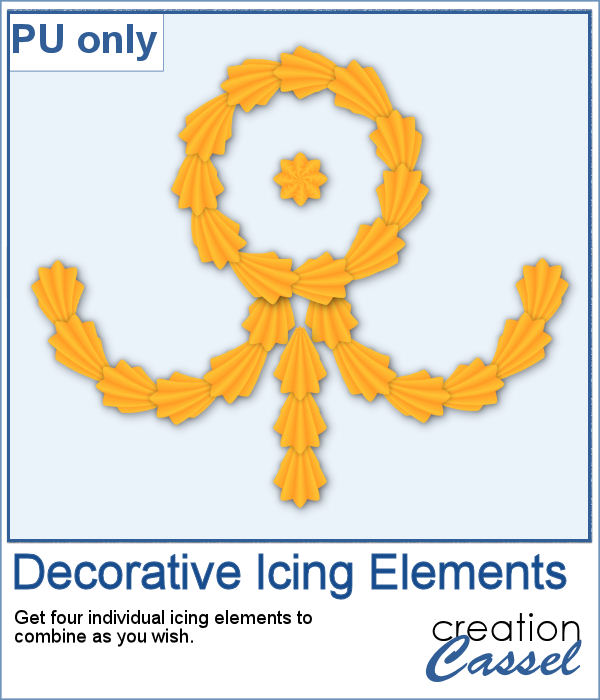
For a freebie, I created some PNG elements that are separate for you to combine in infinite ways, whether it is for a middle design or borders. Each element is large enough that you can cover a large area, but you can size down as needed.
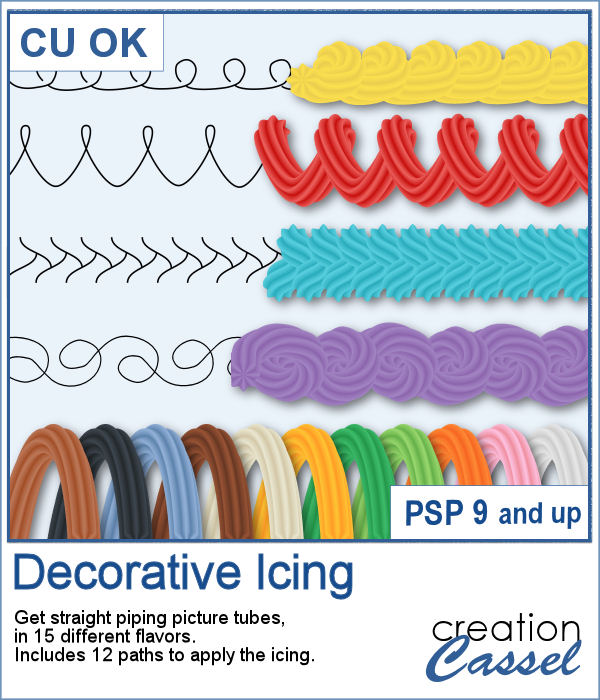
Icing with a piping bag can allow anyone to have some interesting or fancy design on a cake or cookies, but it can be also messy and full of calories.
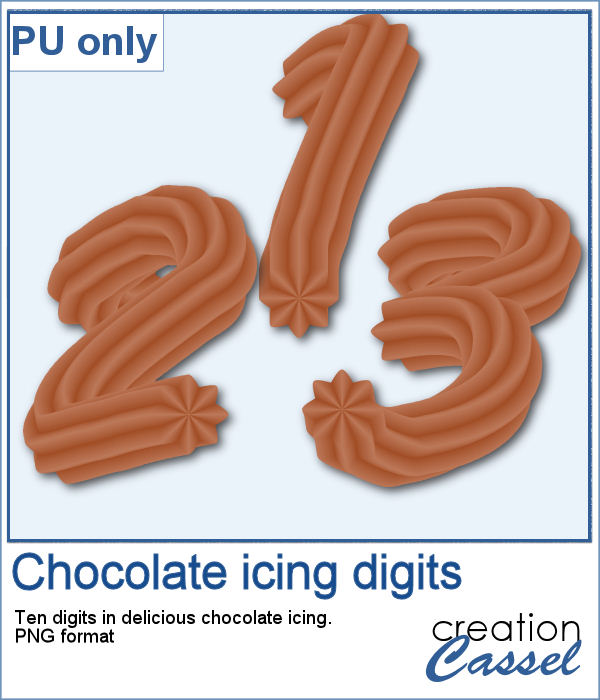
As a sampler, I created some digits with a light chocolate flavor icing. Each digit is about 700 pixels high and in PNG format.
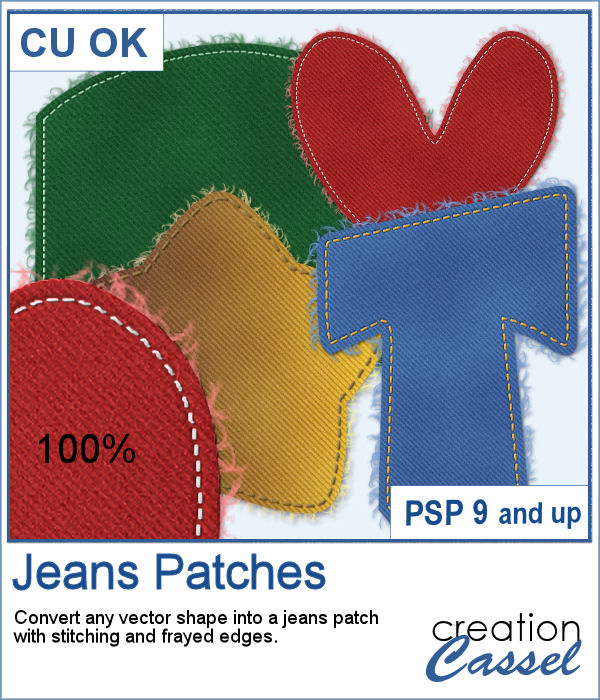
You can now create fun or crazy patches for your next project, whether it is a letter, a digit, a basic or even an irregular shape. <
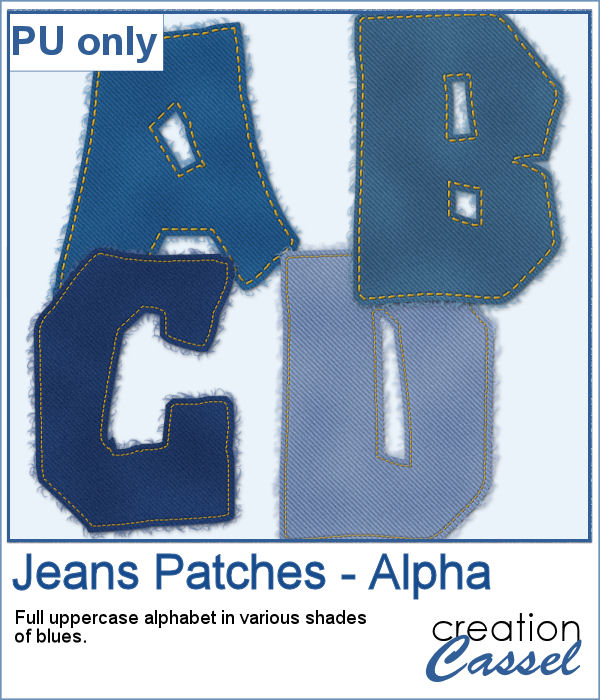
For a free sample, I created a fun alphabet using an irregular font called Deanna. I also picked different shades of blues. Each letter is about 500 pixels high.