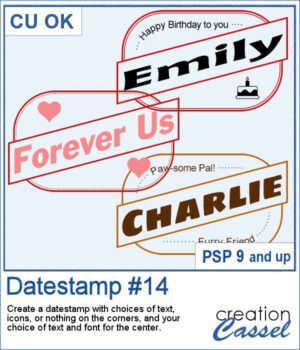
 Looking for a bold and stylish way to frame your words or photos? The Datestamp #14 script gives you a fun design that’s perfect for highlighting a name, a message, or even a full photo!
This script creates a classic rectangular frame with a slanted banner across the middle, letting you showcase your main text front and center. You get to pick the font, color, and wording for that banner — so it’s fully customized to your project.
Want to dress up the corners too? You’ll have plenty of options! Choose to add icons (like hearts, planes, or graduation caps), short messages, or even fill the corners with a color or pattern. You can leave them empty as well, or use your own brushes or photos to personalize it even further.
This design works beautifully for cards, titles, tags, or photo labels. Use it to create custom greetings, mark a special trip or event, or label a pet or loved one in a layout. It’s super flexible — and super fun!
Get this script in the store: Datestamp #14
Want a chance to get this script for free? Head over to this Facebook post and let us know: What would you write in the diagonal banner? A name? A destination? A fun phrase? (Remember — only comments count. Likes and shares are always appreciated, but won’t count as entries.) A winner will be picked and announced in next week’s newsletter. If you’re not subscribed yet, you can join right here. It’s free and we only email once a week!
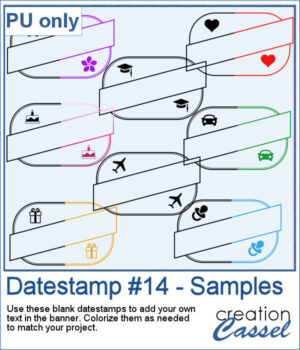 To give you a sample of what this script can create, here’s a set of 8 datestamps — one for each shape available in the script. The banners are left blank so you can add your own text, and the corner icons range from birthdays and love to travel and graduation. Each one is in black so you can easily colorize them to match your project.
You need to be logged in to download this sample. Please log in or register using the links at the top of this page.
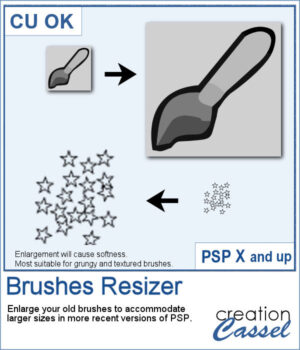 Have you collected great brushes over the years, only to find they’re just too small for today’s high-resolution projects? Back in the PSP9 era and earlier, brushes were limited to 500 pixels — and some were even under 100. That might have worked fine back then, but now a 100-pixel brush looks tiny on a 3600-pixel layout!
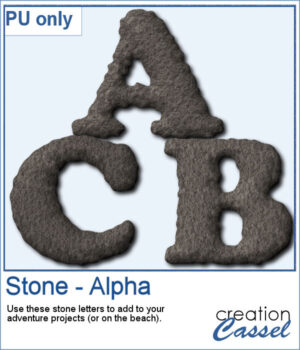 Since I cannot make a sampler from this script, I created a whole alphabet made of stone. It will be perfect to add to your adventure-related projects or to place them in the sand, on the beach.
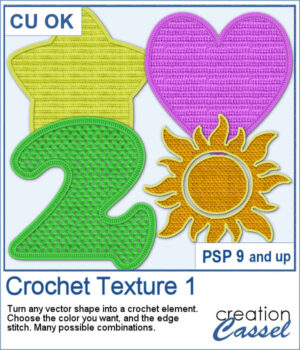 Looking for a creative way to give your elements a warm, handmade feel? The Crochet Texture 1 script lets you turn any vector shape into a realistic crochet piece! With detailed textures and edging, your shapes will look like they've been stitched with yarn — perfect for cozy, crafty projects.
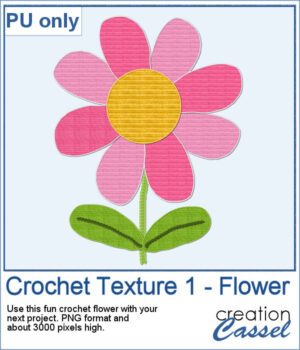 To give you a little sample of what this script can do, here's a freebie made with the Crochet Texture 1 script: a simple crocheted flower in sunny yellow, using a ribbed fill and a matching edge. It’s perfect to tuck into a kids’ layout, a cozy winter scene, or even a handmade card project.
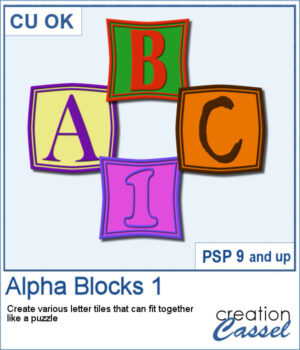 Create Titles That Fit Together Like a Puzzle
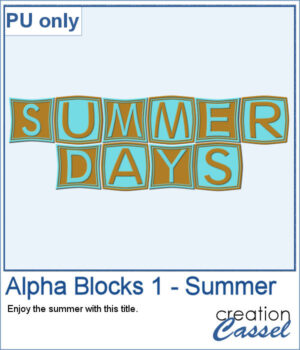 To give you a little taste of what this script can create, here's a free title made using the Alpha Blocks 1 script. It says SUMMER DAYS, in cheerful brown and turquoise tones, with alternating block shapes. This is a Personal Use freebie — perfect to drop into a sunny layout!
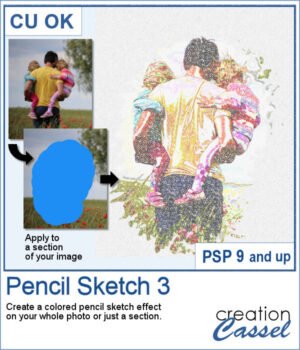 Want to give your photos a colored pencil sketch effect? This new script for PaintShop Pro lets you do just that—with adjustable layers and now a new option to apply the effect to the entire image or just a selected area.
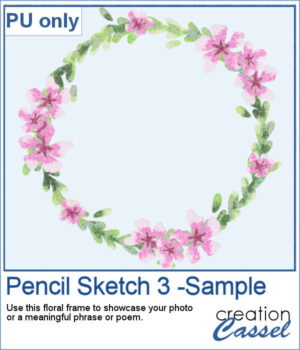 For a sampler, I used a floral wreath design and ran the script on the whole picture. I manually removed all the white background so you can use that wreath on any paper of yours.
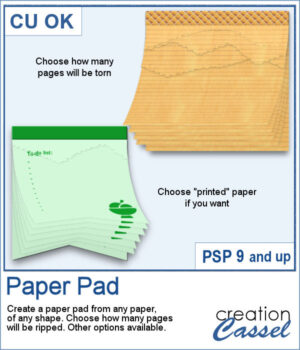 Ever wished you could make your own notepad-style element using any paper or shape you like? This new Paper Pad script for PaintShop Pro lets you do just that! Turn any flat paper into a multi-layered pad, complete with realistic torn edges at the top.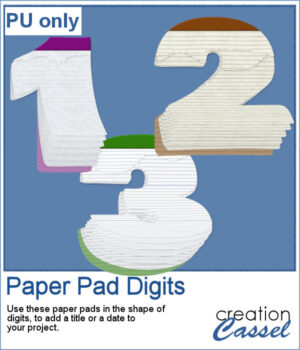
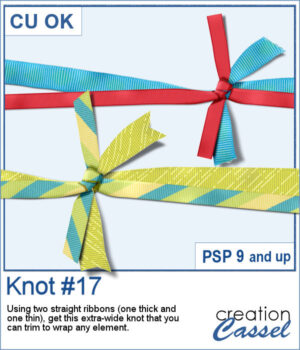 Wrap Your Projects with a Custom Knot in PaintShop Pro
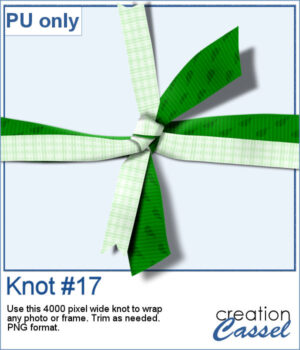 This week’s freebie includes a finished knotted ribbon made with two contrasting patterned ribbons. It’s a 4000-pixel-wide PNG element you can use to wrap any photo, frame, or journal card.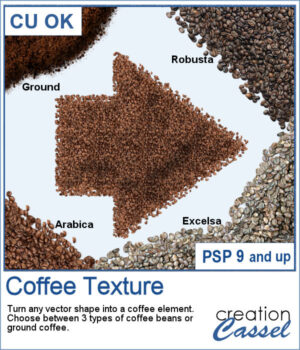
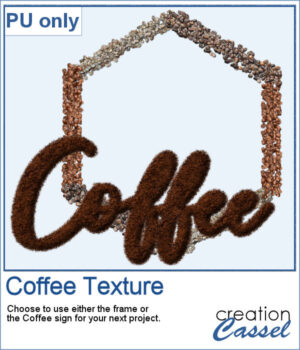 This freebie includes a coffee-themed word art (made using the ground coffee option) and a decorative frame (created with the included picture tubes).
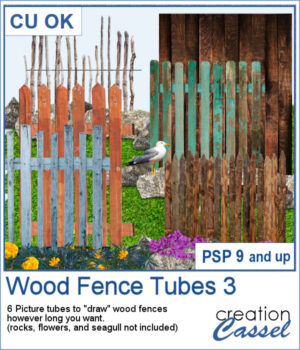 There are already a dozen of wood fence picture tubes and this is another set. You can draw them as long as you want and even following a slight curve. Every use of those tubes will generate a slightly different result as each planks are randomly selected.
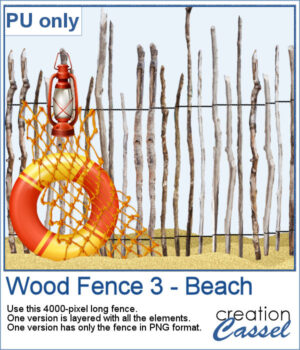 For a sampler, I created a 4000-pixels long "beach" fence. I also decorated it and it is available in layered format (.pspimage) and you can also get only the fence itself (.png).