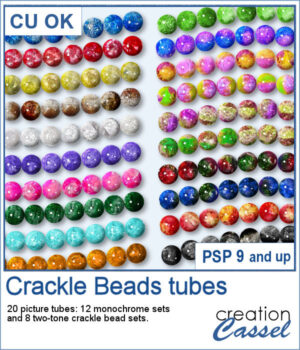
 Add some sparkle to your projects with these colorful Crackle Beads Picture Tubes. This collection includes 20 different tubes, with 12 monochrome sets and 8 two-tone combinations. Each tube contains a variety of beads that are randomly selected as you draw, giving your strings a natural and varied appearance.
Use them to create bead strings, borders, frames, decorative accents, and more. Mix different colors and sizes to create your own unique designs.
Get those tubes: Crackle Beads
Want a chance to get these beads for free? Head over to this Facebook post and tell us what you typically do with bead tubes. (likes and shares are appreciated, but won’t count as entries.) A winner will be announced in next week’s newsletter. If you’re not on the list yet, you can join right here. It’s free, and we only email once a week!
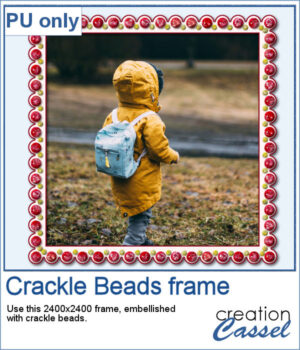 For a sample, I created a paper frame and added beads manually to it. You can see the red beads and smaller yellow beads.
You need to be logged in to download this sample. Please log in or register using the links at the top of this page.