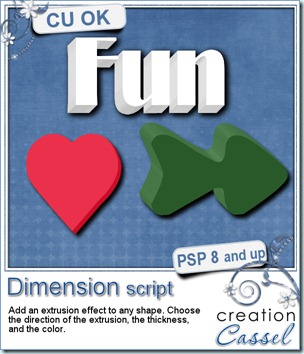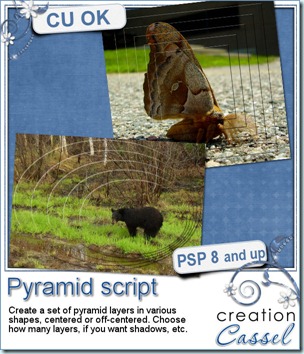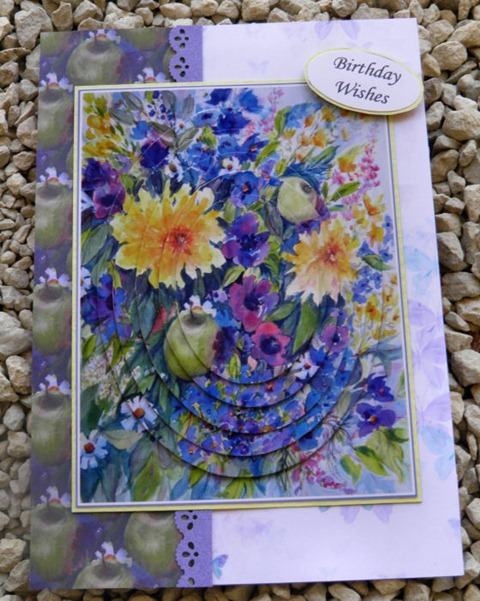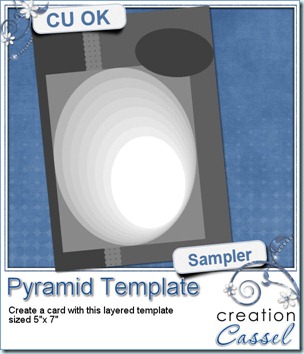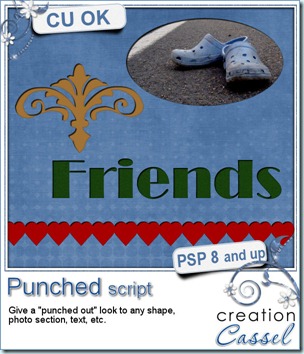
As i was looking at some paper scrap pages, i noticed that several of them used punched designs and it was giving that 3D look since the top paper was cut and you could see the other paper underneath through the hole. I figured i could replicate it in digital form using Paintshop Pro. It was easy. It might be something you can do manually, but i coded this script simply to make the process faster.
It is available exclusively in my personal store here.
As i was playing with the script, i used it on a single pattern, on a series of patterns to simulate a border, on a section of a photo, and on a word. I think it would look cool as a big title or even if you use it only on the first letter of the title. And what about using it on concentric circles (a smaller circle inside a larger one)?
The way the script is coded, it is somewhat of a “cheat” since the paper is not really punched as it looks. In fact, the punched look is attached to the shape itself, meaning that you can move the “hole” wherever you want. That means that you can change your mind as you are working on a layout, move the “hole” or even remove it completely and start over with a different shape or design. How neat is that?
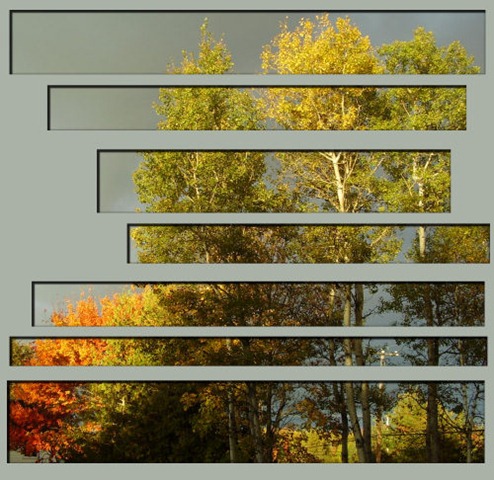 I also tried it on a photo and simply selected various rectangular shapes, and deleted the rest. I ran the script and it looked fun. I just added a plain color under the holes (yeah, as if you could do that in paper scrapping!) and i really like the effect. This was just me playing around, without any particular plan to use that on an actual layout, but i might do that on my next scrap page. What do you think?
Remember, this script is FREE, so go grab it in the store and tell your friends to come and grab it too!