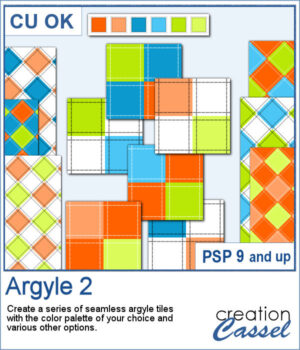
Argyle patterns might be simple to create but if you want a series of tiles matching a color palette, it becomes tedious. This script will generate up to 10 tiles starting with your choice of color palette, and a few more options. It will create those tiles for you in just a few seconds. Keep the tiles you like and discard the others.
Get this script: Argyle 2
To win this script, add a comment on this Facebook post telling us if you have used an Argyle pattern before (remember, add a comment, not just a Like!) The winner will be announced in the newsletter, next week. Not a subscriber yet? Not a problem. You can register here and it is free (and you only get one email per week).
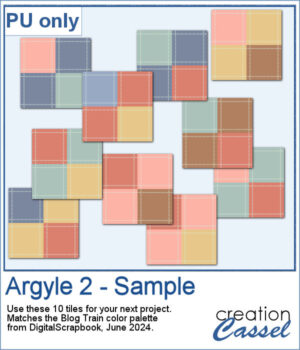
For a sampler, I used the color palette from the June 2024 blog train at DigitalScrapbook.com. I generated 10 different seamless tiles that you can use for your next project.
You need to be logged in to download this sample. You can either login, or register on the top of this page.
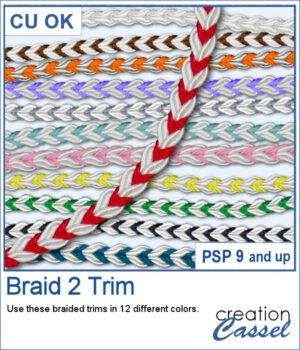
These braids combine a white section and a colored section. You get 12 different colors. Each braid is slightly different and not just colorized versions of a single image.
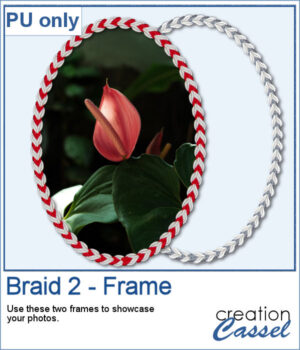
For a sample, I created two large frames: one red and one grey that you can colorize to match your project.
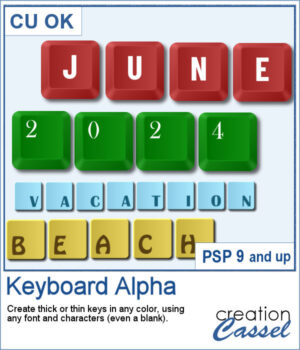
You can now create your own alpha from keyboard keys. You can have thick keys or thin ones, depending on your preferences.
For a sampler, I created a simple thick green set of keys with white characters on the bottom left (a little unconventional). The alpha includes all the letters, the digits and a hyphen to let you type in dates and more.
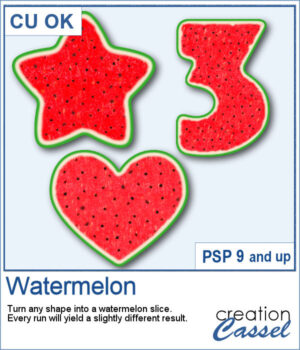
For any summer theme, you can create watermelon slices in any shape you want. How often have you seen a watermelon slice in a heart shape, or an arrow shape?
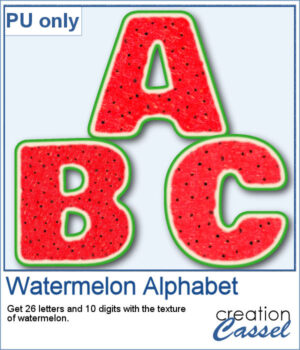
For a samplers, I created a complete alphabet (A to Z) and also a set of digits (0 to 9) to allow you to create just about any title for your summertime projects.
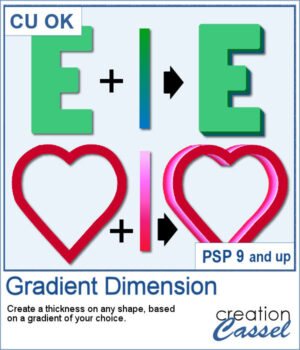
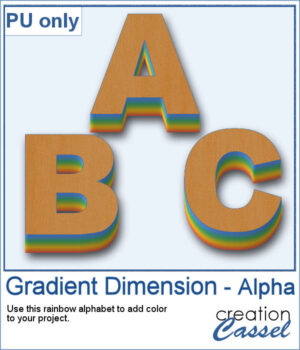
You might be familiar with the Dimension script where one could add an even thickness, in whatever color you wanted. This time around, the thickness would follow a gradient, whether it is already made, or based on two or three colors you will choose.
As a sample, I created a full alphabet using a rainbow gradient for the edge. This will be perfect for your spring themed titles and projects.
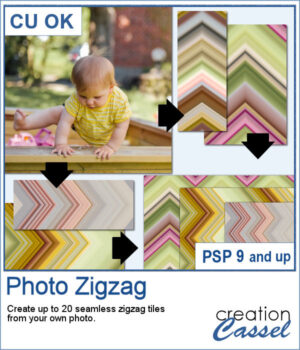
It is always interesting to use an actual photo and use it to create background papers since they will perfectly match.
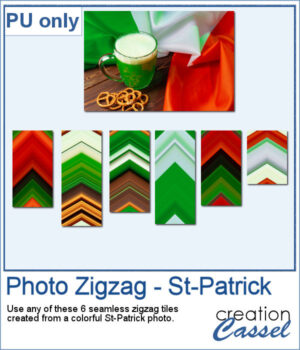
As a sampler, I used this St-Patrick photo to generate 6 seamless tiles. All the tiles are 400 pixels wide but of different lengths. They all show some greens but also the white and orange from the Irish flag. This is perfect for you St-Patrick projects. If you find the colors too bright, you can blur them or desaturate them to suit your projects.
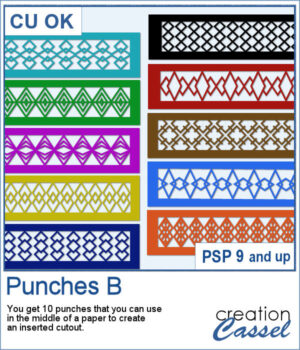
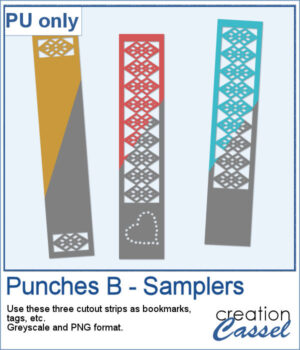
This set of brushes will allow you to paint or cut intricate designs in the middle of a paper (or a photo). Create cutouts away from the edges and corners.
As a sample, I created a set of greyscale bookmarks with a central cutout and one with cutouts on the ends. One has a heart shape punched out, while the others are blank for you to add anything else you want. The design can even be cut from actual paper/cardstock using a cutting machine. You can colorize these strips any way you want. Each "bookmark" is 600x3000 pixels long and can also be used as an element on your next project.
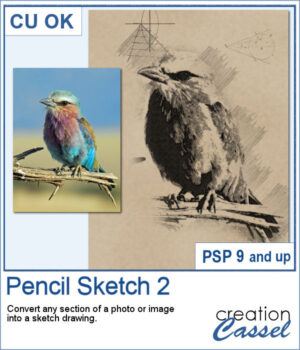
If you want to convert a part of your photo into a "technical" pencil sketch drawing, this script will help you with it. You can use any image and any section to convert.
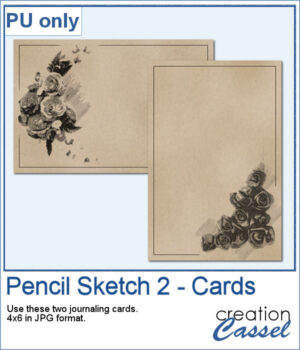
o, sketch, As a sample, I used pictures of isolated flower clusters and ran the script. I added a separate frame and removed the "technical" drawings as they didn't seem to fit with the theme. Each card is 4x6 and has enough space for you to write a sentiment, a quote, or a message.
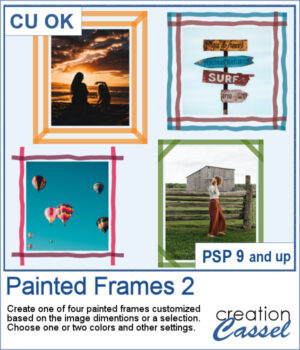
You can now add some painted frames around any photo, element, or even just a selection. This means that you can even work directly on your work in progress.
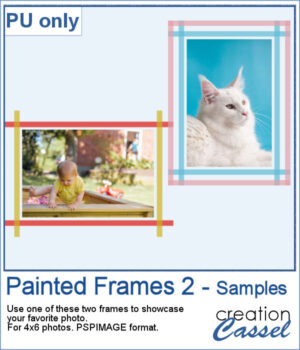
As a sample, I created two frames for 4x6-inch photos. I left the layers unmerged so you can use the Lock Transparency to change the colors of the different layers.
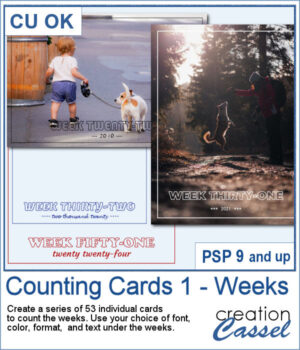
Whether you are doing a "Project 52" or just want to showcase your photos, sometimes, it can be fun to have an overlay to show the week and year of that particular photo.
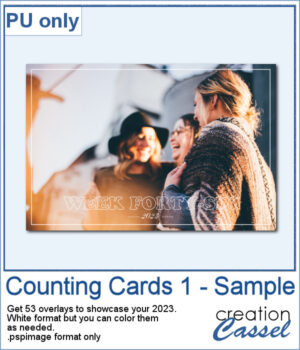
As a sampler, I created a whole set of raster overlays for you to showcase the year 2023. All the layers are in white, but you know that you can change that easily, right? The format is 6x4, which is fairly standard for printing, but also if you are doing pocket scrapbooking.