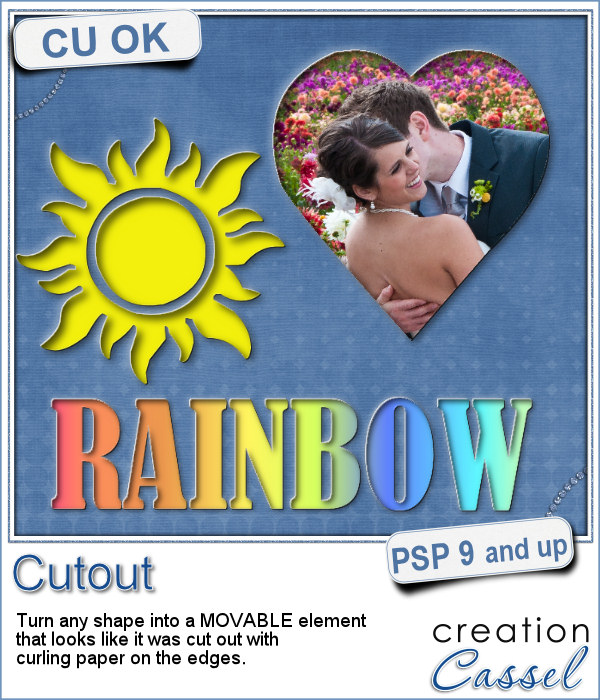
With this script, you can pretend that you cut out the top layer of your project to show something underneath, while in fact, you cheated and what you see underneath is actually on top.
This allows you to move your "cutout" piece anywhere on your project, or on a separate project if you want to. Save it for future use too and the effect will be applied wherever you place the shape.
The edges will look like the paper is slightly curled up, so make sure you place it on a layer that looks like paper (curled up wood would not look too realistic!)
Get this script in the store: Cutout
In order to win this script, add a comment on this Facebook post telling us what shape you can think of using this script with (remember, add a comment, not just a Like!) The winner will be announced in the newsletter, next week. Not a subscriber yet? Not a problem. You can register here and it is free (and you only get one email per week).
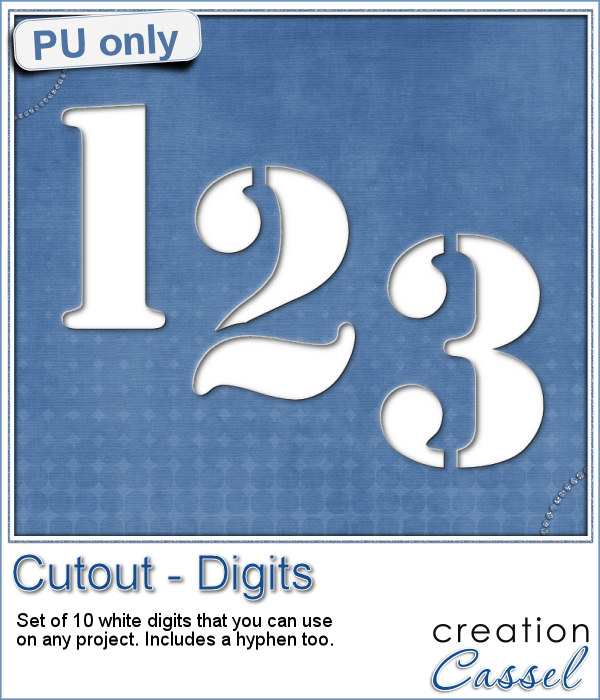
To show how these cutout shapes can be portable, I used a stencil font to create a set of white digits. They are png format so you can use them anywhere, on any project and give the impression that your paper is cut, and curled up to show these numbers. You will obviously get better results if you don't use a very dark paper!
You need to be logged in to download this sample. You can either login, or register on the top of this page.
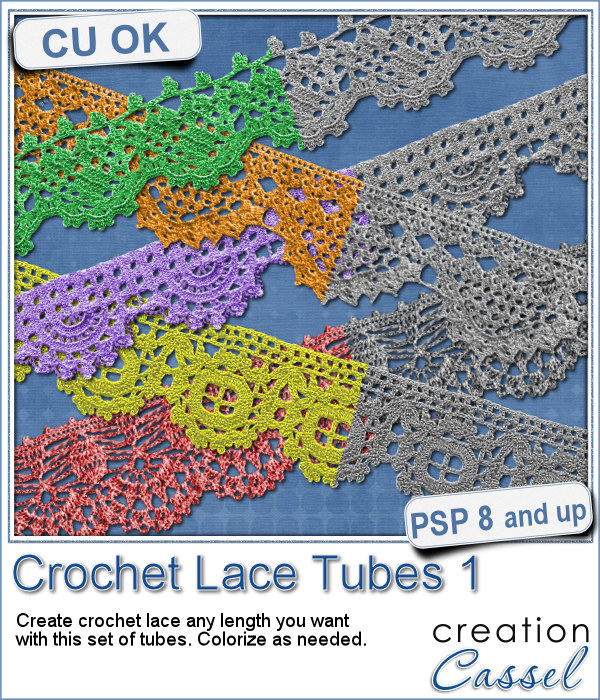
Do you like lace edging? Can you find some that suits your project? Something that is the right color, the right length?
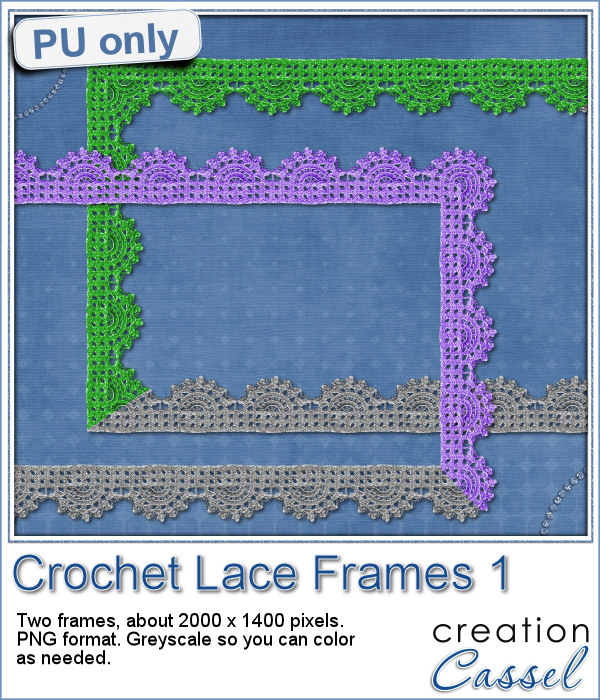
As a sample, this week, I created a long strip of lace and turned it into two frames using the Mitered Corner Frame script. In order to make nice corners, i trimmed the strip exactly between "loops" then measured the length of a loop in order to set a size, in the script, that would use complete loops. I think it turned out great.
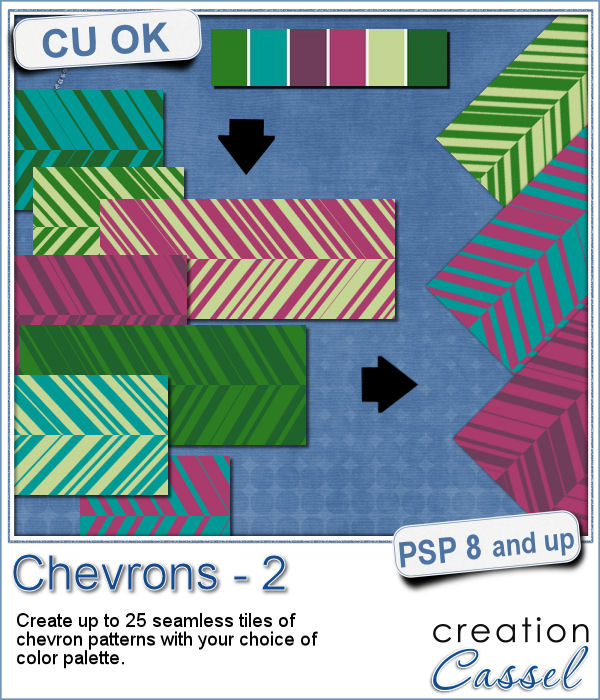
You might already be familiar with the script to create neat and regular chevrons, but sometimes, you might want something a little different, a little less regular.
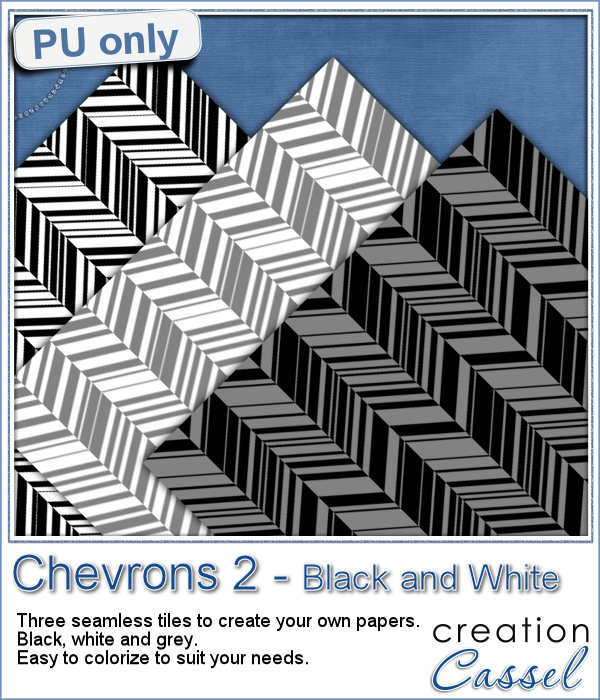
Since I didn't know what were your favorite colors, I created three tiles with chevron patterns in black, white and grey. They would be quite easy to colorize to your liking and match your current project.
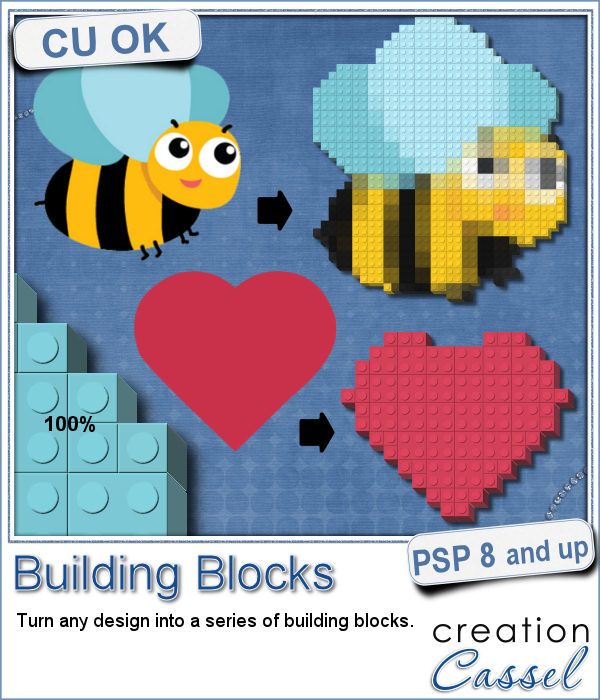
Do you like to play with building blocks? Does it bring back memories of your childhood?
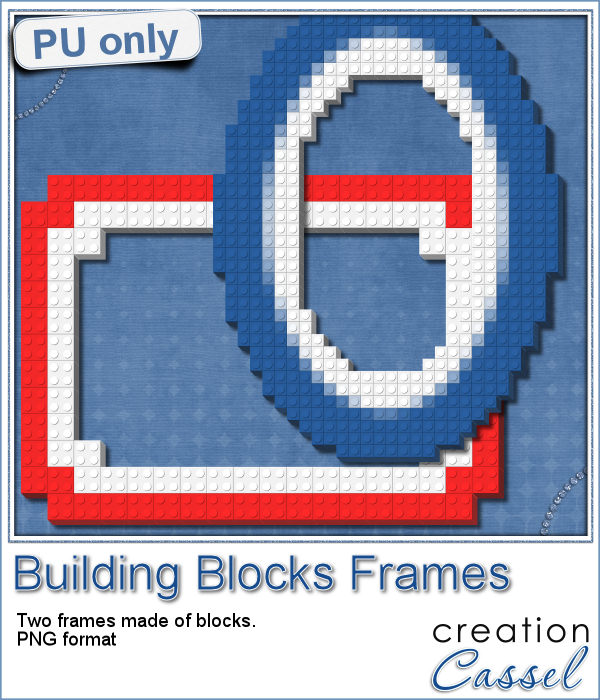
As a sample, I created two simple frames made out of blocks.
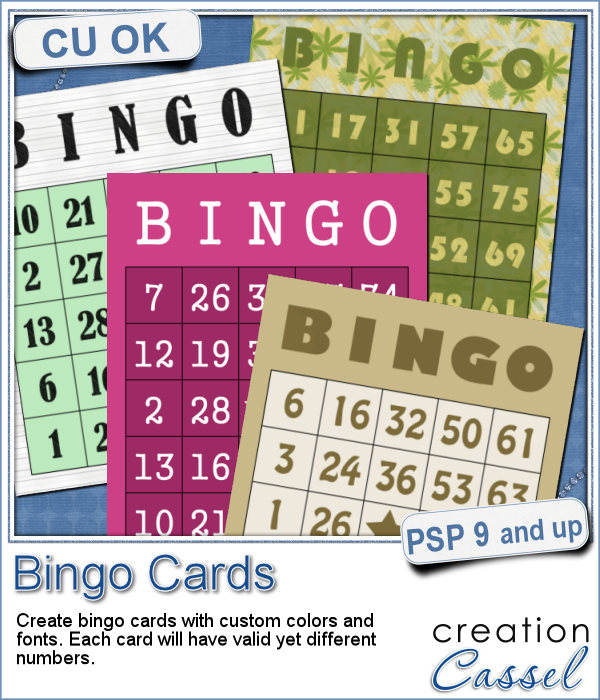
If you have a project about game night or bingo winners, you might want to add some bingo cards to your layout, but usually, you will find some pretty ordinary cards that won't necessarily match the colors or style you are using.
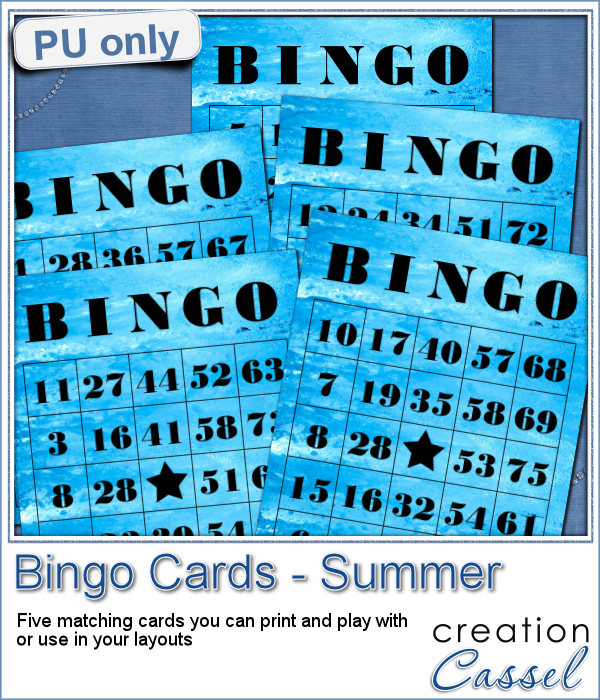
As a freebie for this week, I created 5 matching cards so you can actually print them out and use them to play. Laminate them so you can keep them for later.
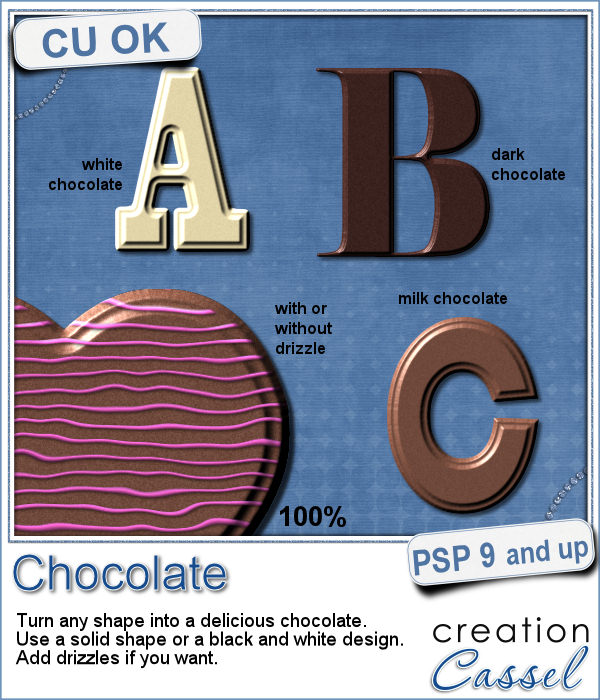
If you like chocolate, here is your chance to get a sweet treat for your next graphic project. Whether you like white chocolate, milk chocolate or dark chocolate, you are in luck!
For a sample of this script, I used a few summer themed elements and ran the script with a milk chocolate flavor.
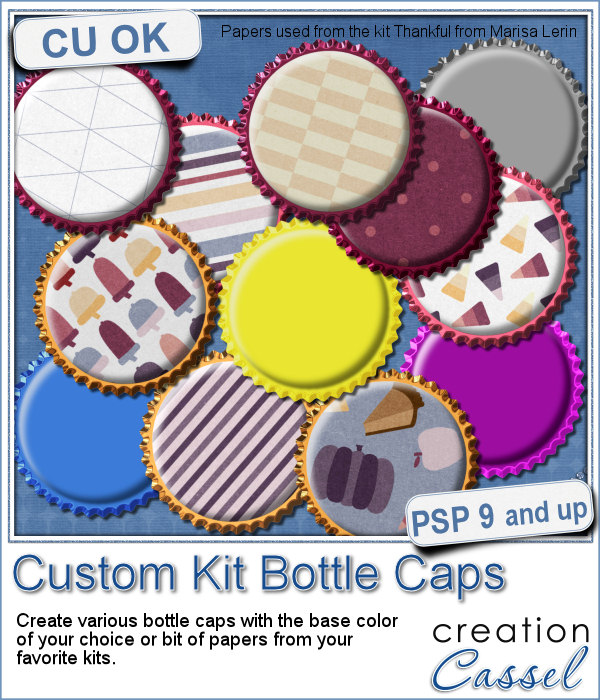
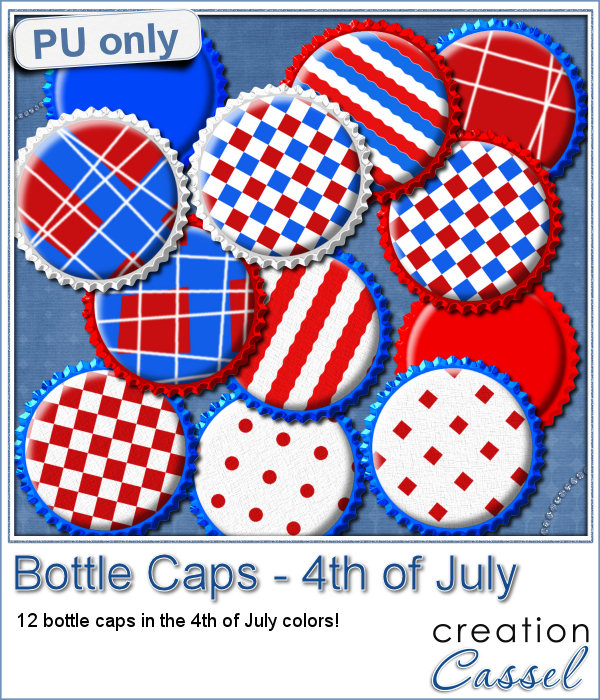
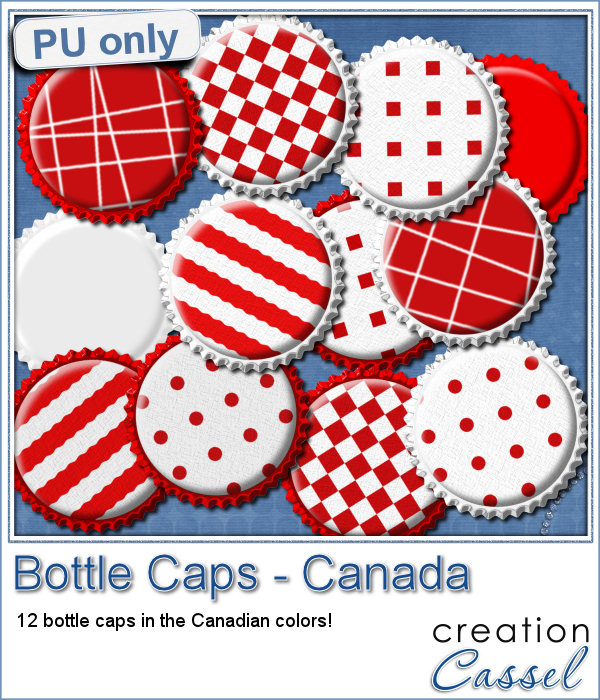
Although bottle caps might be a little thick for a traditional paper layout, you can layer as many as you can in a digital layout! But you don't have to use a boring, plain or typical bottle caps since you can now create them with a touch of your favorite papers, from any kit.

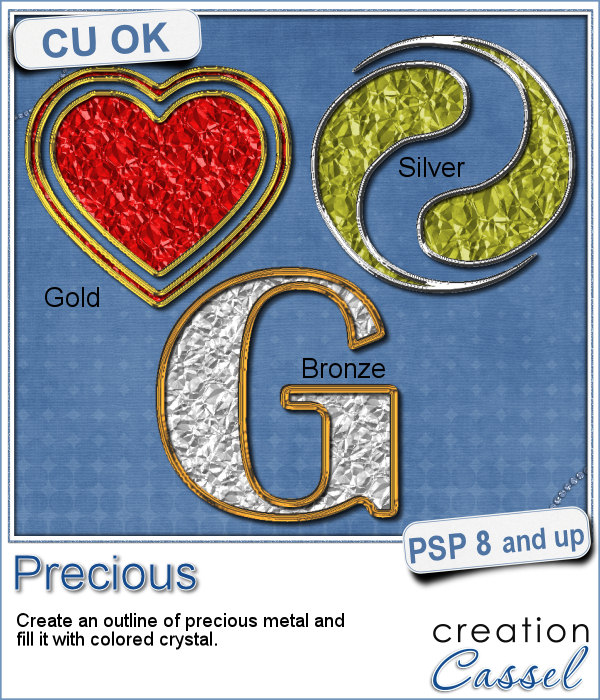
If you want some precious metal elements, you can create them with this script. It will take just about any shape and outline it in gold, silver or bronze, and then, will fill it with crystal in the color you choose (you can even pick a gradient for a great effect too).
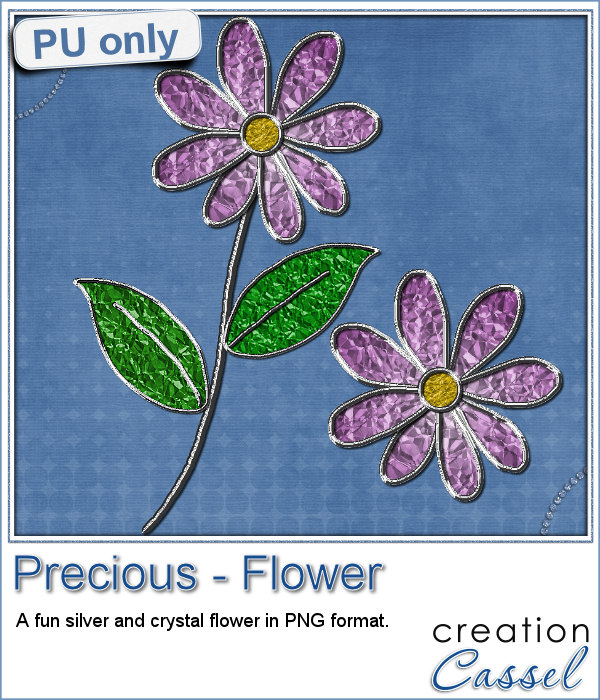
As a sampler, I created this cute flower. The freebie includes the flower with the stem and leaves but also the flower alone.
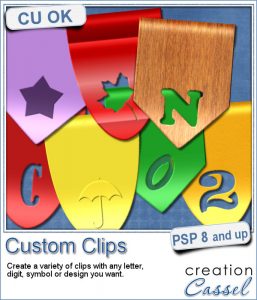
Do you want to rely on the ready-made clips you can find with set colors, or design or create your own that you can customize with any color, gradient or pattern, any text, font or design that would perfectly match your kit, your layout or your graphic project?
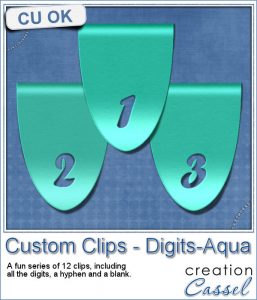
For a sample of this script, I created a set of digits in a nice aqua color for the summer that is coming up (at least for the Northern Hemisphere). You can now write the date of your next vacation or family gathering.
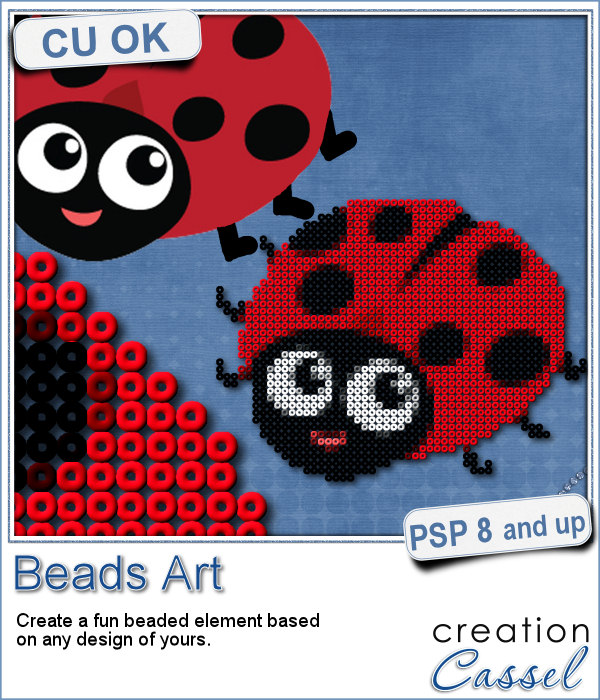
It can be fun to convert a simple clipart into a beaded element to add to a themed layout. You can do that with this script which will convert ANY image into a set of beads, all fused together.
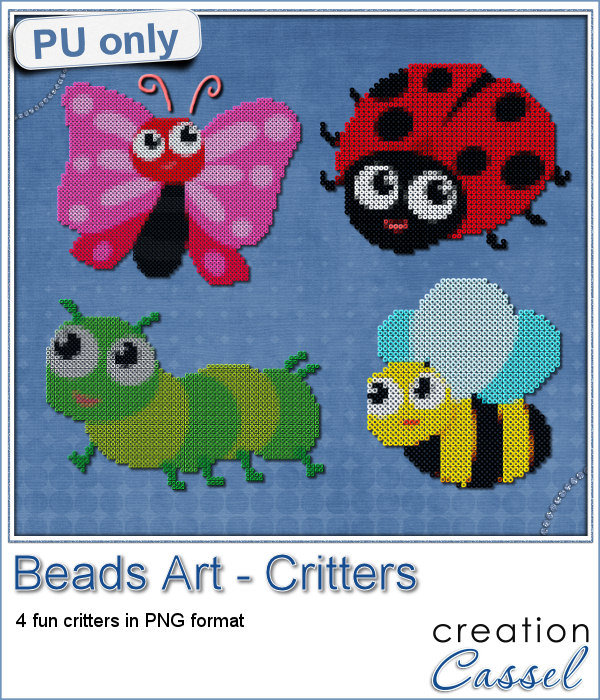
For a little taste of summer (at least for the Northern Hemisphere), I made these 4 adorable critters in beads art for you. Each of them is about 1000 pixels in size so you can easily size them down to suit your layout.