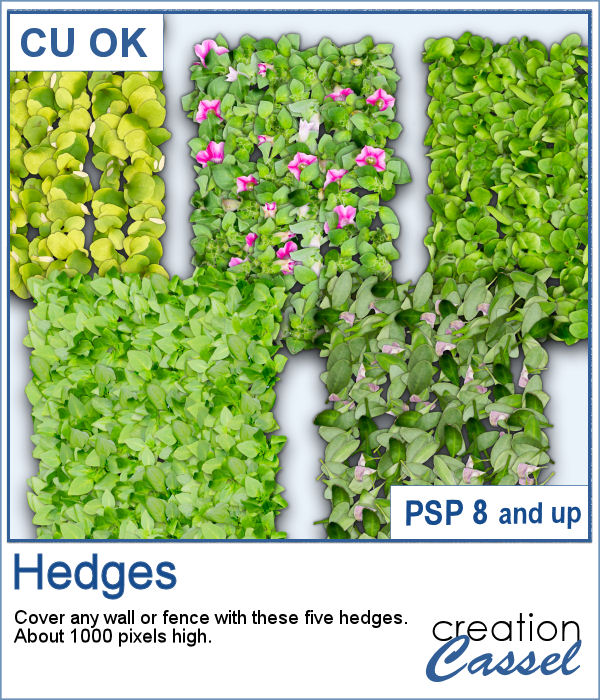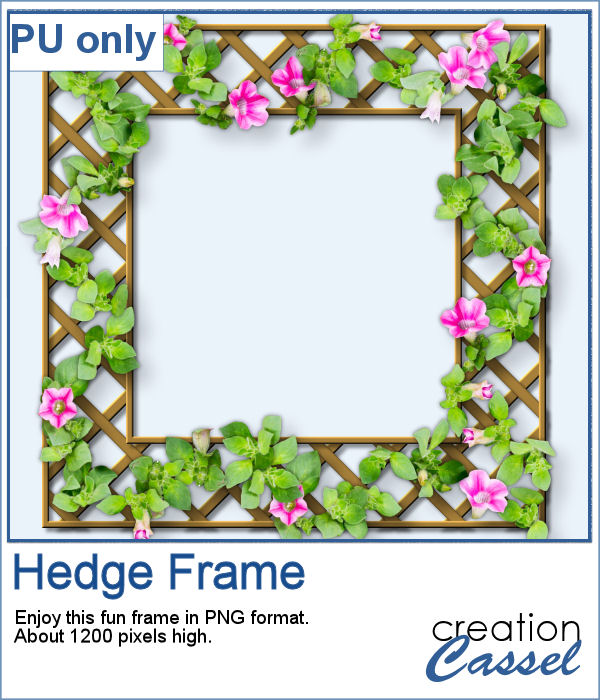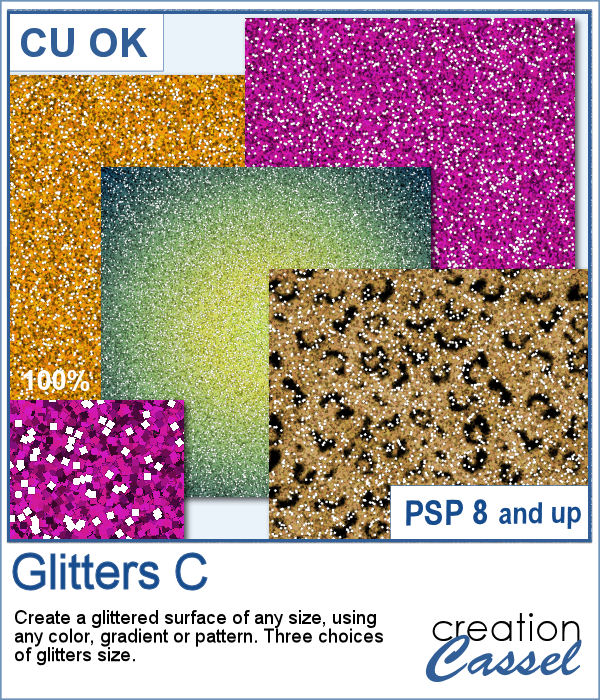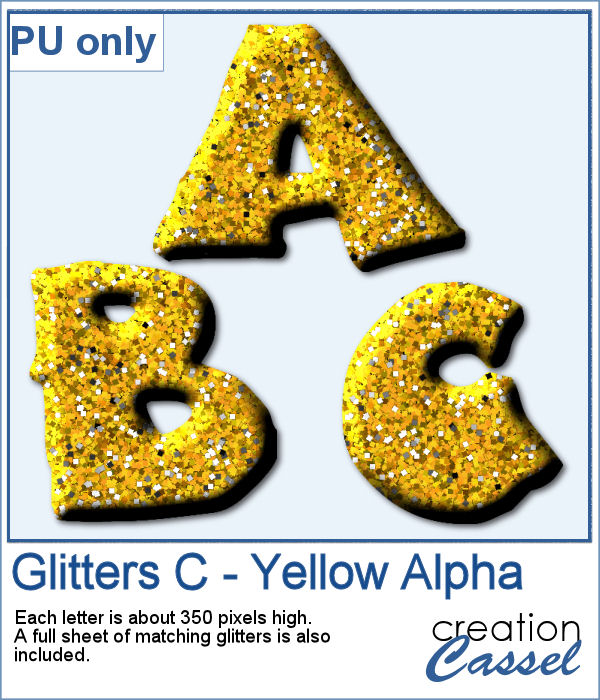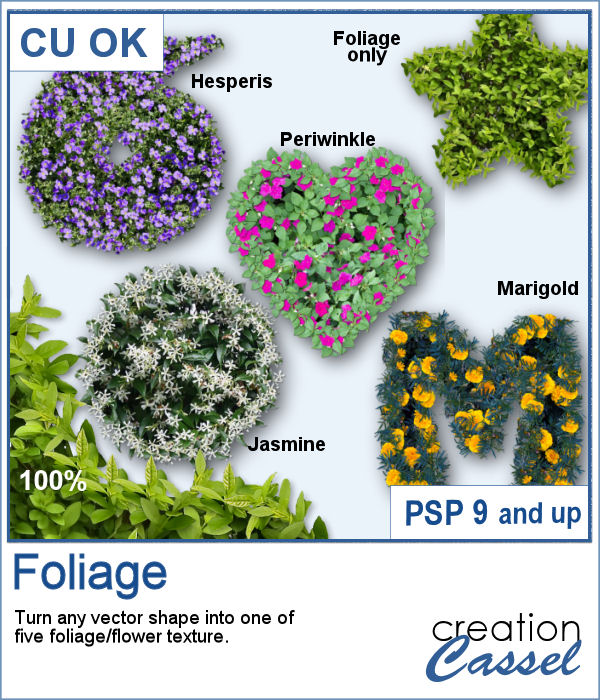
It can be fun to turn various shapes into foliage or flowery bushes. This can be particularly suitable for garden-themed projects, whether it is a scrapbook page, a poster, or a card to someone with a green thumb.
This script will offer you five options for that vegetation texture: one is just foliage while the other four include flowery bushes.
Get that script in the store: Foliage
In order to win this script, add a comment on this Facebook post telling us what other flowery bush you would love to see used in a future script (remember, add a comment, not just a Like!) The winner will be announced in the newsletter, next week. Not a subscriber yet? Not a problem. You can register here and it is free (and you only get one email per week).
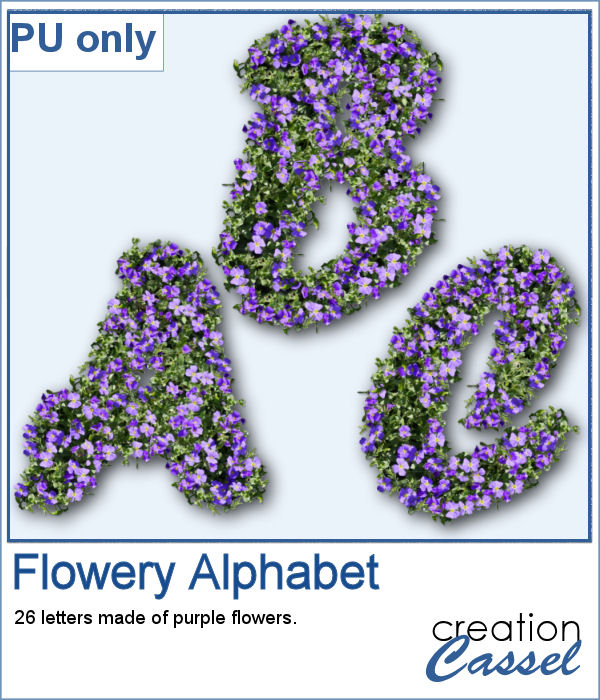
This week, as a sample, I am offering you a full alphabet using the Hesperis flowers. Each character is about 700 pixels in height so you have plenty of room to resize them to suit your project.
You need to be logged in to download this sample. You can either log in or register on the top of this page.
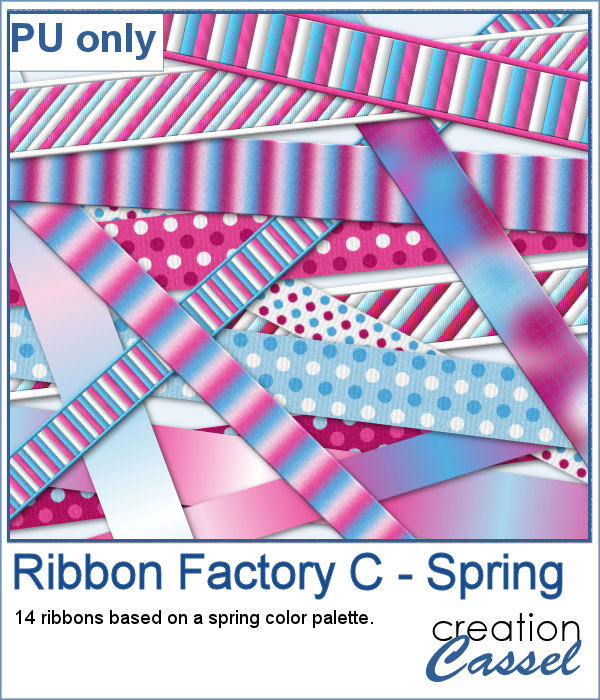
It is always fun to have a variety of ribbons to accompany our project but using ready-made ones, might not always match. Adjusting the color is possible but it is tedious. And if you are talking about multicolored ribbons, then it is a full-blown headache.
For a sample, I am sharing 14 of the ribbons generated using the color palette in the preview. They are nice spring-like colors, so you now will have access to another set of matching ribbons.
A dispersion effect can be added to any photo to give a unique impression of power or explosion.
Since this script would likely be applied to your own photo, I simply ran it on greyscale digits. Since they are in greyscale, you can colorize them any way you want to use it in your own project.
If you want to create new patterned papers, you can draw them yourself or use a readymade template. However, while using this script, you can create many more seamless tiles, using a single color palette of your choice. This will speed up the process.
As a sampler, you can get these 10 seamless designs showcasing soft spring colors.
You can create wet paint drips manually, but it is quite tedious to do. In addition, how can you ensure that your drips will be perfectly straight?
As a sampler, I had fun creating this multicolored alphabet with dripping paint.
You can now have a corkboard to add any note, memo, paper, or even some lost and found objects. And even better, that board can be any shape you want.
For a sampler, I created individual digits using the font Rolipoli, which is a fat font, in order to give enough room to pint elements. Each element is about 1000 pixels in height and in PNG format.
When you want to create background papers, it is easy to create seamless tiles. However, it might be tedious to create your own design every time and you might also end up running out of ideas.
As samplers, I generated a few tiles and saved them for you in .pspimage format so you can use only one of the layers if you want, or even combine them between tiles.
More crochet laces for you to decorate your projects. Create them in any length you need, and colorize them in any color you want to match your project.
For this freebie, I used a long lace and ran the
You can convert a photo into a painting made with text patterns with this script.
As a sampler, I created some gradient digits, from white to red, and ran the Text Painting script on them. I chose to keep the original colors so you have something other than grey. Of course, you can always colorize those digits with a different color if you prefer.
These slats are going to be evenly distributed without the trouble of measuring them all. They will overlap also evenly.
Get this slats frame for your photos. The file is about 4000 pixels wide so you can resize it to suit your photo. Although it has vertical slats, you can rotate it if your photo is vertical. Just add your photo inside the mask layer to showcase your photo through the frame.