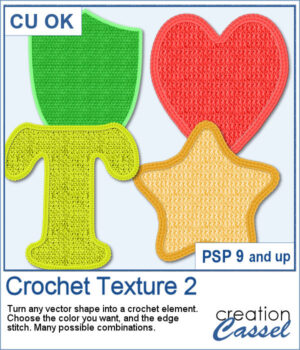
Love the look of crochet? Crochet Texture 2 gives you even more ways to transform simple vector shapes into realistic crocheted embellishments. This new collection includes five brand-new crochet textures and six coordinating edge styles that you can mix and match for dozens of unique combinations.
Choose any color, gradient, or pattern for the fill, add a matching or contrasting crochet edge, and let the script do the work. Whether you're creating titles, embellishments, numbers, or decorative shapes, you'll have a handcrafted crochet look in just a few clicks.
Get this script in the store: Crochet Texture 2
Want a chance to get this script for free? Head over to this Facebook post and tell us what you would turn into a crochet element. Likes and shares are appreciated, but won’t count as entries.) A winner will be announced in next week’s newsletter. If you’re not on the list yet, you can join right here. It’s free, and we only email once a week!
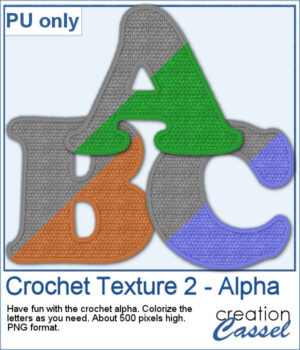
As a sample, you can download a free crocheted alphabet featuring one of the textures from this set. The uppercase letters are provided as individual PNG files, ready to use in your own personal projects. They are in greyscale so you can colorize them to suit your project.
You need to be logged in to download this sample. Please log in or register using the links at the top of this page.
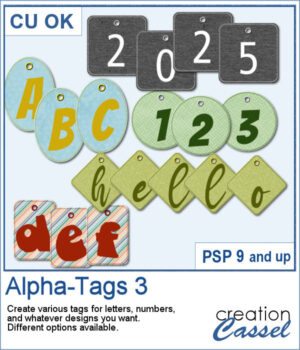
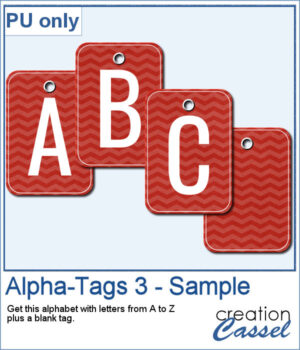
You can create a whole alphabet from any paper you have. You can choose any basic paper and the script will randomly select a different area of the paper so each tag will be different, even though they will all match.
For a sample, I created a complete alphabet (with a blank and a hyphen). Each tag is 500 pixels high so you can resize them if needed. Add a string, a rope, or a ribbon to attach them together if you want.
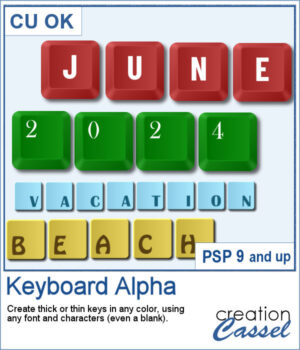
You can now create your own alpha from keyboard keys. You can have thick keys or thin ones, depending on your preferences.
For a sampler, I created a simple thick green set of keys with white characters on the bottom left (a little unconventional). The alpha includes all the letters, the digits and a hyphen to let you type in dates and more.
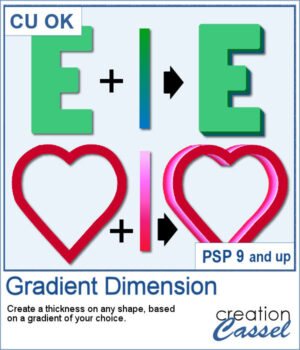
You might be familiar with the Dimension script where one could add an even thickness, in whatever color you wanted. This time around, the thickness would follow a gradient, whether it is already made, or based on two or three colors you will choose.
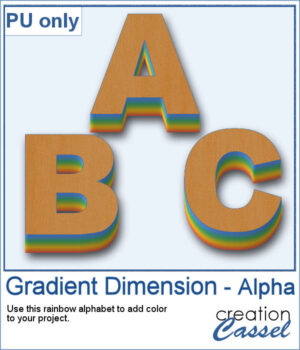
As a sample, I created a full alphabet using a rainbow gradient for the edge. This will be perfect for your spring themed titles and projects.
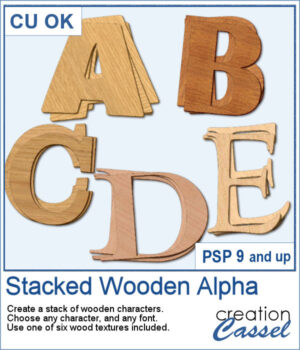
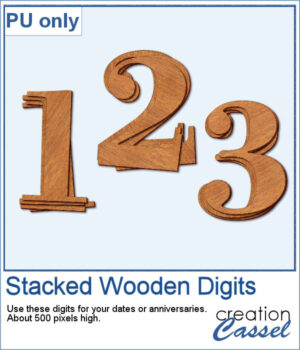
You can surely create stacks of wooden characters, but it is quite tedious. You have to duplicate each character, and then rotate and move them one by one, then add some thickness AND if you want to add the proper inside shadows, you have to do that on each individual layer.
For a sampler, I created a set of 10 digits, using cherry wood. Each digit is about 500 pixels high in png format.
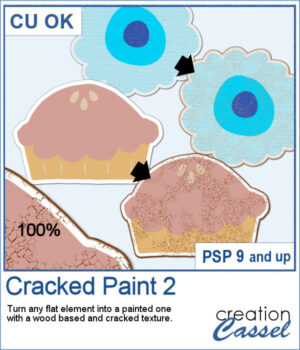
If you like the grungy style, this script will help you. It can turn any design, drawing, photo, or any flat element into a wooden item with cracked paint all over.
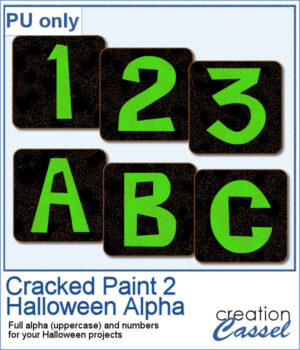
As a sample, I created a simple alphabet with Halloween colors and ran the script on each of those elements. You get a full alphabet of uppercase, and ten digits to match.
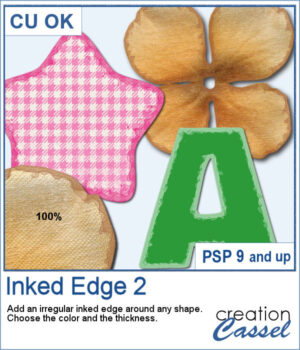
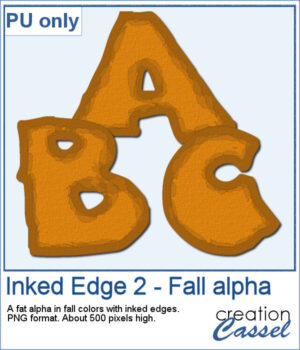
This script will quickly add an inked edge around any element, photo, or shape for you. It will look like a wet/watercolor ink that was added in three runs. The edges will be uneven all over and slightly more opaque on the very edges.
This week, I created a whole alphabet using the Fatty font in orange color with a brown edge. That would be very suitable for fall or Halloween themes.
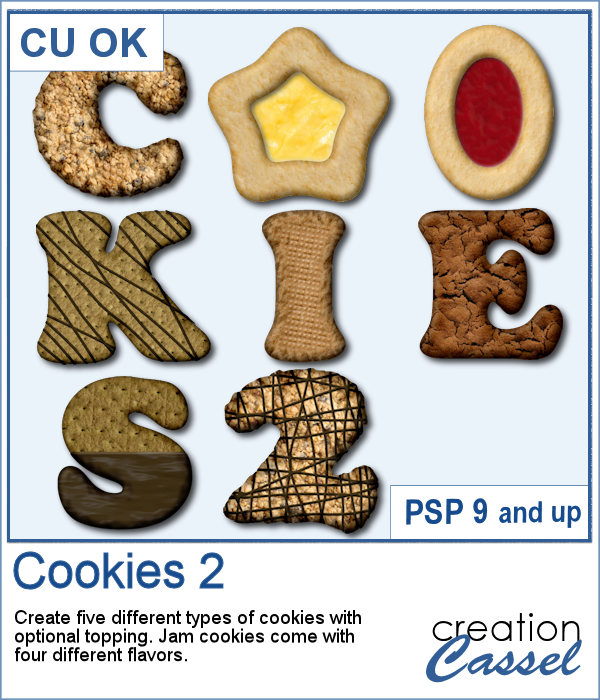
Our first script to create cookies was quite popular, so I decided to bake another batch.
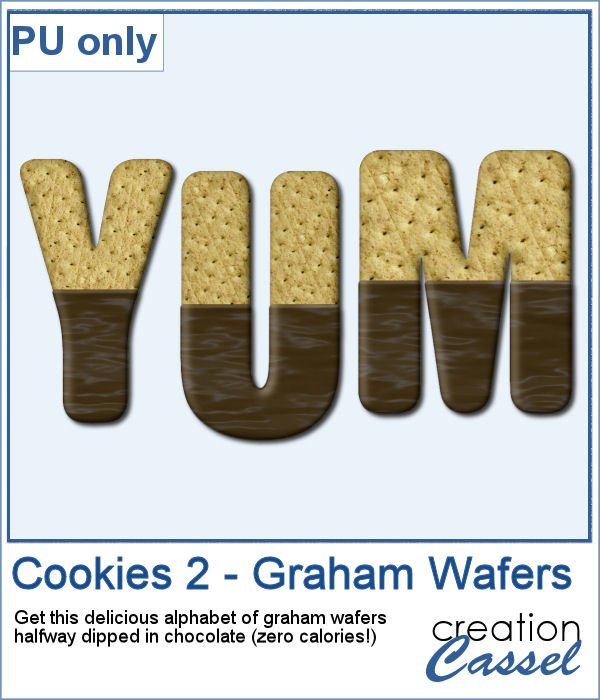
While working on those cookies, I had a craving for some sweets! I created a whole alphabet (A to Z) using graham wafers half dipped in chocolate. I think they look delicious, don't you think? Of course, if you want, you can add some sprinkles too!
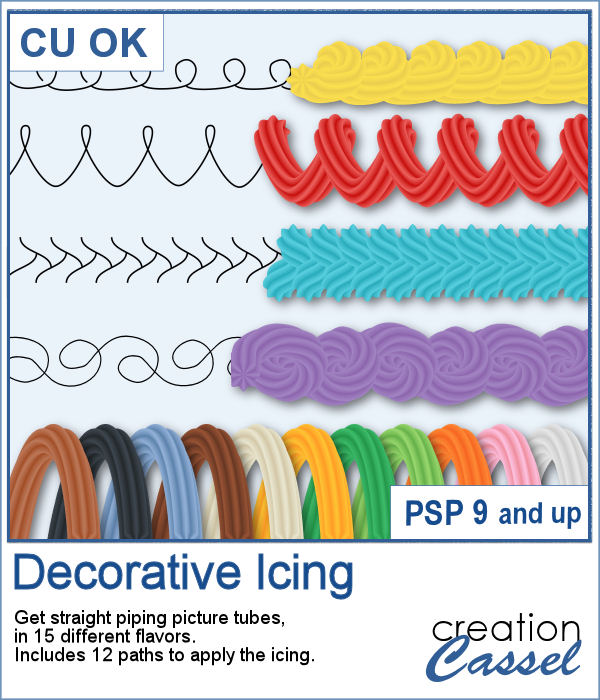
Icing with a piping bag can allow anyone to have some interesting or fancy design on a cake or cookies, but it can be also messy and full of calories.
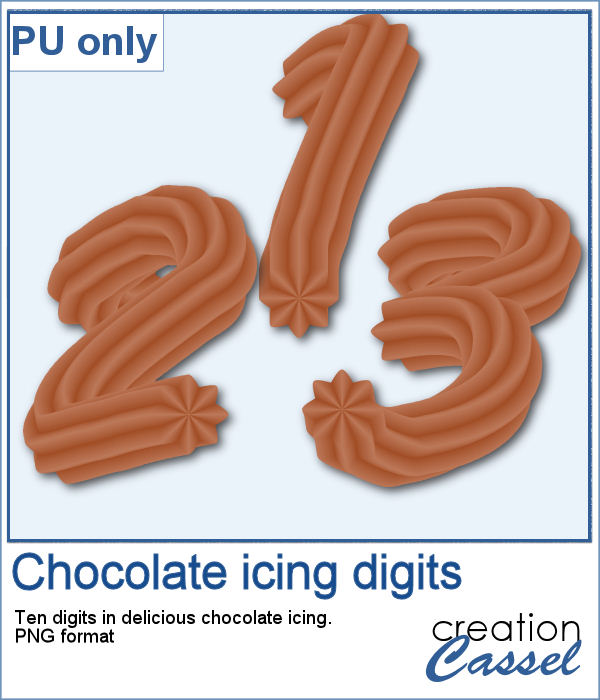
As a sampler, I created some digits with a light chocolate flavor icing. Each digit is about 700 pixels high and in PNG format.
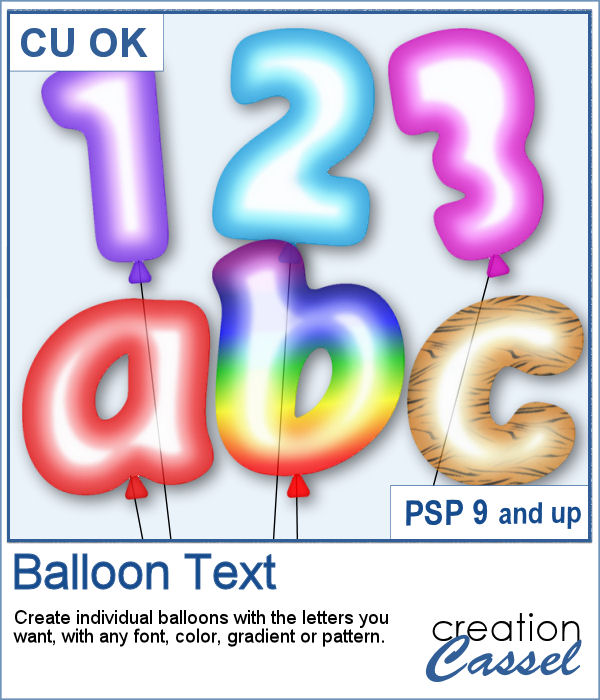
Now, for any type of celebration project, you can add balloons while writing a word, a number, a date or any other message.
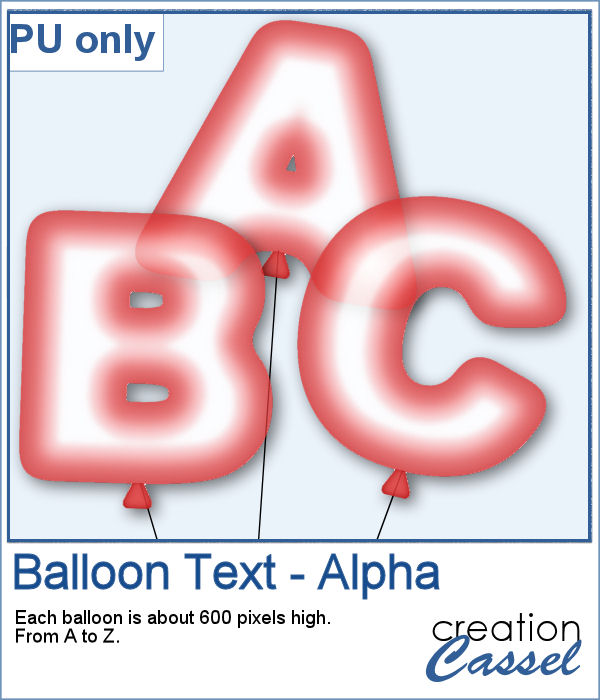
For a sampler, I created a complete alpha (uppercase only) of red balloons. Each balloon is about 600 pixels high.