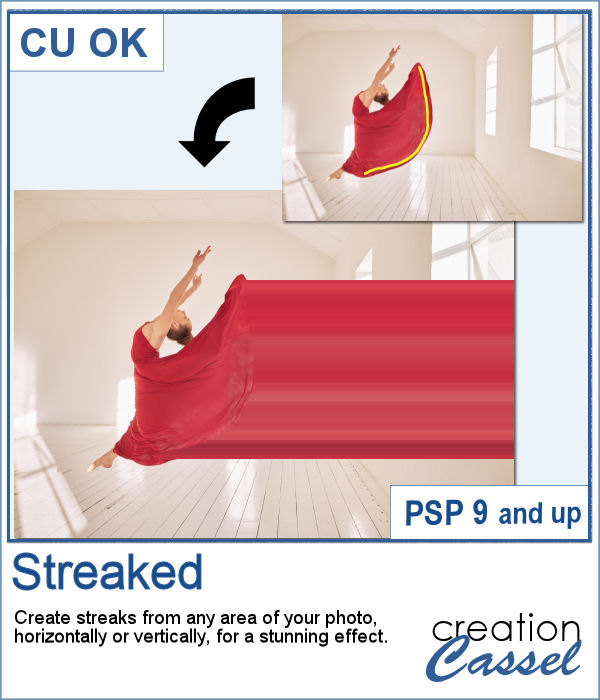
With graphic programs, we can manipulate images in ways that the camera itself cannot do. With this script, you can add streaks from your image, to convey a sense of movement, speed, or displacement. Then, you can also manipulate those streaks to give some wave effects, to show elements through, to fade its colors, etc. So many ways this can be manipulated.
You can apply this effect to any photo, in any of the four basic directions, and you can also have the ends of the streaks reach the edge of the image or not, for different effects.
Get this in the store: Streaks
In order to win this script, add a comment on this Facebook post telling us what photo would be suitable for this streaking effect (remember, add a comment, not just a Like!) The winner will be announced in the newsletter, next week. Not a subscriber yet? Not a problem. You can register here and it is free (and you only get one email per week).
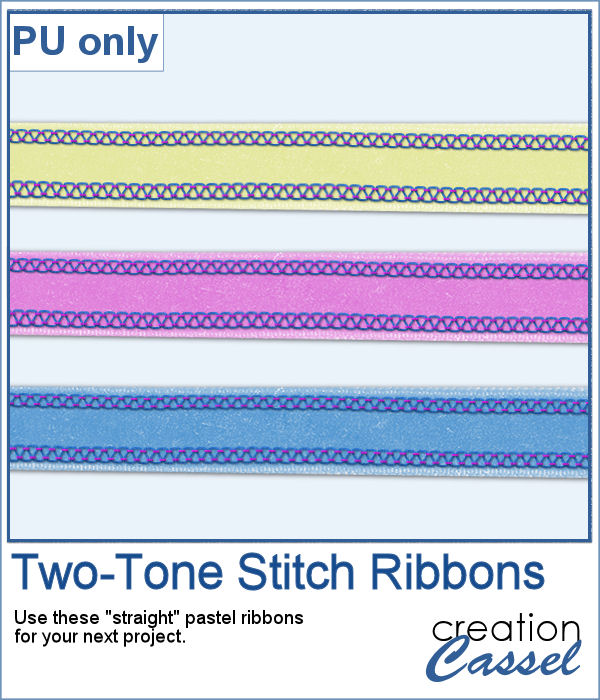
For a sample, of course, I cannot use my photos as they would likely be useless to you. So I decided to create some stitched ribbons for you using the Two-Tone Stitches from last week. I started with a basic greyscale ribbon, added the stitches on both edges, added texture, bevel, and shadows, and then, with the warp brush, I modified the stitching line so it would follow the uneven edges of the ribbon, for a more "realistic" look.
You need to be logged in to download this sample. You can either login, or register on the top of this page.
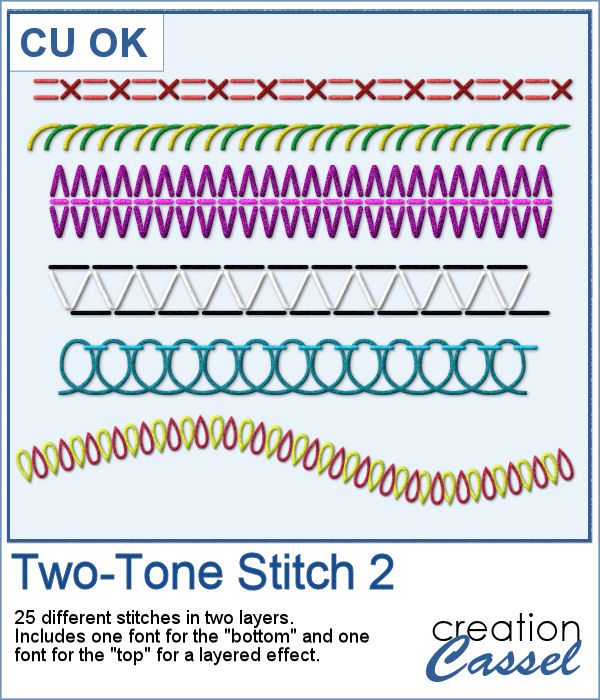
A new font has been added to the store. This time, it will allow you to use two colors of threads if you want, or simply showcase the layered effect of the stitches with the bevel and shadow.
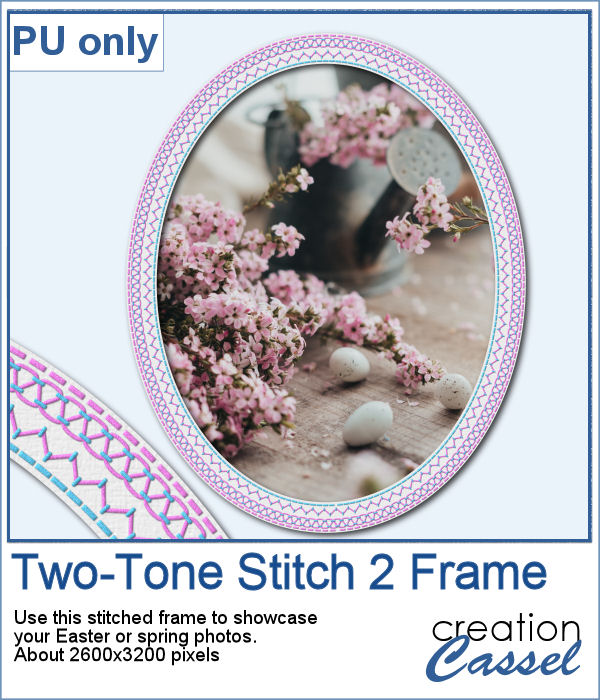
For a sample, I created an oval frame with two sets of layered stitching for you in pink/lavender tones. The frame is in png format so it can be used in any graphic program.
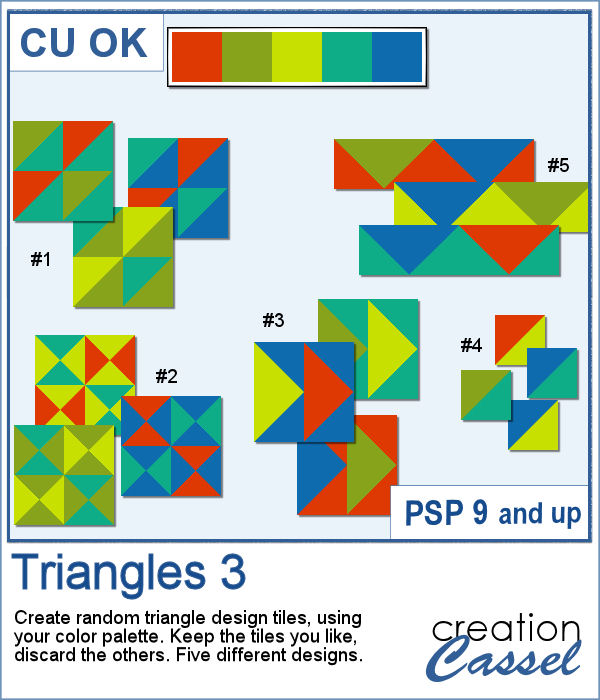
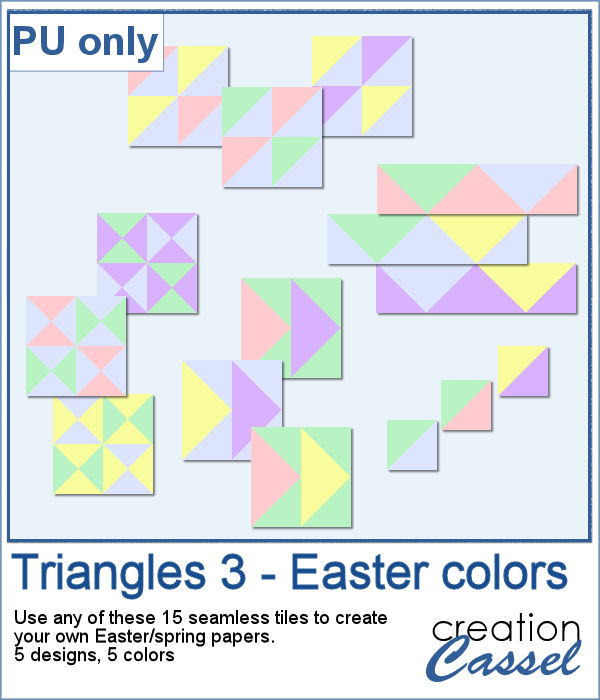
Triangular shapes are easy to make and they can yield great results when used as a repeating pattern. However, the challenge is usually to mix and match the colors. This is what the script will do for you as it can generate up to 20 seamless tiles in one run, using any color palette of your choice.
For a sample, I generated 15 tiles (3 tiles for each of the 5 patterns) in pastel/Easter/spring colors. Use them at 100% scale or smaller if you prefer. You can also add a blur to the finished image if you want.
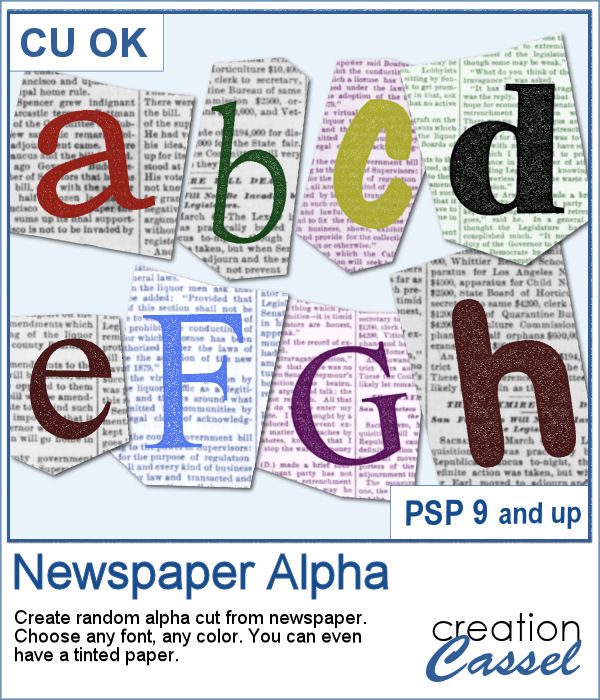
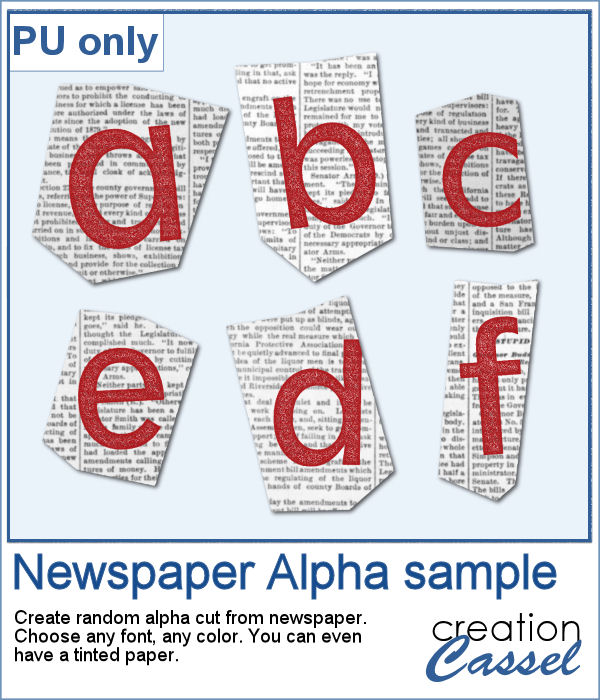
Newspapers can be a fun medium to print letters on, and create a random effect. This might be easy but it is quite tedious to have something very irregular. That is why this script will be a time-saver.
As a sample, I created a basic red alphabet (in lowercase) on black and white newspapers.
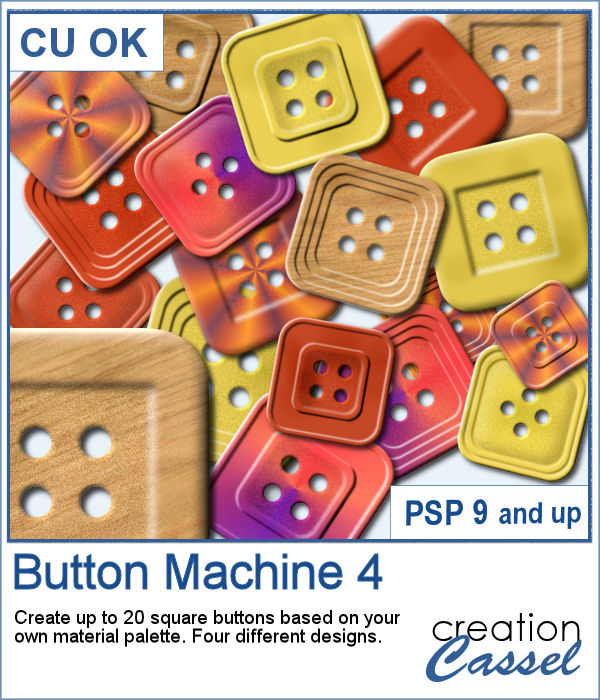
Buttons can come in many shapes and colors. And they can be so versatile when used in various projects, whether you want to pretend you are fastening photos, or you want to create a decorative element by combining several together.
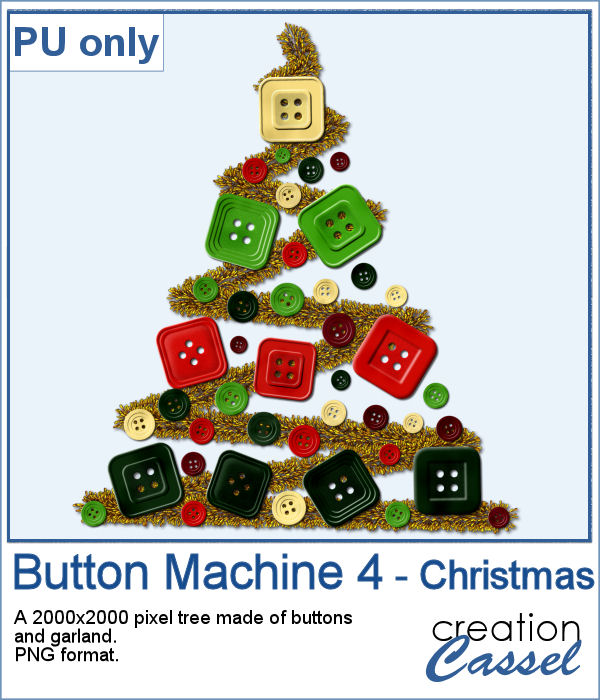
As a sampler, I created a fun Christmas tree out of buttons from this script and the original Button Machine script for the round buttons.
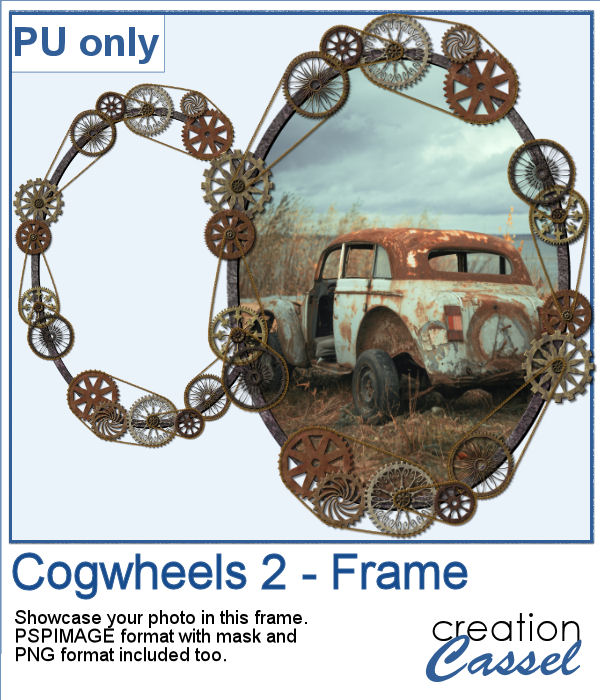
For a sample, I created a frame using various cogwheels generated by the script. I resized them, added a texture using Filter Forge, added a bevel, and shadows. I also had fun adding chains to connect those wheels.
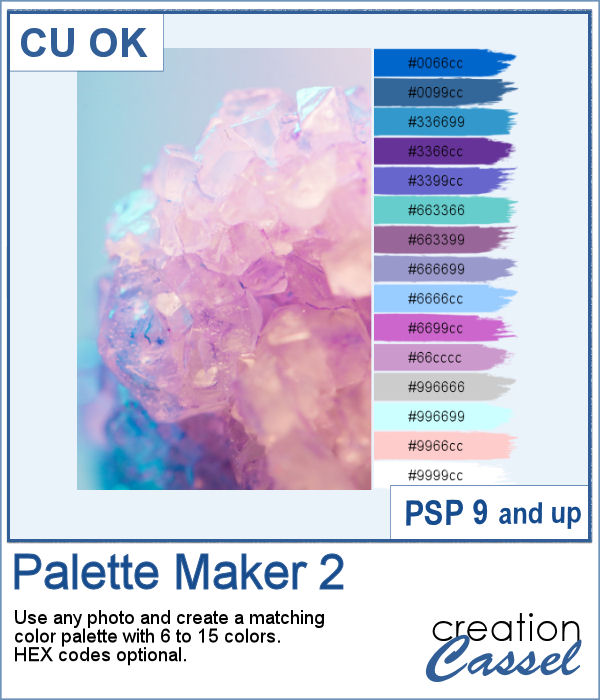
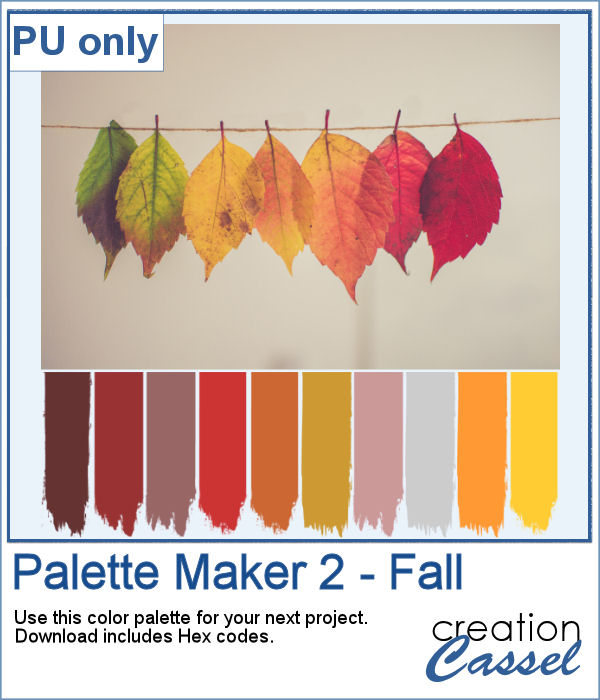
If you like the idea of coordinating various elements in a page or a kit, using a set color palette is an easy way to do it.
As a sampler, I am including a color palette generated from a fall photo. You get to use 10 colors from this photo. The hex code for the colors is included inside the zip file.
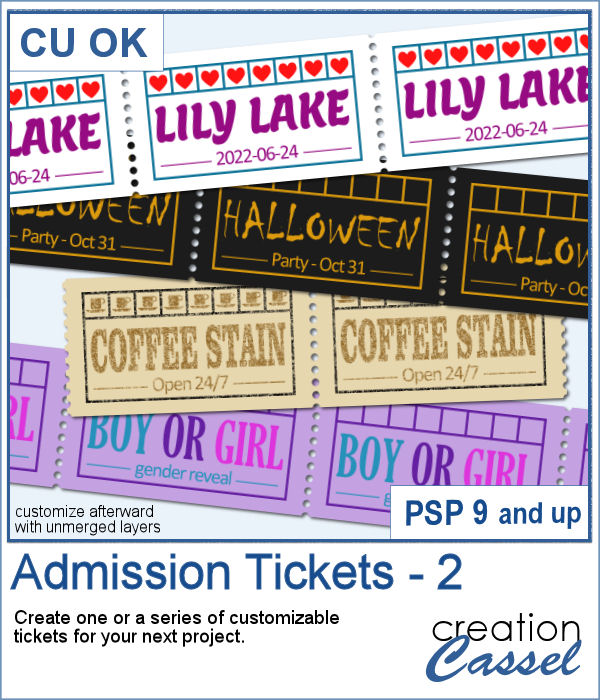
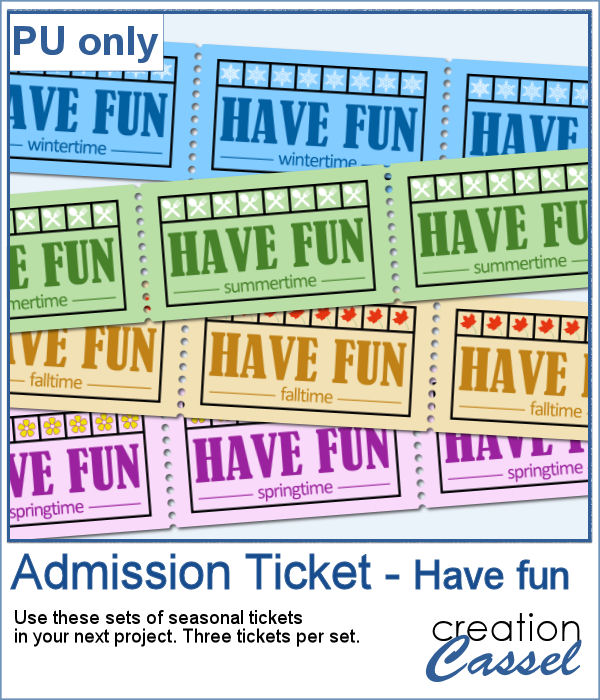
You can now create your own admission ticket (or other types of tickets) with this script. You get various options to incorporate into the making of it, including colors, text, fonts, texture and design.
For a sample, I created some generic seasonal tickets with little shapes in the boxes to match the season.
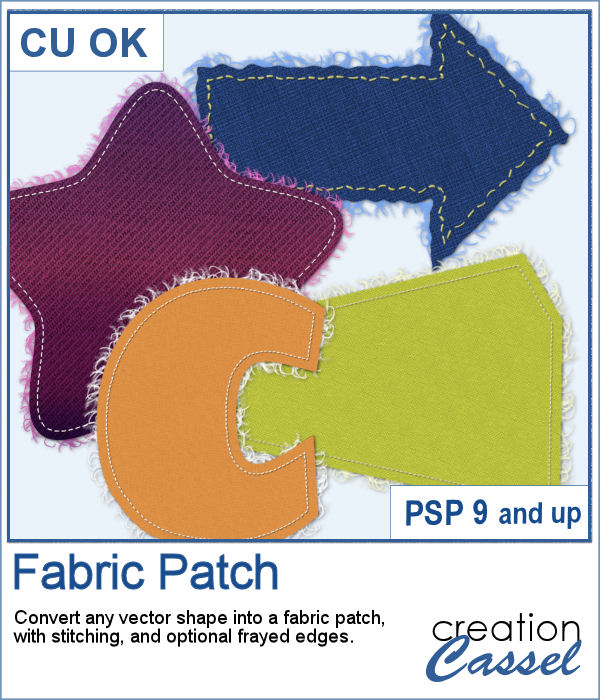
Now, you can turn any vector shape into one of 8 fabric textures. The script will use the color you started with and will blend in the texture. You can create titles with it, frames, mats, cluster elements, etc.
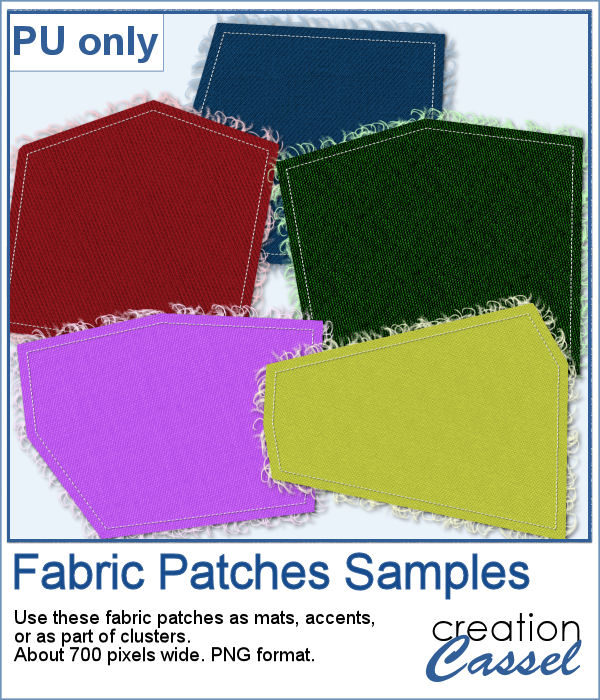
As a sample, I created some random patches in different basic colors. Use them as you wish. They are about 700 pixels in width and in png format.
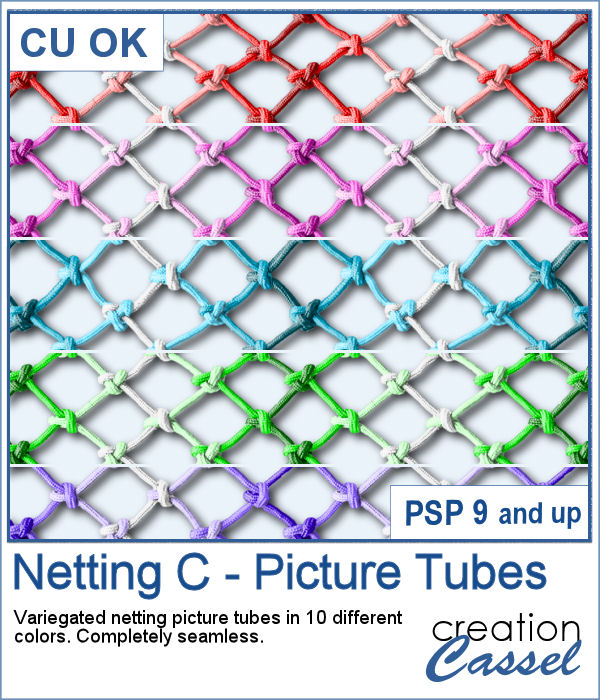
To create a nautical project, using netting is a common element. Recently, we had some netting picture tubes that you could use to embellish your project. This time around, the netting is variegated, giving the whole project a different look.
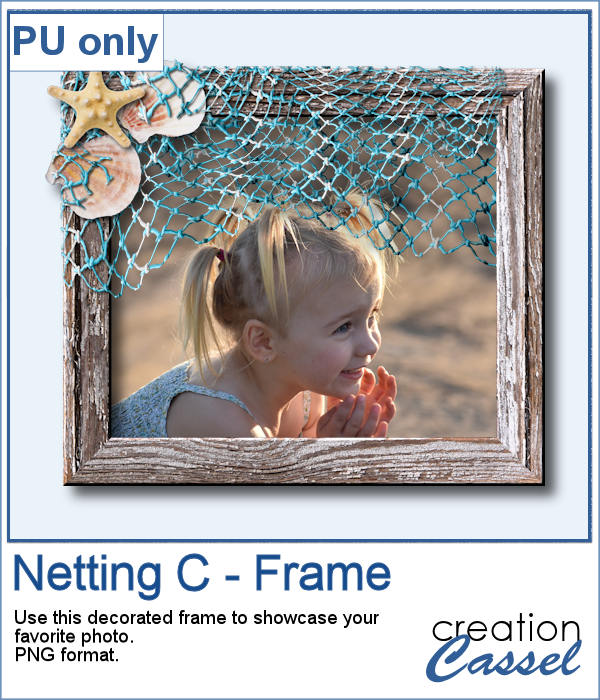
As a sampler, I created a wood frame (using a script) and added three layers of netting. I distorted them irregularly, and deleted what was extending outside of the frame. I then added some seashells from the 2019 picture tubes.