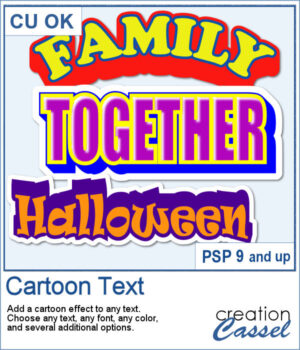
 If you love bold, playful titles, this new Cartoon Text script will quickly become a favorite. It takes any text object and instantly turns it into bright, layered word art with that classic cartoon feel. You can play with outlines, colors, extrusion angles, highlights, and even a sticker-style background to get exactly the look you want. Whether you’re working on a fun scrapbook page, a themed project, or just want a title that really pops, this script makes it fast and easy.
Get this script: Cartoon Text
Want a chance to win this script? Add a comment on this Facebook post telling us what would be one word you would love to turn into a cartoon-style title? (Remember, comments count — not Likes!). A winner will be announced in next week’s newsletter. Not subscribed yet? Sign up here — it’s free, and we only send one email per week.
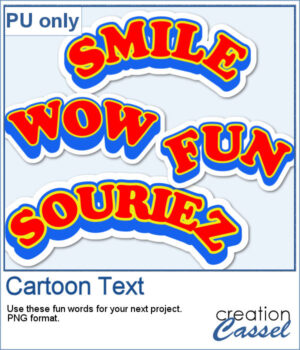 For samplers, I created 4 words in cartoon style (two that are bilingual, one in French and one in English). They are bold in colors and can make your project pop.
You need to be logged in to download this sample. Please log in or register using the links at the top of this page.