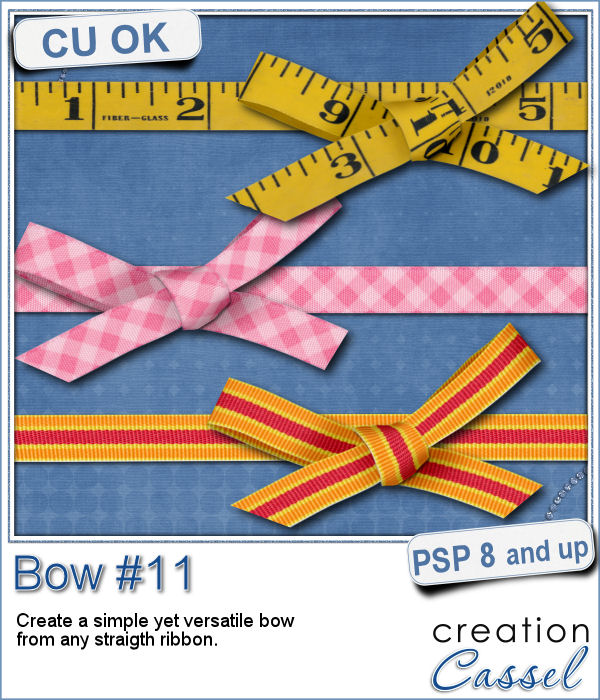
Who can say they have enough bows in their digital stash? Nobody!
When looking for bows to use in your projects, are you stuck with the same design, with the same polkadots or the same stripes? And then, having other ribbon elements that are just not matching?
This script will take any straight ribbon and tie it in a simple bow. You can use any kind of ribbon, opaque or translucent, plain or patterned, striped or polkadot, etc.
And for a unique touch, the loose ends will be randomly cut so you won't get two identical bows, even if you start with the same ribbon.
Get this ribbon script in the store: Bow #11
For a chance to win this script, tell me where you would use bows in a project? This is probably going to be a super easy answer to add to the comments below. I'll pick a winner and announce it in the newsletter next week. Not a subscriber yet? Not a problem. You can register here and it is free (and you only get one email per week).
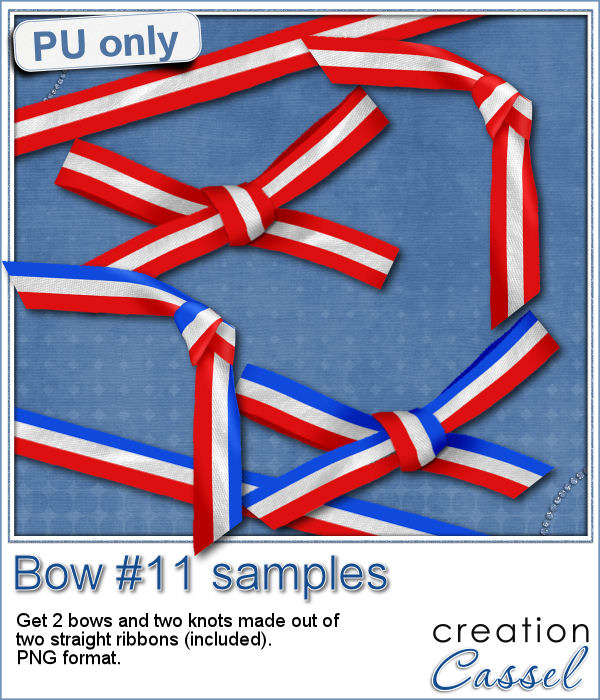
This coming weekend, it will be July 1st (Canada Day) and July 4th (Independance Day) so i created two basic ribbons with the blue white and red colors and one with red and white. Then, i ran the script for each one. I also used the Knot#7 script to create the additional knot.
Furthermore, i am including the basic ribbons too, so you can use them as is, or with other scripts to create more knots and bows.
You need to be logged in to download this sample. You can either login, or register on the top of this page.
News from the Campus

Next week, we will have another live presentation in the Campus. Last month, Diana suggested we had a class on making knots and bows with the ribbons, so that is what we will play with. Will you join us?
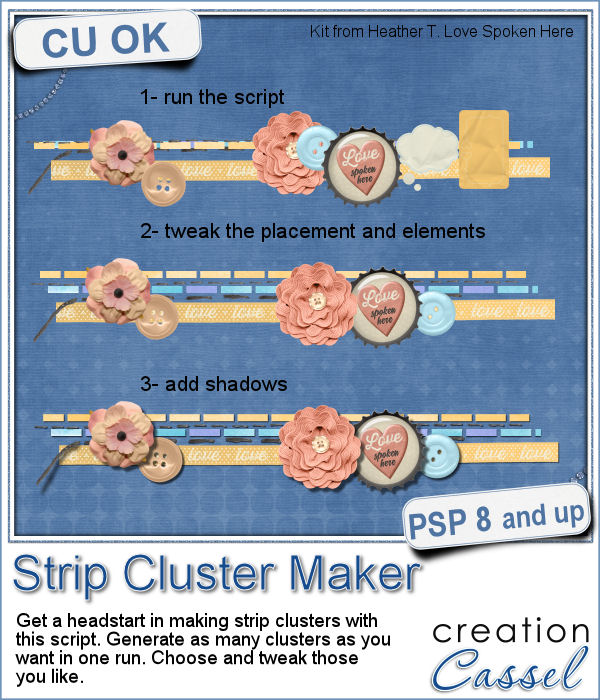
Making clusters can be a great way to expand a kit you want to sell, or a way to use a kit you just purchased.
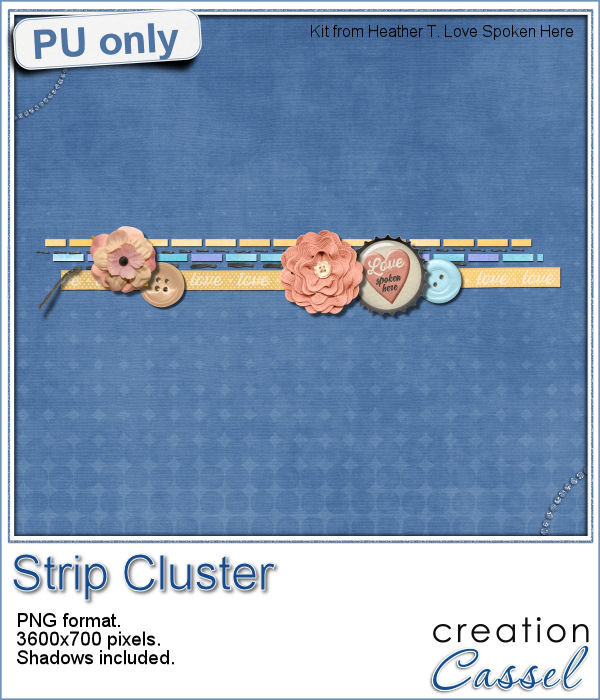
This week, with Heather T's permission, i am giving you the exact strip cluster that I made using this script.
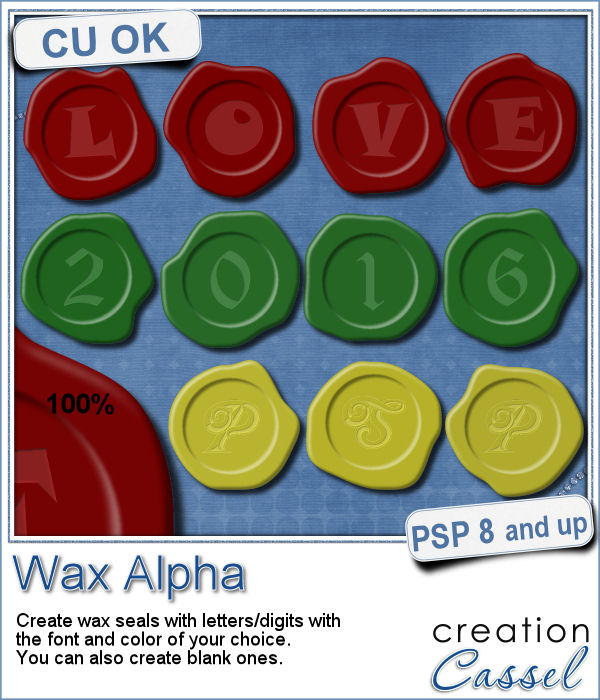
If you want to add a touch of elegance or a formal look to a project, you might be looking for a wax seal. However, what you will find is often a set of ready-made seals that will not have the color you are looking for, or the font you wish it had. Or, you might find seal templates that will give an identical shape to all the seals you would create from them.
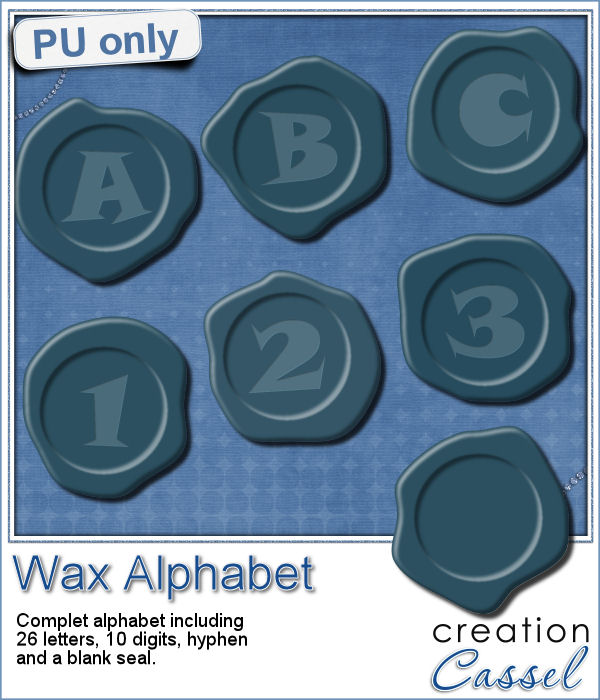
Do you want to add some wax titles to your projects? You can use this complete alphabet made of blue wax.
Did you register for our live presentation scheduled for this coming Sunday, June 5th?
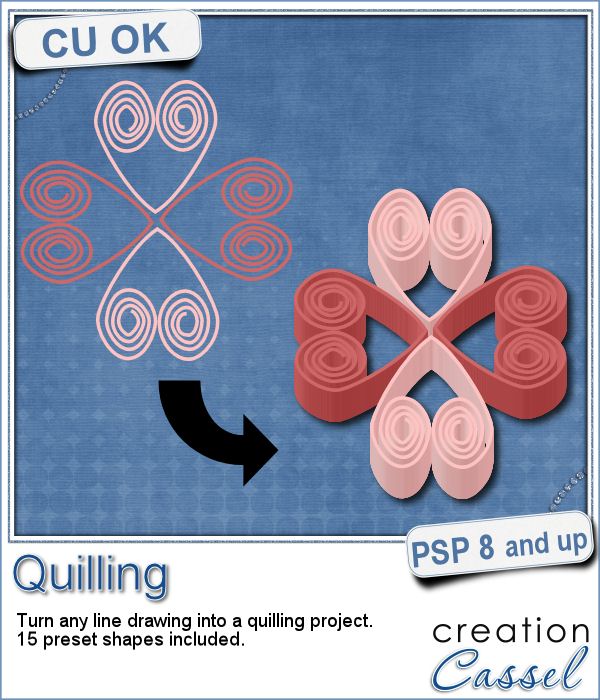
Many years ago (at least 35), my mom got me a kit to do some quilling. I had no idea what it was and didn't even have the proper tools to do it, but I improvised and created a few fund designs by rolling those long strips of papers, and shaping them in specific ways. I loved that, and often wished I could find time (and tools) to do it again.
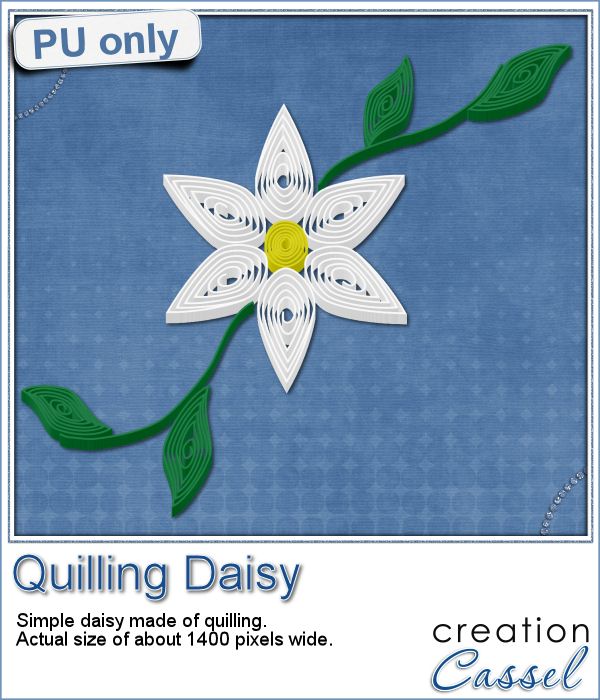
As a sampler of what can be done with this script, I made a little daisy. I used one of the preset shapes, in white. I duplicated and rotated that one petal 5 times and arrange those petals around another preset shape drawn in yellow for the center. Then, using the Pen tool, I drew a couple of free form lines. Finally, I used a third preset shape, in green, for the leaves and I placed them along those lines.


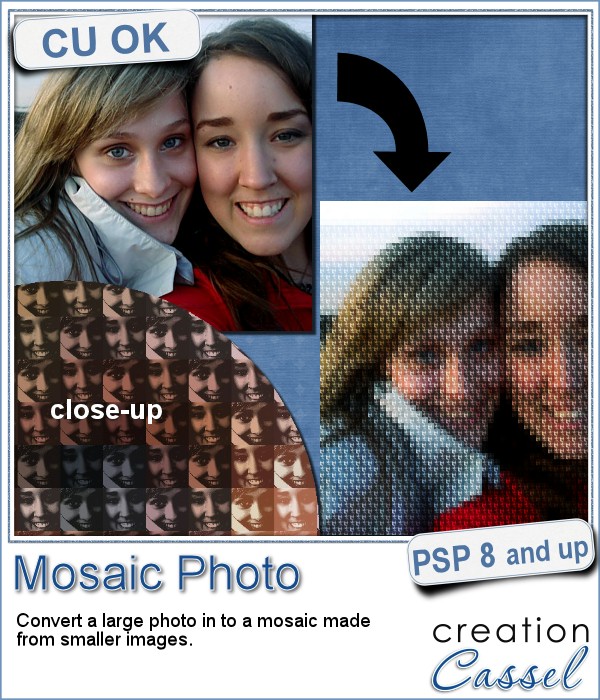
You might have seen tutorials on how to turn a regular large photo into a mosaic using smaller photos. It might not be too hard, but you can create that exact effect in less than a minute with this script for Paintshop Pro.
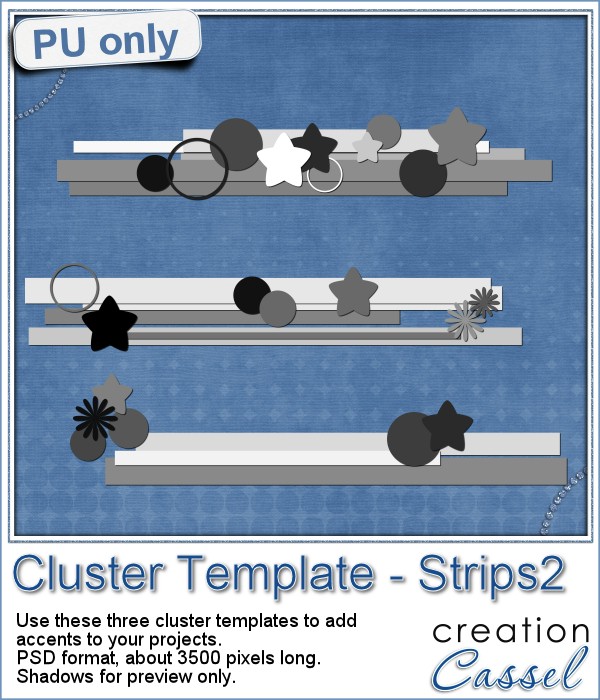
Since it is impossible for me to give you a sample using a photo that would be of any interest for you, I decided to see what other sampler you seemed to have liked, and I found out that the Cluster Templates were a big hit, so I created three more for your own use.
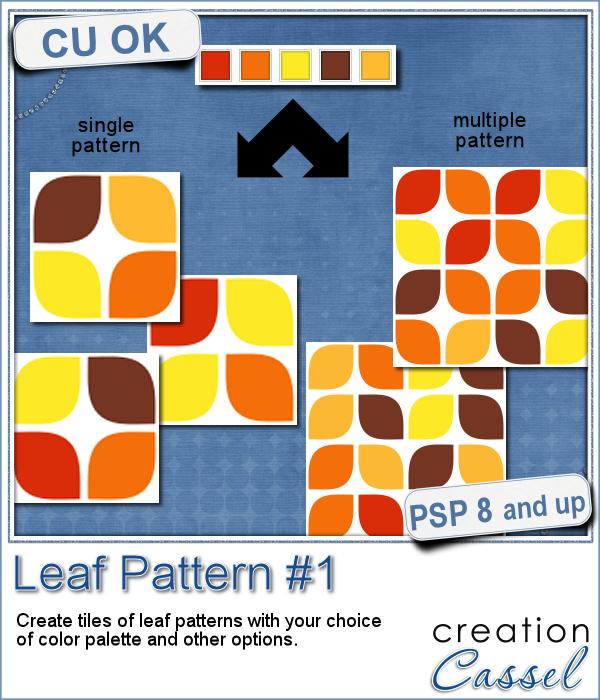
Creating a geometric pattern can be easy if you have only one shape, but it can become tedious if you have multiple similar shapes, using different colors. Until now, you either had to do them by hand, or rely on layered templates, which only offer a limited number of color arrangement.
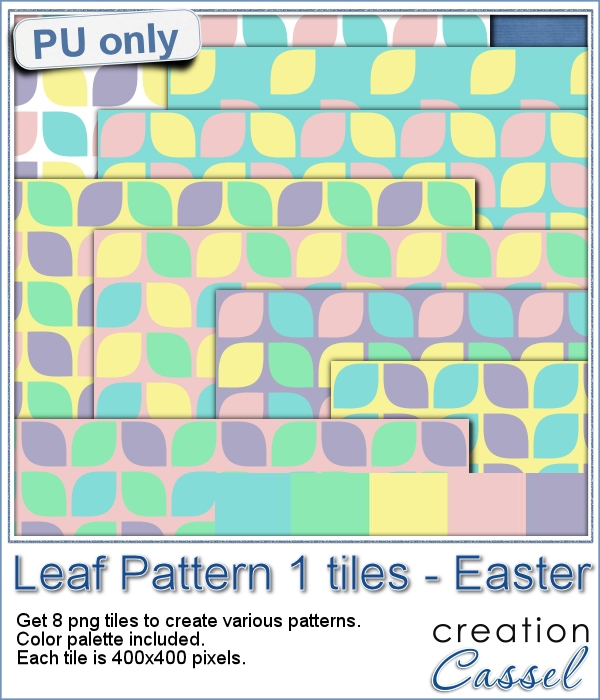
Although Easter is over for most people, the colors associated with Easter are still very appropriate for spring, so whether you want to showcase your Easter photos, or spring photos, these colors should be quite suitable.
Did you register to our live class, tomorrow? There is still time to do so.
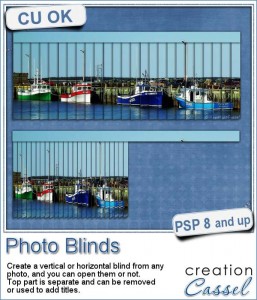
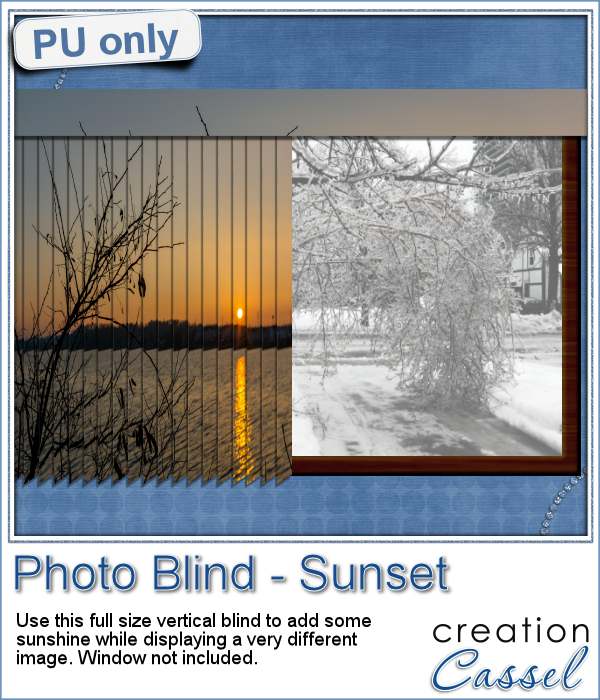
Have you ever seen those wonderful images that are transposed into various slats to create vertical or horizontal blinds?
This week, i was really struggling to figure out what to create as a freebie that you might actually use. Since there was a big snow storm in the US this weekend, i thought that maybe, someone would want to have a nice, warm photo to cover the sight of all that snow. Of course, you could use this even if you don't have snow around!
Our next live presentation will take place on February 7th (yes that is 2 weeks from now; for a change, we are quite ahead!).
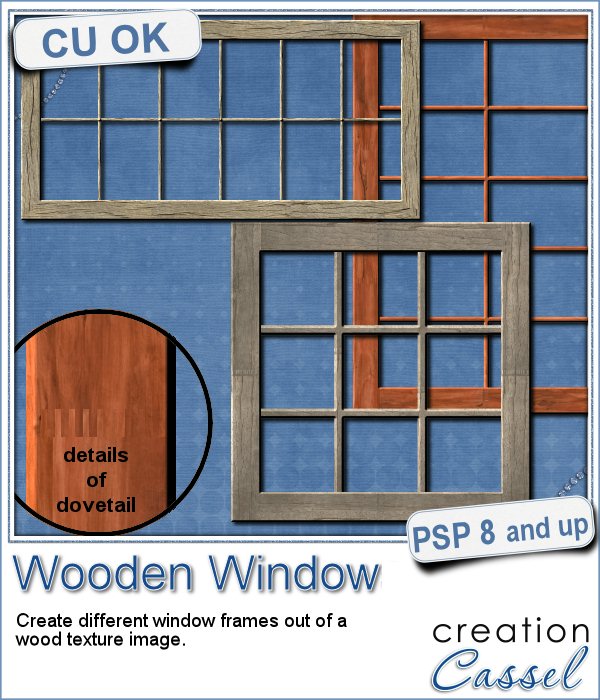
You might be able to find some ready-made wooden windows in PNG format but what if you could create your own, to perfectly match your project? Use the same wood, or adjust the size or format of the window.
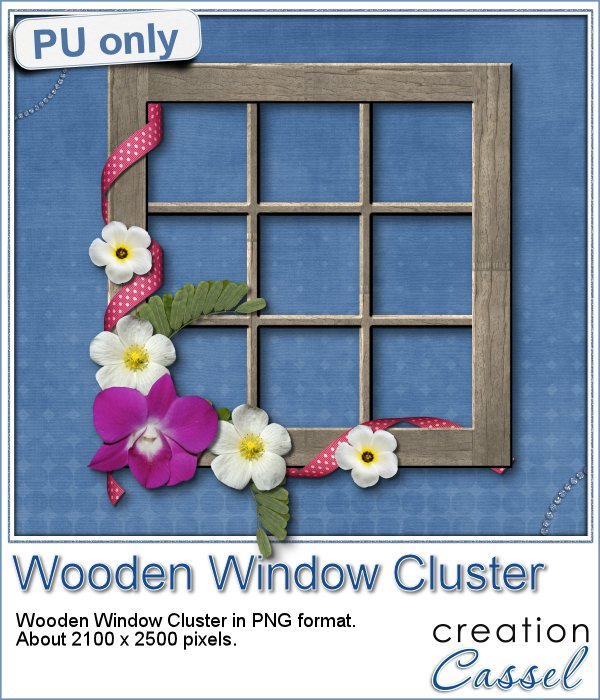
This week, i went a bit out of my comfort zone and created a cluster with a sample window. I had fun using a curly ribbon and wrapping it around the sides of the window, and then, just added some flowers and greenery.