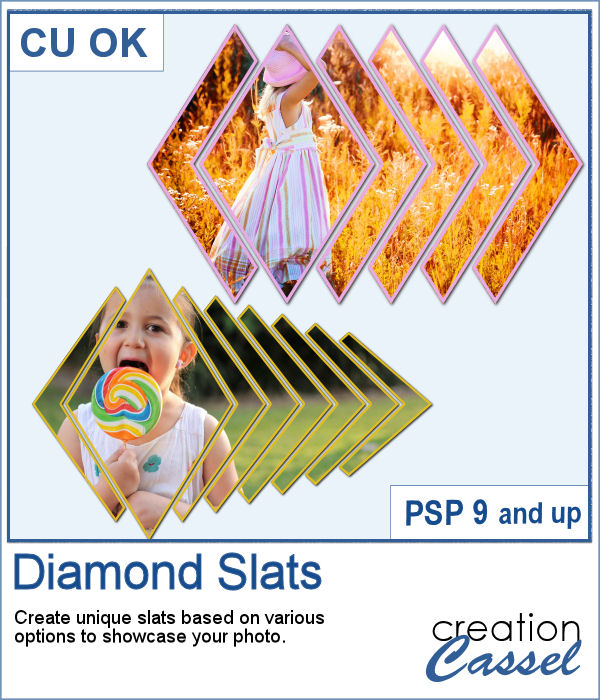
Diamond shapes will convey an impression of dynamism so using diamond-shaped slats to showcase your photos will give them a new angle.
With this script, you can focus the main diamond wherever you want on your photo and then, with various options, it will add slats on the left or the right or both sides. And with the choice of colors for the outline, you will have a custom result. And even more, you can tweak the unmerged layers for more special effects.
Get this script in the store: Diamond Slats
In order to win this script, add a comment on this Facebook post telling us if you have used slats to showcase photos (remember, add a comment, not just a Like!) The winner will be announced in the newsletter, next week. Not a subscriber yet? Not a problem. You can register here and it is free (and you only get one email per week).
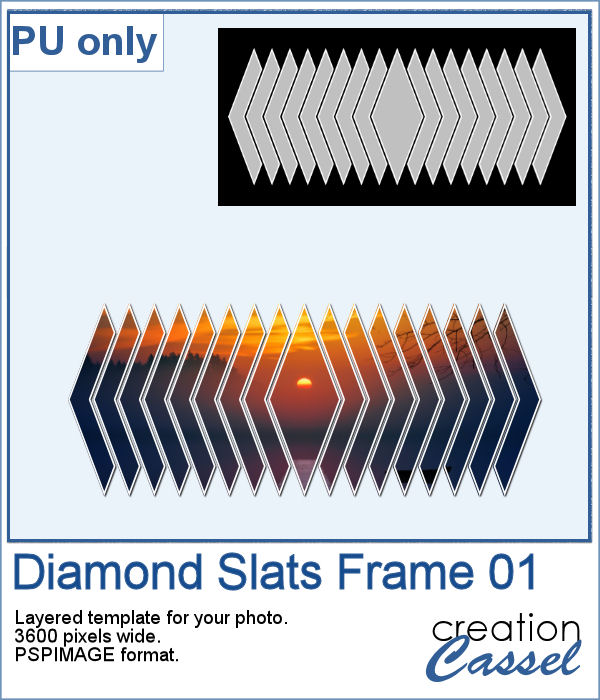
For a sampler, I created this layered template for you to showcase your photo in the middle. The template is 3600 pixels wide and in pspimage format for PaintShop Pro users.
You need to be logged in to download this sample. You can either login, or register on the top of this page.
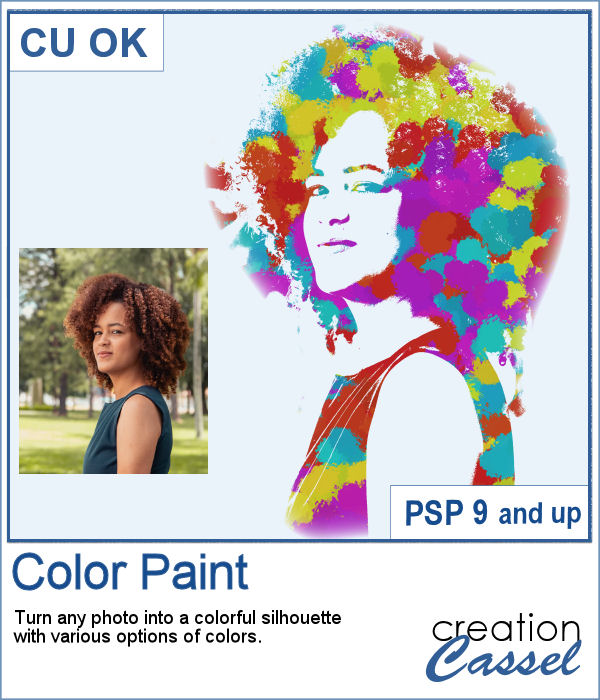
You can now feel like an artist and turn any photo into a colorful painted silhouette.
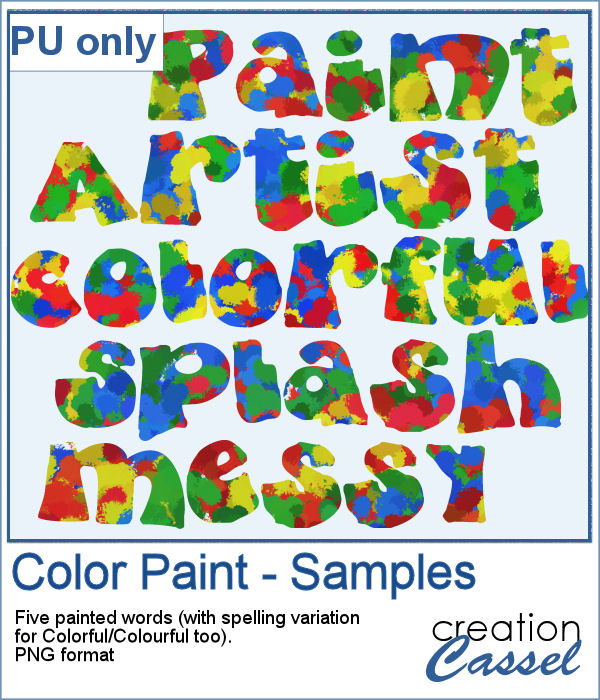
For a sampler, I was inspired by the painted effect and I decided to apply it to some text, a little like a graffiti artist. I picked a few words that could be used in various projects and applied the effect using 4 basic colors. There is also a spelling variation for Colorful/Colourful so everyone should be able to use it.
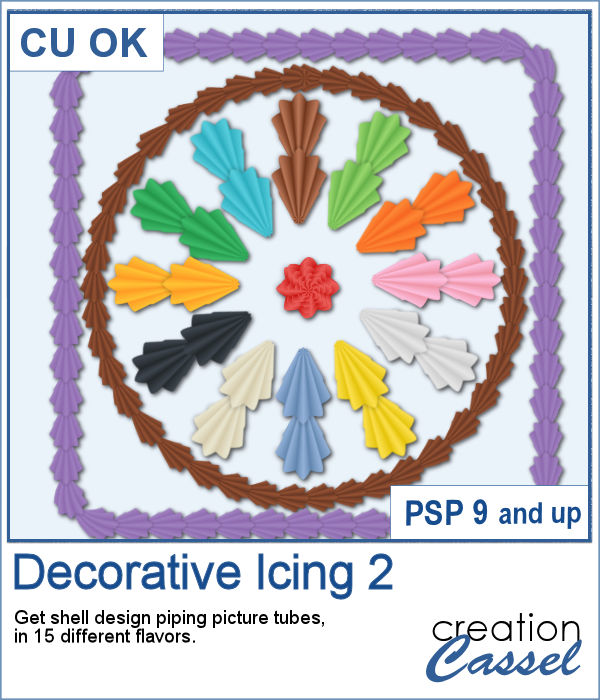
You can use a simple piping bag to write text or draw some fancy ornaments, but if you are able to add some shell design, it would be even more fun and realistic, don't you think?
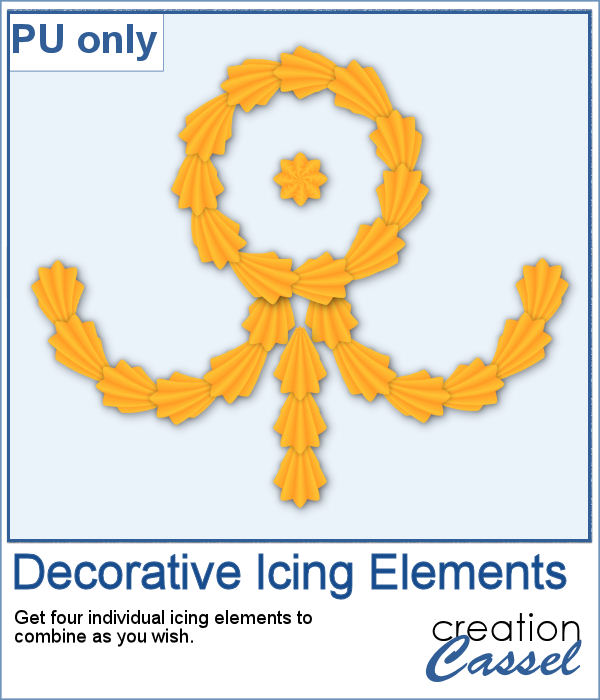
For a freebie, I created some PNG elements that are separate for you to combine in infinite ways, whether it is for a middle design or borders. Each element is large enough that you can cover a large area, but you can size down as needed.
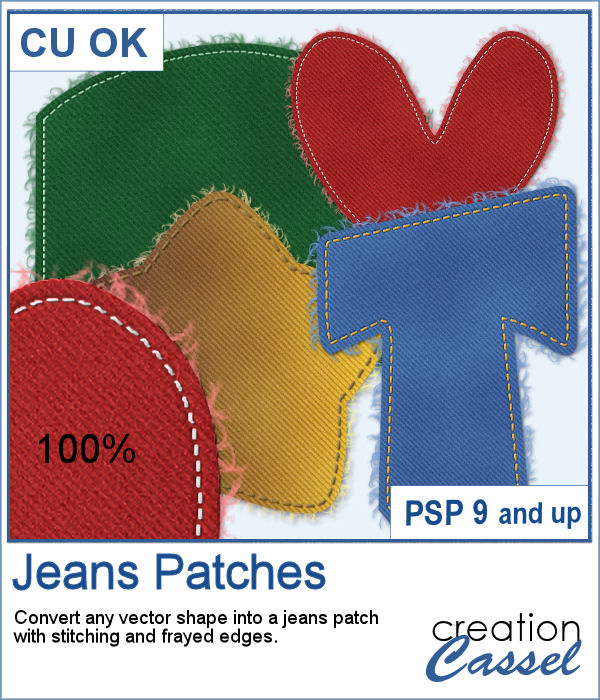
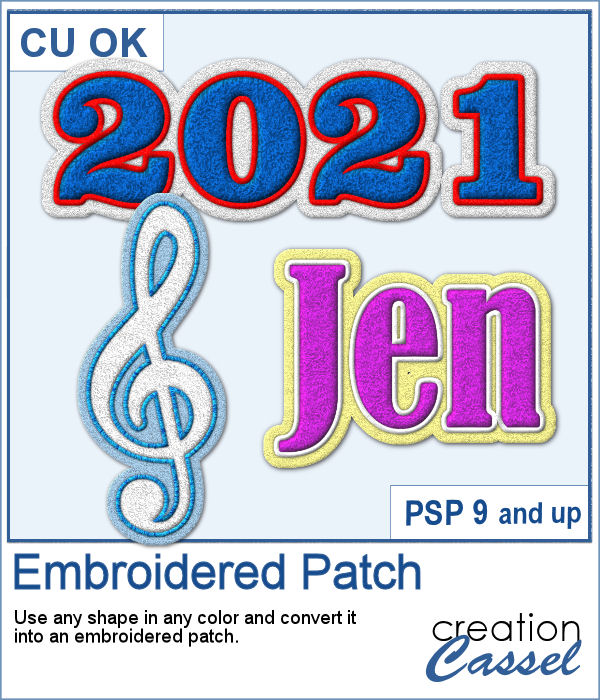
You can now create fun or crazy patches for your next project, whether it is a letter, a digit, a basic or even an irregular shape. <
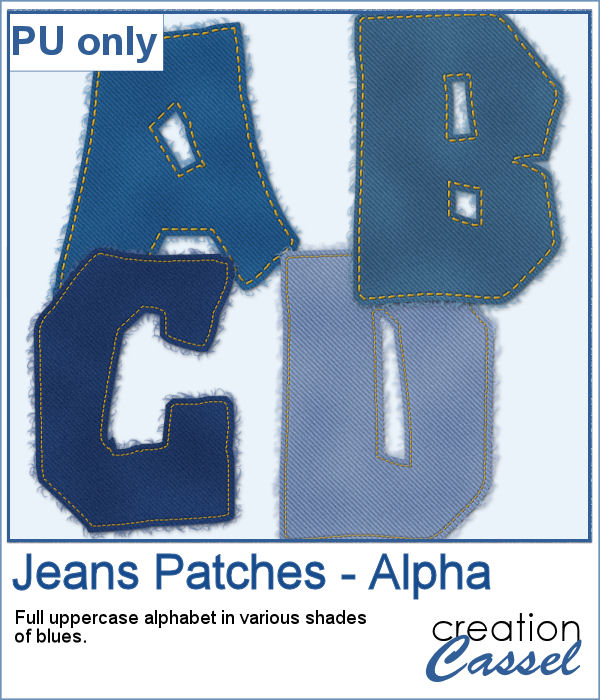
For a free sample, I created a fun alphabet using an irregular font called Deanna. I also picked different shades of blues. Each letter is about 500 pixels high.
Many sports teams have logos added to the players' jackets, or their number or their name. You can also want to have other types of designs as an embroidered patch to signal an interest in music, arts, or a particular activity.
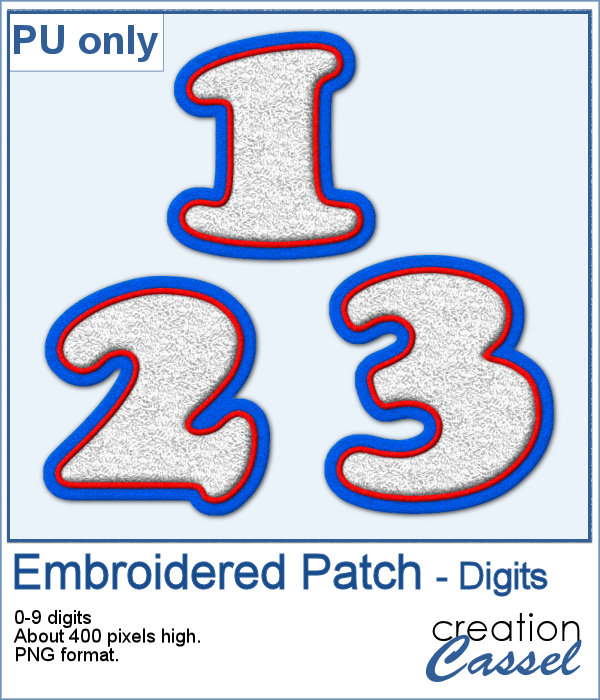
As a sample, I created each individual digits in basic red, white and blue colors.
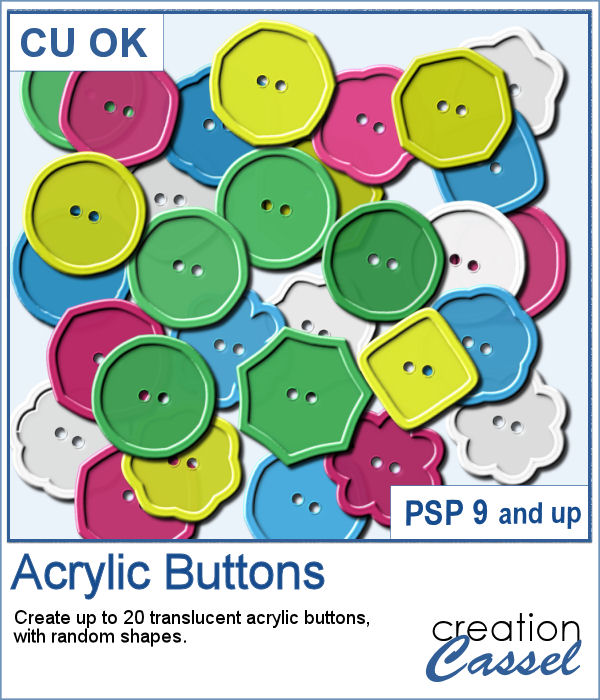
Sometimes, you want some simple buttons to add to your projects. You want a specific color, and don't want to spend too long finding that perfect color in your stash.
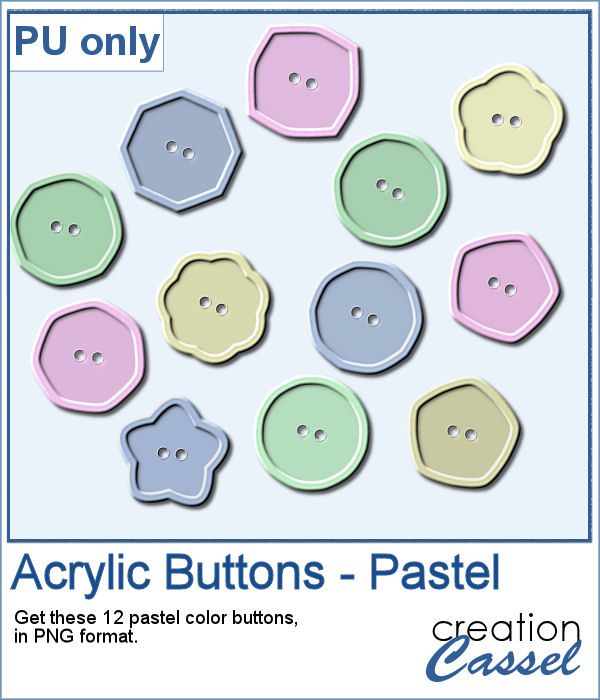
As a sample of this script, I created a dozen pastel-colored buttons so they won't overpower your next project. Each button is semi-translucent and in PNG format.
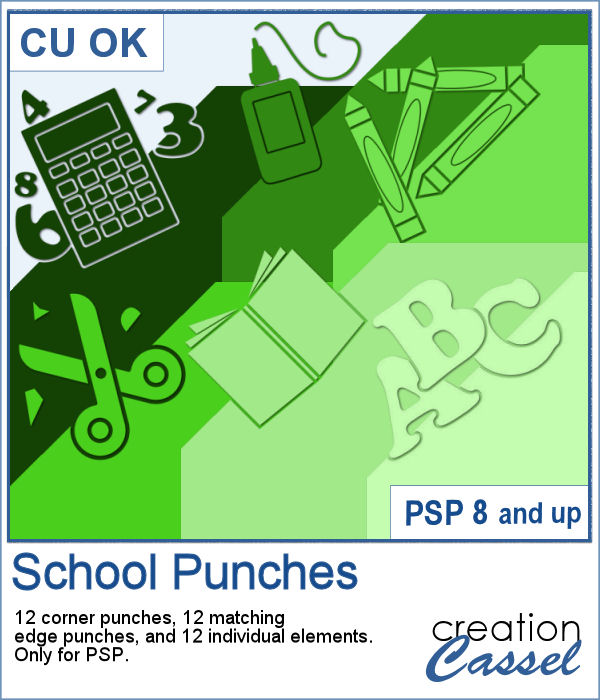
September is often the time for back to school, whether we have young kids, older teenagers, or grandkids in that age group. Or maybe it can also be a grown-up going back to school!
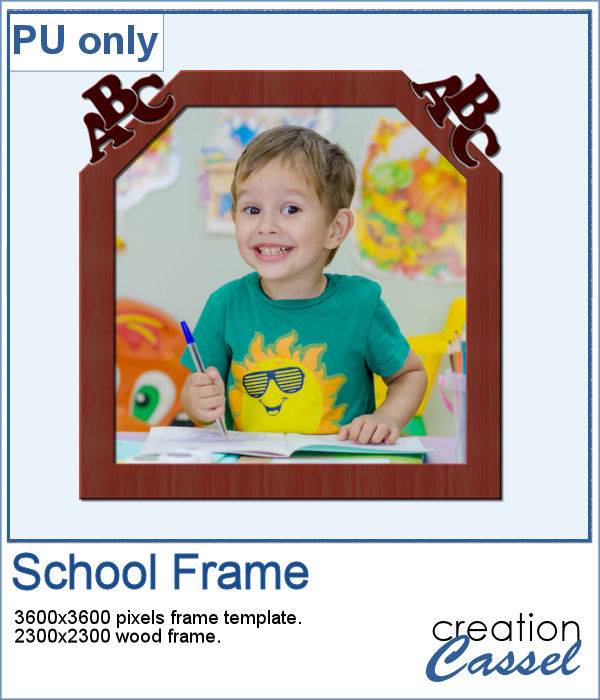
For a sample, I created a simple frame that is 3600x3600 pixels. You can use it full-size to frame a whole page or you can size it down to fit a smaller photo. I am also including a frame made of wood that is slightly smaller.
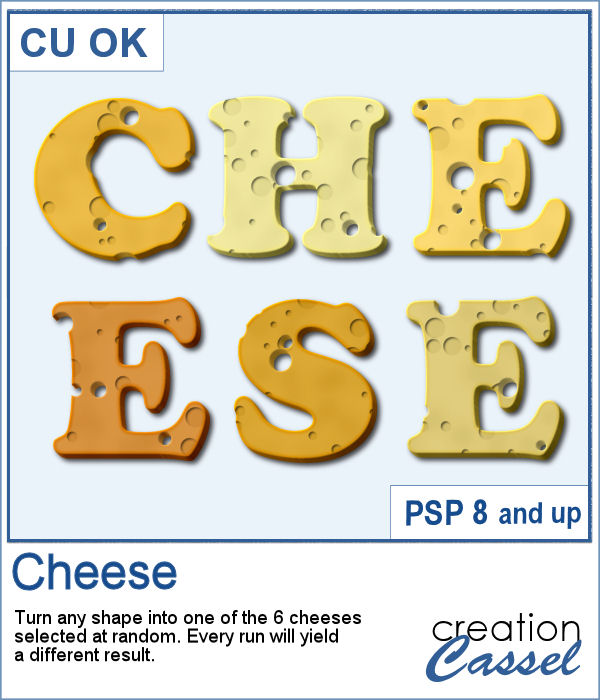
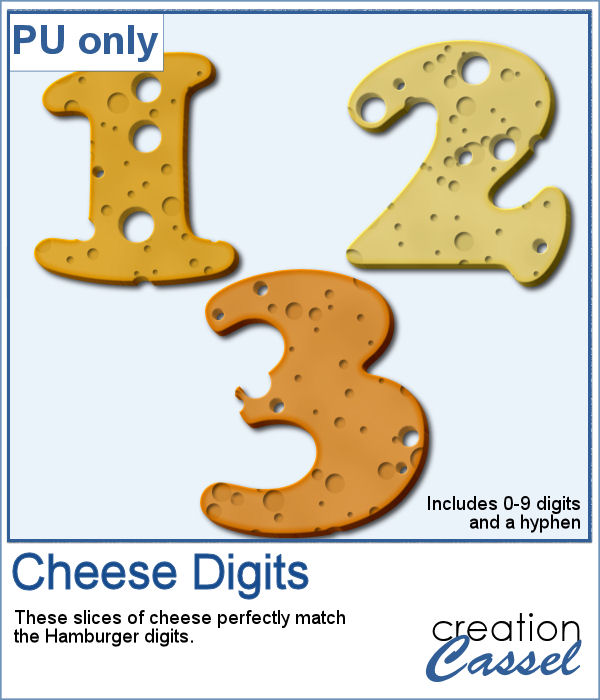
Whether you are a food lover or a cook, or have had a food-related experience you want to share, this script will be a fun tool for you.
As a sample, I created digits that will perfectly match the
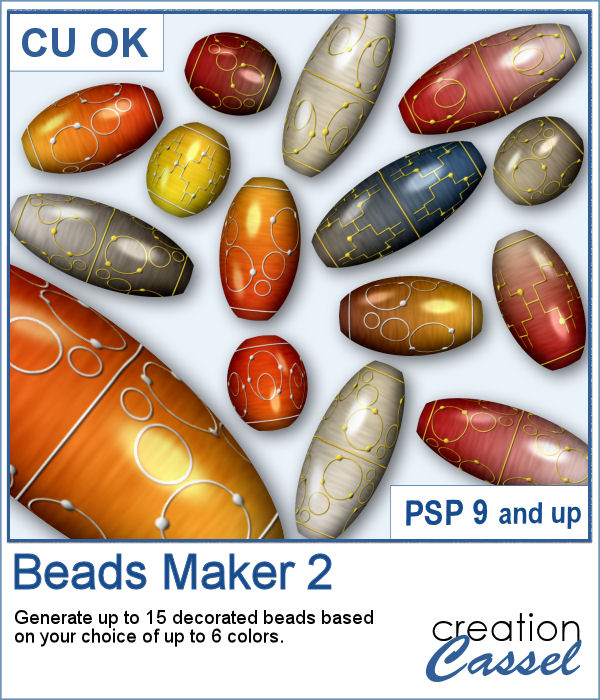
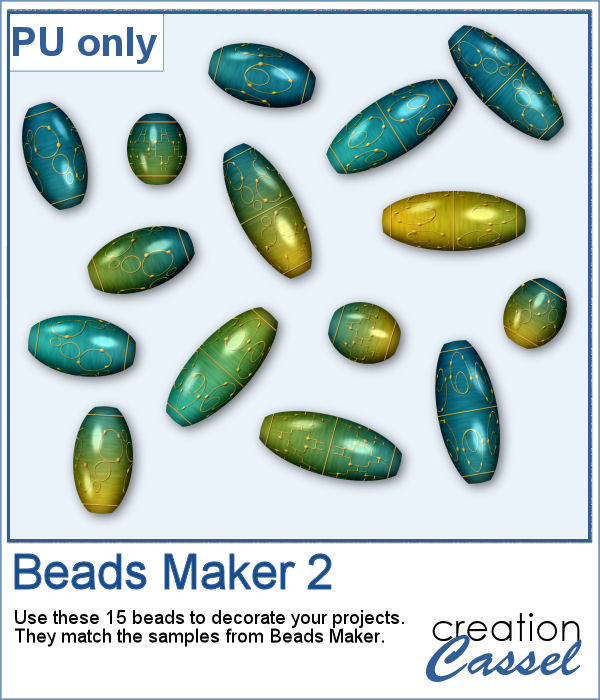
Creating delicate beads in the color scheme that you want can be challenging.
I used the same color palette as for the sample of
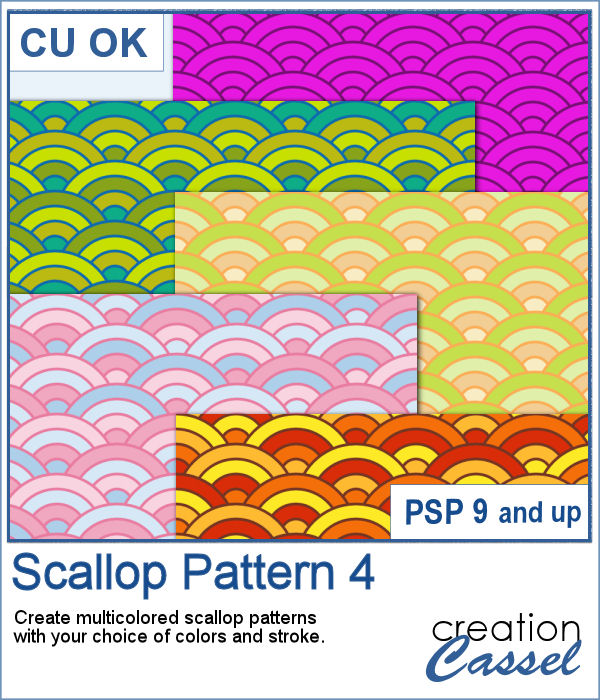
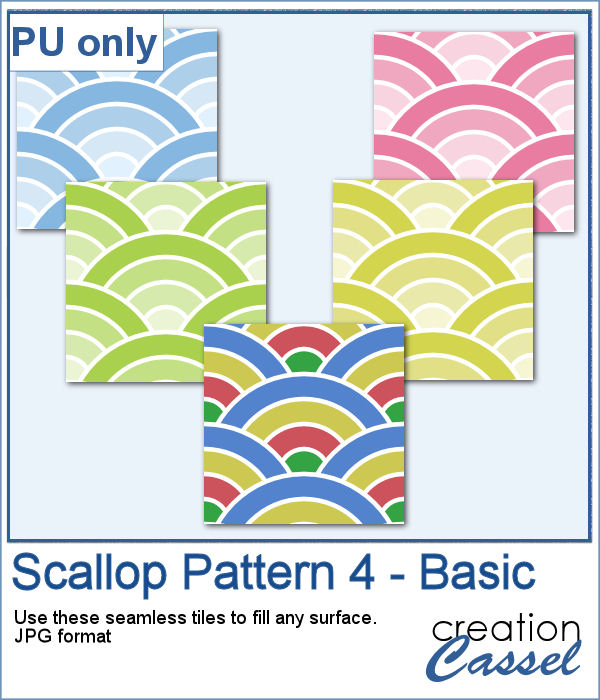
Scallop patterns might be tedious to create from scratch and using templates will not offer as much flexibility as you might need.
As a sample, I generated some monochromatic seamless tiles with pastel colors, and one with bright basic colors. Since they are seamless, you can use them to fill any surface, of any dimension.