Although you might like to have an even frame make of straight ribbons, sometimes, you might want something a little less "clean", and if you worked with sticky tape, scotch tape, washi tape and such, you know that you MIGHT, occasionally have some unevenness to them.
This script will use with any straight "tape" and will create an uneven frame based on the dimension of the photo you want to frame.
Each length of tape will be randomly measured, and the folds will also be random. This allows you to run the same script and generate completely different frames every time. Furthermore, you end up with unmerged pieces so you can easily reuse them later.
Get this script in the store: Tape Frame
In order to win this script, add a comment on this Facebook post (remember, add a comment, not just a Like!) The winner will be announced in the newsletter, next week. Not a subscriber yet? Not a problem. You can register here and it is free (and you only get one email per week).
To let you "play" with this frame, i created another one using the same tape as in the initial preview. I tweaked the shadows on the ends and included those shadows in the download. Each piece of tape is left on a separate layer (with its own shadow) so you can adjust the size of the frame. It has been made for a 7x5 photo, but if you want to use it on a smaller picture, you can just move the pieces inward.
You need to be logged in to download this sample. You can either login, or register on the top of this page.
Have you ever tried to make a seamless honeycomb pattern? It is a bit challenging because you can't create a square tile that will be seamless. It has to be rectangular, and with the various color combinations, the rectangle can't always be the same size. That is a headache, and that is probably many people wanting a honeycomb pattern had to rely on pre-made templates. But that is still limiting, don't you think?

As a sample of what this script can do, I started with a palette of 3 spring colors: yellow, pink and purple, and generated four fun patterns for you. They are full size papers so you can cut them out, use them as frames, or just as a background for your next spring theme project.
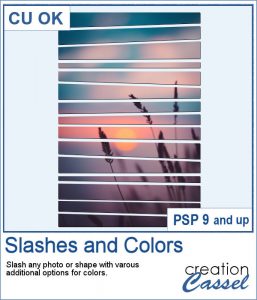
Using slats to showcase a photo makes for a fun and unique effect. However, creating slats manually is tedious, especially if you want them even or following a particular outline.
As a way for you to play around with slats (in case you never tried before), I made a large template (about 3000 pixels wide). It is in png format so you can probably use it in most graphic programs.
If you like jewelry, you will love this script to create gold or silver elements.
As a free sample, I created some "tags" illustrating some common life events (first day of school, first car, graduation, new baby, new house, trip/retirement) that you can use for your various projects.
Slats are a fun way to display images as if we had multiple frames, but if you want to add a word or phrase, it makes for an even more custom display.
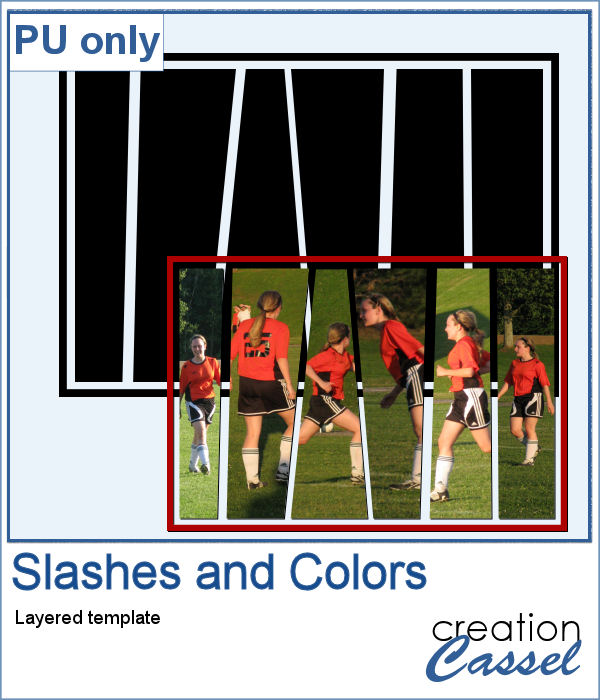
As a free sample, i converted the slats used in the preview into a template. You can use it for your own photo. Make it sideways if you prefer. Cut the slats if you have a wider image that is not as high. Be creative!
Do you like the look of a nice "official" seal to put on your project but can't find one in the color you want? Or would you like to find one that has the name of your child, or the name of the city you visited, or the specific date of your last vacation?
Since February is coming, and so is Valentine Day, I decided to create a few seals that you could use either on scrapbook pages about your loved one or on custom card or design you might create for him/her.
Sometimes, for the holidays, you need a little delicate touch. These charms are just what you need.
For the sample, this week, I created a double swag with the white snowflakes.
How about adding some Christmas lights to your project?
As a sampler, I created several oval frames using 5 monochrome sets and one multicolored set.
You can now create a fun title or text using individual stamps that will display letters, digits, abbreviations or words.
How about a way to date all the photos and pages you will be doing in December?
Have you ever wished to see your name in big neon letters on a marquis? Now, you can get exactly what you wished for.
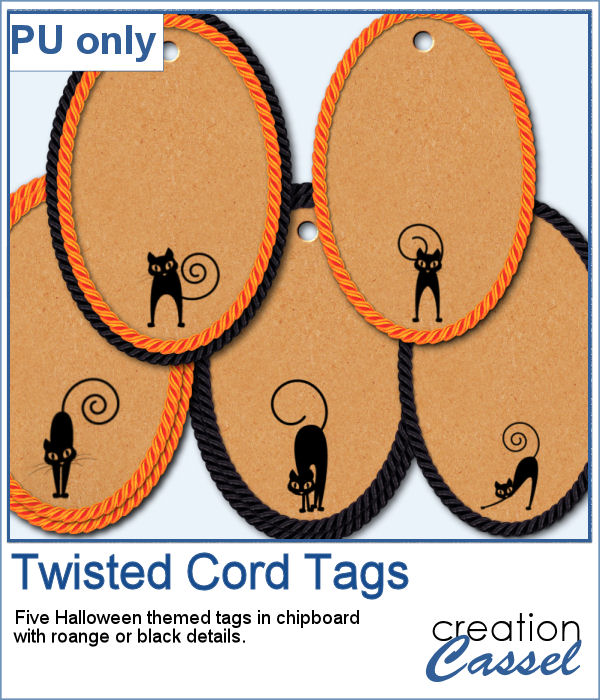
As a sampler, this week, I created a few elements on the Halloween theme. I just found some shapes, and chose to create a simple outline.