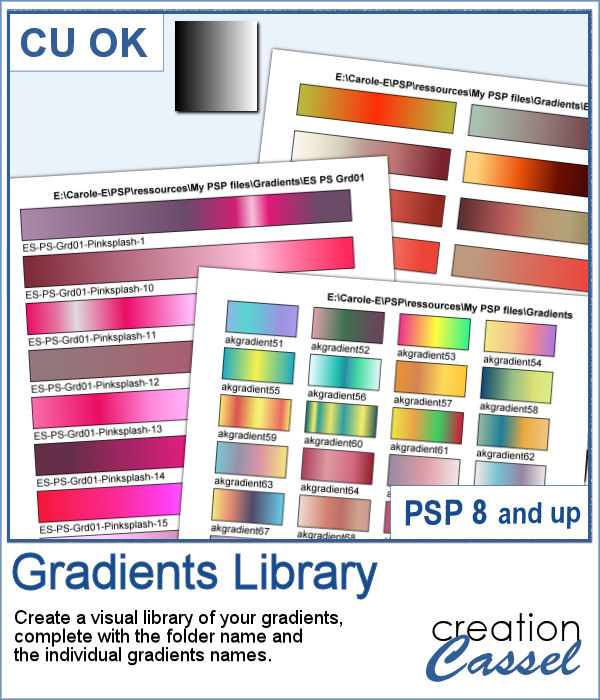
If you want to view your gradients, looking at the little thumbnails in the Materials Palette is not the best way. But if you want, you can now make a larger image that you can even print, to display all the gradients in a specific folder. Make sure you read the instructions because you will have to edit your script before running it.
Get this script in the store: Gradients Library.
In order to win this script, add a comment on this Facebook post telling us if you tend to collect gradients over time (remember, add a comment, not just a Like!) The winner will be announced in the newsletter, next week. Not a subscriber yet? Not a problem. You can register here and it is free (and you only get one email per week).
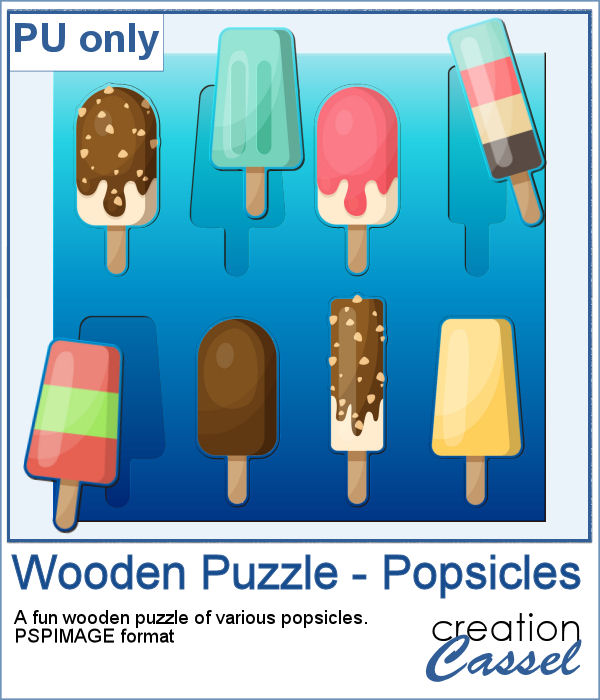
As a sample, with summer coming, with the warmer weather, I thought you might like a set of fresh popsicles. This is made from the Wooden Puzzle 2 script, and all the pieces are grouped together, allowing you to move the whole set onto your next project. Once that is done, you can ungroup the pieces and move them around, individually.
You need to be logged in to download this sample. You can either login, or register on the top of this page.
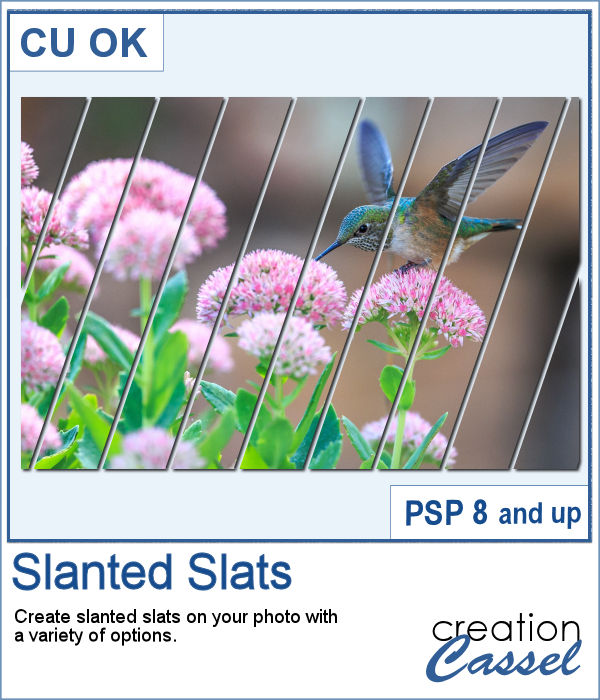
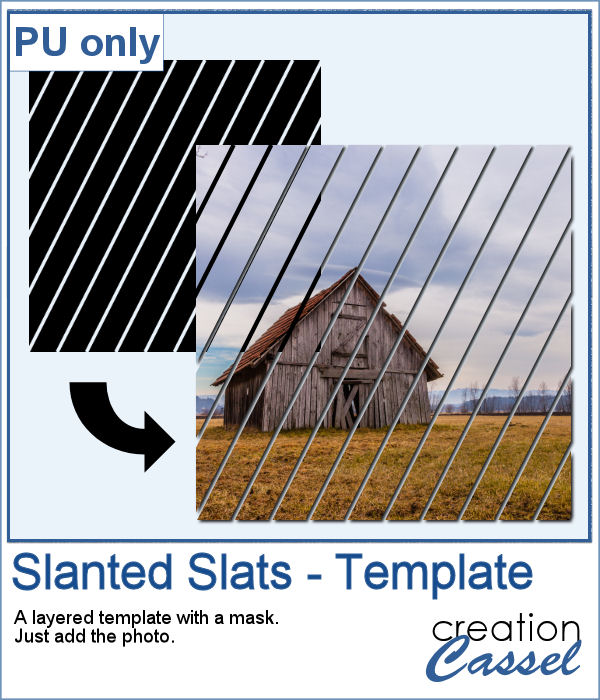
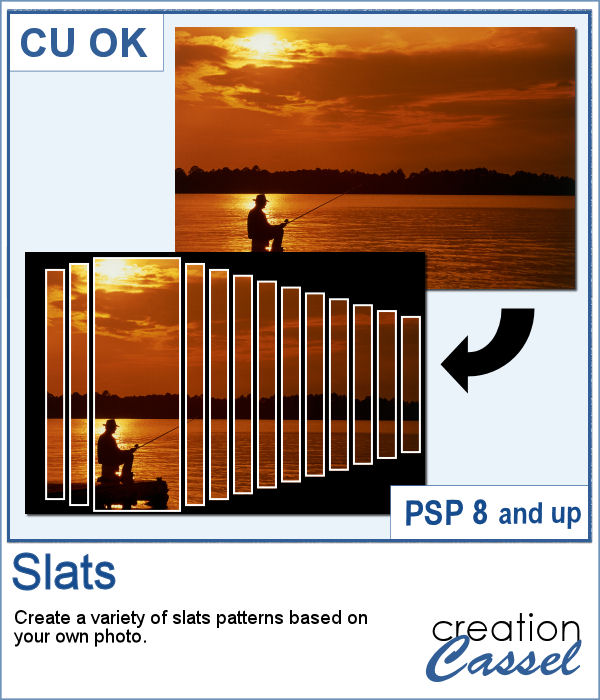
You can create slats at an angle, but it is tedious to measure all those pieces one by one.
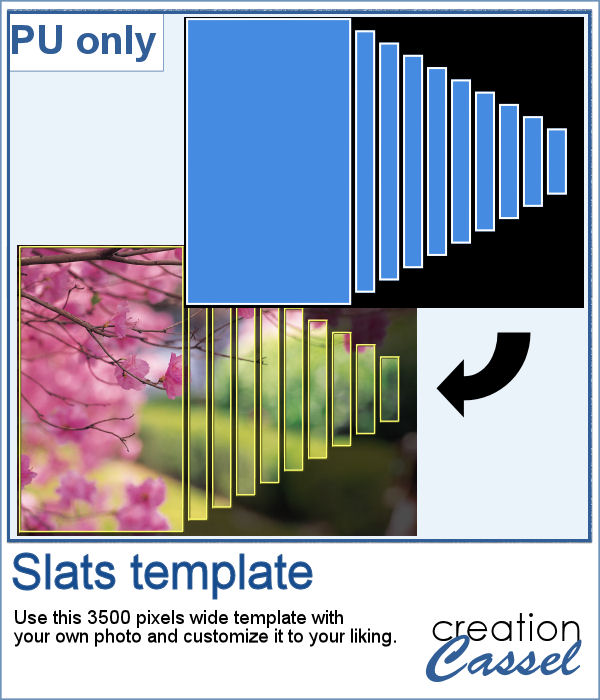
Since this script allows you to create a mask out of the settings you chose, I did just that. I started with a large, 3000x3000 black image, and created a layered mask file. You just have to add your photo and that's it. If you find that the mask is way too large, resize it before adding the photo. You can even resize it without keeping the proportions if your photo is rectangular and you don't want it square.
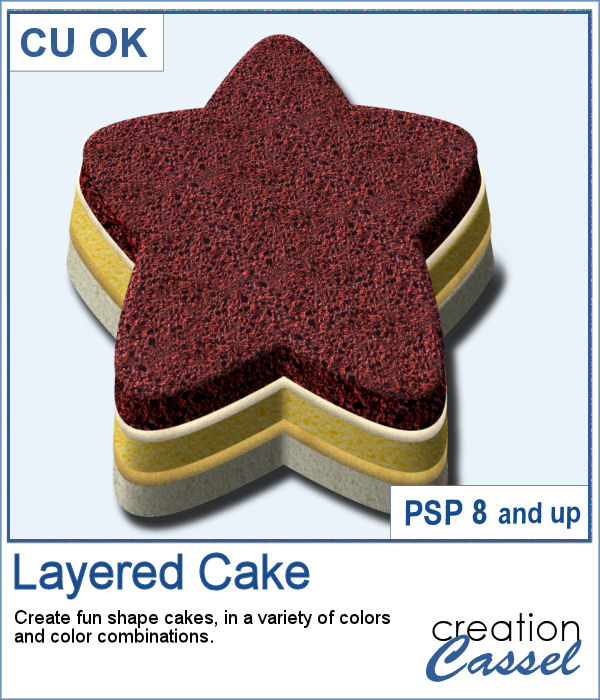
Whether you have a birthday theme or other celebration, you might want to have a unique cake to add to your graphics project. But other than the traditional birthday cake, what do you have?
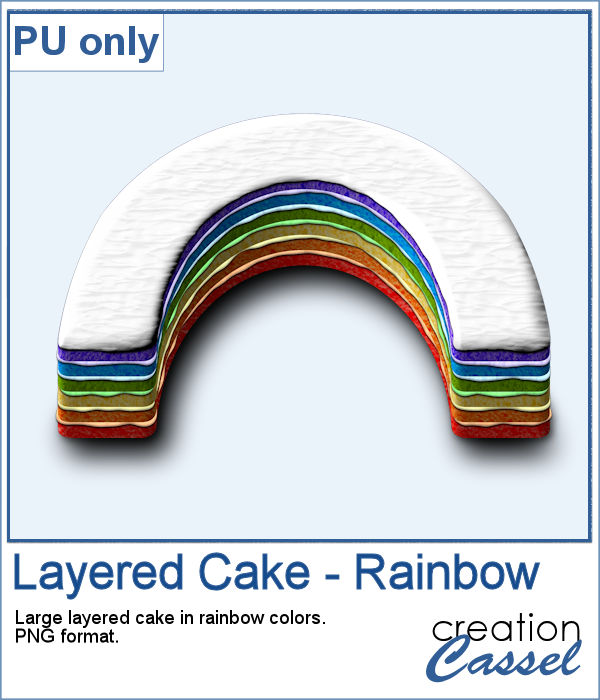
I baked all day to give you this delicious multi-layered rainbow cake, complete with colorful icing.
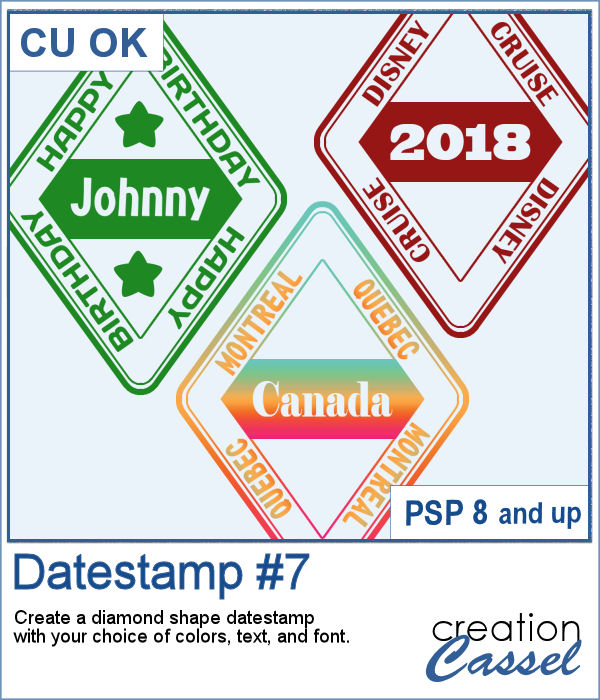
Datestamps can be used obviously to write a date but you can be creative and add something different like a location, a greeting, or a particular event.
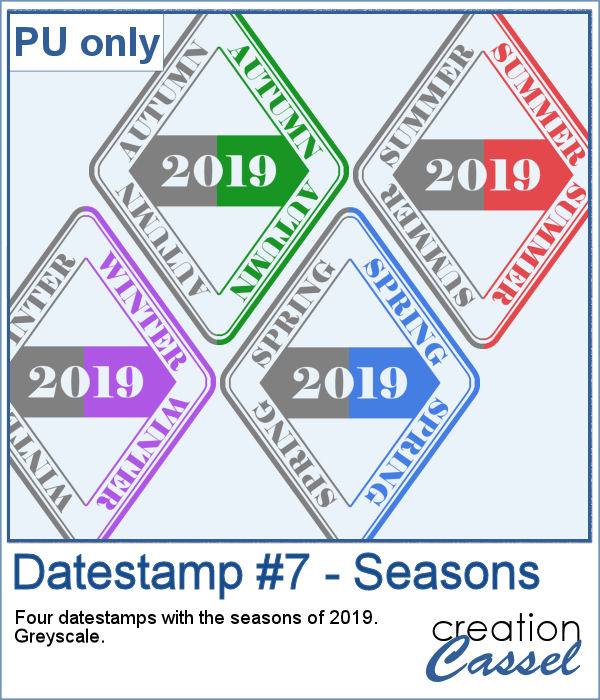
As a sampler, I created four stamps for the seasons of 2019. They are in greyscale so you can colorize them to match your project.
Using slats on a photo is a unique way to showcase it, but it can be tedious to create manually. Furthermore, if you want to showcase a particular area of the photo without cutting it off, you can no longer use a ready-made template as it might not suit your specific image or size or preference.
For a sampler, I created this template for you. It will help you showcase an element that would be off center. You can mirror it too, if your element is on the right.
Creating a gradient might be simple but creating a specific one to replicate an effect you see on an image might be tricky.
As a sample, I created two gradients from photos of sunsets. They look different with different color schemes but can both create a nice background for your next project.
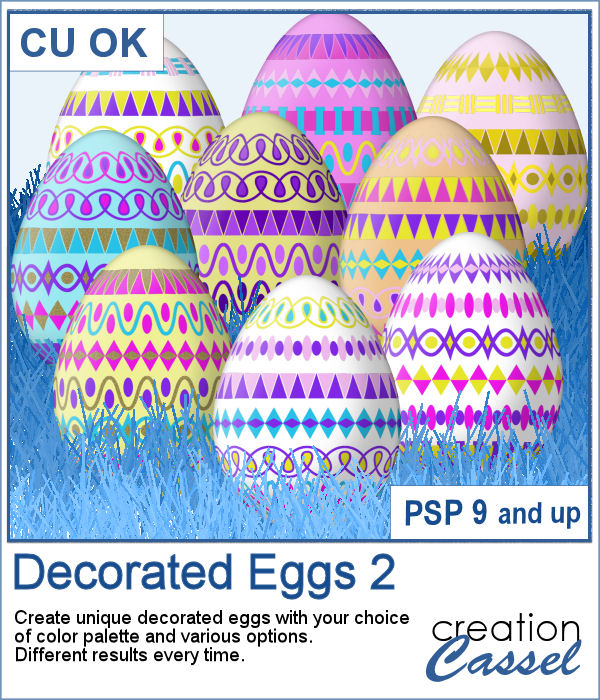
With Easter coming, you might want to create some holiday invitations or maybe you will want to embellish the photos you will take with the kids running around, looking for eggs.
To help you out, I created a dozen eggs that you can use to build some clusters or to line them up at the bottom of your next frame. Using bold colors, those eggs should go well with just about any Easter projects.
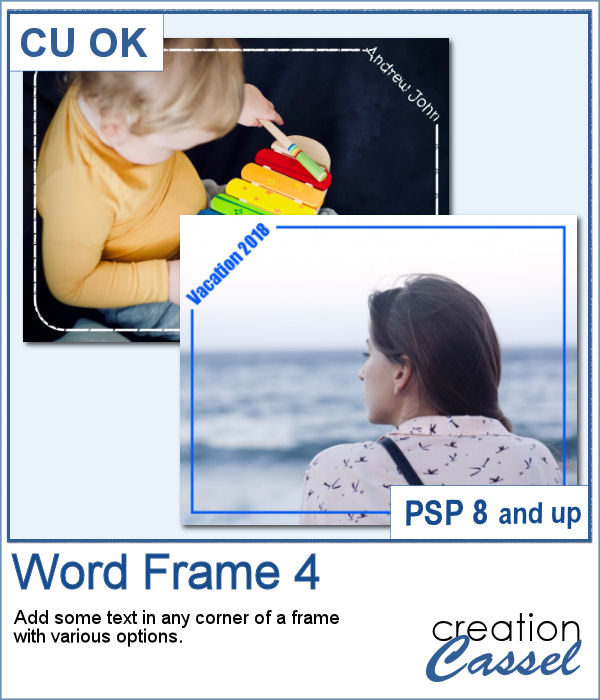
Here is another way to display some text or a date on your photo. You can create a variety of frames with a lot of options to pick from. Add any text in any font in any color, and place it on any corner.
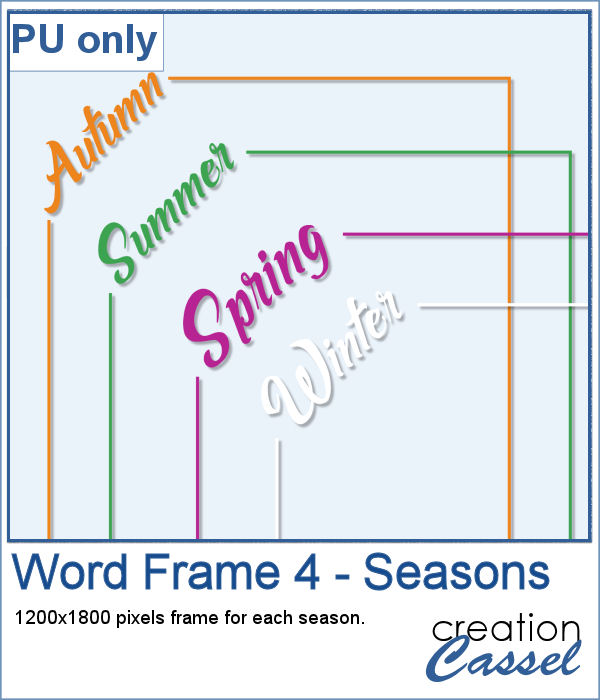
As a sample, I created a series of four frames for the various seasons in the color of those seasons. Use them to create a year in review or just to showcase your favorite photos.
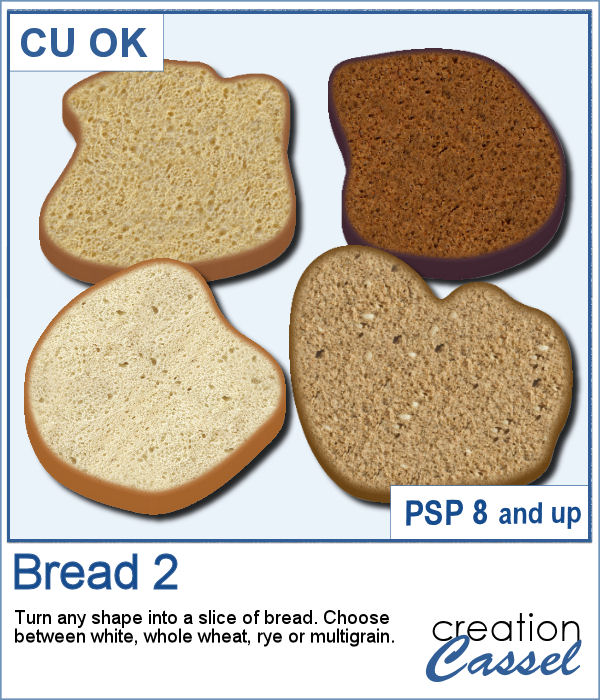
Summer is coming and the thought of fresh sandwiches is on everyone's mind. Although you can have a family barbecue (and use the Hamburger script), you can create slices of bread in various shapes with this script. You can choose between 4 types of bread: white, whole wheat, rye and multigrain. So there is something for everyone in the family.
As a sample, I created a set of slices in the shape of digits. You can use them to add a title, possibly for the photos of your annual family picnic. Each digit is in png format and quite large so you can easily size them down as needed.
You can add dimension and perspective to any design, element, shape or text.
This week, I created a couple of words that might be used to embellish your project. They are big enough to be sized down if needed.