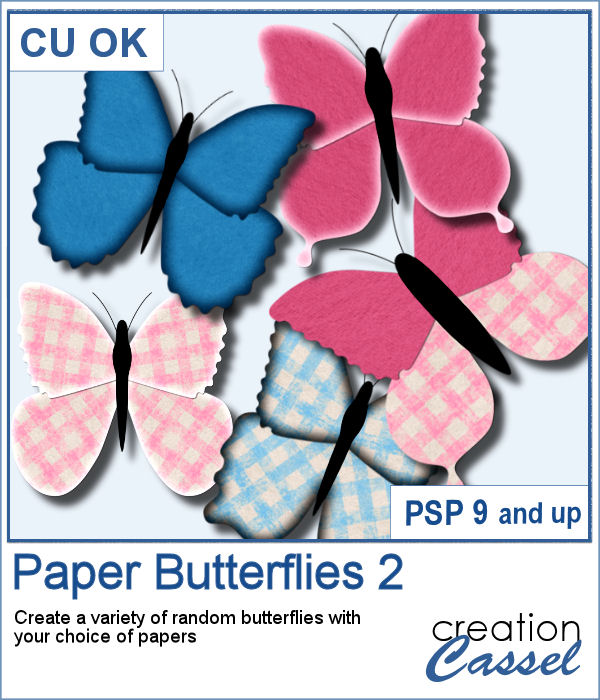
Butterflies are elements that can be added to just about any project. Creating some might be fairly easy but when you are in a hurry and you want to create some using existing papers in a kit, it could be a little more tedious, especially if you want to create different ones every time.
This script will create a variety of butterflies from the papers you select and each one will be slightly different. Each layer is left on separate and unmerged layers so you can tweak the size and the placement of the wings.
Get it in the store: Paper Butterflies 2
In order to win this script, add a comment on this Facebook post telling us what other animals or elements you would like to see created as a script, using various papers like these butterflies? (remember, add a comment, not just a Like!) The winner will be announced in the newsletter, next week. Not a subscriber yet? Not a problem. You can register here and it is free (and you only get one email per week).
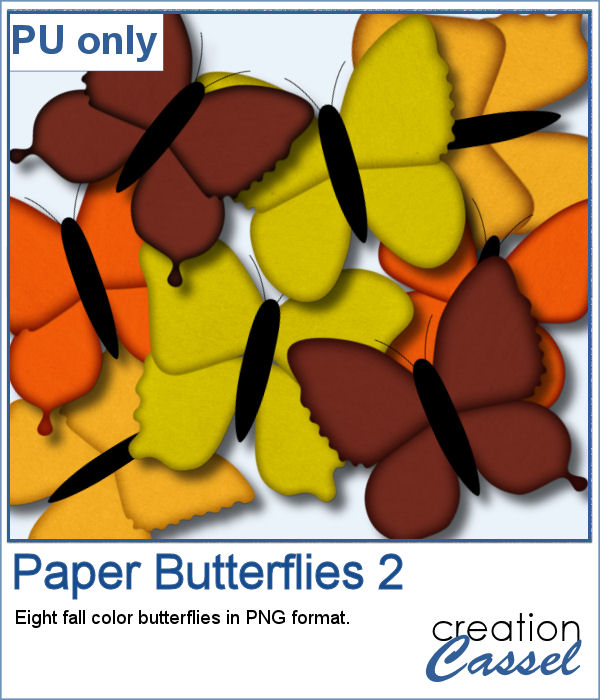
As a sample, I created 8 full-size butterflies (about 900 pixels) in fall colors. They are in png format so you can place them wherever you want and you can also resize them, since they are fairly wide.
You need to be logged in to download this sample. You can either login, or register on the top of this page.
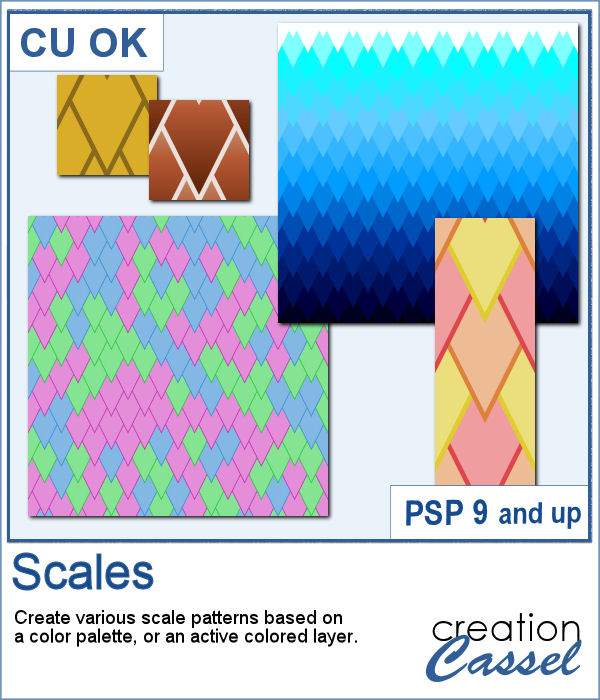
Creating pointy scale patterns, perfectly even is a very tedious task (try it!) but it is a unique design that could make your project stand out.
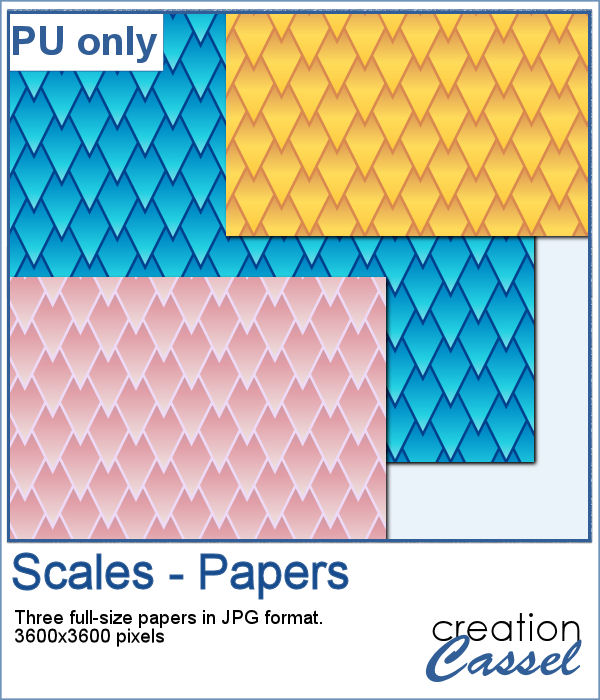
Since you can use solid colors but also gradients, I had fun using 3 different gradients that I had in my stash to create a "one-color" seamless tile and then filled a full-size paper. I think that the result is stunning, don't you think?
If you wish you had your photos or scrapbook pages in a book, this is the script for you as it will use two of your pages to display them in an open book format.
As a sampler, this week, I created two masks using Particle Shop. One is round and one is square. Each mask image is 3600x3600 pixels in size but you can use them with any image of any size as it will adjust to the size of the image you will apply the mask on.
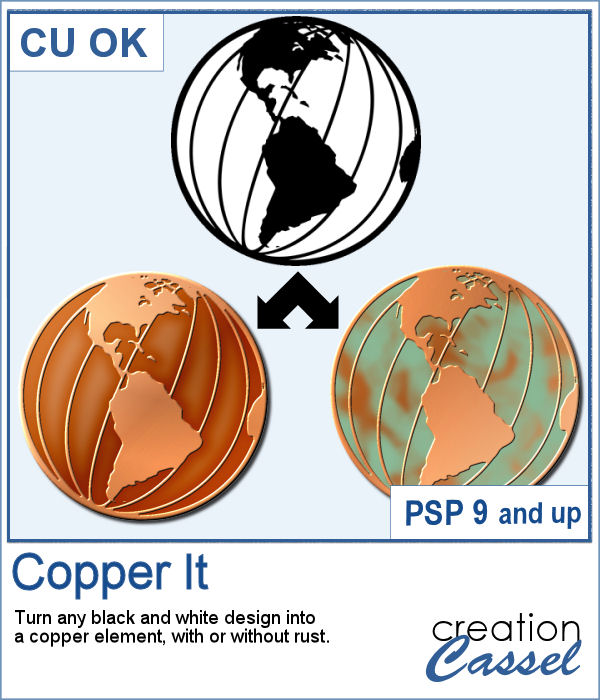
Sometimes, you want some copper elements but with a specific design, or shape that seems to be hard to find. But what if you can create it yourself?
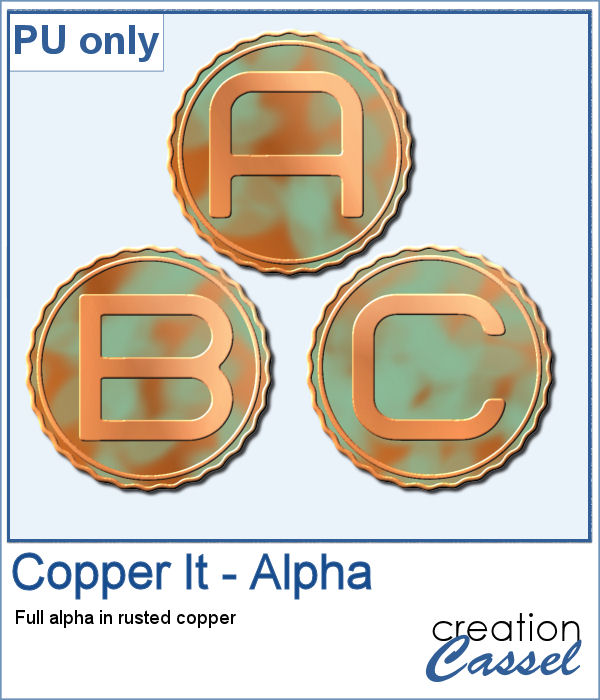
As a sampler, I created a fun alpha for you to embellish your projects. Use them as titles, to write names of people, places or events. What will you write?
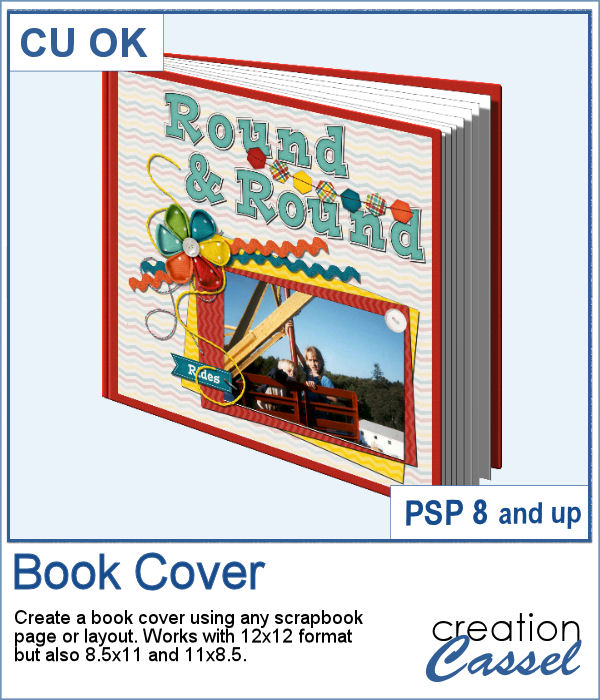
Don't you think that your photo might deserve to be on the cover of a book telling a story? That is what this script will do. It will also be a fantastic tool for designers who create quick pages or templates, to showcase one of them and show that they have more than one page in the bundle.
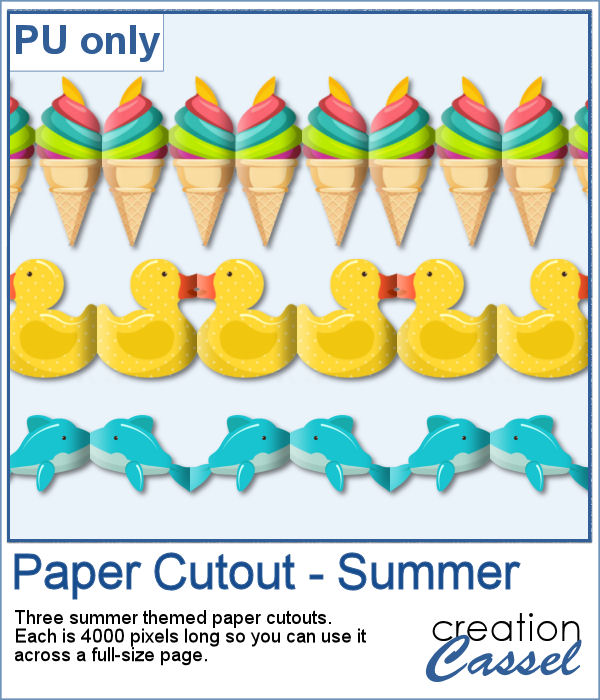
As a free sampler, this week, I created these three fun paper cutouts for summer. Each piece is 4000 pixels long so you can use them across the whole width of your project, even at an angle.
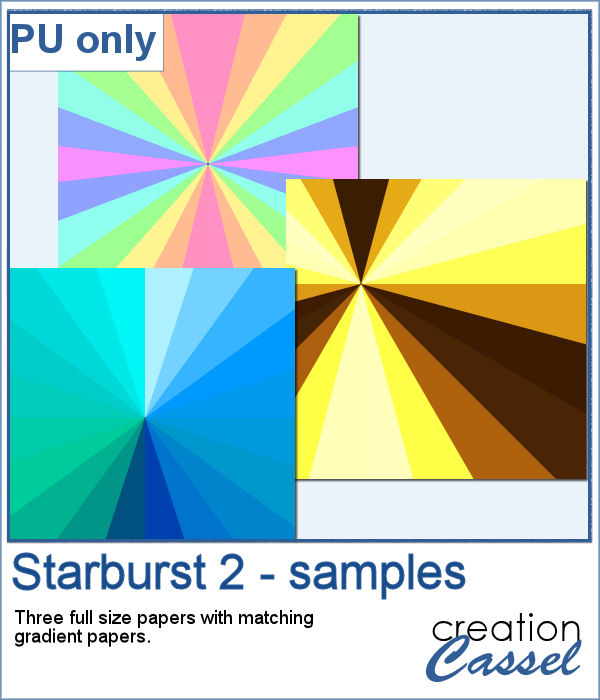
As a sampler, I created three full-size papers with some summer-y color gradients. You get three starburst papers and three matching gradients papers.
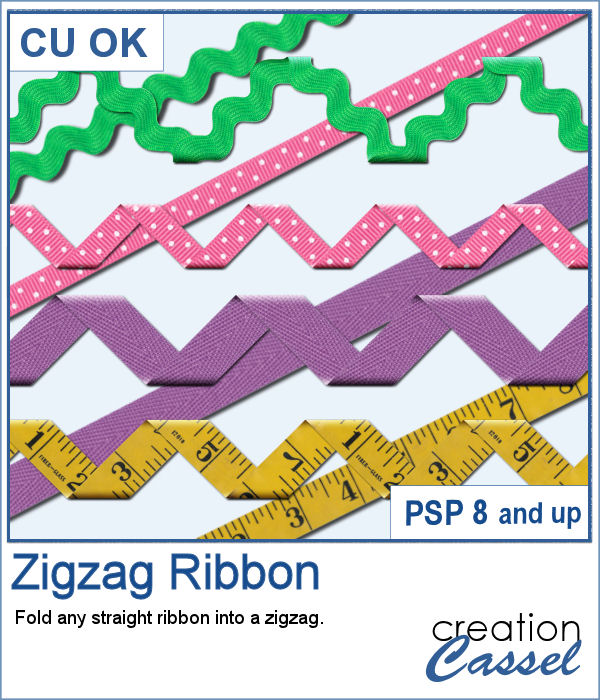
Using a straight ribbon and turning it into a zigzag with multiple folds can be a fun way to use the same ribbon in different ways on the same layout or to create consistency between several layouts in a project.
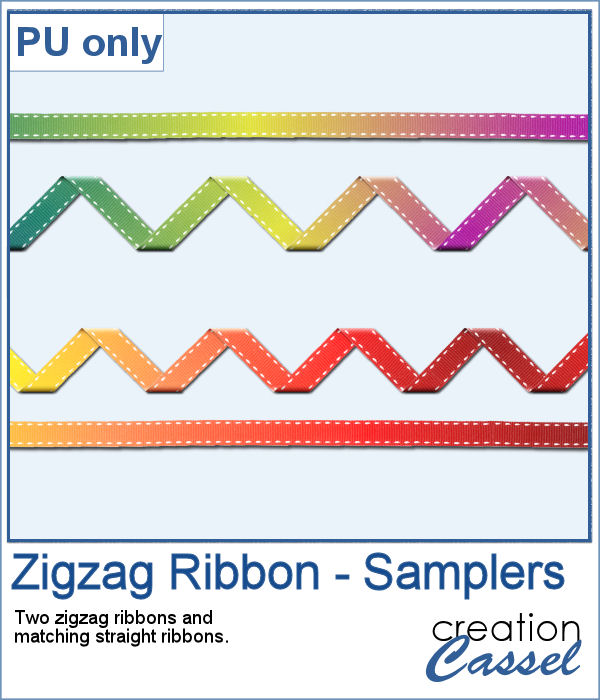
As a sampler, I started with a very long ribbon (5000 pixels) that I painted with a gradient. I thought it would be fun to see the gradient through the various folds. I repeated the effect with a different gradient, so you end up with two zigzag, but also the matching straight ribbons so you can use them elsewhere on your project.
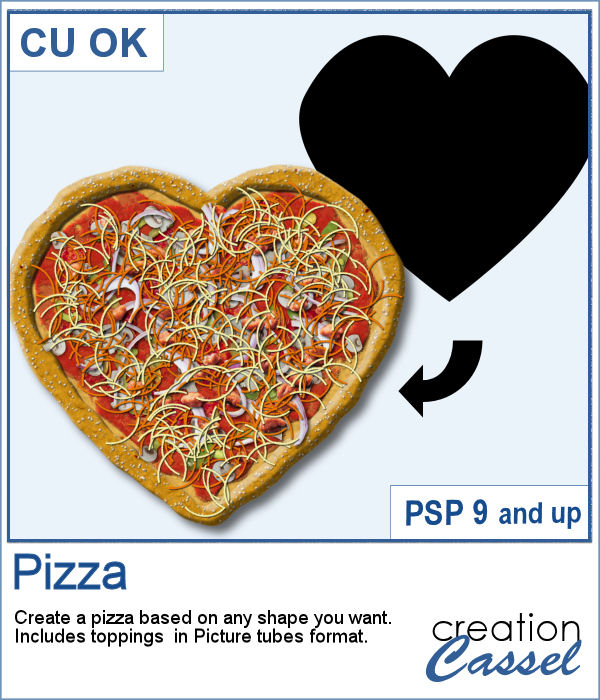
"When the moon hits your eye like a big pizza pie, that's amore"
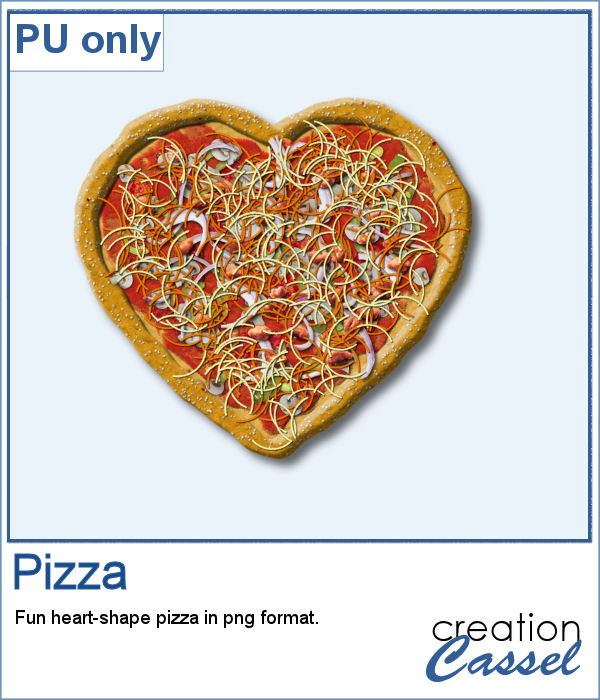
As a sampler, I am sharing that heart shape pizza, all dressed. This is to show you how I appreciate your continuous support.
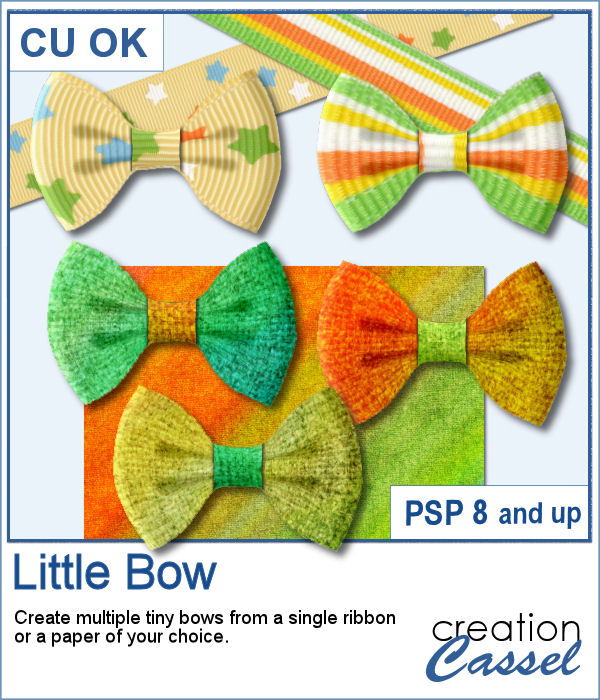
Who can say they have too many bows in their stash? Nobody! And these tiny bows are delicate and can be incorporated into just any project, cluster, or even on a photo itself.
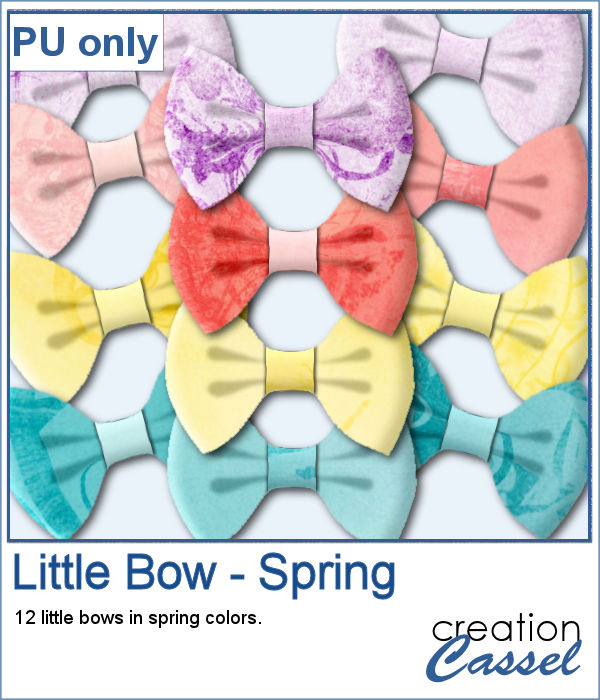
As a sample, I generated a ton of little bows from papers from an old kit I had (Splashes of Sunshine from Bernadette Hunt). I liked the colors on the 4 papers. Since they were full size, I resized them to 2000x2000 to keep some of the brushes imprint visible on some of the bows. I generated many more but kept a dozen for you among those that had some interesting patterns to them.
Creating random shapes for one's project might be easy but the randomness, sometimes, is not as random as one would want simply because we tend to do things in similar ways over and over again. That is why this script can become a time saver as it will REALLY create random shapes for zigzags on separate layers and then, you pick and choose which ones you want to use and discard the rest. Easy!
As a sampler, I used one of those shapes and overlayed it on a white layer. Once they were merged, I added a gaussian blur and now, that shape can be used as a mask.