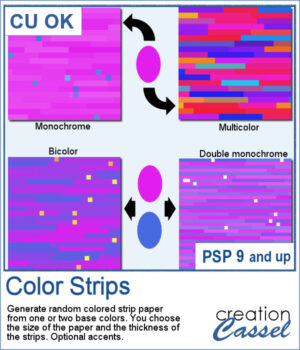
 Create colorful striped papers with the Color Strips script for PaintShop Pro! Choose from four color combinations, adjust the strip thickness, and add optional accent squares for extra detail.
The strips and accents are created on separate layers, so you can easily customize your paper with additional effects, recoloring, or blend modes. Perfect for scrapbook layouts, cards, and other creative projects!
Get this script: Color Strips
Want a chance to get these beads for free? Head over to this Facebook post and tell us how you could envision using striped papers like those generated by this script. (likes and shares are appreciated, but won’t count as entries.) A winner will be announced in next week’s newsletter. If you’re not on the list yet, you can join right here. It’s free, and we only email once a week!
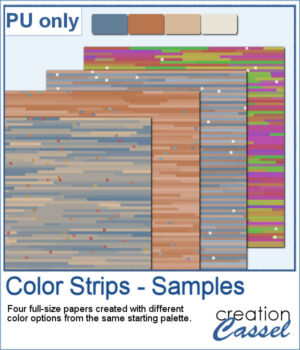 For some samplers, I generated four full-size papers using a common earthy color palette of dusty blue and copper. Using that color palette, I showcase the four available options in that script.
You need to be logged in to download this sample. Please log in or register using the links at the top of this page.