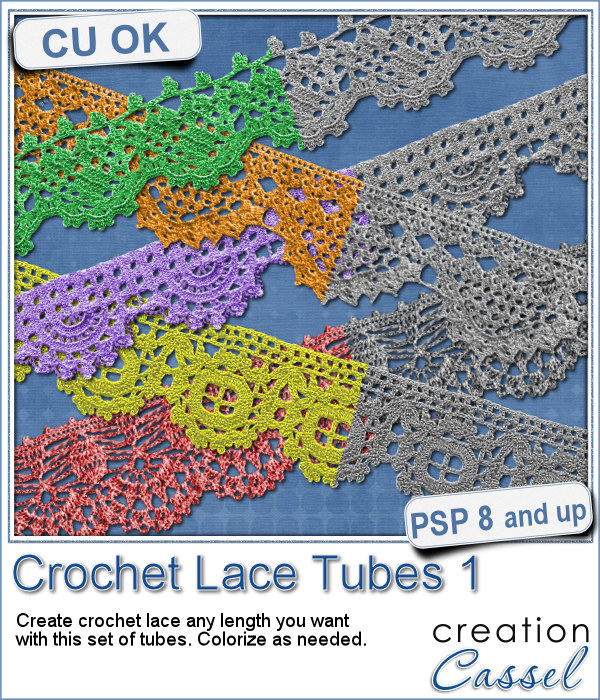
Do you like lace edging? Can you find some that suits your project? Something that is the right color, the right length?
These are tubes so you can drag your cursor anywhere and create a crochet lace as long as you want.
You can certainly use them as is, like a piece of lace to add to a cluster, or you can actually edge a paper, or make frames. You can even thread some ribbons through them for an even more customized look.
Have fun with those.
Get them in the store: Crochet Lace Edge 1
In order to win this script, add a comment on this Facebook post telling us what you might use those tubes for (remember, add a comment, not just a Like!) The winner will be announced in the newsletter, next week. Not a subscriber yet? Not a problem. You can register here and it is free (and you only get one email per week).
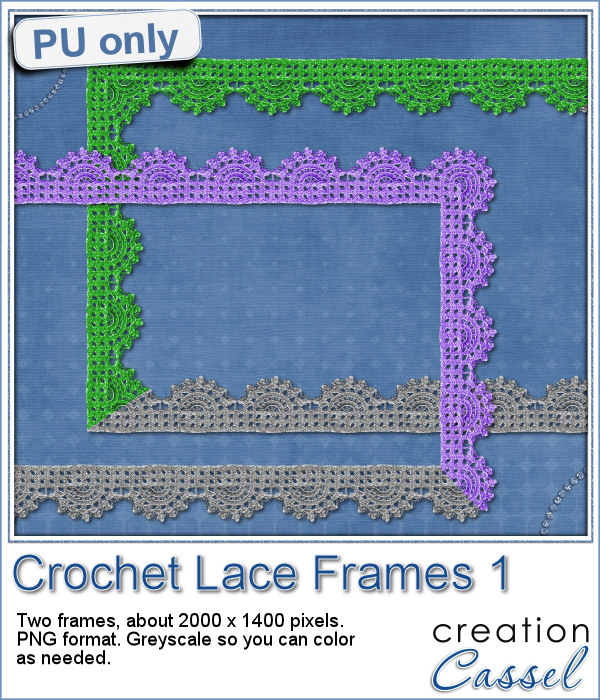
As a sample, this week, I created a long strip of lace and turned it into two frames using the Mitered Corner Frame script. In order to make nice corners, i trimmed the strip exactly between "loops" then measured the length of a loop in order to set a size, in the script, that would use complete loops. I think it turned out great.
These frames are left in greyscale so you can colorize them to match your own project.
I hope you will show me what you do with them!
You need to be logged in to download this sample. You can either login, or register on the top of this page.
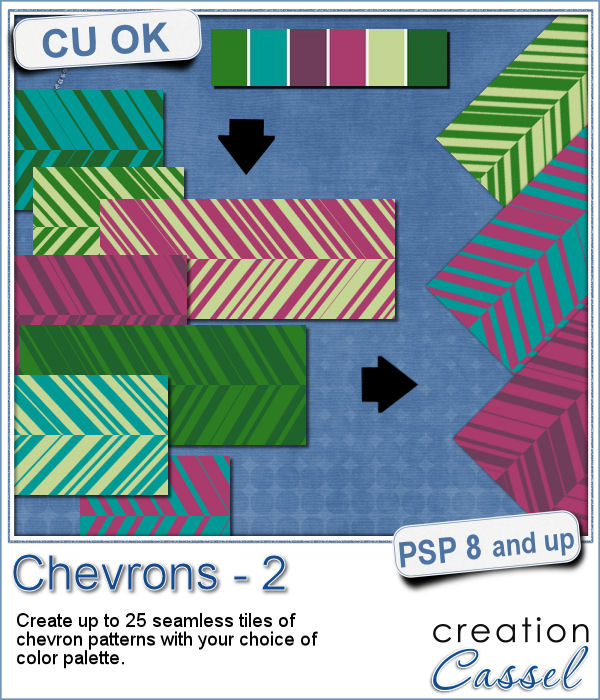
You might already be familiar with the script to create neat and regular chevrons, but sometimes, you might want something a little different, a little less regular.
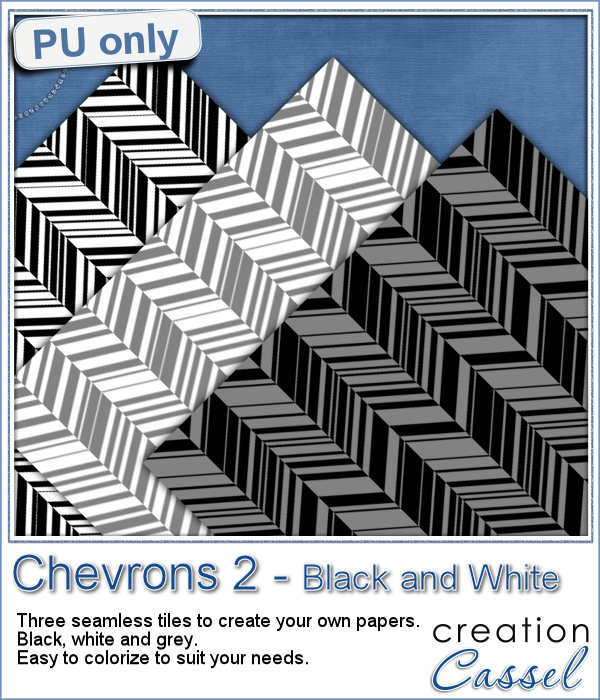
Since I didn't know what were your favorite colors, I created three tiles with chevron patterns in black, white and grey. They would be quite easy to colorize to your liking and match your current project.
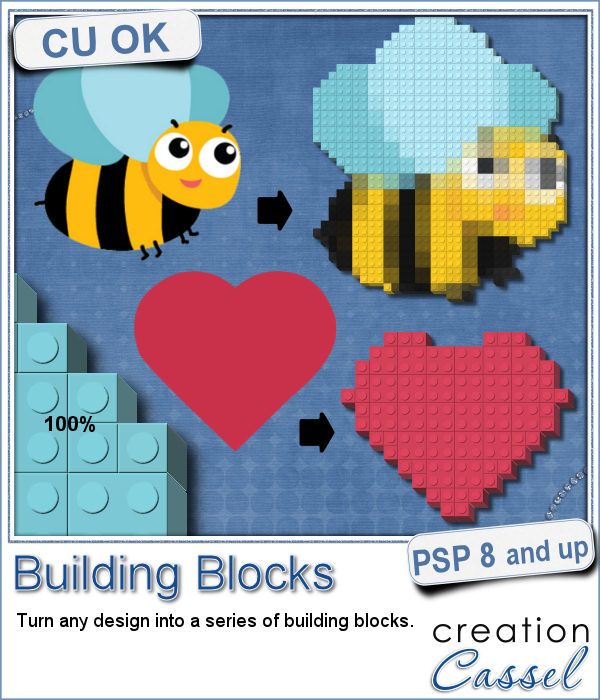
Do you like to play with building blocks? Does it bring back memories of your childhood?
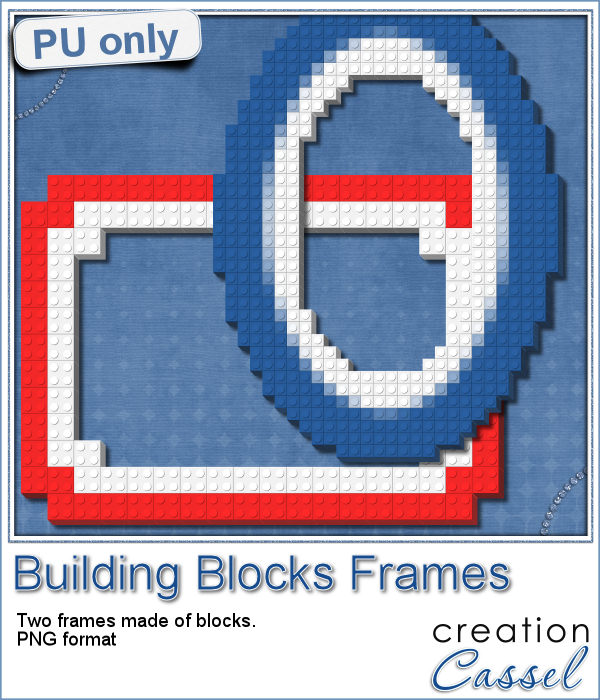
As a sample, I created two simple frames made out of blocks.
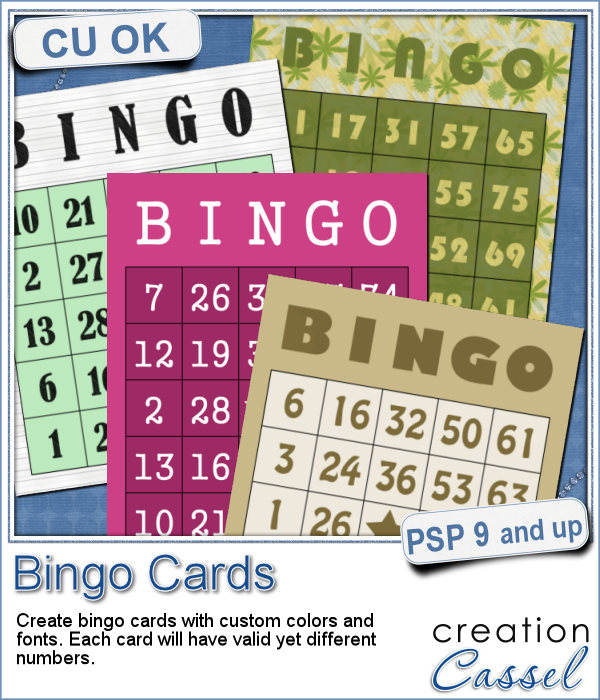
If you have a project about game night or bingo winners, you might want to add some bingo cards to your layout, but usually, you will find some pretty ordinary cards that won't necessarily match the colors or style you are using.
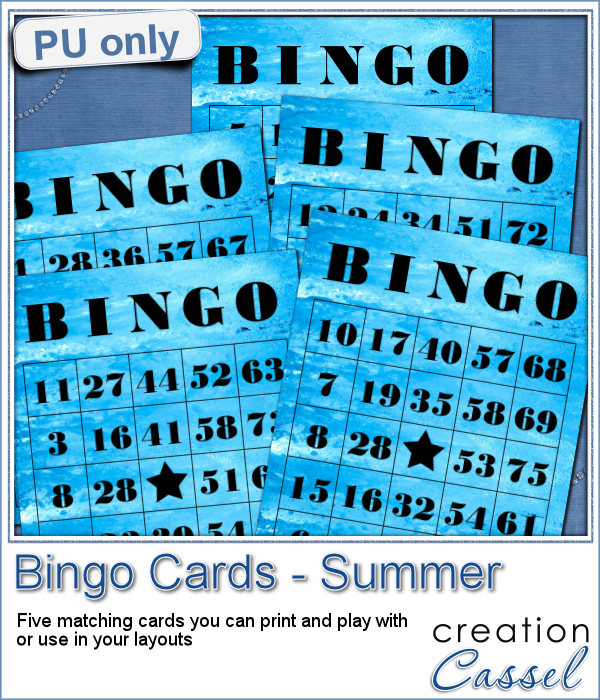
As a freebie for this week, I created 5 matching cards so you can actually print them out and use them to play. Laminate them so you can keep them for later.
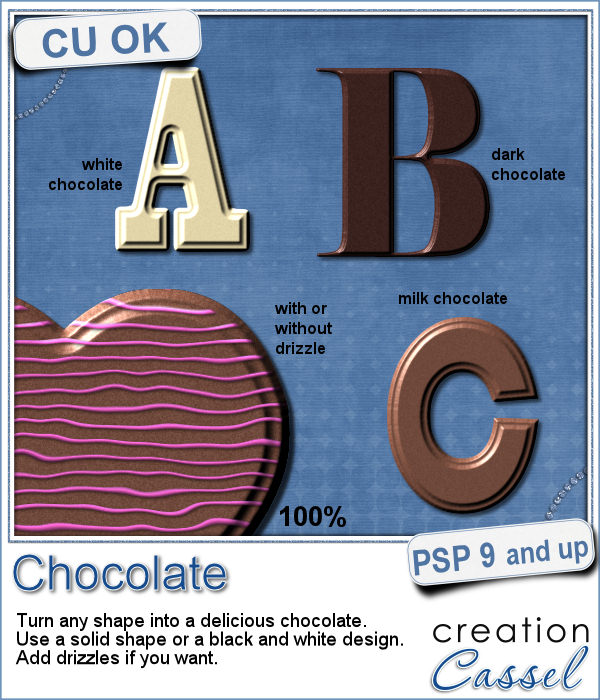
If you like chocolate, here is your chance to get a sweet treat for your next graphic project. Whether you like white chocolate, milk chocolate or dark chocolate, you are in luck!
For a sample of this script, I used a few summer themed elements and ran the script with a milk chocolate flavor.
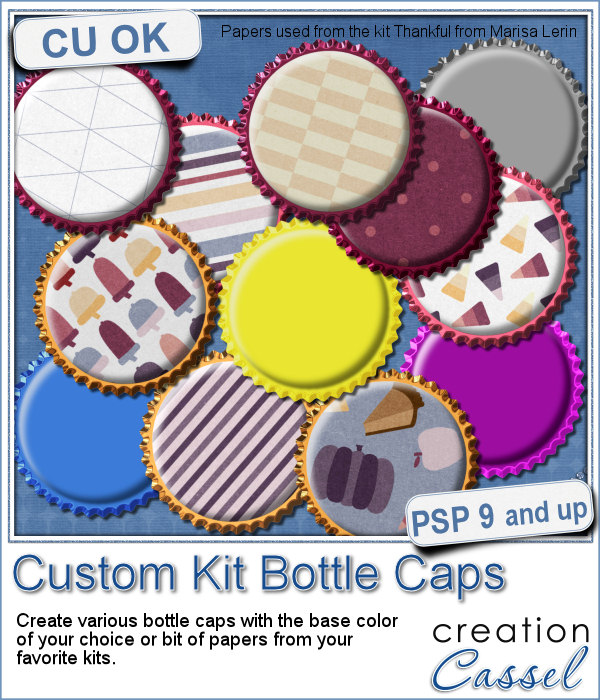
Although bottle caps might be a little thick for a traditional paper layout, you can layer as many as you can in a digital layout! But you don't have to use a boring, plain or typical bottle caps since you can now create them with a touch of your favorite papers, from any kit.

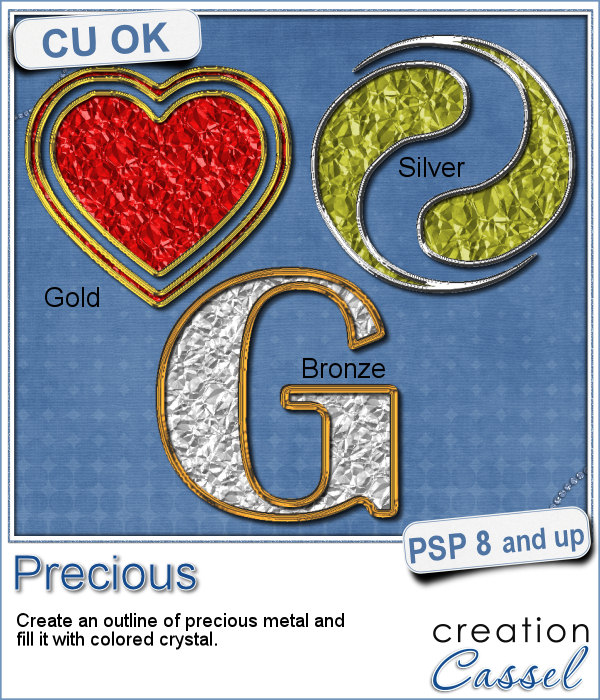
If you want some precious metal elements, you can create them with this script. It will take just about any shape and outline it in gold, silver or bronze, and then, will fill it with crystal in the color you choose (you can even pick a gradient for a great effect too).
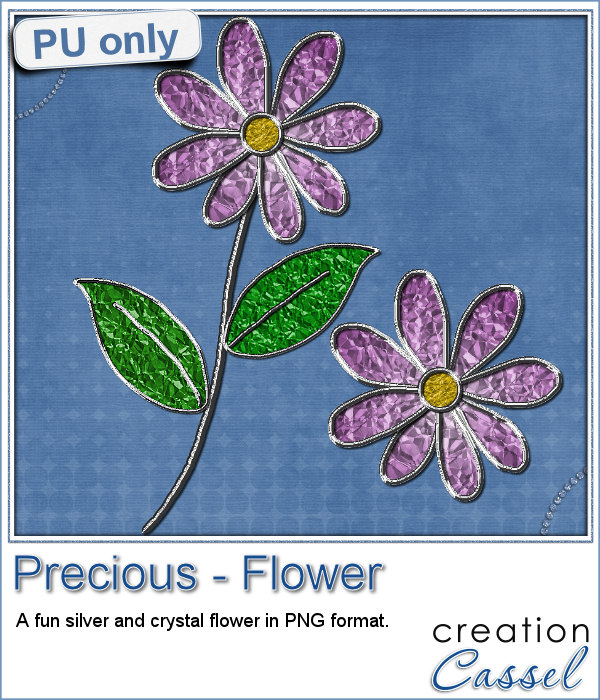
As a sampler, I created this cute flower. The freebie includes the flower with the stem and leaves but also the flower alone.
Do you want to rely on the ready-made clips you can find with set colors, or design or create your own that you can customize with any color, gradient or pattern, any text, font or design that would perfectly match your kit, your layout or your graphic project?
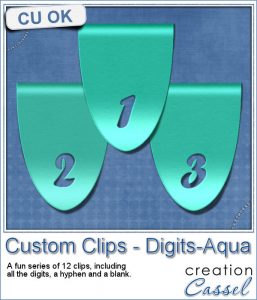
For a sample of this script, I created a set of digits in a nice aqua color for the summer that is coming up (at least for the Northern Hemisphere). You can now write the date of your next vacation or family gathering.
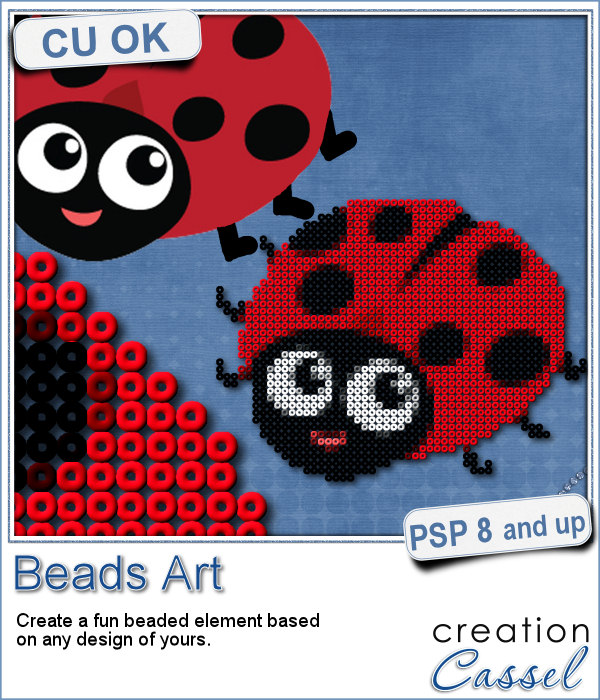
It can be fun to convert a simple clipart into a beaded element to add to a themed layout. You can do that with this script which will convert ANY image into a set of beads, all fused together.
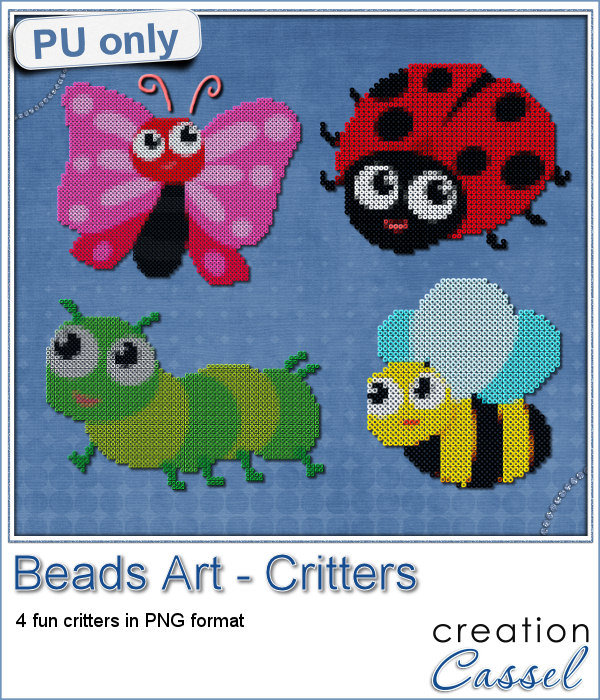
For a little taste of summer (at least for the Northern Hemisphere), I made these 4 adorable critters in beads art for you. Each of them is about 1000 pixels in size so you can easily size them down to suit your layout.
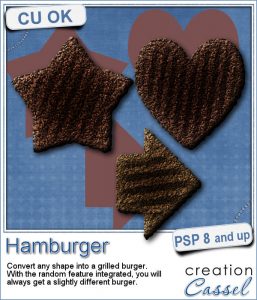
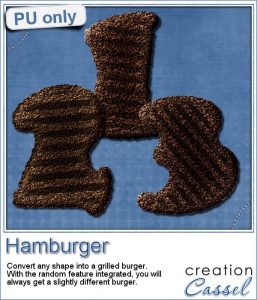
How would you like a nice juicy burger on your next graphic project page? What if you could have that hamburger in any shape you want, whether it is a square, a star or even a letter?
As a sampler, I created some fun digits that you can use to date your next barbecue pictures.