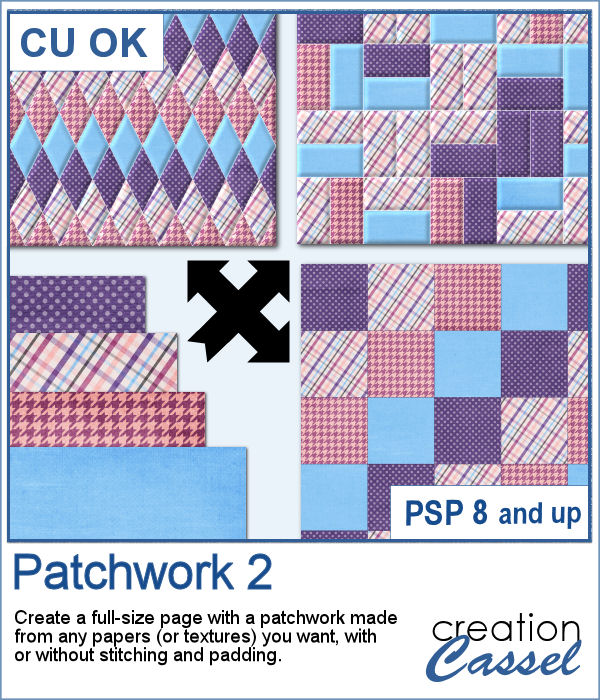
Creating patchwork can be a very tedious way to display various colors or designs, but with PaintShop Pro, you can create them much faster than sewing them piece by piece.
With this script, you won't have to cut and sew and you won't even have to copy and paste either as it will take care of that for you. It will even add the stitching if you want (which is a BIG time-saver). The stitching is left in an unmerged vector format, so you can use it to add details to the path with a Vector script.
Get it in the store: Patchwork 2
In order to win this script, add a comment on this Facebook post telling us whether you have ever created a patchwork quilt before (remember, add a comment, not just a Like!) The winner will be announced in the newsletter, next week. Not a subscriber yet? Not a problem. You can register here and it is free (and you only get one email per week).
To create this week's freebie, I simply used 4 basic papers that were made of solid colors with a texture added. No other pattern since I wanted the patchwork itself to show the design. I used 4 solid colors and ran the script. At the end, I ran the VectorPaint script to add some chain stitching instead of the straight stitching generated by the script.
You need to be logged in to download this sample. You can either login, or register on the top of this page.
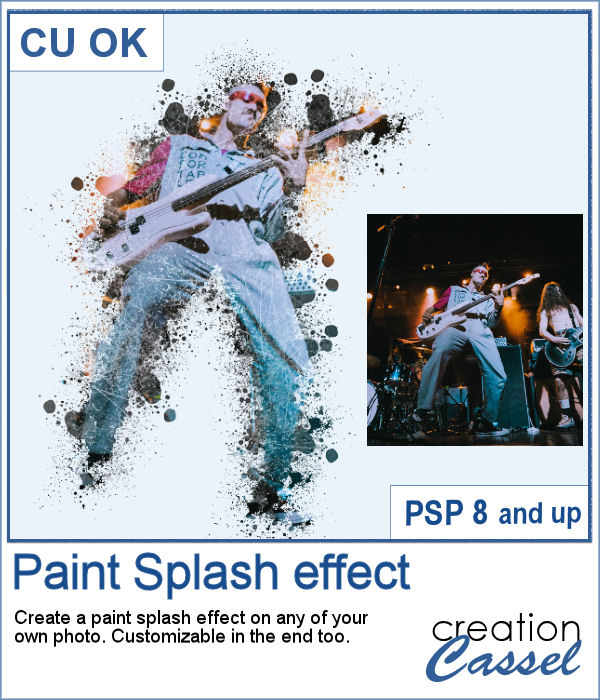
If you want a totally unique effect applied to your photos, this script is what you need.
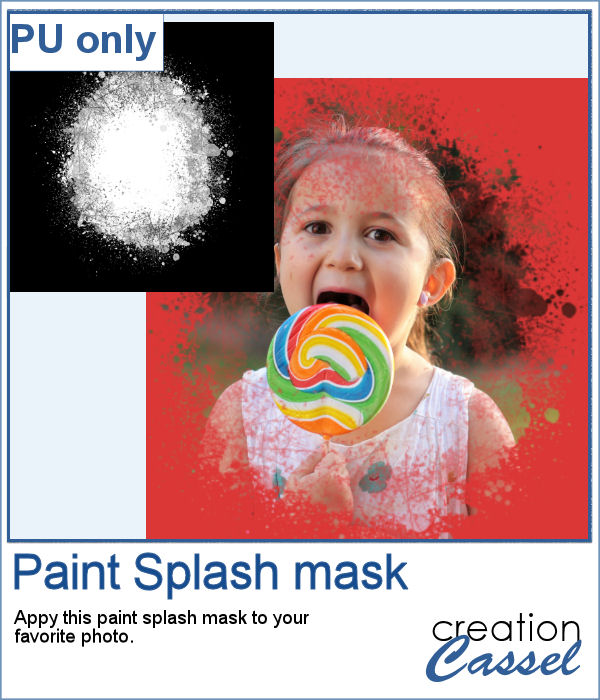
As a sampler, I created a mask using the same brush tips but in a more generic shape since the script would otherwise run on a custom shape on your own photo. You can use this mask on any photo of your choice.
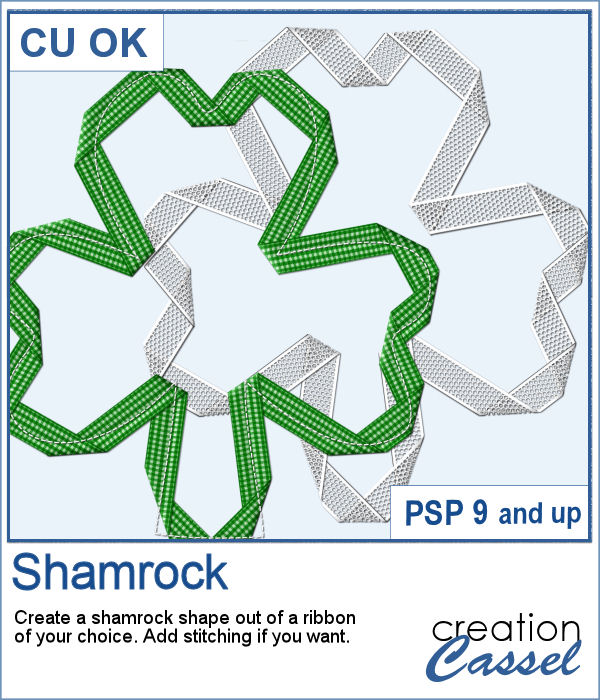
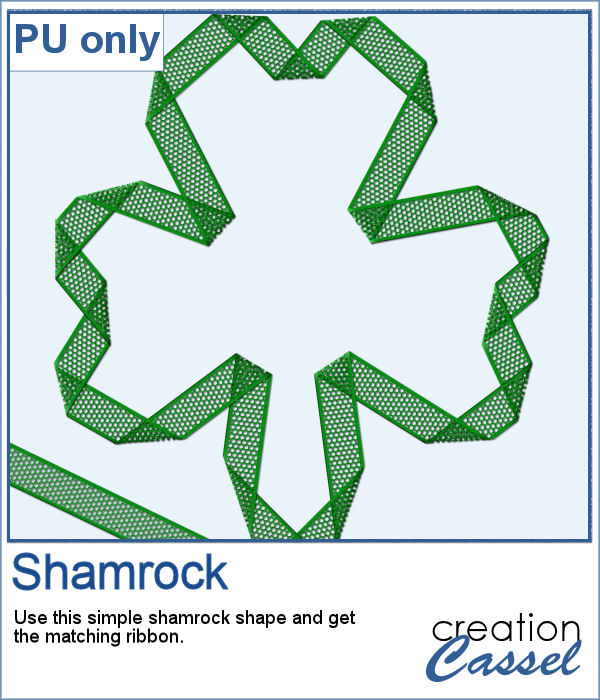
Whether you are celebrating St-Patrick's day or not, you might want to add a shamrock shape to your project.
As a sampler, I created one green shamrock for you with a little lacy ribbon (which is also included).
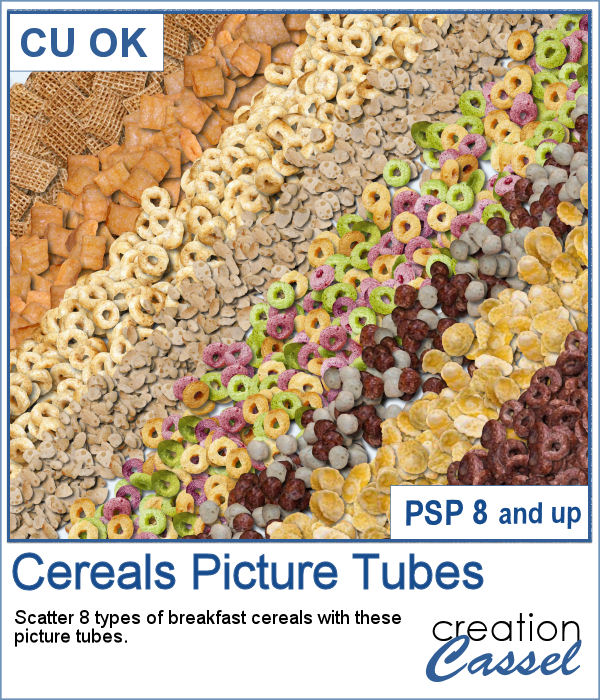
Where can you find your favorite cereals in digital form to use on your next project? If someone has made an element out of cereal, will they fit your particular need? Did you need a frame? a scatter? large or small?
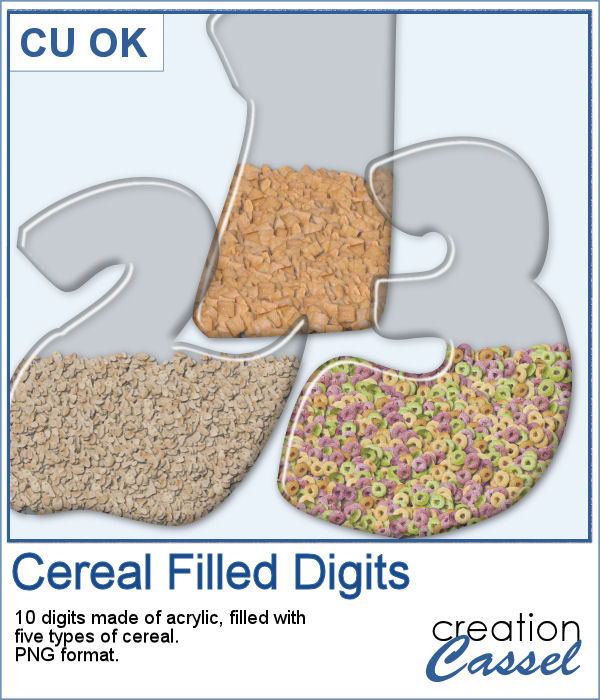
For a free sample, I created some wide-bottom digits out of acrylics and filled them with 5 different types of cereals.
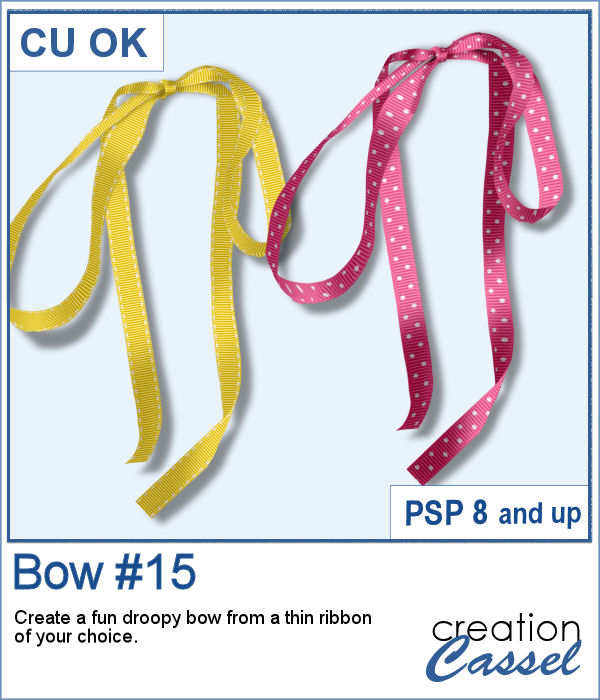
Do you like droopy bows? They can be a fun change from the standard "straight" bows that we see all over, but how do you get something that will match your project?
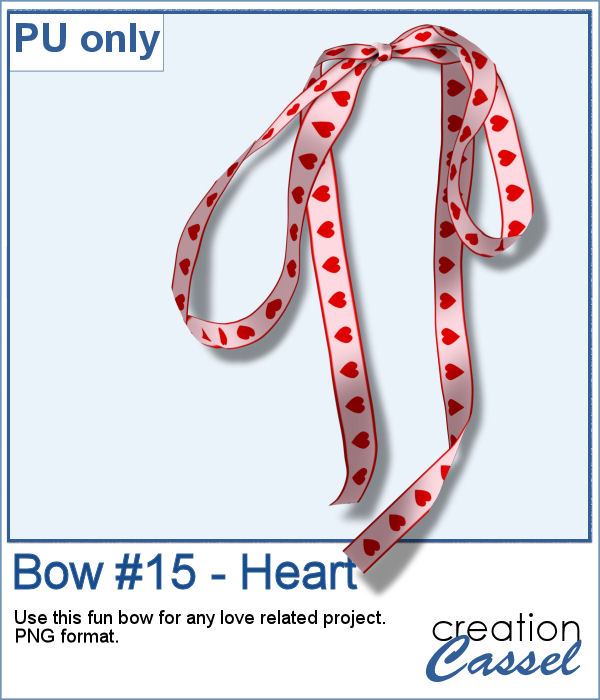
For a fun Valentine project, you can use this droopy bow made of a custom heart ribbon. This was a simple ribbon made and then, I ran the script on it. That is all. It is now yours to use in your layout.
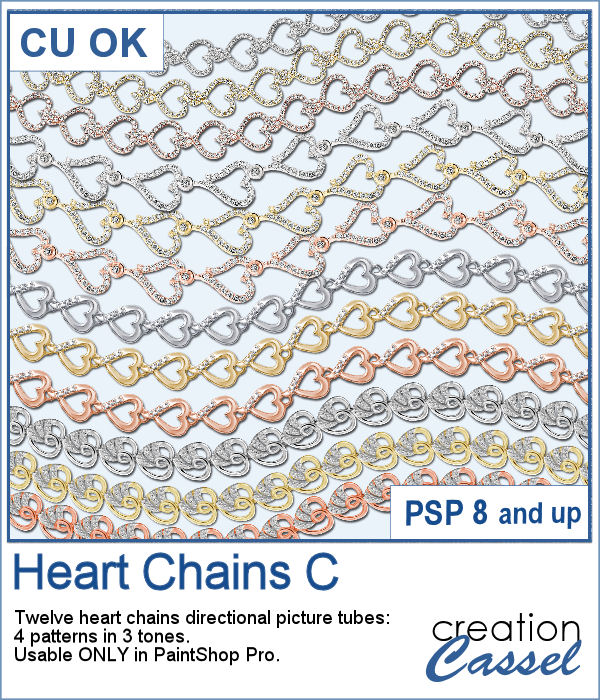
With these picture tubes, you can add a single link or a whole chain of linked hearts to your project. You can draw them as long as you want them, and you can also place them along a path for a very regular arrangement.
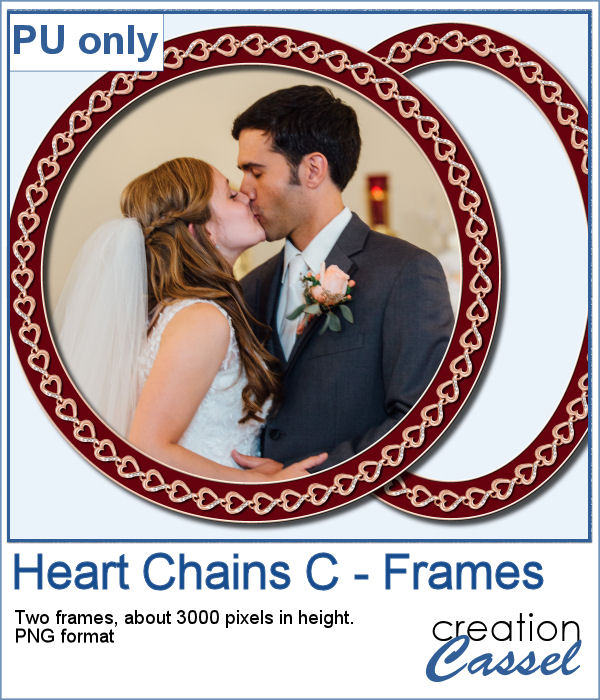
I created two large frames with a rose gold chain of hearts with the VectorTube script to follow the exact shapes drawn. Each frame is about 3000 pixels in height so you can resize them as needed for your photo or your project.
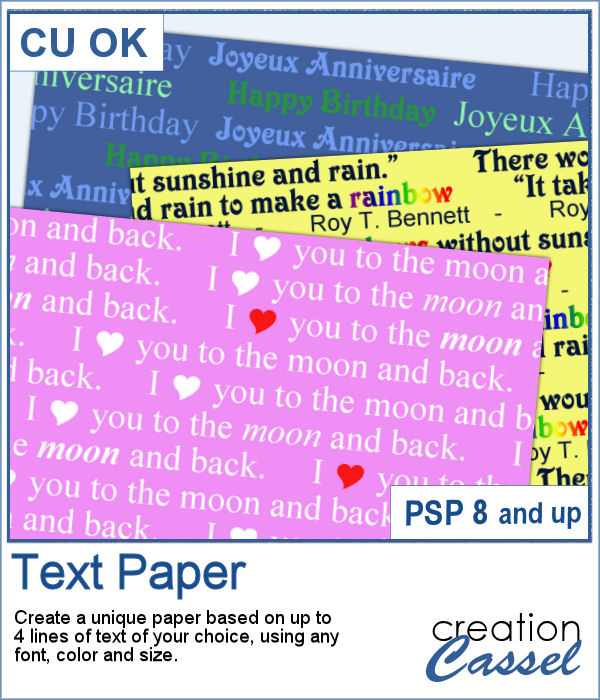
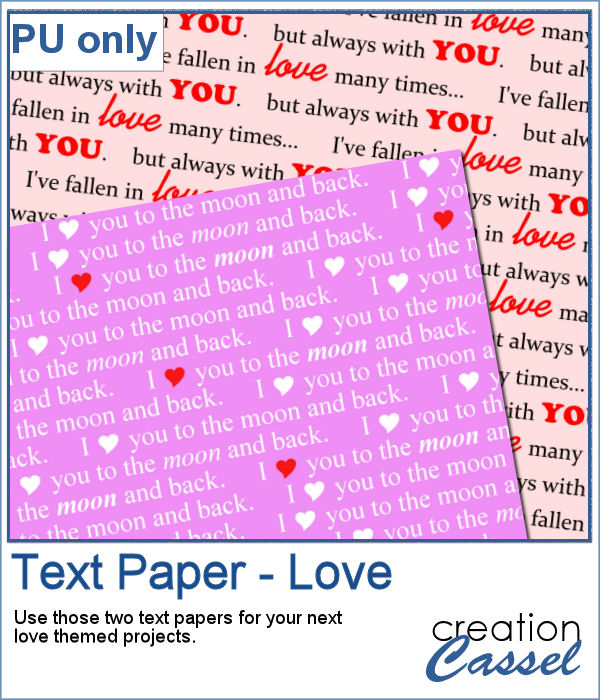
If you like to have some text as a background paper, you probably can find some generic text, or some themed ones in specific colors to match a kit, but how about getting something totally unique, with the text YOU want to match your story or your project, in the colors you want to coordinate perfectly? That is exactly what this script will do, allowing you to create custom text paper.
Since it is just two weeks from Valentine Day, I created two Love themed papers that you can use for your upcoming February projects, whether they are scrapbook pages, or cards. Each paper is 3600x3600 pixels in jpg format.
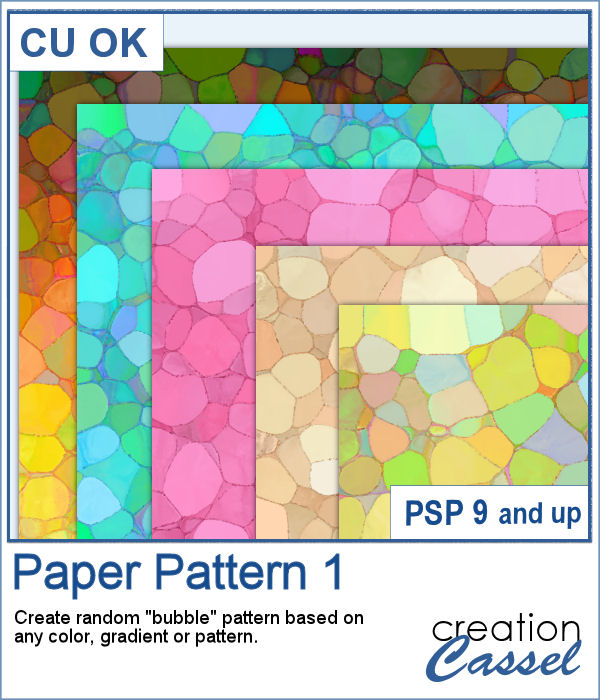
It is always fun to get some random patterns as they are... well... always different from one another. But they are hard to create from templates since they would have the same pattern even if the colors can change.
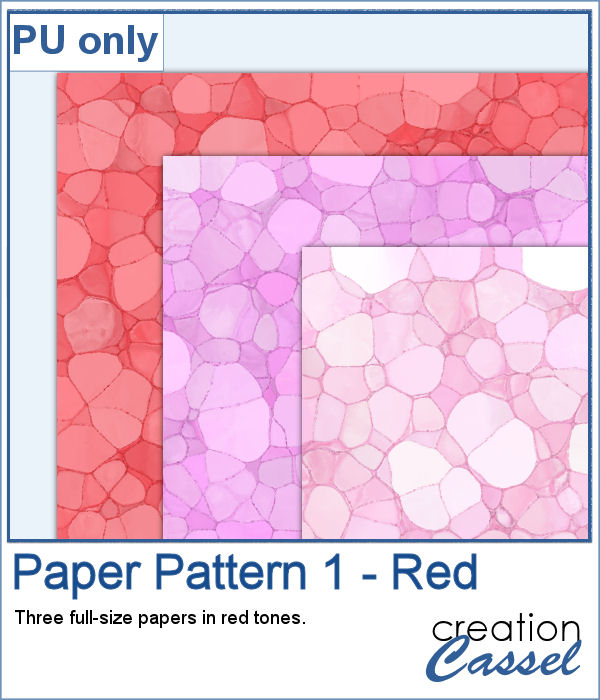
Since Valentine Day is coming up, I thought of making some papers using reds as a starting color. So you have three full-size papers that will be perfect for your Valentine projects (you can also use the darker one for Christmas photos!)
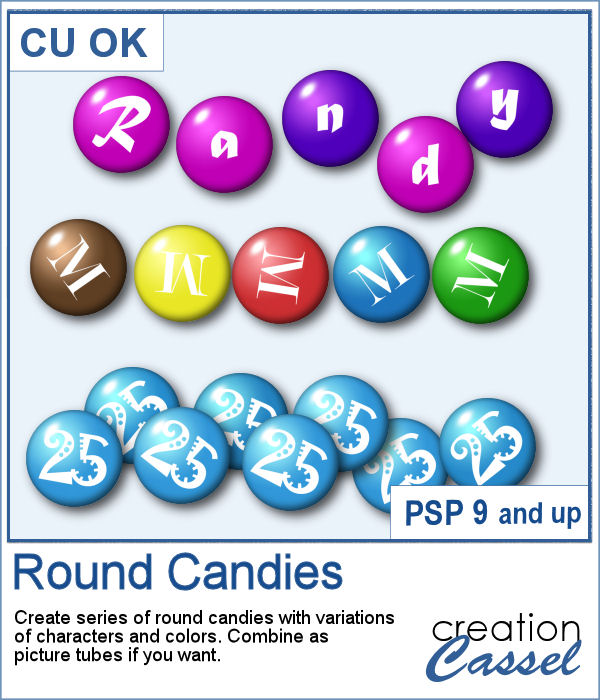
Do you have a sweet tooth? Whether you do or not, having some digital candies to use to embellish various projects can be fun, and even more if you can choose the color palette and even the text on them. Once you have a series of candies, you can even export them as picture tubes to scatter them around.
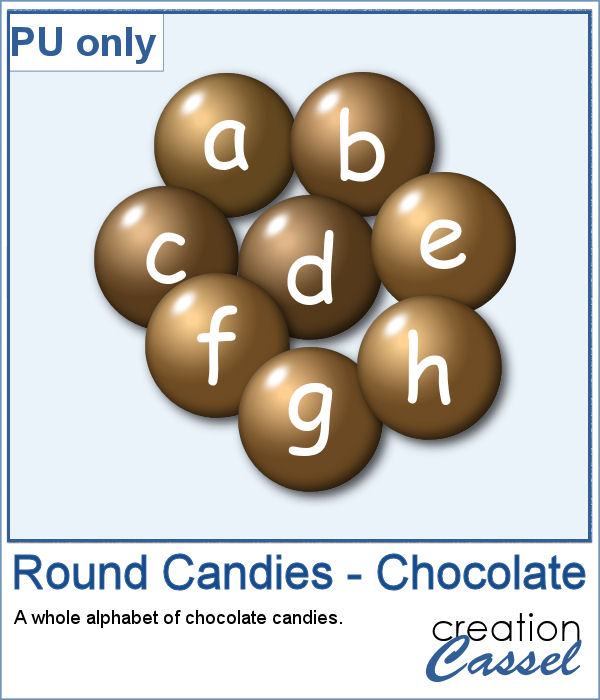
As a sample, I created chocolate candies with the whole alphabet, so you can write names and places with them.
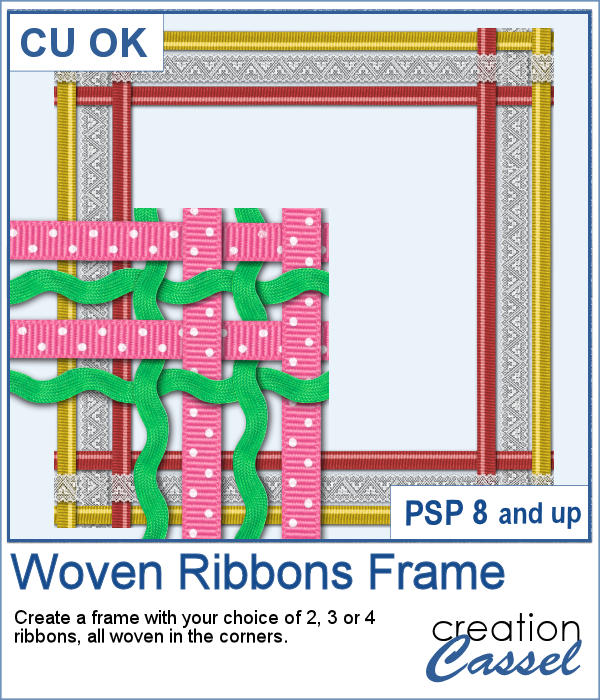
Weaving ribbons can be a tedious task, so if you want to create a frame with woven ribbons, it also means four times as many weaving to do. That can take a long time. And if you are using 4 ribbons, it also multiplies the steps.
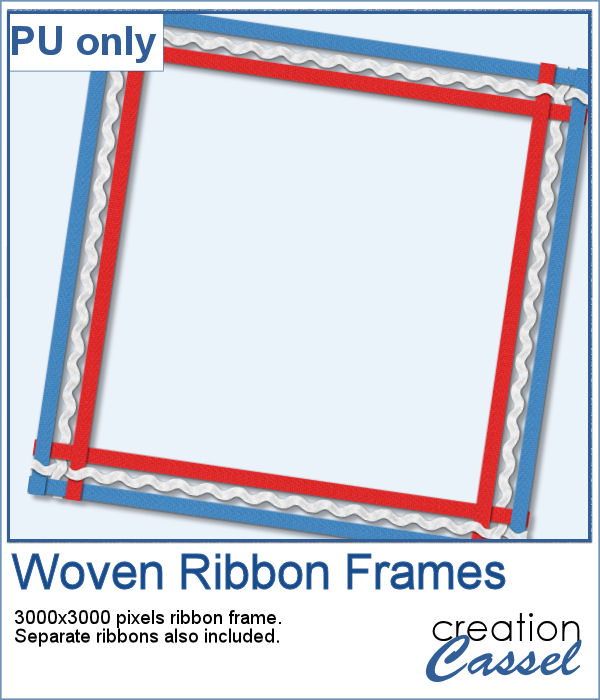
As a sampler, I created this 3000x3000 pixels frame using blue, white and red ribbons. I am also including the individual ribbons so you can create matching elements for your project.