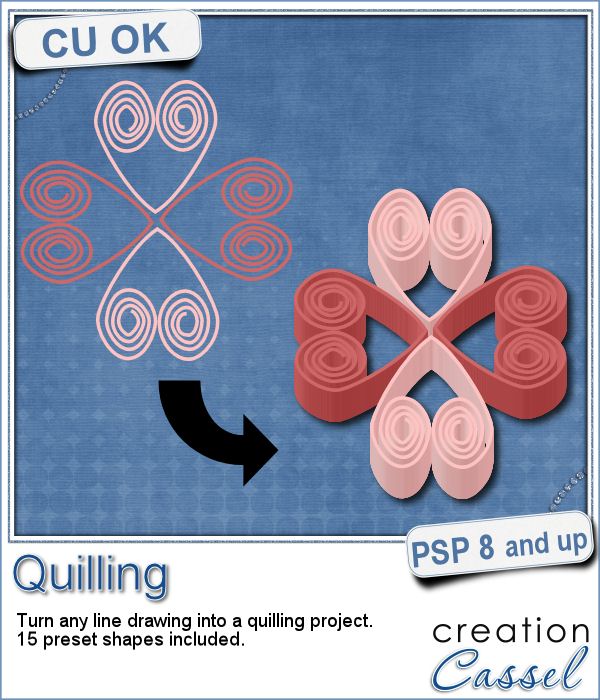
 Many years ago (at least 35), my mom got me a kit to do some quilling. I had no idea what it was and didn't even have the proper tools to do it, but I improvised and created a few fund designs by rolling those long strips of papers, and shaping them in specific ways. I loved that, and often wished I could find time (and tools) to do it again.
But, in digital scrapbooking, those tiny elements are not as easy to create, until now.
This script will turn any line drawing into strips of papers shaped like that drawing. As long as you can create even lines, using the Pen tool or the Brush tool, you can turn those lines into intricate designs.
In order to help you, the zip file also includes 15 preset shapes that you can use in the color of your choice. Resize them or distort them at will. Since they are vector, they will keep nice edges. Create your design in larger size, so it will be easier to draw, and then once it is converted into quilling, you can size it down. Super easy.
Get this script in the store: Quilling script.
Did you ever do any quilling? Tell me about your experience or what you know about this art in the comments below. I'll pick a winner next week to get this script for free (or another one, if you choose to buy it immediately). Not a subscriber yet? Not a problem. You can register here and it is free (and you only get one email per week).
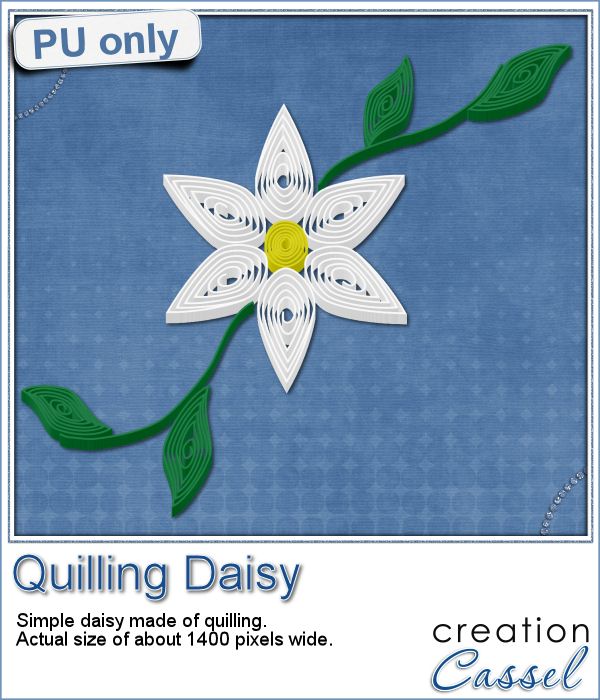 As a sampler of what can be done with this script, I made a little daisy. I used one of the preset shapes, in white. I duplicated and rotated that one petal 5 times and arrange those petals around another preset shape drawn in yellow for the center. Then, using the Pen tool, I drew a couple of free form lines. Finally, I used a third preset shape, in green, for the leaves and I placed them along those lines.
Before running the script, I merged all the layers together, and voilà! A quilled daisy, ready to be used on your projects. It is quite large so you can size it down to suit your needs.
You need to be logged in to download this sample. You can either login, or register on the top of this page.
Can you create more flowers to go with this one?
News from the Campus
Did you have a look at the forum lately? After the live class on the Out of Bound techniques, viewers have posted FANTASTIC projects using that technique. And they are so creative!
Here are just a few examples:
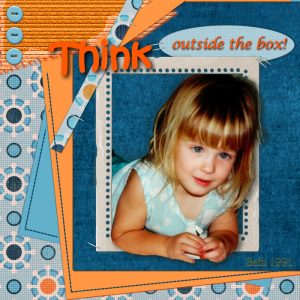
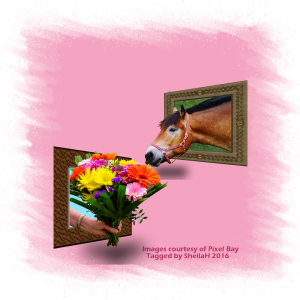
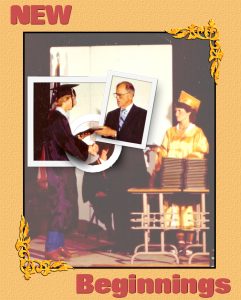
Do you want to see more? Check out the forum HERE.
And if you want to know how they created those masterpieces, check out the edited video. It is free to watch for a couple more weeks; you just have to be logged in. And yes, you will be able to create such projects.