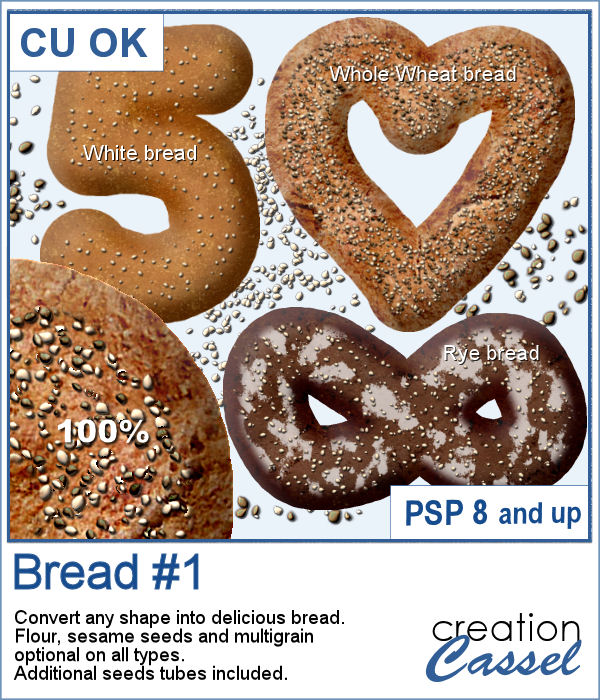
Have you ever seen, in bakeries, bread in various shapes? Now you can create a loaf in any shape you want, using this script. You can create a simple white bread, a whole wheat bread or a rye bread.
You can add some flour on top and even garnish with sesame seeds or multigrain.
It could become a fun way to write a date or a word for a baking related project. Doesn't that sound delicious?
Get this script in the store: Bread #1
In order to win this script, add a comment on this Facebook post telling us what other food item you would like to see a script create (remember, add a comment, not just a Like!) The winner will be announced in the newsletter, next week. Not a subscriber yet? Not a problem. You can register here and it is free (and you only get one email per week).
As a sample, I created a variety of bread in the shape of simple digits. I know, you can't eat them, nor can you even smell them, but I am sure they smell wonderful!
Each digit is about 1000 pixels high, and is different from the others.
You need to be logged in to download this sample. You can either login, or register on the top of this page.
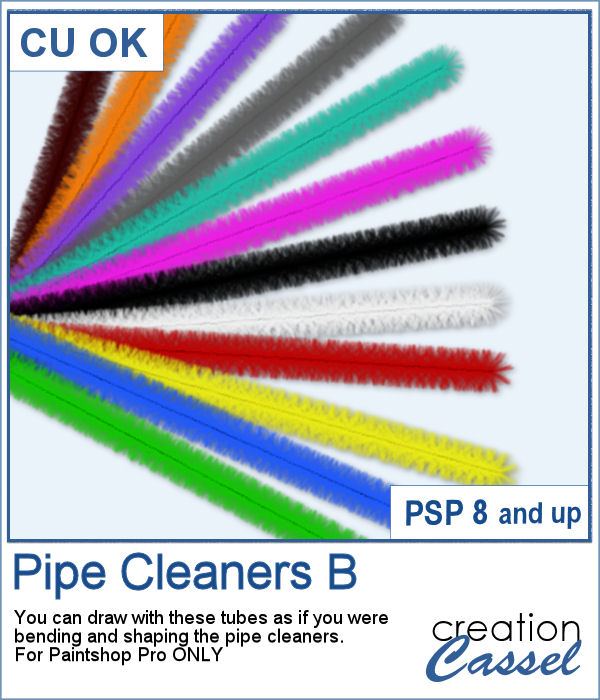
If you liked to play with pipe cleaners when you were a kid, and loved making them into various shapes by twisting them, bending them, folding them, then you will LOVE these tubes. As tubes, you can just use your cursor and create them as long as you want, in any shape you want. You get a total of 12 different colors of pipe cleaners.
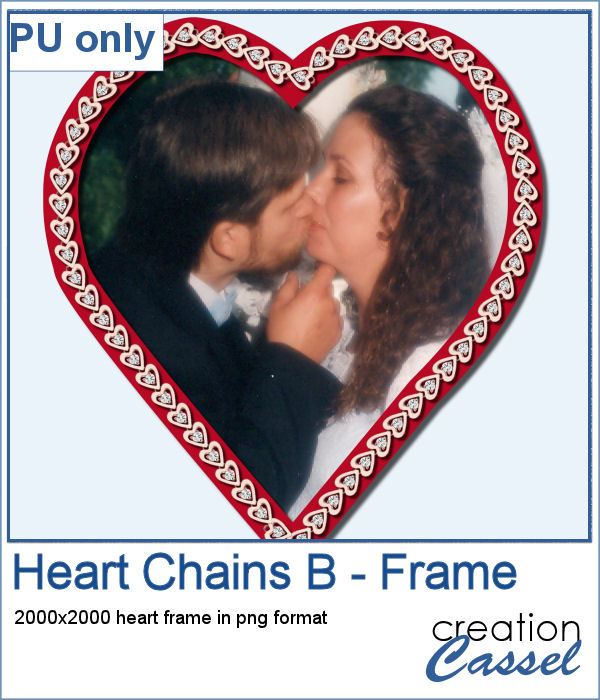
Did you get some pictures of your last Valentine Day with your valentine?
For a sample, I created a heart shape frame using a preset shape, and ran the VectorTube script to place the little hearts all along the shape. With a little shadow added, you have a fun frame. The shadow is only added to the chain, so you can add your own shadow to the whole frame if you want.
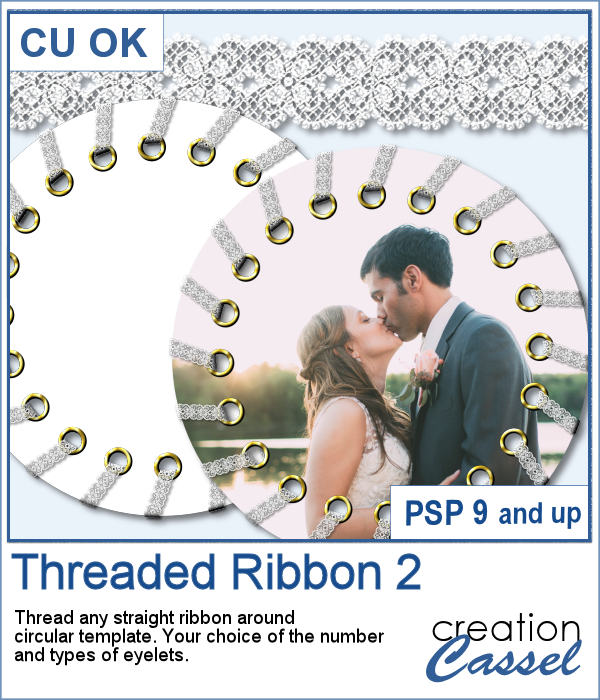
Threading your favorite ribbon manually around a frame is very tedious and hard to do precisely, but this script will allow you to do it using any straight ribbon you already have.
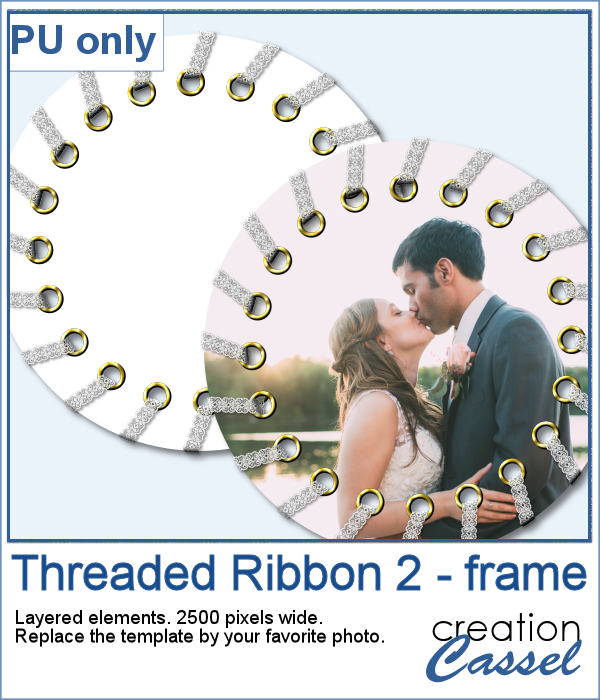
For a sampler, I simply am offering one layered template made with the lace ribbon in the preview. Everything is left on unmerged layers so you can use the template and modify it as you want. You can punch a whole in the center, or clip some fancy papers on it, or replace it by your favorite photo, like in the preview.
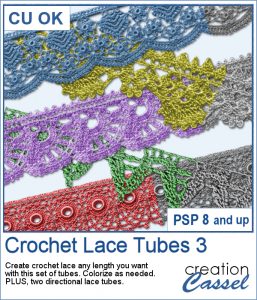
The Crochet Lace edges have been so popular in the past that I am back again with another set. These are extracted photos that needed to be edited to make them really seamless.
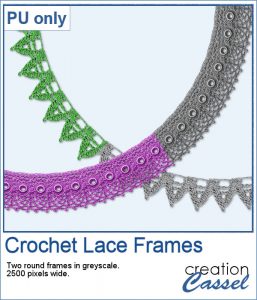
As a sample, I wanted to show you how the two directional lace tubes can be used to create circular elements.
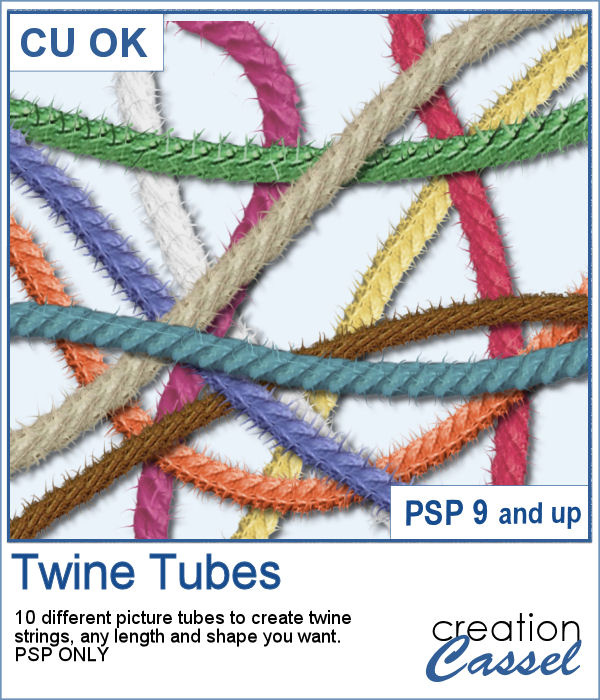
You might want some rough twine rope to tie some elements or to create a loose bunch of ropes, but you can't seem to find the right one, of the right color, or the right length or the right shape? These picture tubes allow you to draw your twine as long as you want, in any shape you want and with 10 different colors (and you can also colorize them).
As a sampler, I embellished a wood frame with the yellow twine tube, to match an old bouquet of flowers. The frame is in png format and about 2000 pixels wide. You just have to slide a photo on a layer under the frame and erase whatever exceeds on the outside. The frame already has the shadows included so you don't have to add anything!
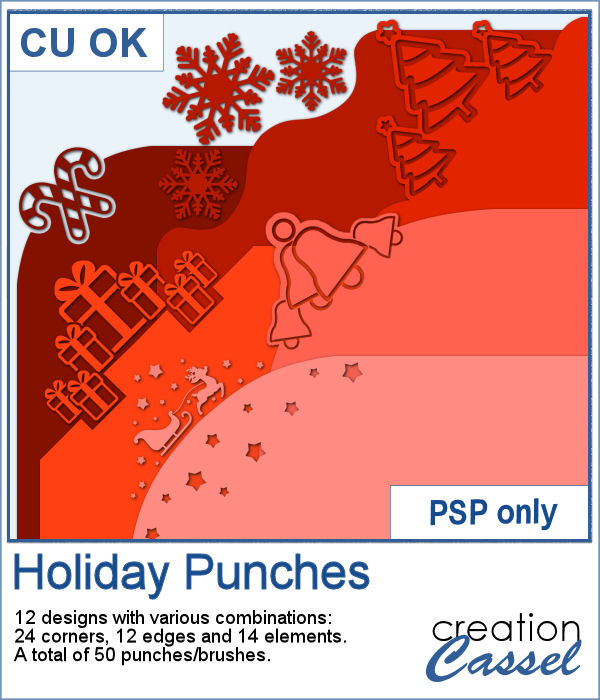
Last week, I released some new corner punches and they were a hit! But not only that, I got some inspiration from Sue, who suggested some more punches for Christmas next year. But I didn't wait until next year! I started working on those immediately.

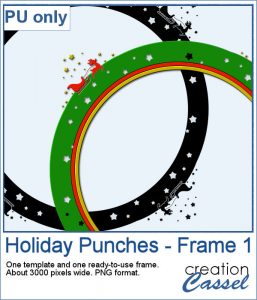
As a sample, I created a fun frame for you using one of the corner brushes. Since the brush was not making an exact circle, I added some parts to make it into a real circle. Then, using the locked transparency, I painted all the elements separately. It is not hard, but a bit tedious. Then, I simply added some colored edges inside the frame. The whole frame is about 3200 pixels wide so you can size it down as needed.
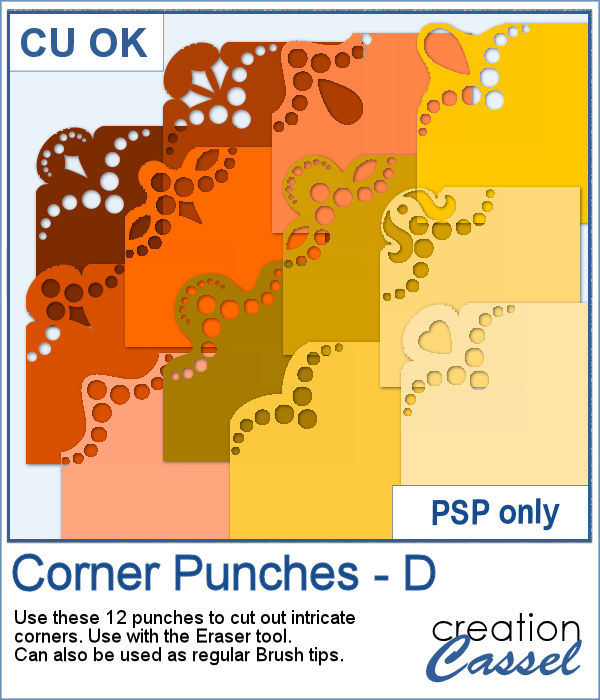
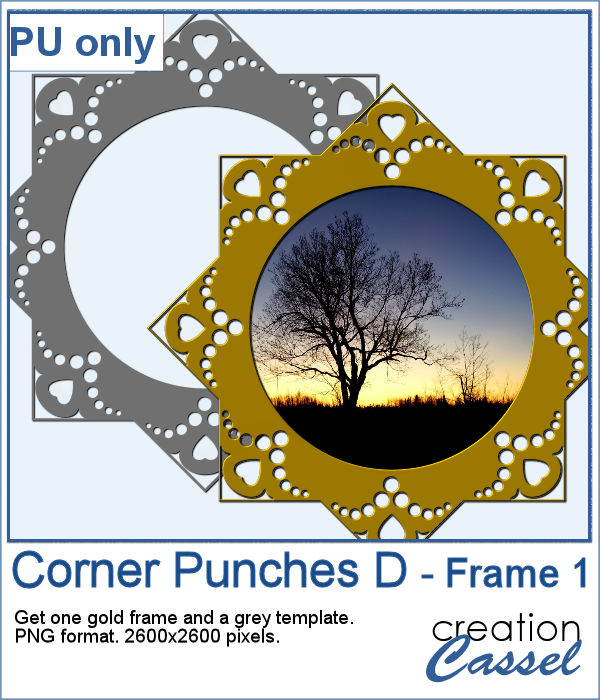
In traditional paper scrapbooking, there are tools that allow the user to punch the corners into intricate shapes. They are great if you want to use the same size for all the projects you do. In digital scrapbooking (or card making), you now can use similar "punches" simply by using the eraser tool and those fancy "corner punches" shapes. This is the fourth set of those brushes.
As a sample, this week, I created this fun frame (and matching template so you can use it with other colors/papers/effects).
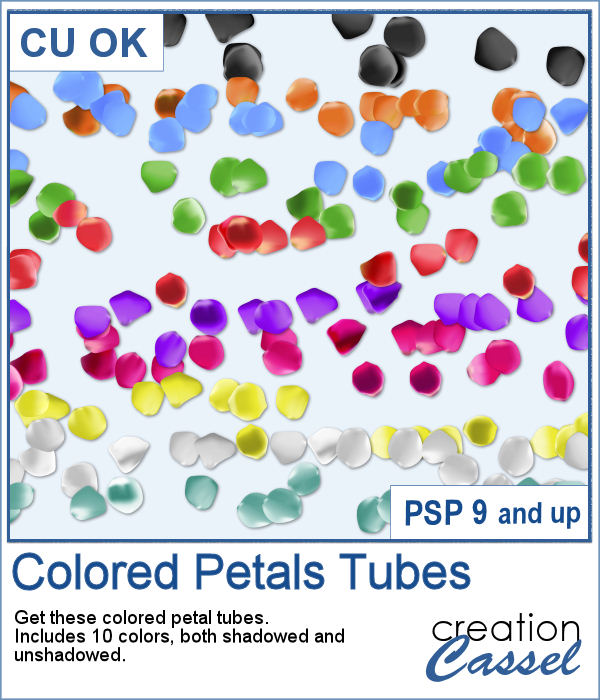
Although it is easy enough to purchase extracted flower petals, it is tedious to place them where you want, and even more if you want to scatter them randomly.
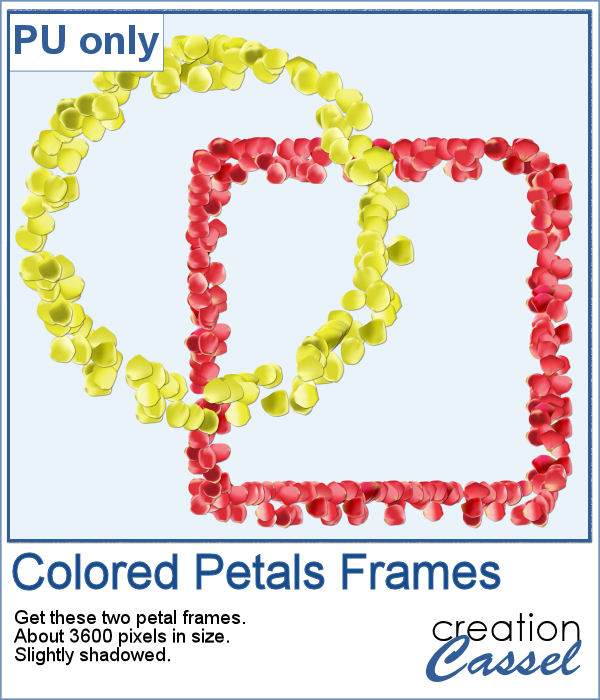
For a sample of these tubes, I created two frames made of petals. Each frame is almost 3600 pixels wide, so you can resize it as you need it.
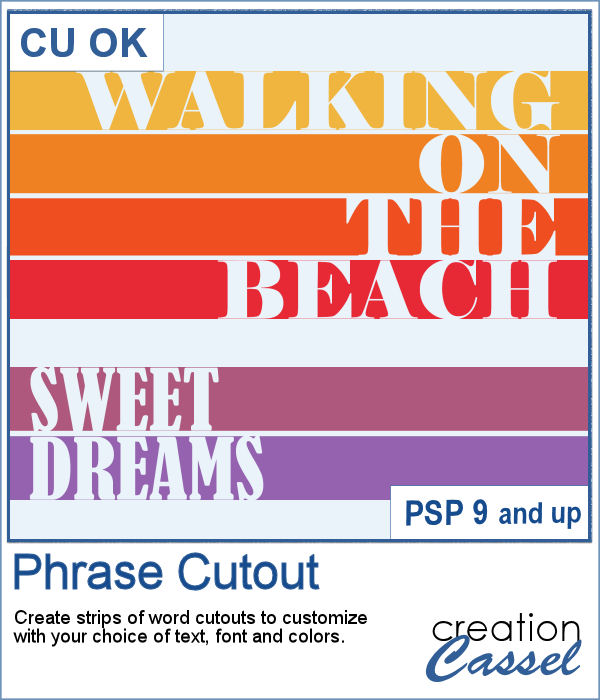
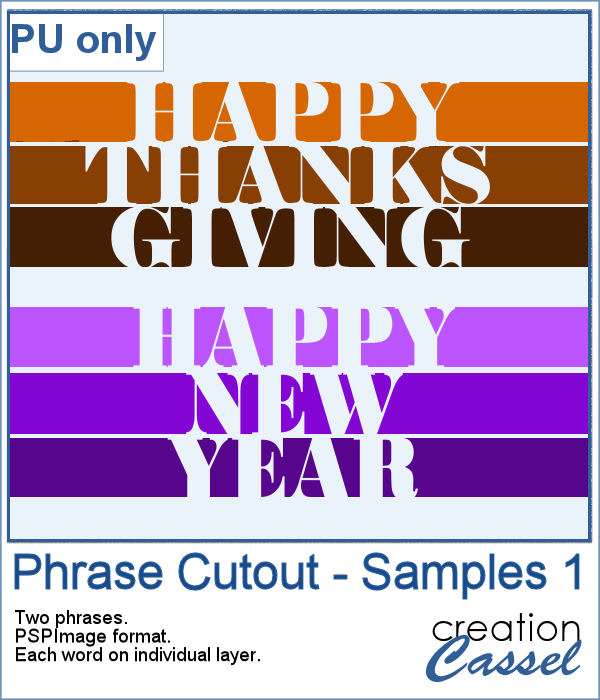
Sometimes, you might want to showcase a word or a phrase in a unique way. Using a cutout is one of those original ways to add a title, a phrase, a greeting, etc.
As a sample of what can be done with this script, I wrote two common phrases that you might want to use in the next few weeks. The strips are black (the colors are for the preview only) and about 300 pixels high and 4800 pixels long so you can place them in various ways on your project.