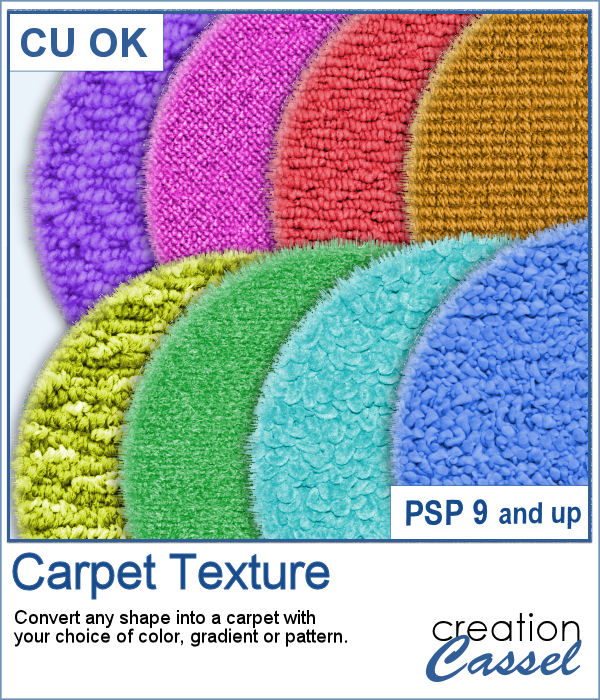
Do you sometimes wish you had a carpet background for a renovation or a decoration-themed project?
This script will allow you to convert any shape into a carpet. It could be letters, numbers, preset shapes or even designs you might have drawn by hand.
You can also choose any solid color, gradient or even patterns for your carpet.
There are 8 different textures you can choose from or you can let the script pick one at random for a surprise effect.
Get it in the store: Carpet Texture
In order to win this script, add a comment on this Facebook post telling us what you would create in carpet texture (remember, add a comment, not just a Like!) The winner will be announced in the newsletter, next week. Not a subscriber yet? Not a problem. You can register here and it is free (and you only get one email per week).
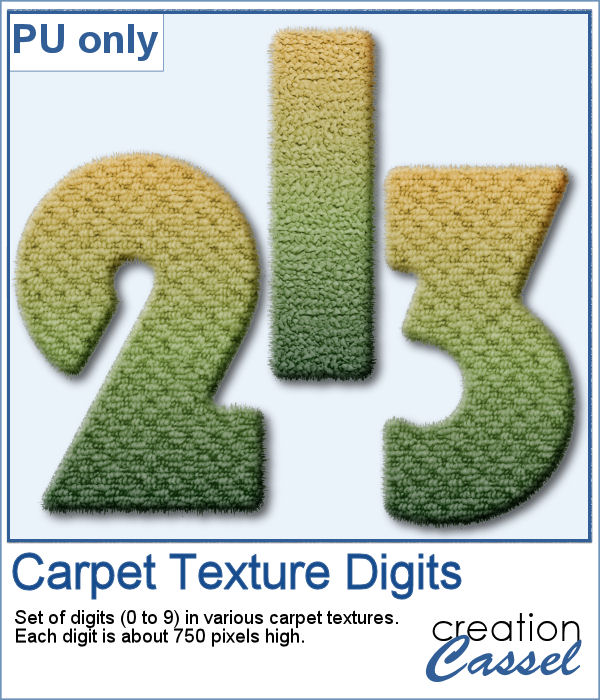
As a sampler, I created a series of simple digits using a gradient for the color. The textures are randomly picked by the script. Each digit is about 750 pixels high.
You need to be logged in to download this sample. You can either log in or register on the top of this page.
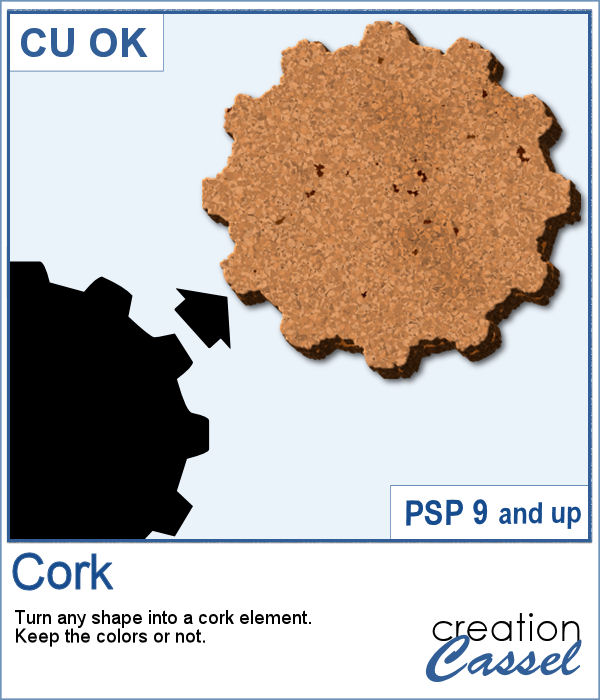
You can now have a corkboard to add any note, memo, paper, or even some lost and found objects. And even better, that board can be any shape you want.
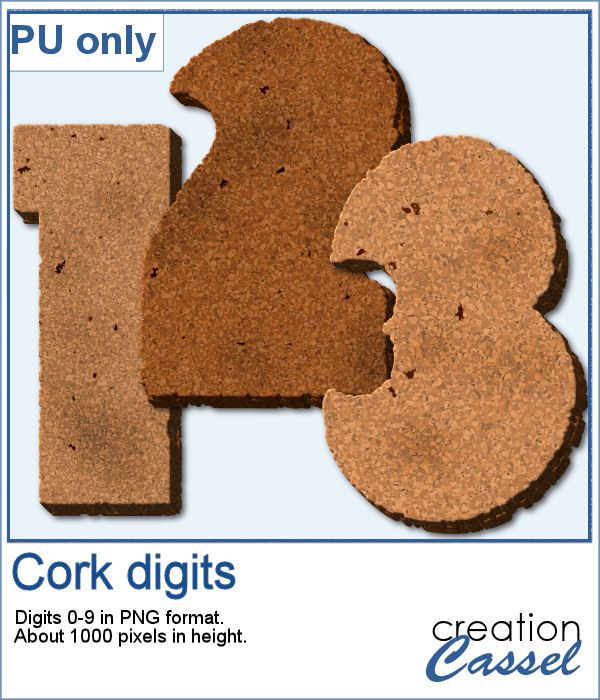
For a sampler, I created individual digits using the font Rolipoli, which is a fat font, in order to give enough room to pint elements. Each element is about 1000 pixels in height and in PNG format.
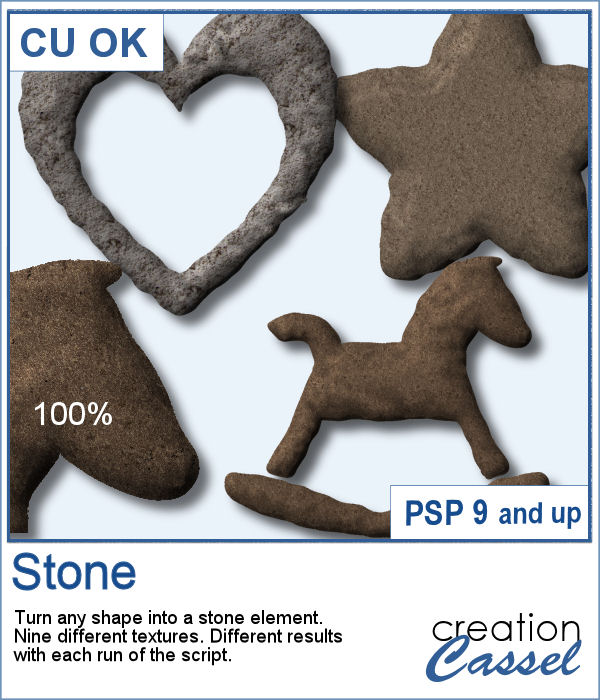
You might want to have a carved shape from stone. But can you always find that exact shape? Probably not, especially if you want something that is other than a basic shape.
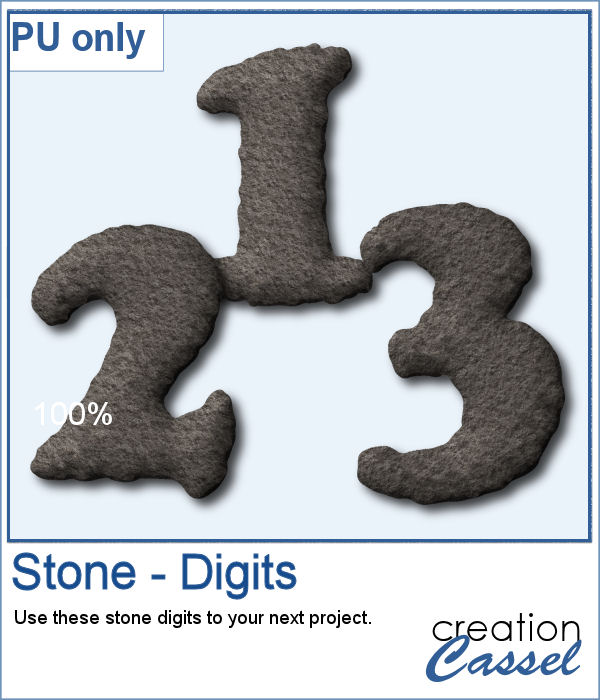
As a sampler, I created a set of digits that you can use to add a date or other numerical element to your next project. All the digits use the same basic stone texture.
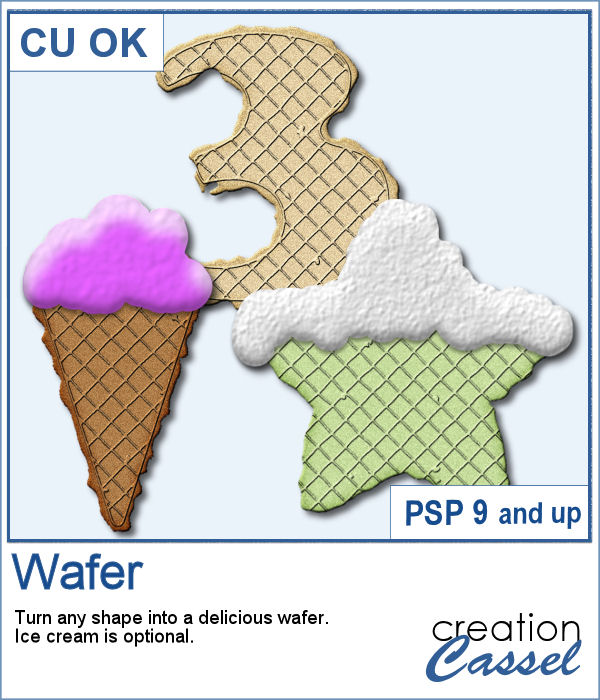
Do you have a project showcasing something sweet? Do you want to get some special shapes as a treat?
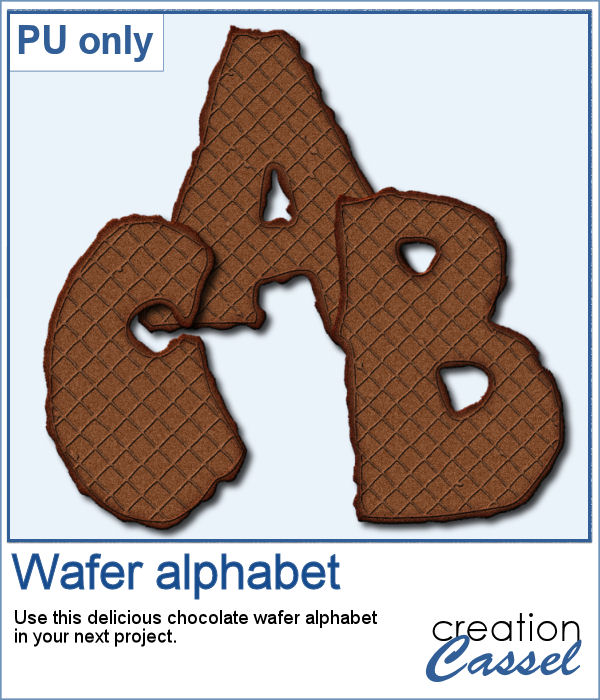
For a free sample, I created a complete alphabet using a fat font for some delicious treats and a chocolate wafer. There is no ice cream or icing on them, but you can add your own afterward.
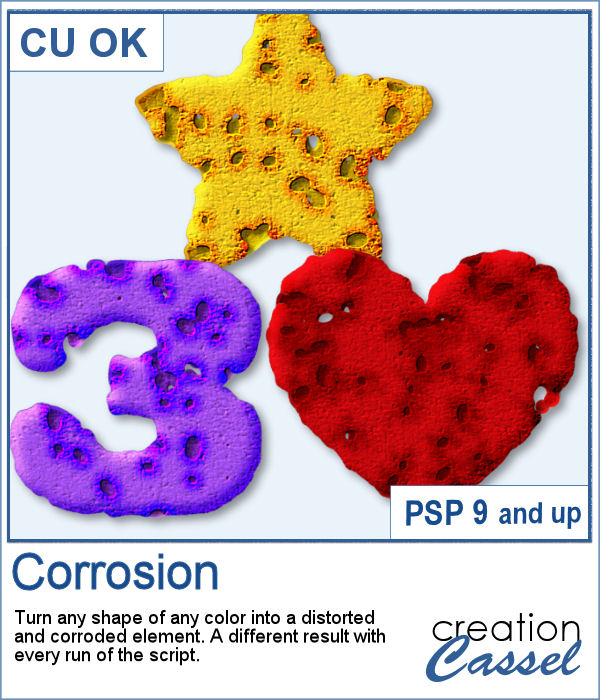
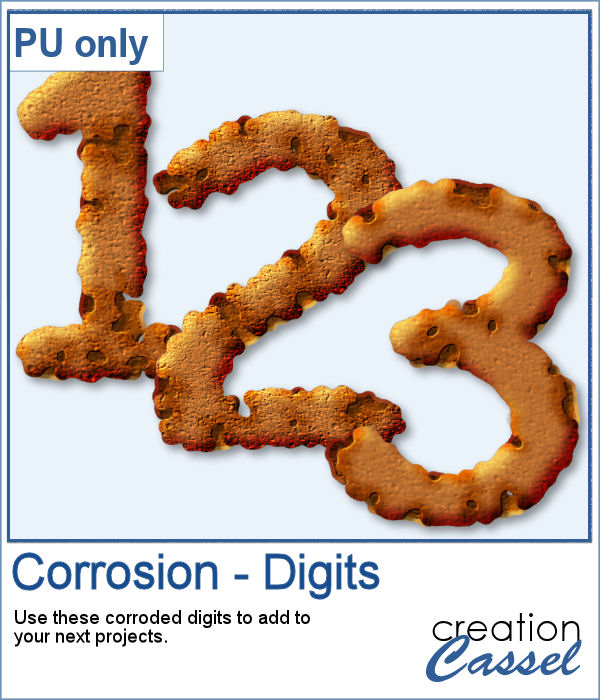
If you want to add a corroded look to an element, how would you do it? If you are using a premade texture, it will likely be always the same one, but is corrosion really the same all the time?
As a sample, I created a simple set of digits that ended up corroded. You can use those digits to add a date of something that is old or something that seems to be bad.
Cracked paint can be used on many drawings, paintings, or writings to give a worn look. You can surely use an overlay, but it is also nice to get a different result.
For a sample, I found some fun summer cards that are now worn out, after the summer. Use them as cards, or posters.
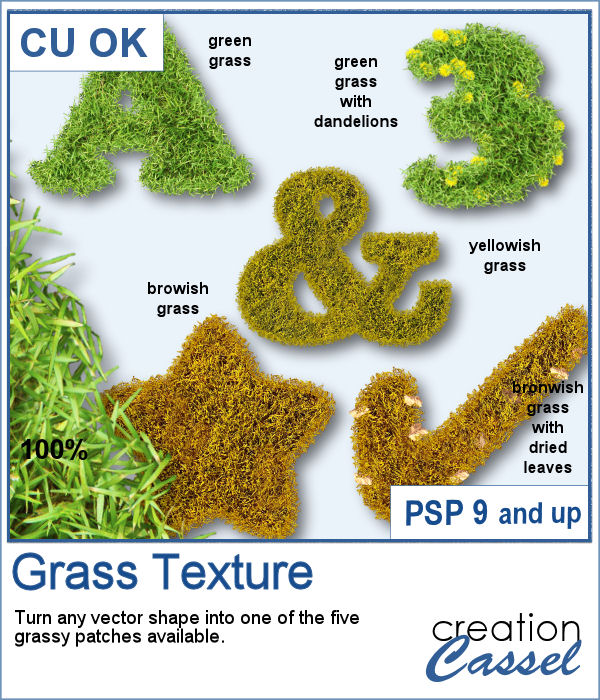
Whether you are creating a project about gardening, golfing or fall, a little patch of grass can be a fun addition, in any shape possible. Why not make a frame? or write a title in a grassy texture?
For a sampler, I created 4 similar frames for you with grass of different lengths, but they all have dandelions!
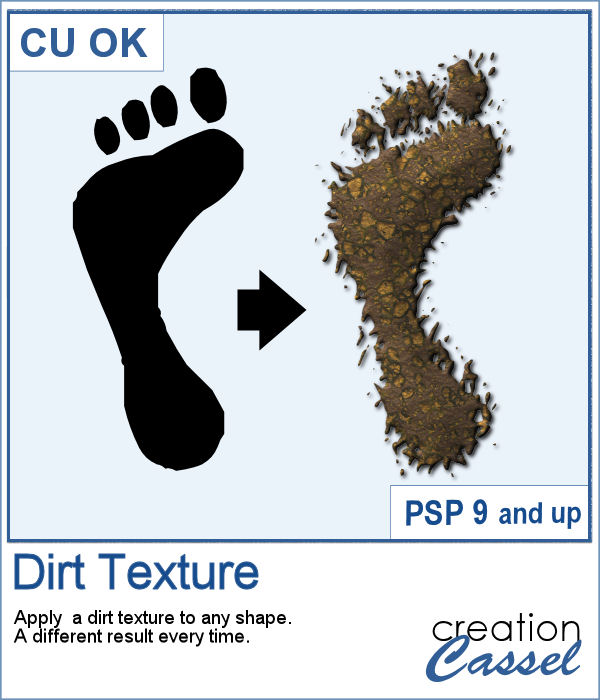
We might sometimes, want to showcase some photos of messy kids (ours or even ourselves). What better way than have a "dirty" element, complete with a splash of mud on the side?
As a sampler, I created a basic square frame and ran the script. You now have the perfect frame to showcase those "muddy" photos.
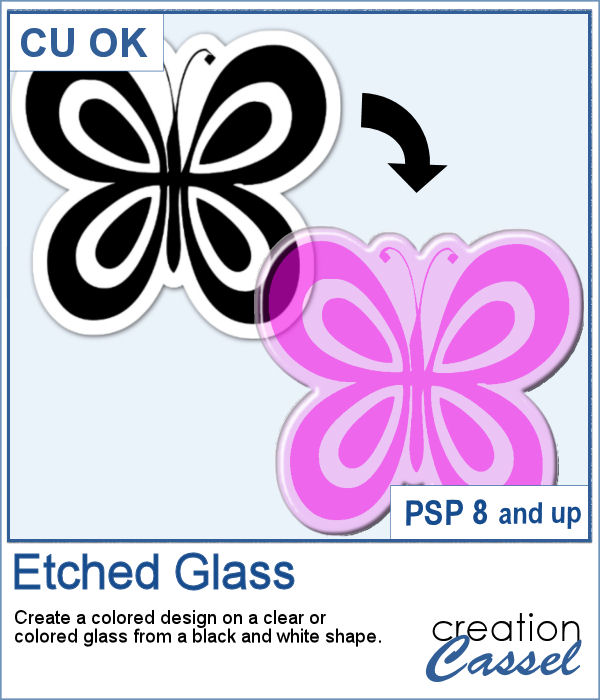
How about creating a fun and unique etched element in the shape and color of your choice. This script will allow you to do just that to create alphabets, titles, shapes even frames starting with a simple black and white image.
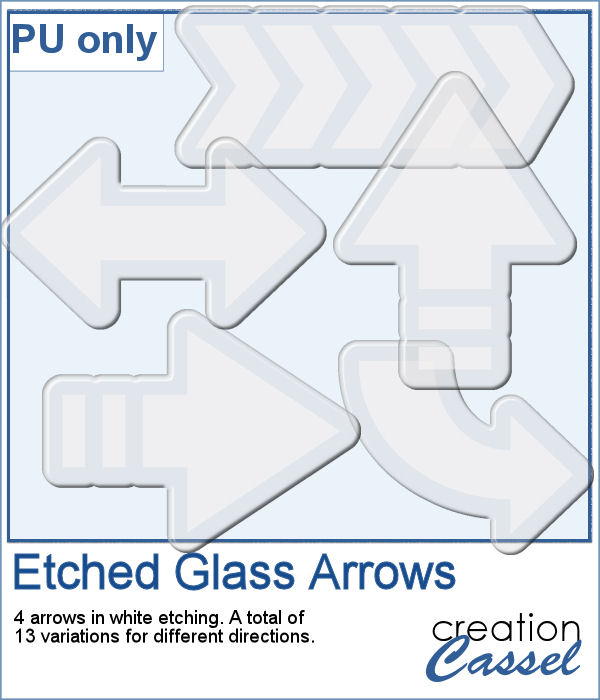
Using the script, I created a set of 13 arrows from 4 different shapes. Because of the 3D effect applied to the elements, it is not possible (or recommended) to rotate them more than just a little without messing up the light and shadows from the elements themselves. That is why, each shape has been run the script in different orientations. These arrows will be a great way to add focus to an element of your project.
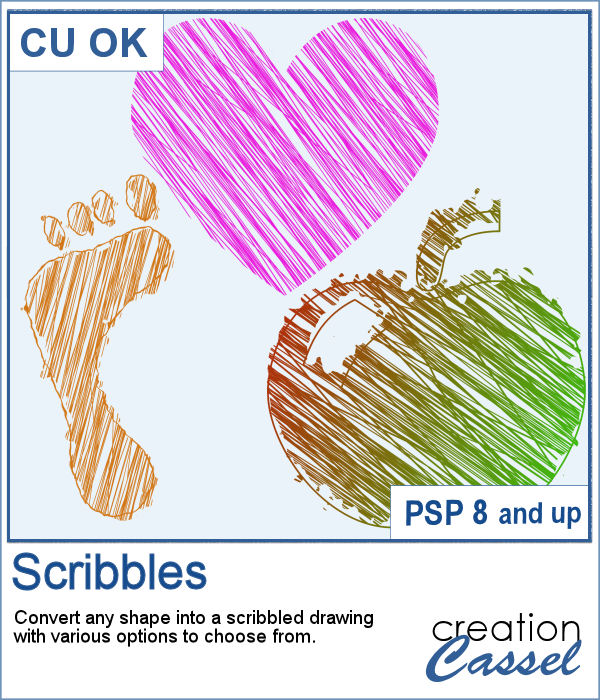
Whether it is for a kid project, a school-related project or just for the fun of it, you can now create scribbled drawings out of any shape or letter, whether you drew it with a brush, a preset shape or the text tool.
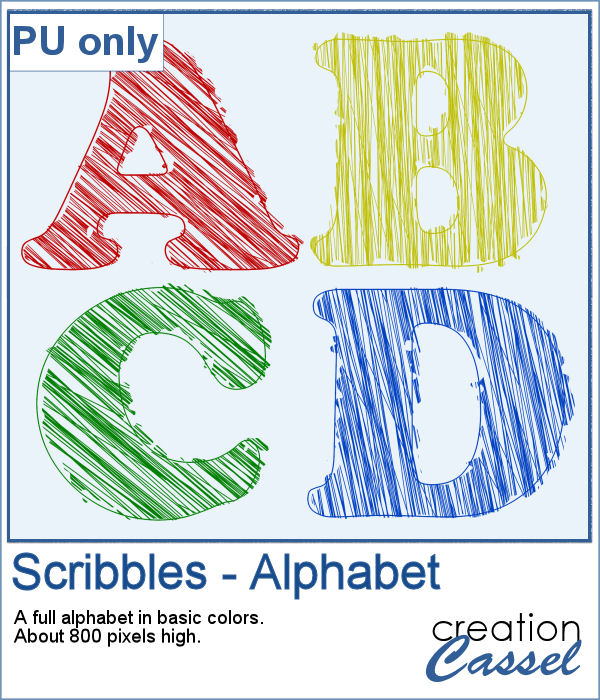
As school is either starting or going to start soon, I created a full alphabet using this script. I picked four basic colors for a really bright effect. Remember that if you want those to be considered scribbles, you should not add shadows. However, if you want to pretend the lines are strings or wires, then you can add some. Don't go crazy with the shadows though; you don't want your element to feel like they are floating.